GongBan AI Team | Shenzhen | About a 7-minute read
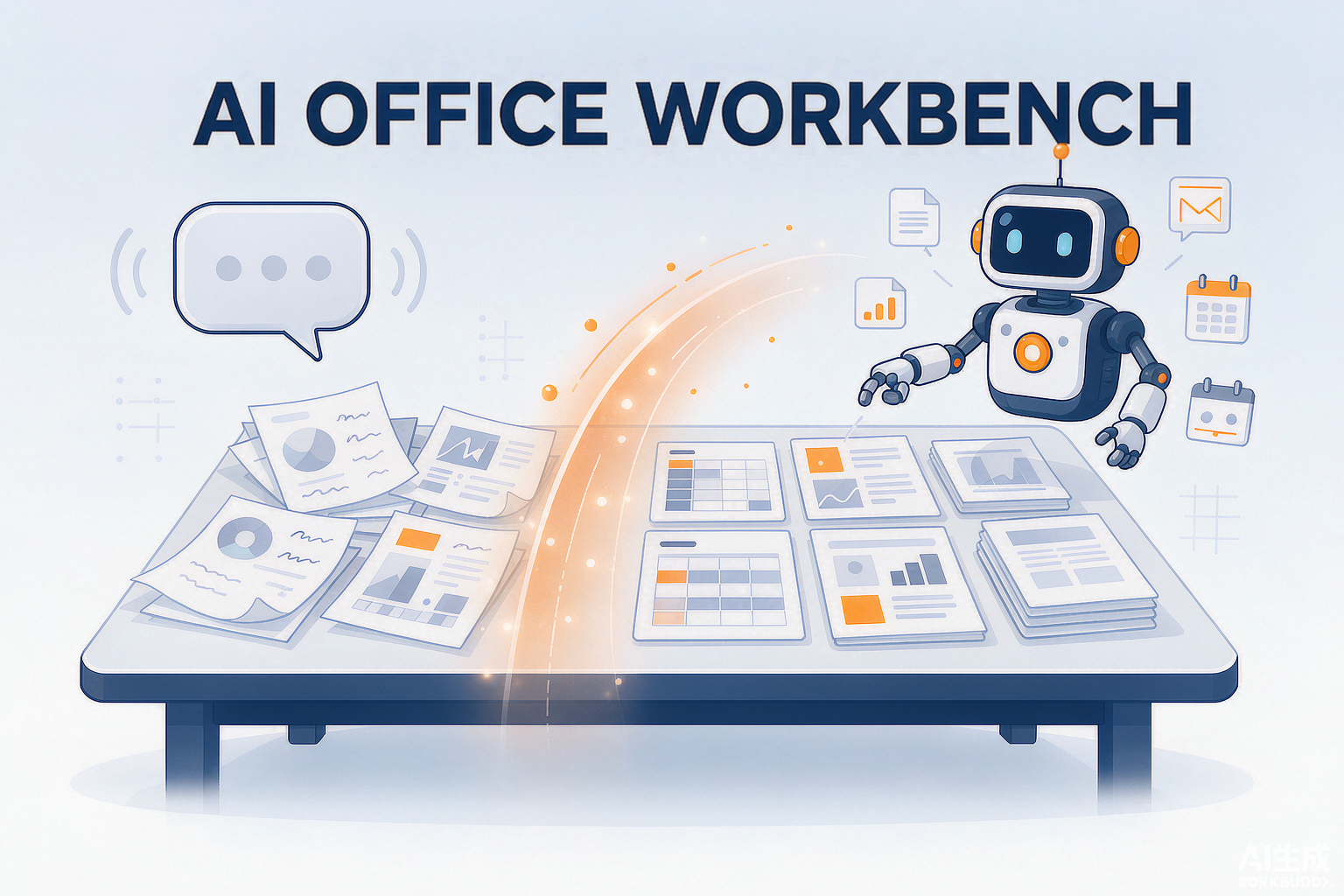
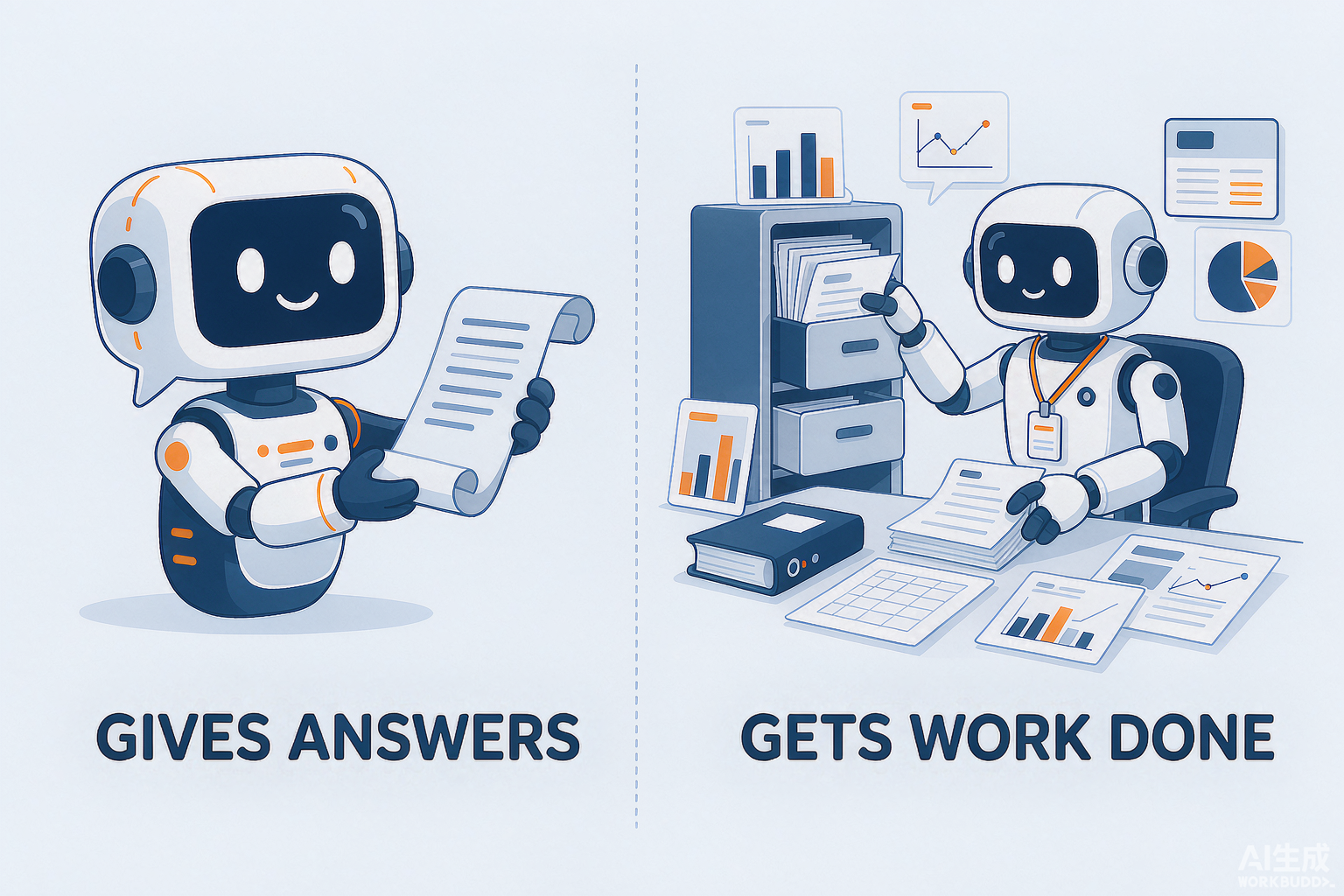
WorkBuddy, Doubao, and DeepSeek are not the same kind of product: Doubao and DeepSeek are general-purpose AI chat assistants that hand you a block of text to copy; WorkBuddy is an AI office workbench from Tencent that can break down tasks on its own, operate local files, and deliver finished documents, spreadsheets, and slides. This is the comparison we get asked about most in enterprise selection consulting, so this article settles it with one table and four questions.
First, a common mix-up to clear up: it is never a choice between WorkBuddy and DeepSeek. According to public information, WorkBuddy supports switching among mainstream models such as Hunyuan, DeepSeek, GLM, Kimi, and MiniMax — meaning a model like DeepSeek can serve as one of the engines behind WorkBuddy. The model is the engine; WorkBuddy is the whole car.
One Table to See the Differences
| Dimension | Doubao / DeepSeek | WorkBuddy |
|---|---|---|
| Positioning | General-purpose AI chat assistant | AI office workbench that operates local files (a Tencent product) |
| Deliverable | A block of text you copy, format, and save yourself | Ready-to-use documents, spreadsheets, and slide files |
| File access | Chat only — it never touches the files on your computer | Reads, writes, and batch-organizes local files within granted permissions |
| Task mode | One question, one answer; you break down and chain the steps | You assign a task, it plans and executes on its own, you review the result |
| Models | Its own model | Switchable among Hunyuan, DeepSeek, GLM, and more (per public information as of 2026) |
| Enterprise features | Designed for individuals | Enterprise edition offers org-structure management, audit logs, and tenant data isolation (per the official product page) |
| Best for | Everyday Q&A, research, casual writing | Roles and teams that need AI to finish the work |
The most decisive row in this table is file access. However clever Doubao or DeepSeek gets, there is always a screen in the way; WorkBuddy can be authorized to operate the files on your computer — that is the dividing line between a "chat box" and "someone who does the work."
Why Bosses Think "They All Look the Same"
The one-sentence answer: in everyday demos they all look like chat boxes; the differences only show up on real tasks.
Take a comparison we often run in training sessions: consolidate 30 Excel files scattered across folders into a weekly report with charts.
- With a chat assistant: upload files one by one (many cannot be uploaded at all), copy-paste the data, format it yourself — the AI writes two paragraphs of summary, and you still do the rest.
- With WorkBuddy: grant access to the folder, say "consolidate this into a weekly report," and it breaks down the steps, reads the files, does the math, and generates the file for your review.
The first is asking for directions; the second is hiring a designated driver. These products are not on the same level, so strictly speaking "which is better, WorkBuddy or Doubao" is not a valid question. The right question is: does your task require AI to touch your files and your computer?
Four Questions Settle the Selection
- Does the task involve local files? Yes (consolidating spreadsheets, batch renaming, organizing contracts) → a desktop agent like WorkBuddy is the most direct fit. No (pure Q&A, research) → Doubao or DeepSeek is enough, and free.
- Can the data leave your domain? For sensitive client or financial data, look at how the enterprise edition is deployed. Per the official product page, WorkBuddy Enterprise Exclusive offers single-tenant dedicated deployment and tenant data isolation; handle sensitive company data with chat assistants only with great caution.
- Who maintains it? For business users working solo → prioritize out-of-the-box tools. For complex multi-agent workflows → you need an orchestration platform, and the two can be combined.
- What office suite does the team already use? Per the official product page, WorkBuddy connects to Tencent Docs, WeCom, Tencent Meeting, and more — companies already deep on Tencent tools face the lowest integration cost.
How They Combine in Practice
In real deployments we rarely advise keeping only one:
- Everyday Q&A and personal productivity: Doubao / DeepSeek — free and always at hand.
- Job-level "get the work done": WorkBuddy, paired with training to lock in high-frequency tasks.
- Multi-agent orchestration with a technical team: add an orchestration platform on top and let WorkBuddy be the execution layer.
Boundaries: What WorkBuddy Cannot Do
Drawing clear boundaries is more credible than claiming omnipotence. Tools like WorkBuddy are not for: decisions requiring professional judgment and accountability (legal opinions, financial decisions — it can only help organize materials); re-platforming an ERP or integrating legacy systems without APIs; or turning individual experience into organizational capability (that takes method and training, which no tool ships with). Also, WorkBuddy is a Tencent product; what we provide is training and implementation services for it — we want to be clear about that upfront.
One-line summary: Doubao and DeepSeek are everyone's "information window"; WorkBuddy is a "digital employee" that needs onboarding. First decide whether you want answers or finished work — then talk about which to pick. To find out which combination fits your team, book a free enterprise AI diagnosis from GongBan AI.
Further Reading
- What Is WorkBuddy? Positioning, Core Capabilities, and Boundaries
- WorkBuddy vs. WeCom, Feishu, and Coze
- What WorkBuddy Can and Cannot Do: A Boundary Checklist
References
- WorkBuddy official product page (workbuddy.cn), public statements on capabilities, connected tools, and enterprise editions (as of 2026)
- GongBan AI, "What Is WorkBuddy? Positioning, Core Capabilities, and Boundaries (2026 Complete Edition)", 2026-09-15, https://www.gongbanai.com/en/article/workbuddy-what-is.html