Most introductions explain what WorkBuddy can do and rarely discuss what it cannot do. For real implementation, however, those limits determine whether a team runs into trouble.
A tool claiming omnipotence is the most suspicious sign. The checklist below separates suitable tasks from those that should not be delegated. You can check the tasks one by one according to the tasks in your position.
Six categories of tasks it does well
| Task type | Typical scenario | Why is it suitable |
|---|---|---|
| Document writing and rewriting | Weekly report, first draft of plan, simplified meeting minutes, multi-version copywriting | There are clear input and format requirements, and the results can be accepted |
| Data sorting and analysis | Multi-table summary, field cleaning, chart generation, outlier investigation | The rules are clear, repetitive, and manual work is slow and error-prone. |
| Batch file processing | Batch renaming, format conversion, and archiving by rule classification | Typical "Machines are 10,000 times faster than humans" tasks |
| Content creation | PPT, posters, data charts, marketing copywriting | With templates and materials, a usable first version can be produced |
| Information gathering and structuring | Industry information capture, competitive product data collection, and information table generation | Retrieval and induction are the strengths of the model |
| Rule-based processes | Perform approval pre-processing, generate to-do and periodic reports according to fixed rules | The clearer the SOP, the more stable the execution will be. |
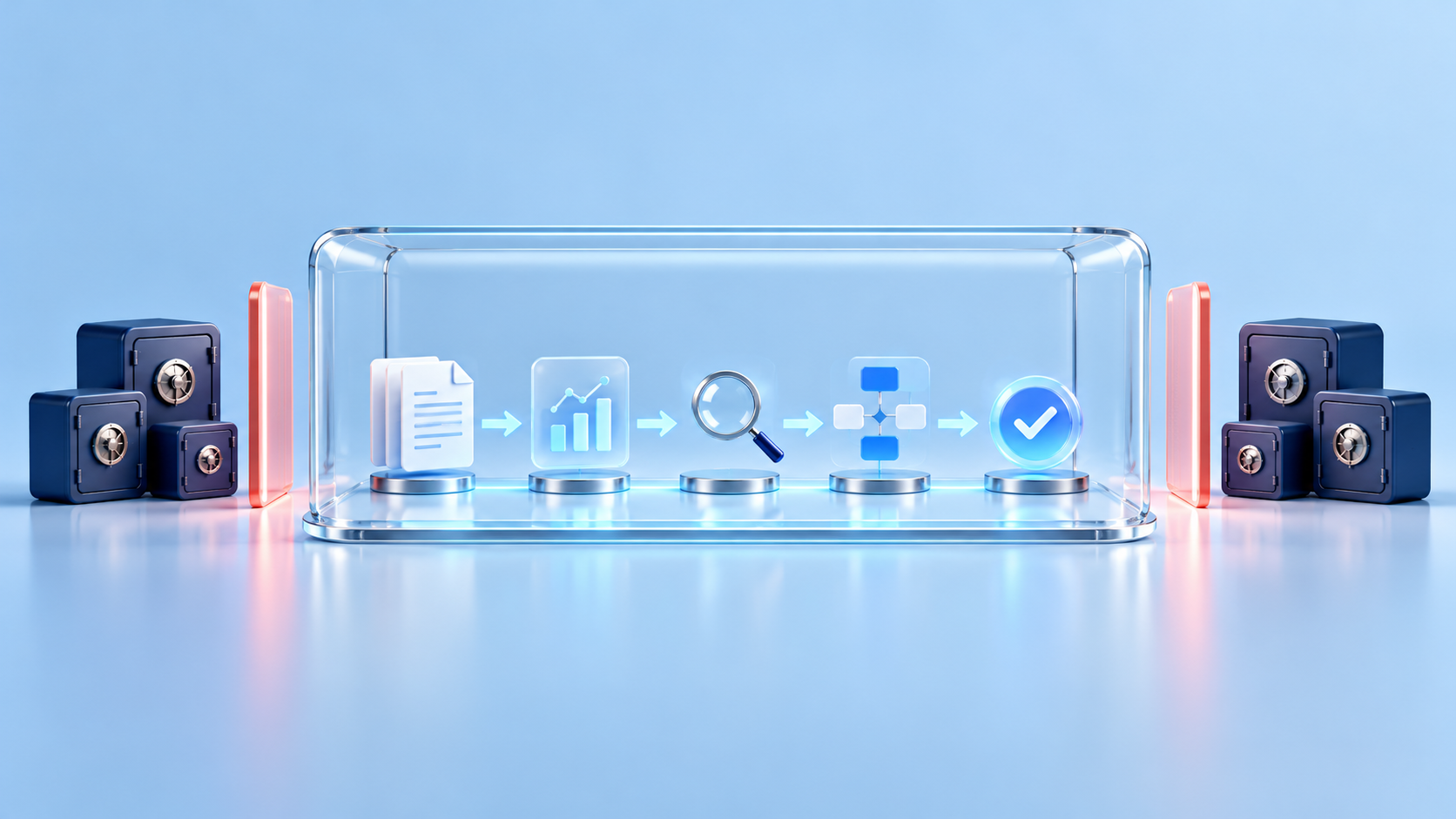
Common characteristics of these six categories:Clear input, clear rules, and acceptable results. If a task meets all three criteria, it is usually a strong candidate for delegation.
Three task categories you should not hand over to it
Category 1: Matters requiring professional judgment and responsibility
Legal opinions, medical diagnosis, financial decisions, investment advice. It can organize the material well, but the conclusion must be signed by a qualified person. This is not a question of capability, but a question of the subject of responsibility - if something goes wrong, the AI cannot bear the responsibility, but your company can.
Category 2: Open decision-making with no standard answer
Should a certain product line be cut? Should this person be promoted? Which market should we focus on next year? What is lacking in this type of problem is not the ability to process information, but the understanding of the organizational context and the responsibility for the consequences. It can help you organize the basis for your decision-making and should not make decisions for you.
Category 3: System transformation that requires deep integration across organizations
It is good at operating files and calling connected tools. It is not responsible for reconstructing ERP for you, opening up old systems without interfaces, or rebuilding the data center. This kind of thing requires a system integration project, not an AI-agent task.
A quick criterion
When you are not sure whether a certain task should be assigned to it, ask yourself this:
After this is done, can I judge within five minutes whether it is right or not?
Yes → Delegate it: the system can work quickly, and you can verify the result quickly. No → Do not assign it yet. Because you need to spend a lot of time to verify, the time saved is returned, and you may make mistakes due to missed detections.
This standard explains a common confusion: why some people use it smoothly, while others feel "it's better to do it yourself".The difference is usually not in the tools, but in the tasks chosen. If you choose the right task, the acceptance can be completed in five minutes, doubling the efficiency; if you choose the wrong task, the acceptance cost will be higher than doing it yourself.
A real example
We delivered to a traditional manufacturing company. Its financial and business data were scattered across multiple systems, and Amoeba-style payroll calculations took four hours. The approach after the transformation is not to "let AI be an accounting system";Divide the accounting rules into clear steps and clearly define the input and output of each step., and then hand it over to AI to execute according to the steps, and humans will make the final review. The result is that the accounting time is reduced from 4 hours to 5 minutes, and the cross-system order query is reduced from the hour level to the second level.
The key is not that "AI is strong";First explain the rules clearly, then let it be executed, and finally retain the manual final review.. Without any of these three steps, the case will not be established.
FAQ
Can WorkBuddy completely replace a position?
That design is not recommended. A reasonable goal is to let it take on the most repetitive part of the job, freeing up people's time for judgment and exception handling. Designed directly according to "replacement positions", it will usually overturn in abnormal scenarios.
Will it generate the wrong content?
Yes, any generative AI will. There are three levels of control: first, the task rules are clearly written and the boundaries are clear; second, the results must be manually inspected and accepted; third, sensitive content (prices, commitments, legal statements) involving external releases must be manually reviewed. It is unrealistic to expect it to have zero errors. Establishing an acceptance mechanism is the right answer.
Is it safe to handle sensitive company data?
Depends on version and configuration. The personal version and the enterprise-specific version have different data boundaries. When it comes to customer information and financial data, use an enterprise plan and confirm the data flow with the security person in charge. Do not use the personal version to process company data.
Can it operate on our internal legacy systems?
If the old system has an interface, or it can connect via MCP, yes. If there is no interface at all, system docking work needs to be done first - this part is an integration project and belongs to another matter.
Data scope description: The capability description in this article is based on the WorkBuddy official product page and public product information; the case data comes from our own delivery projects. Product functions change with version iterations, please refer to official information.