
Complete table of contents of 28 chapters: from installation introduction to AI working system
This is a Chinese WorkBuddy user manual based on real tasks. You can start with the download and installation and the first task, then enter Skills, connector, mobile office, knowledge management, professional diagnosis, content automation and multi-agent teams, and finally turn one success into a reusable AI work system for the team.
This article is compiled from open source projects WorkBuddy Blue Book (WorkBuddy Guide). The original article is published under the MIT License and is copyrighted by WorkBuddy Guide Contributors. This site has completed full-text rearrangement, interface screenshots, and directory reconstruction; please retain this license and signature if you use it again.
Part 1: User Manual—Getting Started with WorkBuddy
Chapter 1: Getting to Know WorkBuddy
WorkBuddy It is the latest full-scenario workplace AI Tencent workbench,
Aimed at different workplace roles such as human resources, administration, operations, sales, and R&D, it is an AI office application that can think, perform tasks, and deliver results like real colleagues.
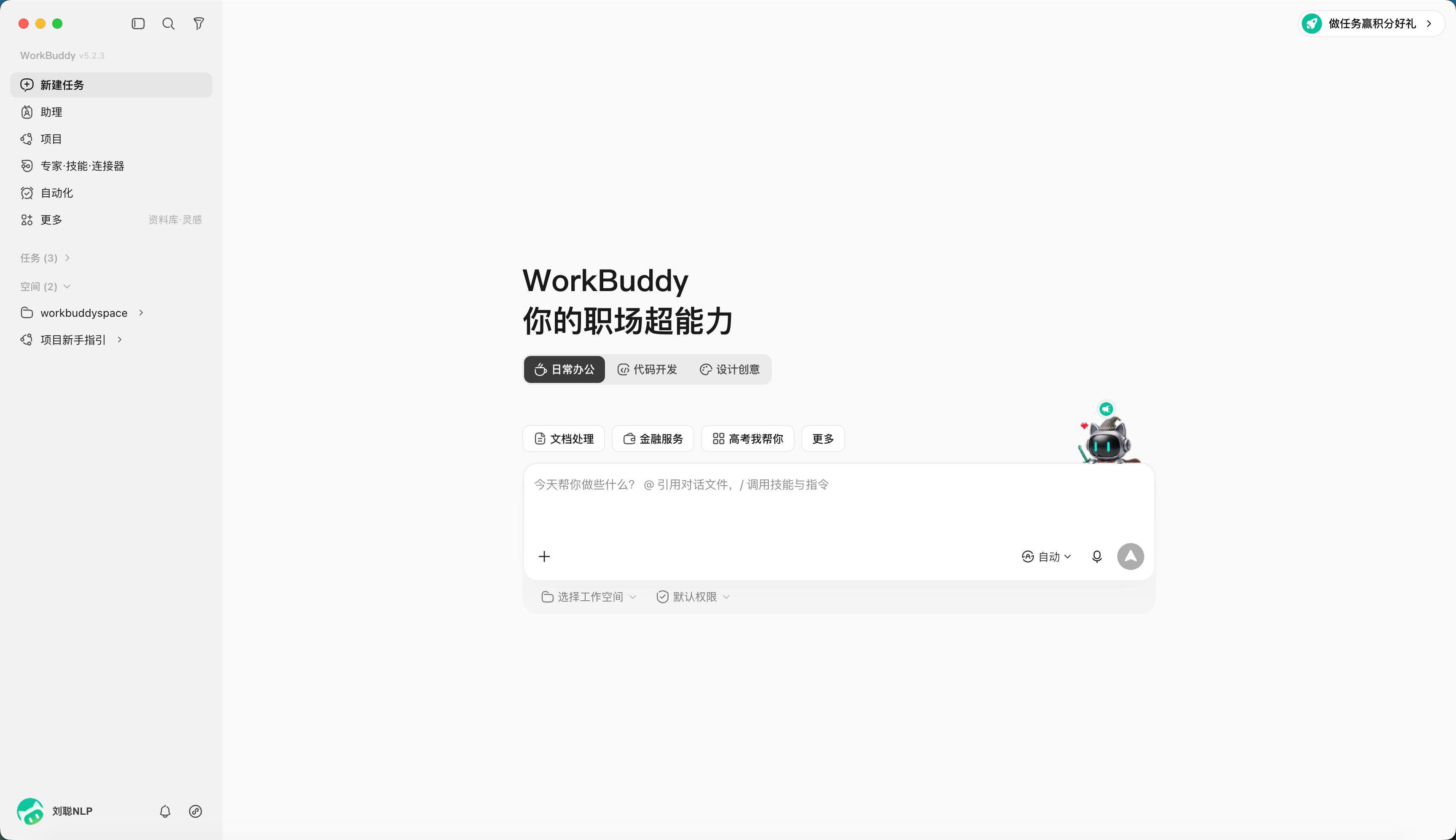
From "answering questions" to "delivering results"
Unlike traditional AI assistants, WorkBuddy doesn’t just chat with users, answer questions, or give advice.
Users only need to use a sentence of natural language to describe the requirements, and it can understand the task goals, independently plan the execution steps in the local computer, and complete complex multi-modal tasks.
After obtaining user authorization, WorkBuddy can read and process local files, and automatically complete batch file processing, document generation, table analysis, PPT production, multi-modal content creation, industry research, local Knowledge Base construction, etc.
For more complex tasks, it can also autonomously disassemble the steps and parallelize them through multiple AI agent (Agents), reducing the cost of manual switching between different tools, files and tasks.

For example, users can directly tell WorkBuddy to analyze the sales data in this folder and generate a report PPT.
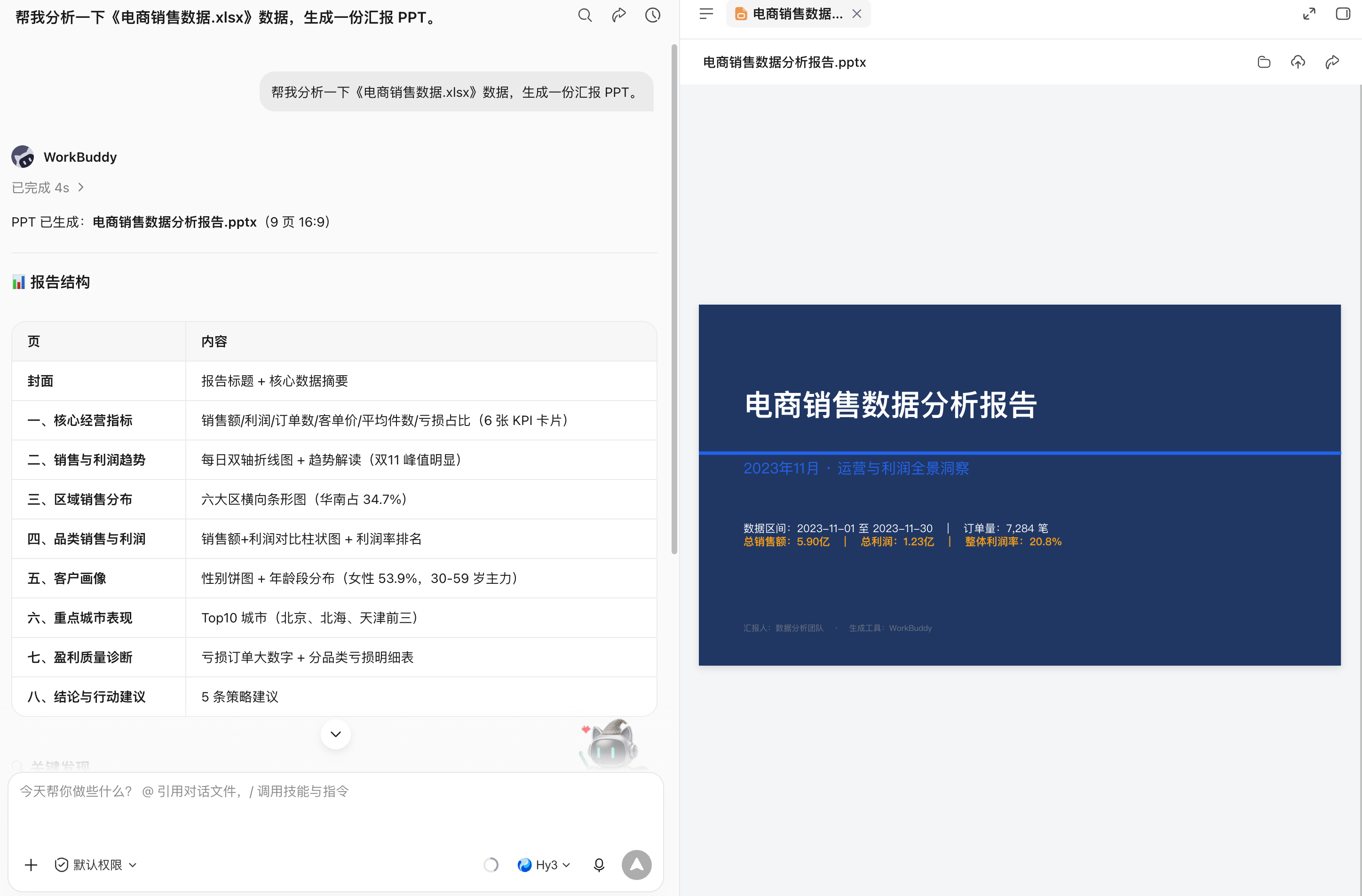
WorkBuddy will independently read relevant files, understand the data content, complete analysis and summary, and generate work results that can ultimately be viewed and modified.
During the entire process, users do not need to manually upload each file, nor do they need to tell the AI step by step what to do next.
WorkBuddy is geared towards complete work tasks.
Its core capabilities can be summarized into three points:Can understand human speech, can think and plan independently, and can actually operate a computer to deliver results.
In order to complete different types of tasks, WorkBuddy also provides capabilities such as multi-model switching (Hunyuan/DeepSeek/GLM/Kimi/MiniMax, etc.), MCP Server, and Skills skill packs.
Users can choose the appropriate model based on different tasks, and can also extend WorkBuddy’s tools and professional capabilities through MCP and Skills.
At the same time, for scenarios such as local file operations and terminal execution, WorkBuddy also provides high-risk instruction interception and permission control mechanisms to reduce risks during AI autonomous execution.
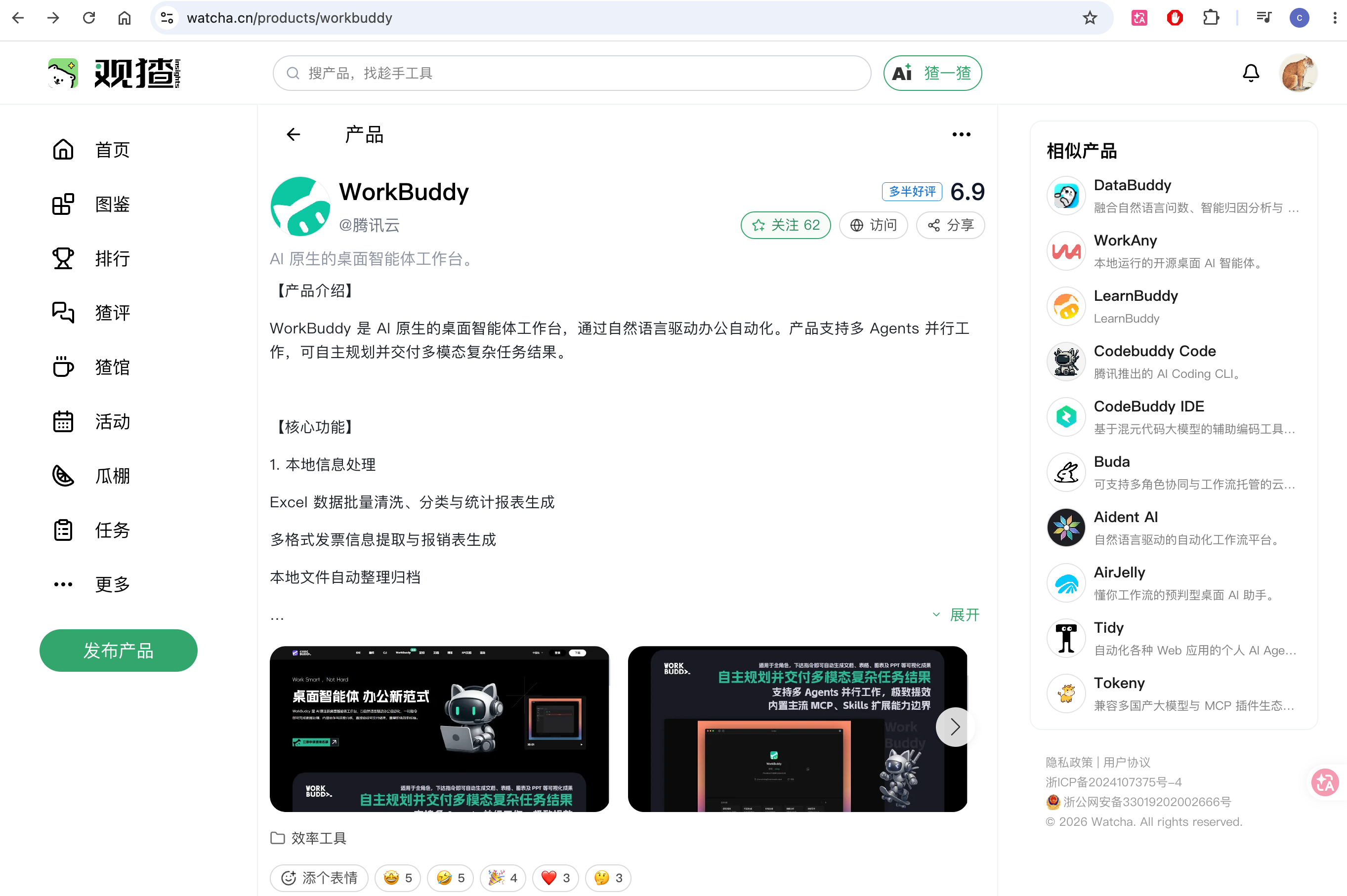
If you want to rate workbuddy, you can go Guan Yu, write your true evaluation of workbuddy~
Chapter 2: Downloading, Installing, Signing In to, and Updating WorkBuddy
Download WorkBuddy
Download WorkBuddy, click on the official address (https://www.codebuddy.cn/work/), select WorkBuddy, and click "Download WorkBuddy" to download.
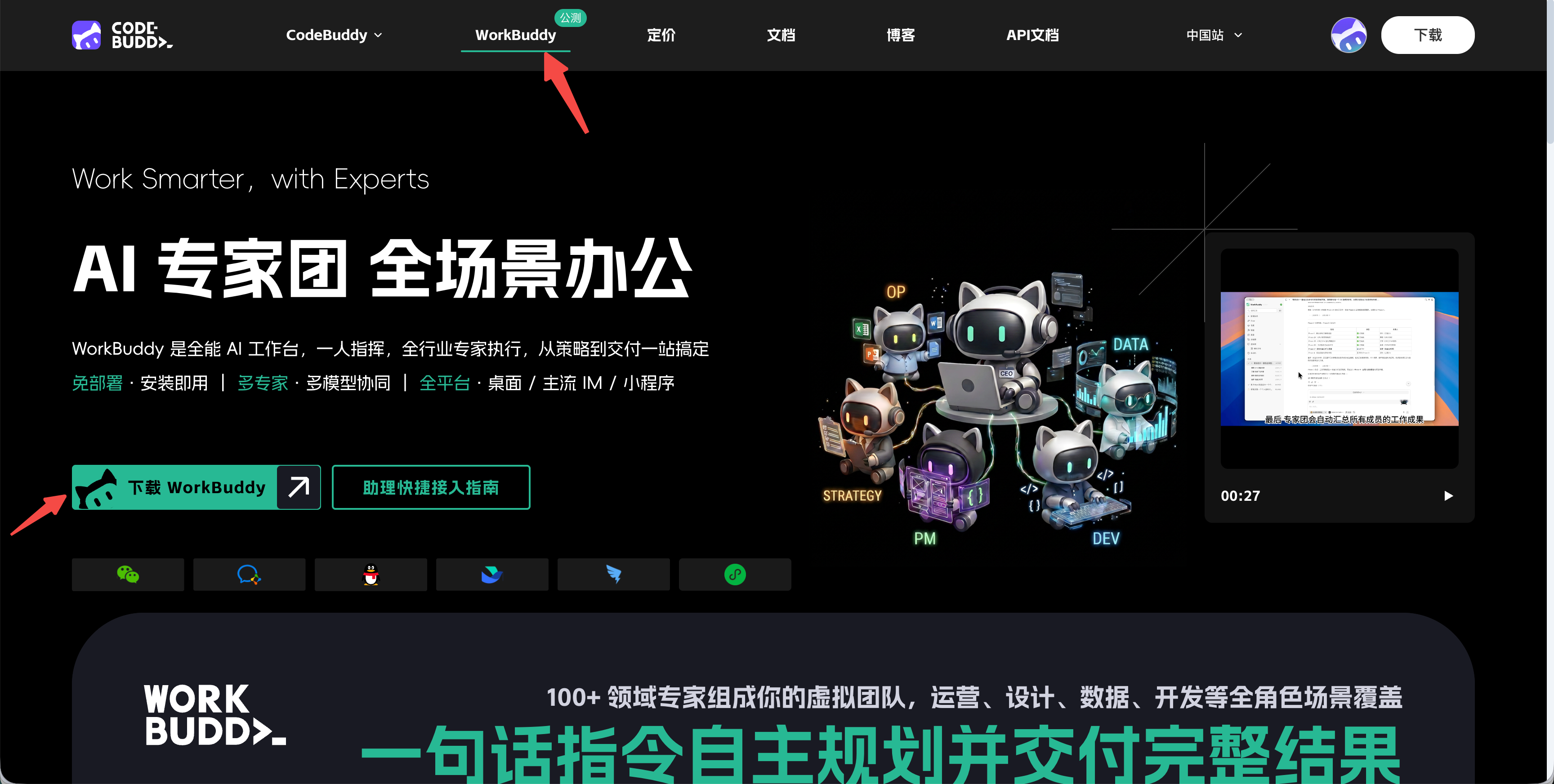
The website will automatically check your current device to determine which version you have, Mac ARM64, Mac x64 or Windows x64.
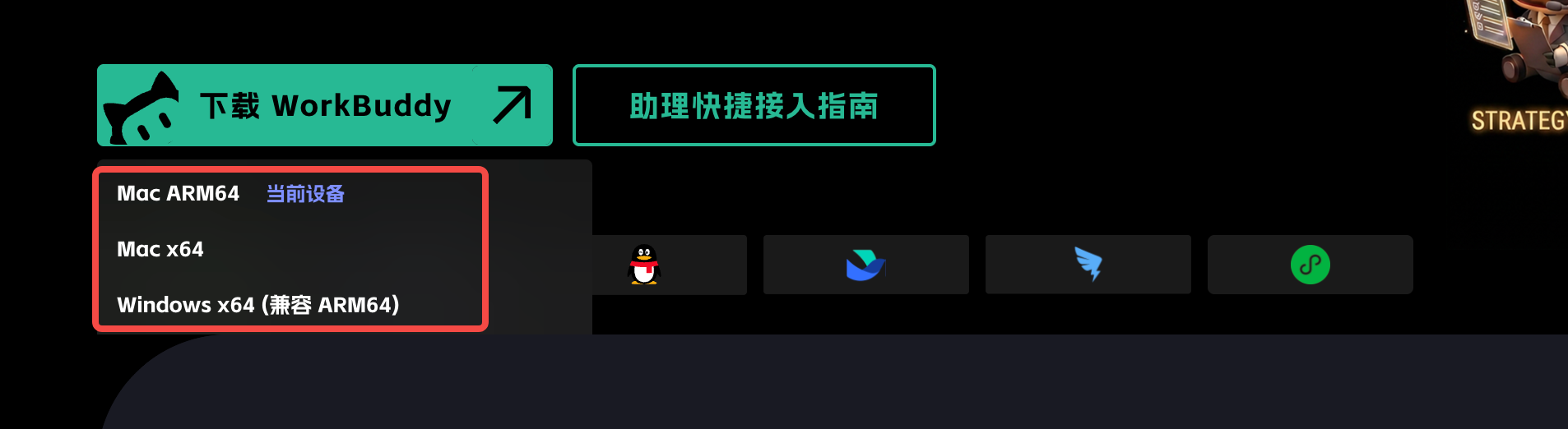
Remember: download from the official entrance, do not obtain the installation package from the network disk or unknown mirror.
Windows installation
- After the download is complete, double-click the installation file.
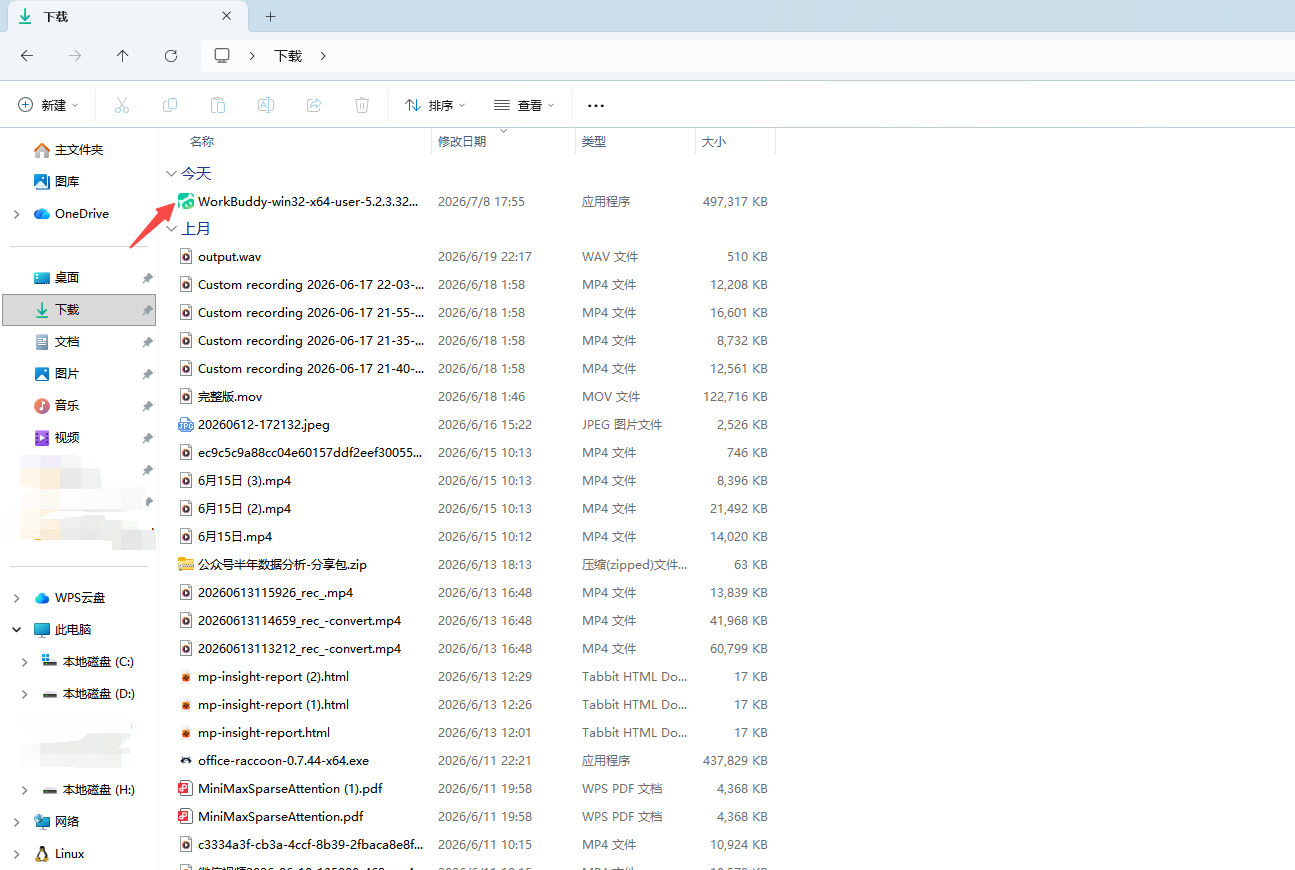
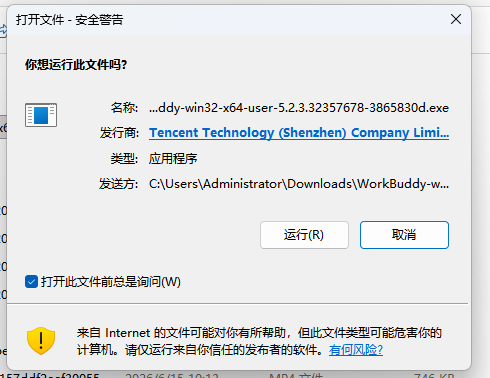
- If the system pops up a security prompt, first check the publisher and download source before deciding whether to continue.
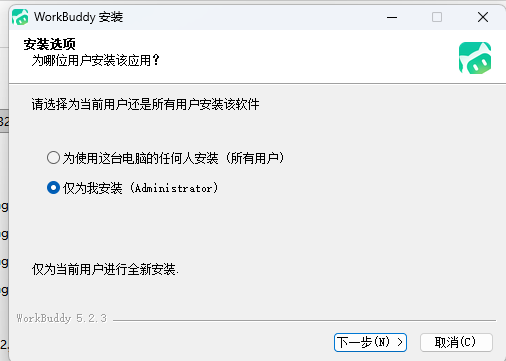
- Follow the installation wizard to complete the installation and launch WorkBuddy.
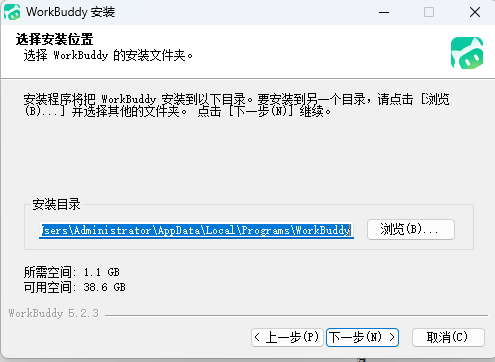
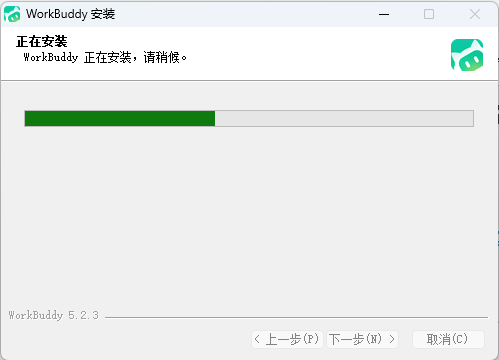
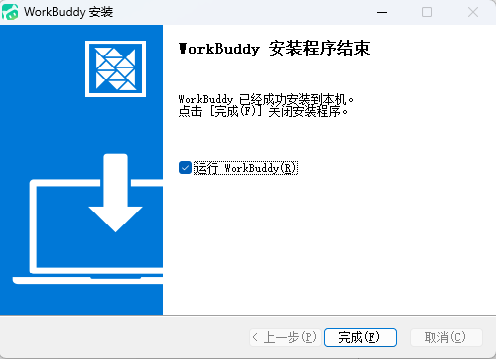
- Enter the preparation environment
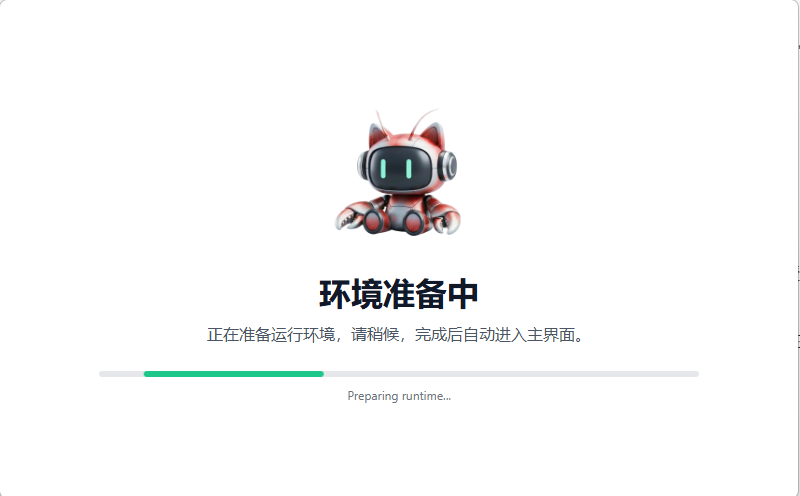
macOS installation
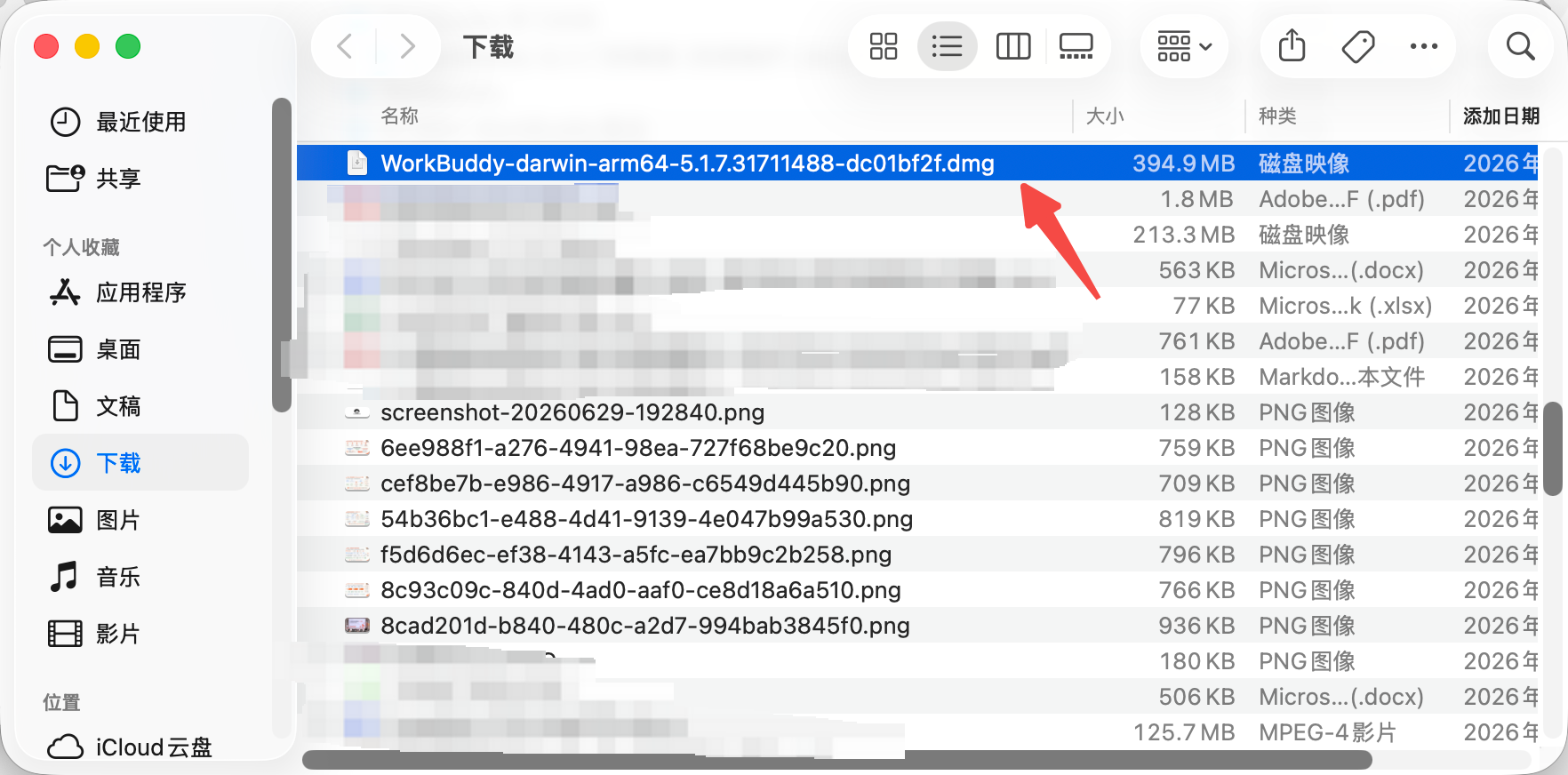
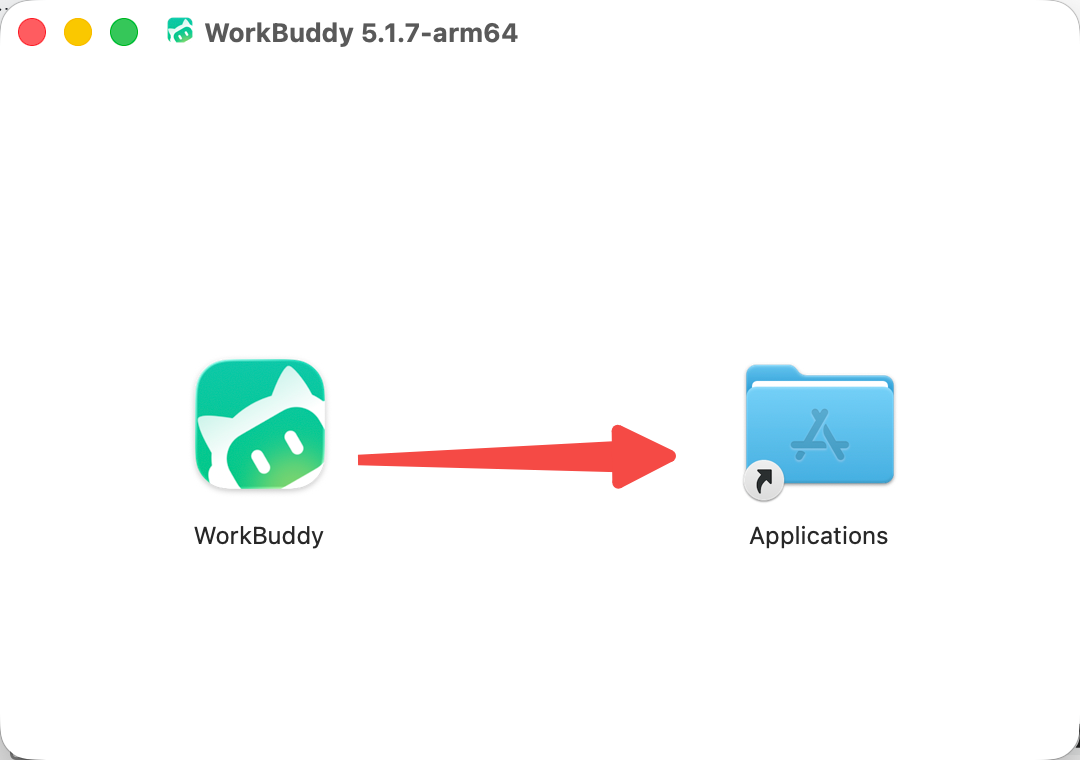
- Open the installation file and drag WorkBuddy into "Applications";
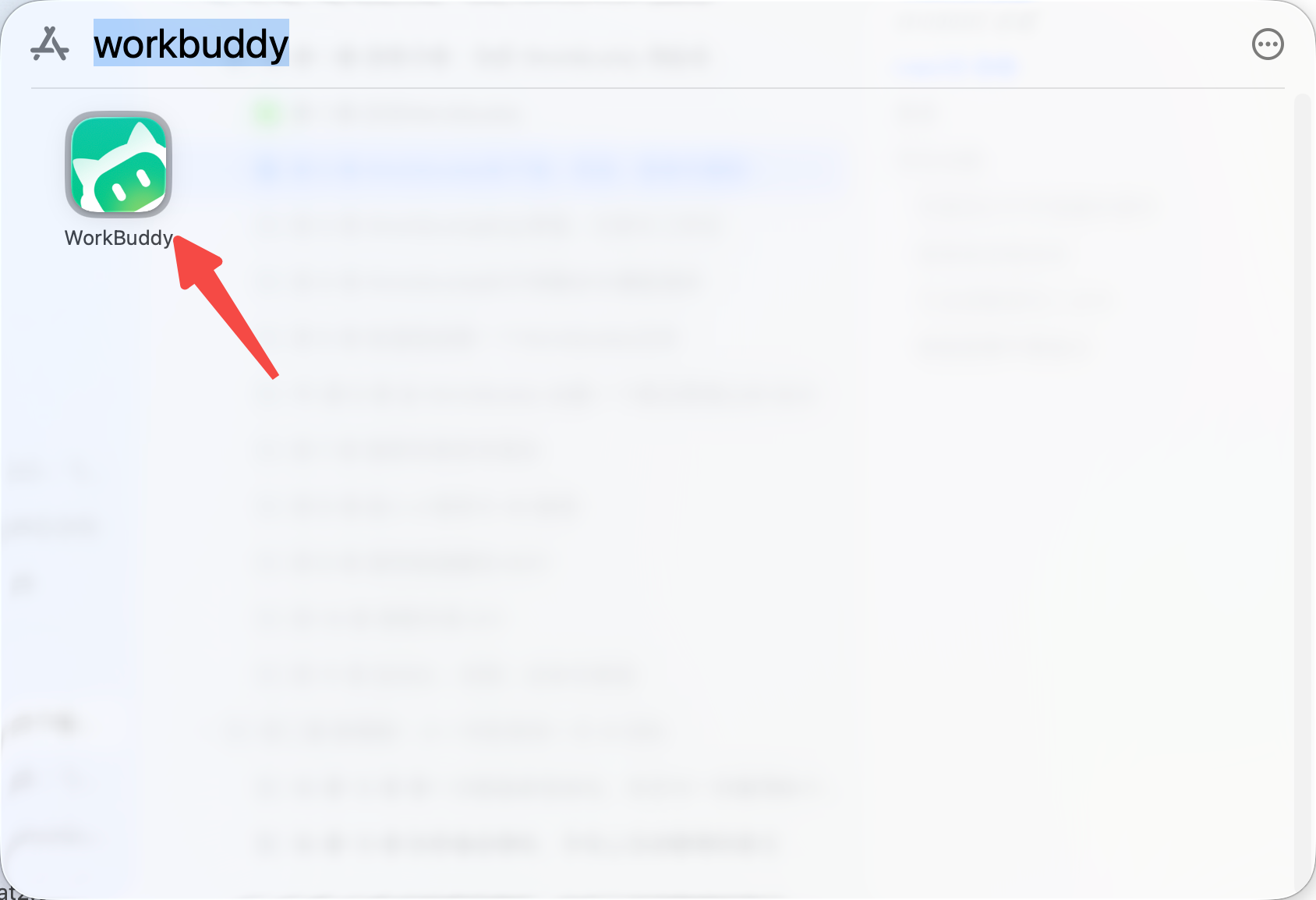
- Launch from "Applications";
Login
Click the login button
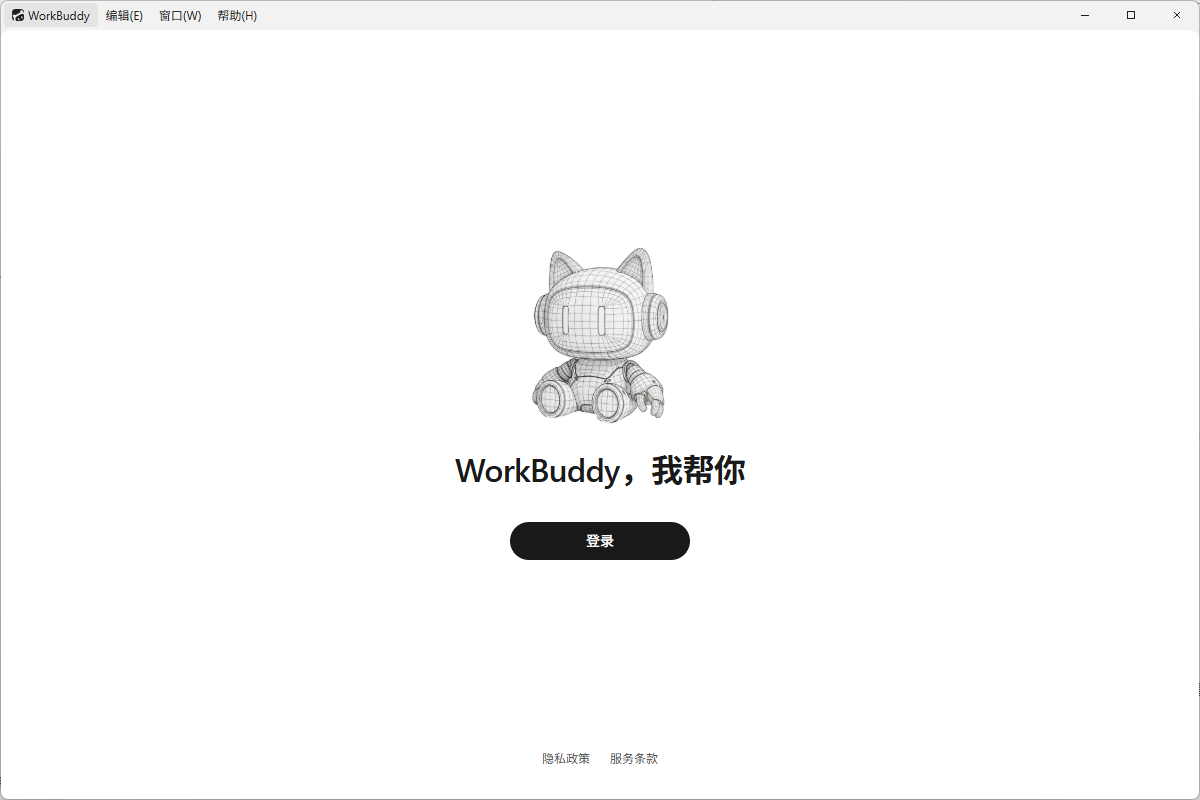
Automatically jump to web page login
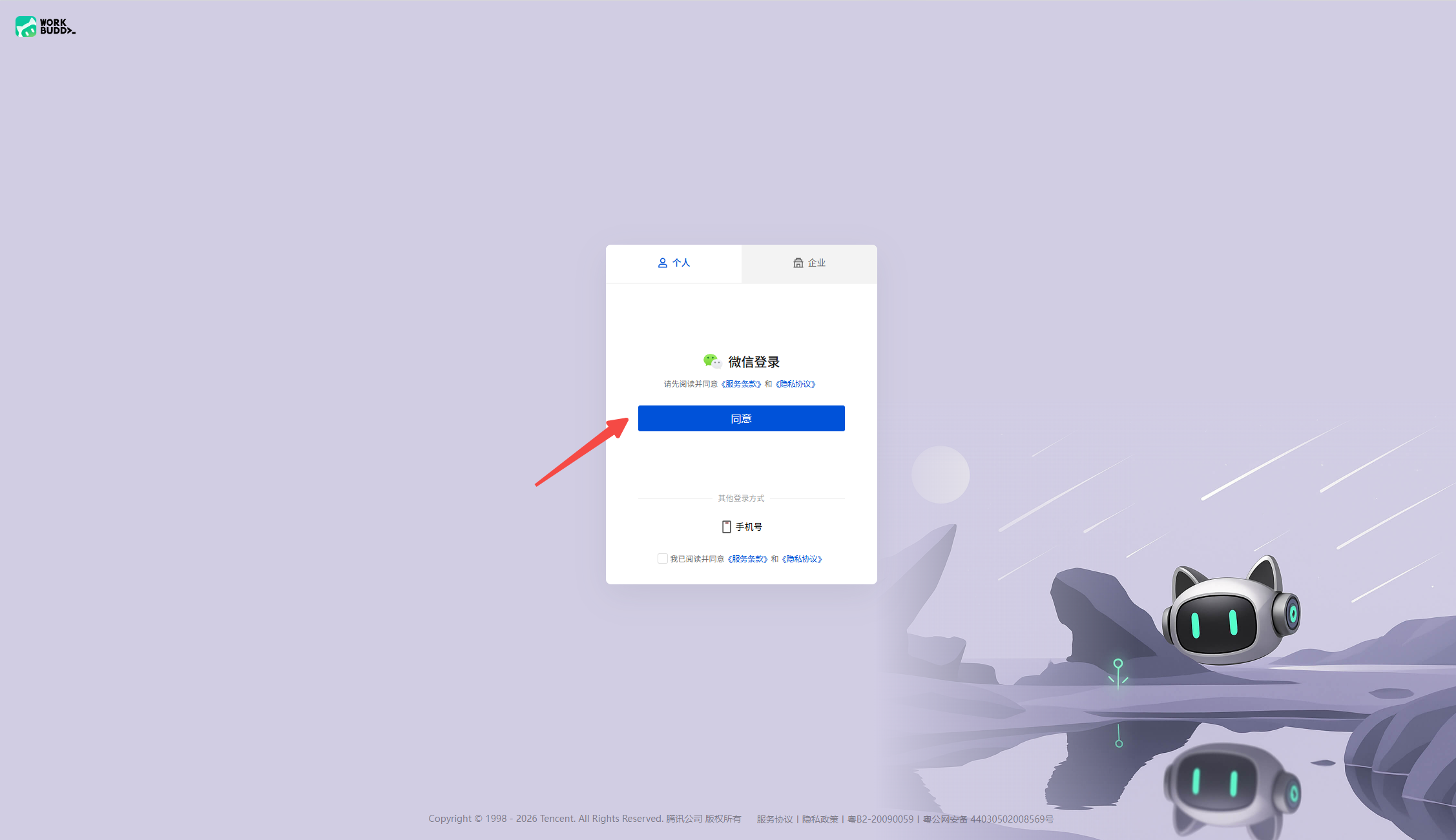
Select WeChat to scan the QR code to log in, or you can log in with your mobile phone number
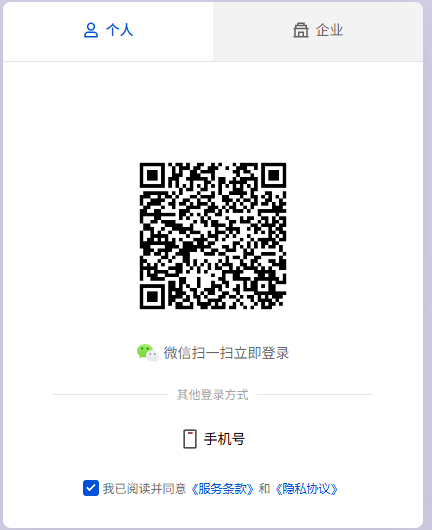
Once completed, you can use WorkBuddy to get to work
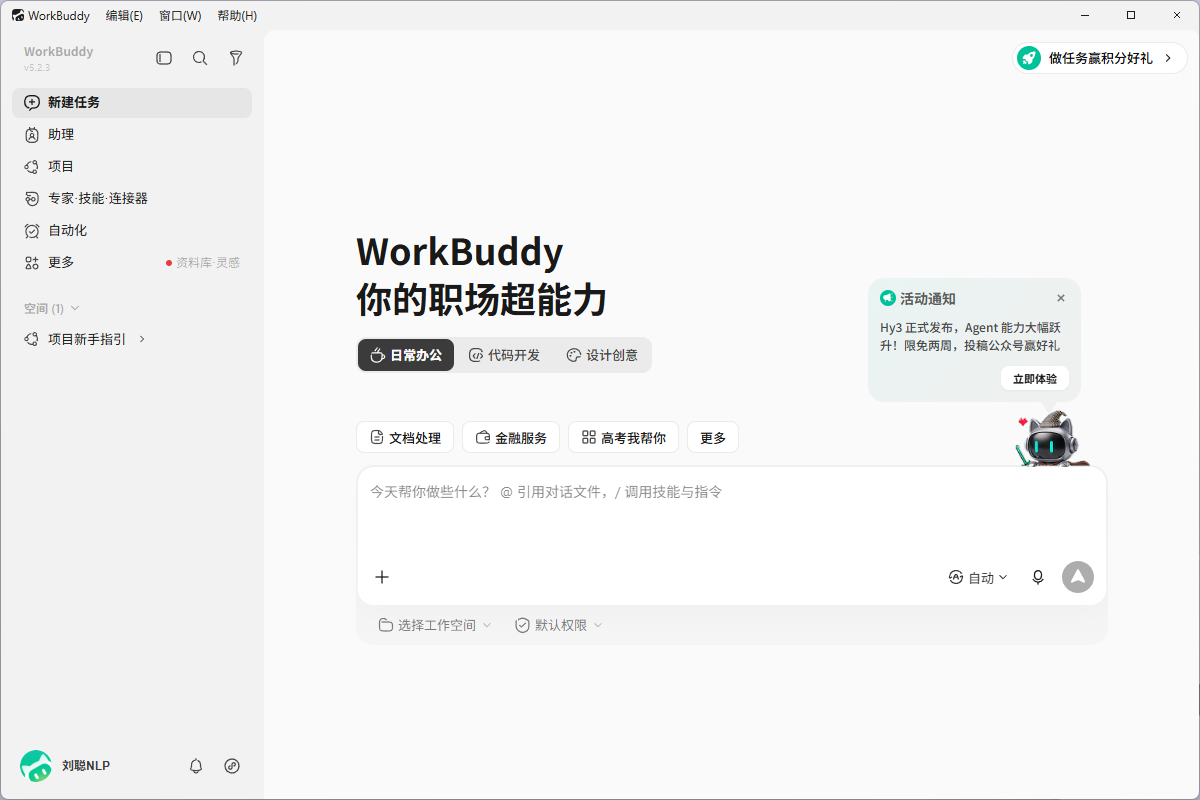
PS: If software installation is prohibited on company computers, do not bypass the terminal security policy and contact the IT administrator to confirm the whitelist or enterprise deployment method.
Update
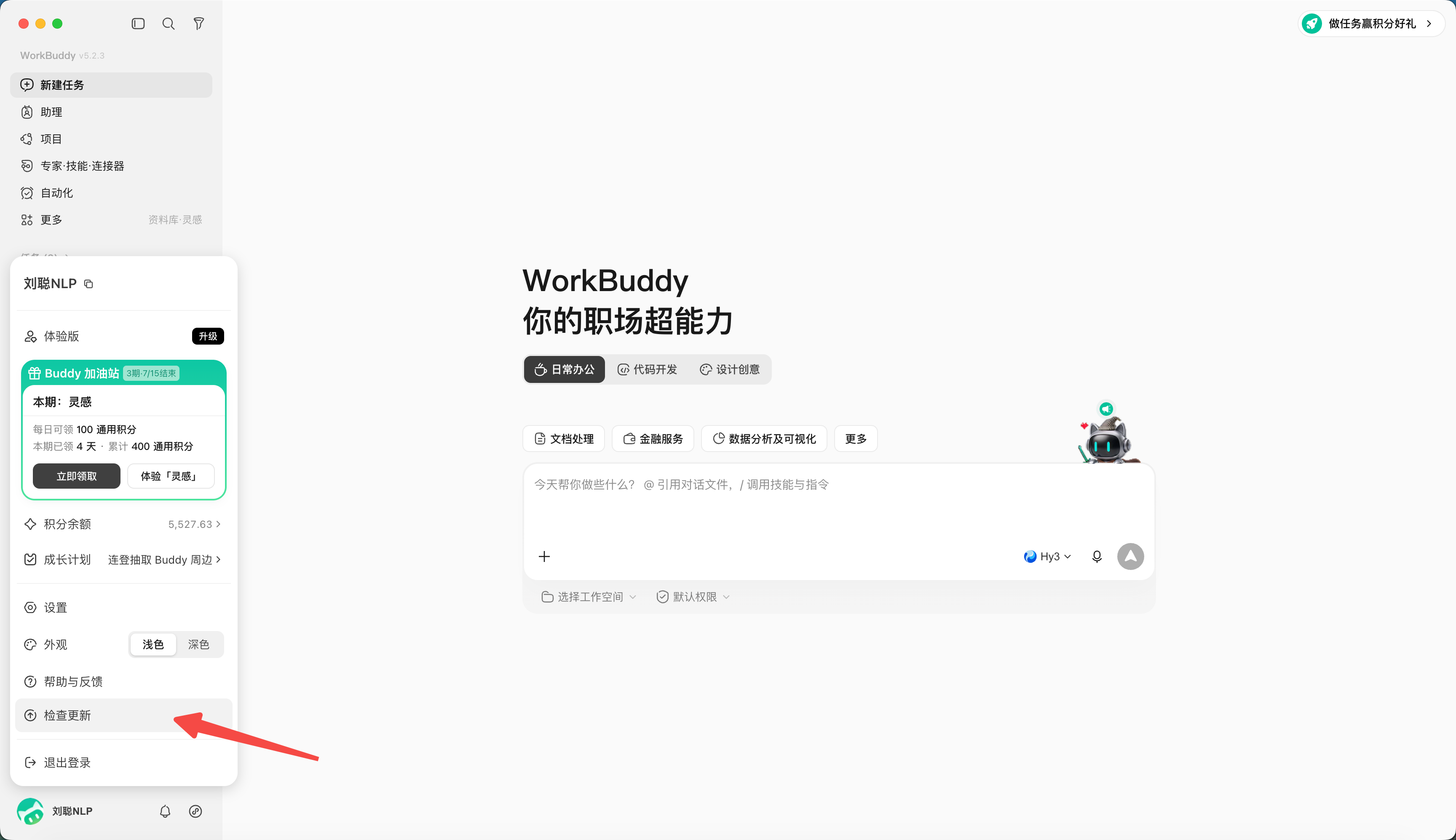
Click the personal center in the lower left corner and select "Check for Updates" to check if there is a new version. If there is a new version, you can update it.
FAQ
The installation package cannot be opened or it prompts that it is damaged.
First delete the installation package and re-download it from the official website to check the system and chip version. If it still fails, record the system version, installation package name and error screenshot, handle it through the official feedback channel, and do not turn off the system security function at will.
No response after logging in
Check whether the default browser blocks login bounces, whether the network proxy affects authentication, and whether the system time is accurate. Exit the app and try again, keeping logs and screenshots.
Unable to read or write file
Confirm whether the working directory selected for the task is correct, whether the system grants the corresponding directory permissions, and whether the file is locked by other programs. Use a blank text file to test first. Do not directly take important files and try again and again.
Do you need to back up before updating?
Application updates generally should not modify working files, but long-term projects should still incorporate input, artifacts, configurations, and custom skills into version management or make regular backups.
Chapter 3: WorkBuddy’s Main Interface, Tasks, and Workspace
The main interface of WorkBuddy can be understood as three areas: managing tasks on the left (sidebar), assigning and tracking tasks in the middle (dialog area), and viewing files, changes, previews, and final products on the right (result area).
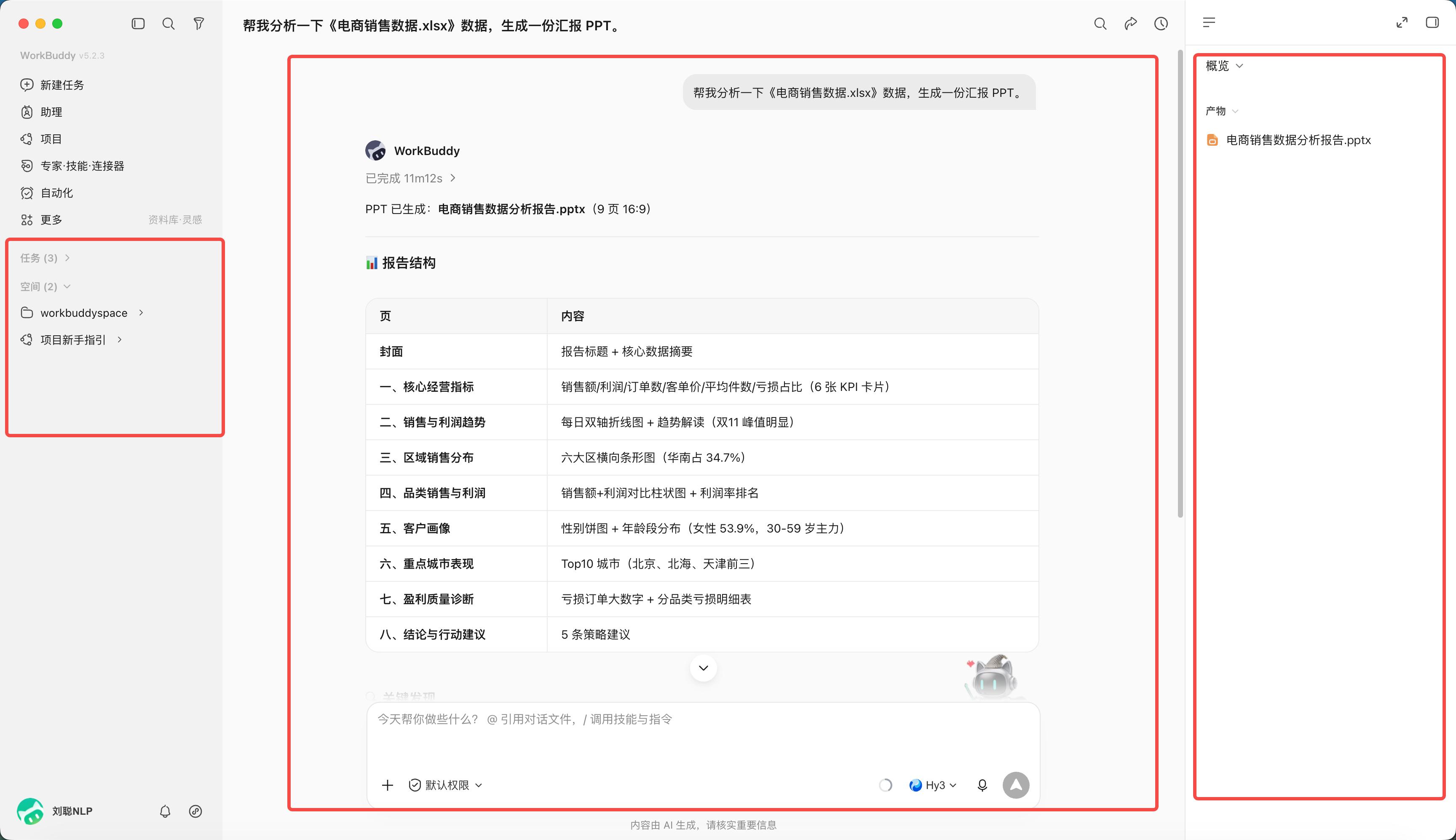
What do the three areas do?
| area | Main purpose | Important checks when using |
|---|---|---|
| sidebar | Create, search, switch and manage tasks | Have you entered the correct task? |
| dialogue area | Describe needs, supplement information, and confirm plans | Are the goals and constraints complete? |
| results area | View products, all files, changes and previews | Are the file names, paths and changes as expected? |
The difference between "Tasks" and "Workspace" in the sidebar lies in whether you have set the "Workspace" directory.
"Workspace" is a directory set by WorkBuddy to manage tasks. Each task has a corresponding directory space, and tasks can be operated in the directory space.
If not set, the task will be executed in the default installation directory, and the conversation will be saved in the "Task" directory.
Why isolate the working directory
The working directory is both an efficiency setting and a security boundary. Mixing invoices, weekly reports, and customer materials in the same large directory will increase the risk of misreading, erroneous modification, and information misuse.
It is recommended to create directory space according to tasks.
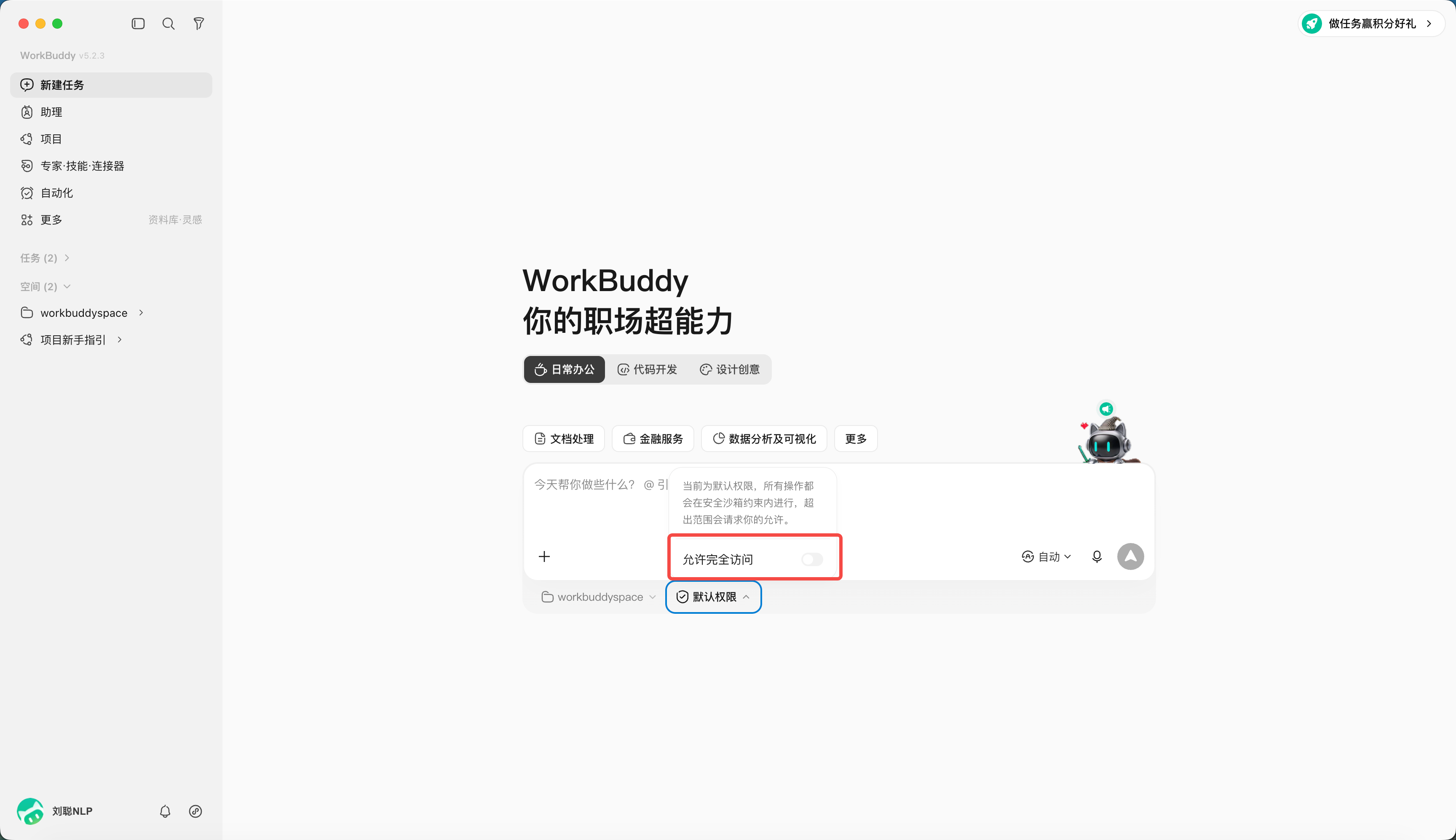
At the same time, you can set the permissions of the directory space. When "Allow full access" is turned on (after turning on full access, AI agent can read and write files outside the authorized directory. Please use it with caution and prioritize the directory by task.)
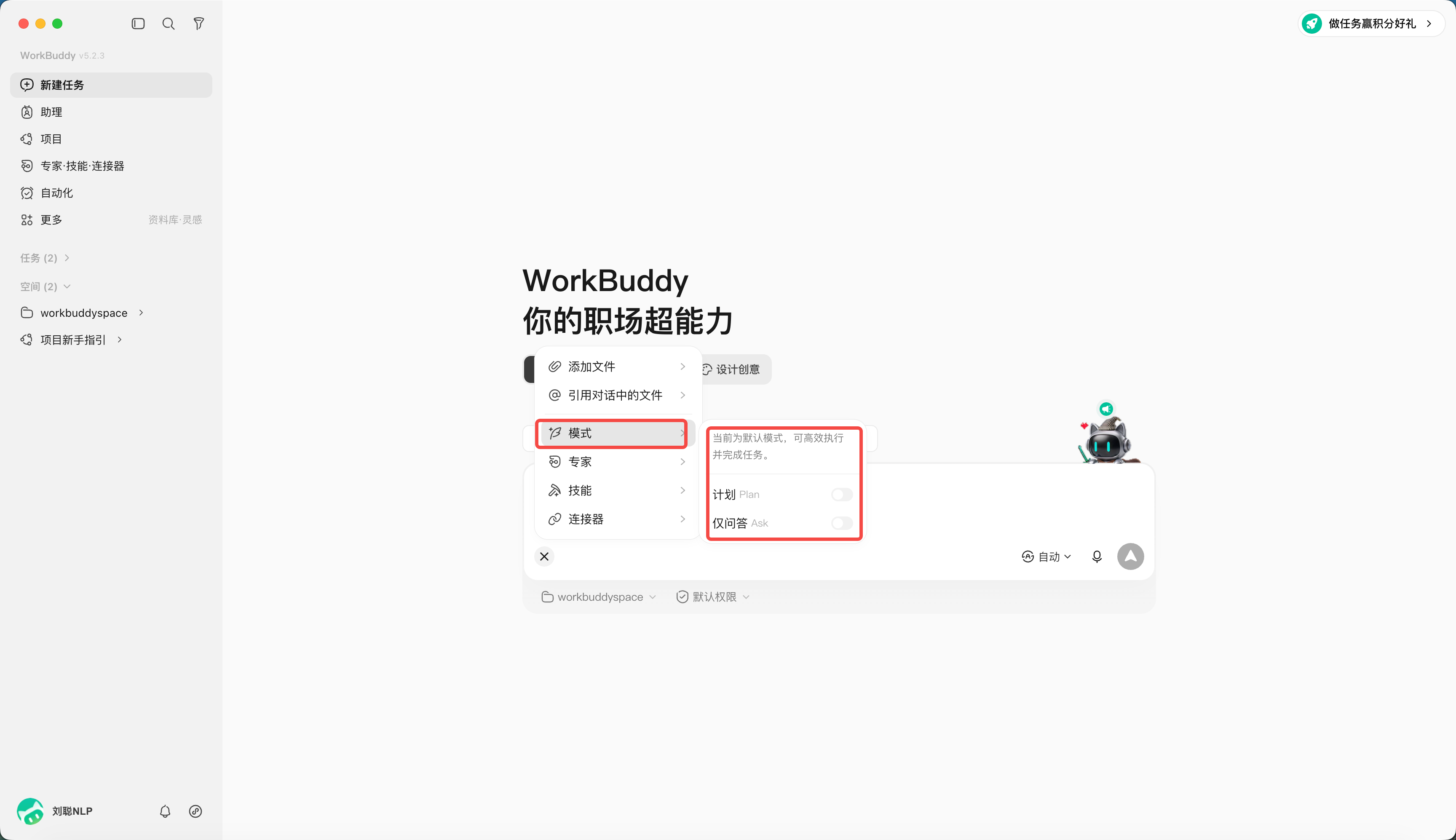
Three working modes
WorkBuddy provides three working modes:
| mode | Chinese interface | what can be done | Suitable for the use case |
|---|---|---|---|
| Ask | Ask | Q&A, understanding and viewing without modifying files | Understand the information and confirm the needs first |
| Craft | Do it | Can directly operate local files, run code and system commands | Tasks with clear paths and low risks |
| Plan | think about it | Generate a plan first and then execute it after confirmation | Multi-step, cross-system, important file tasks |
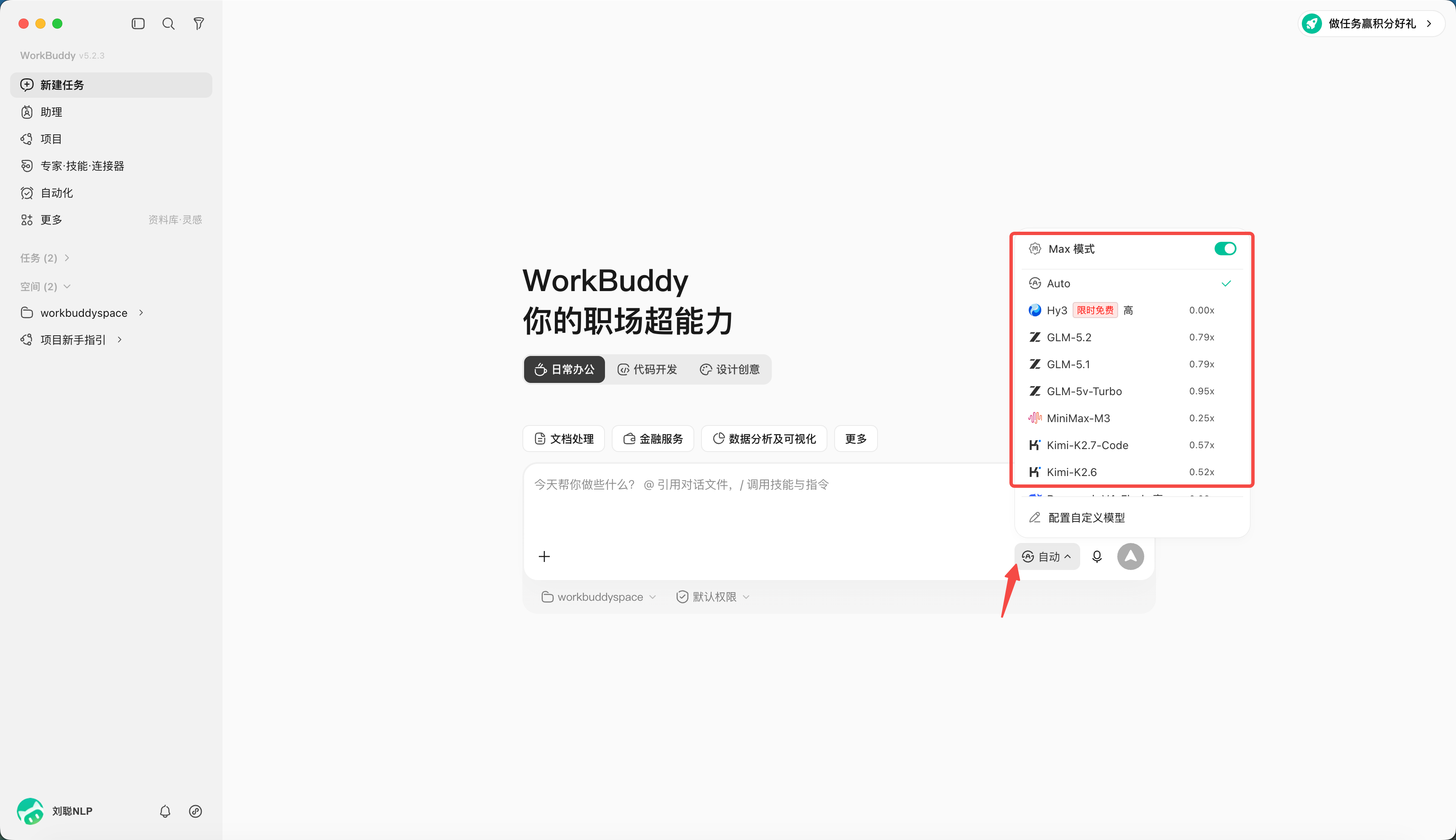
Choose a different model
The default is automatic mode. You can specify the model you want to use. Different models have different points consumption.
| Task characteristics | Prioritize attention |
|---|---|
| Large amounts of text and long information | Context length, such as 1 million tokens (1M) |
| Pictures and Screenshots | Requires visual understanding skills |
| High frequency simple tasks | Prioritize models with fast response times and lower costs |
Chapter 4: Complete Your First WorkBuddy Task
Quickly create a WorkBuddy task
- Click "New Task";
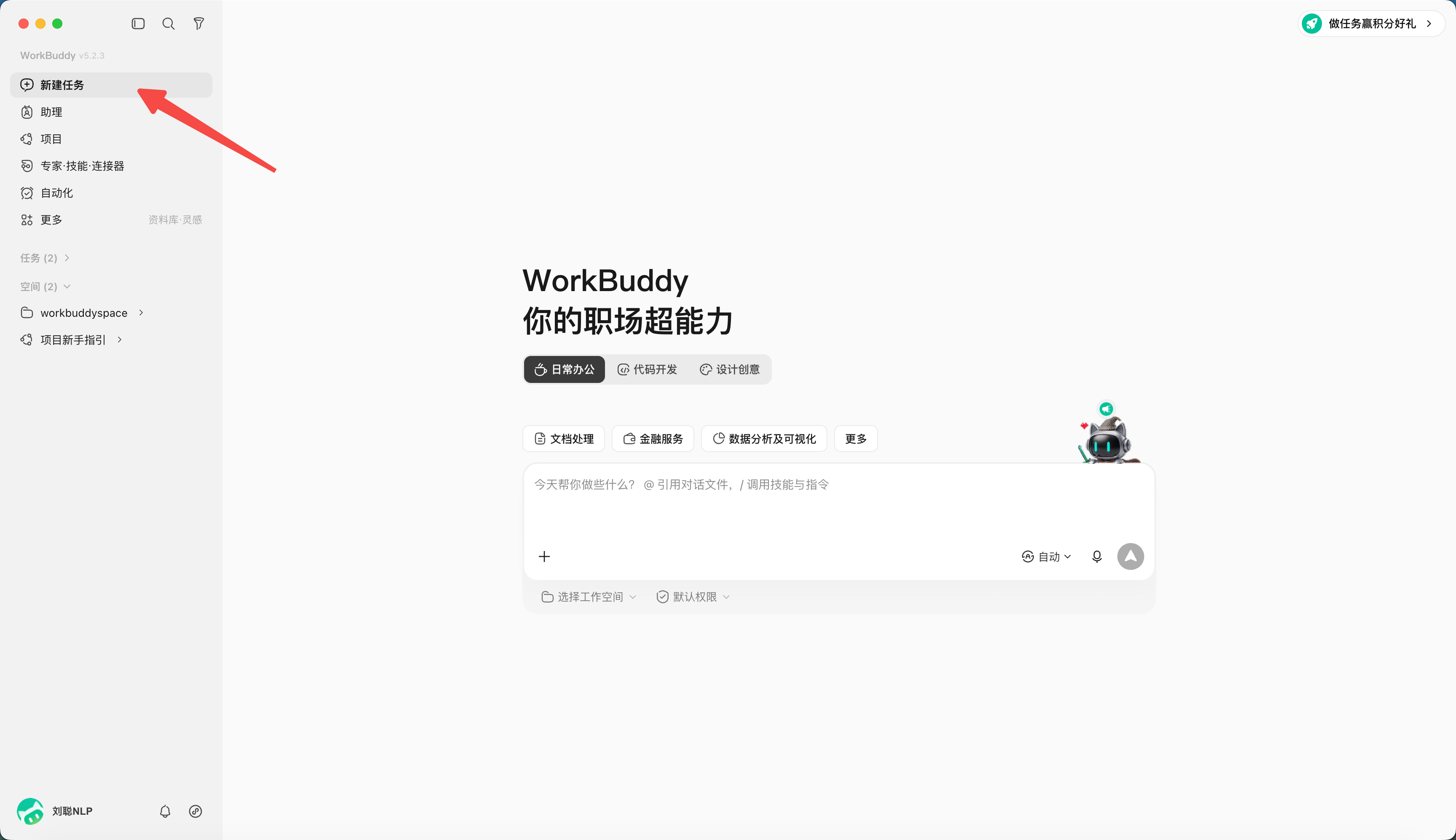
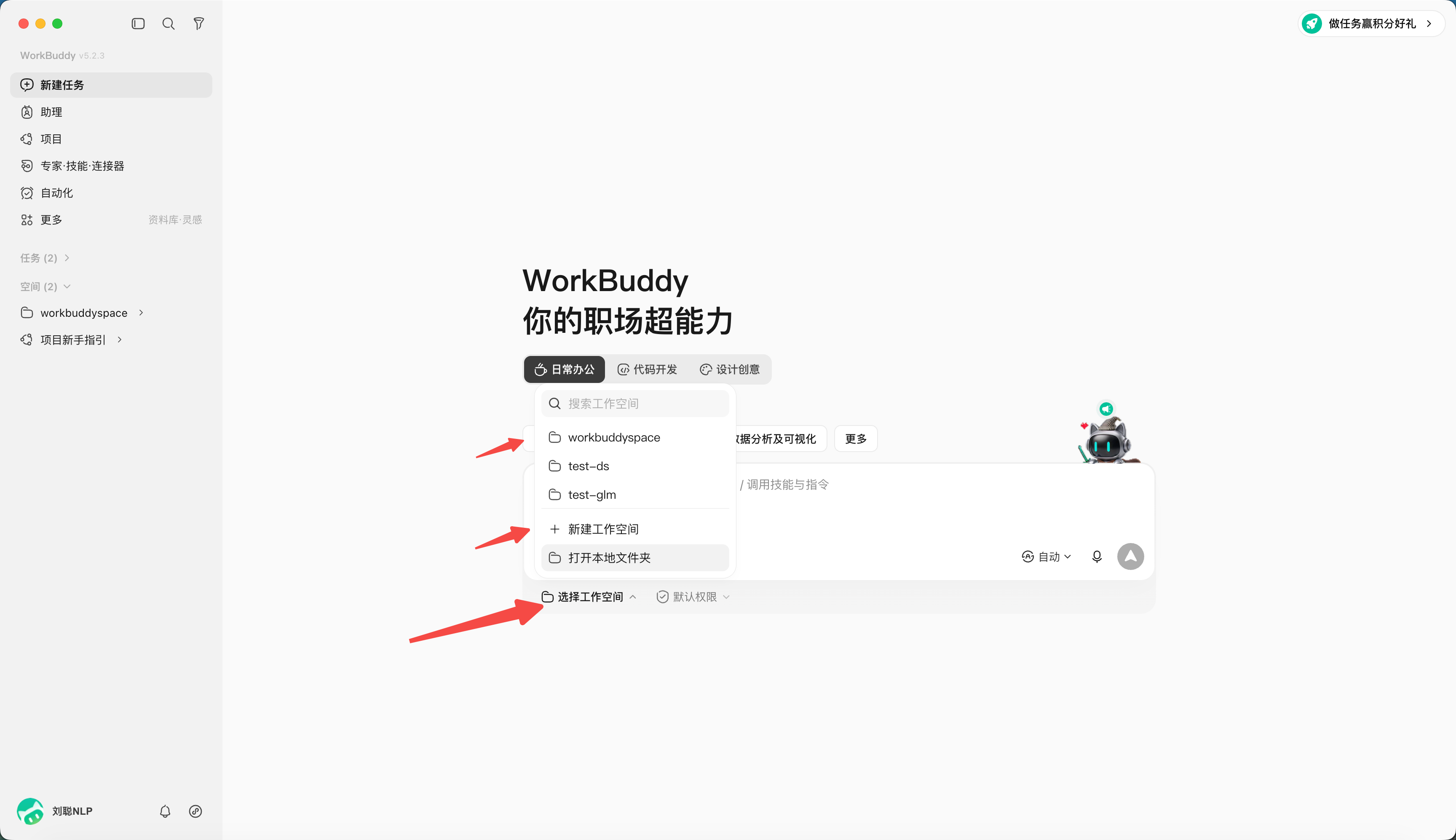
- Select or create a separate working directory;
PS: WorkBuddy uses folder-level authorization and high-risk interception. Please perform the first operation in the drill directory, pay attention to the authorization scope, and confirm carefully before processing real business data.
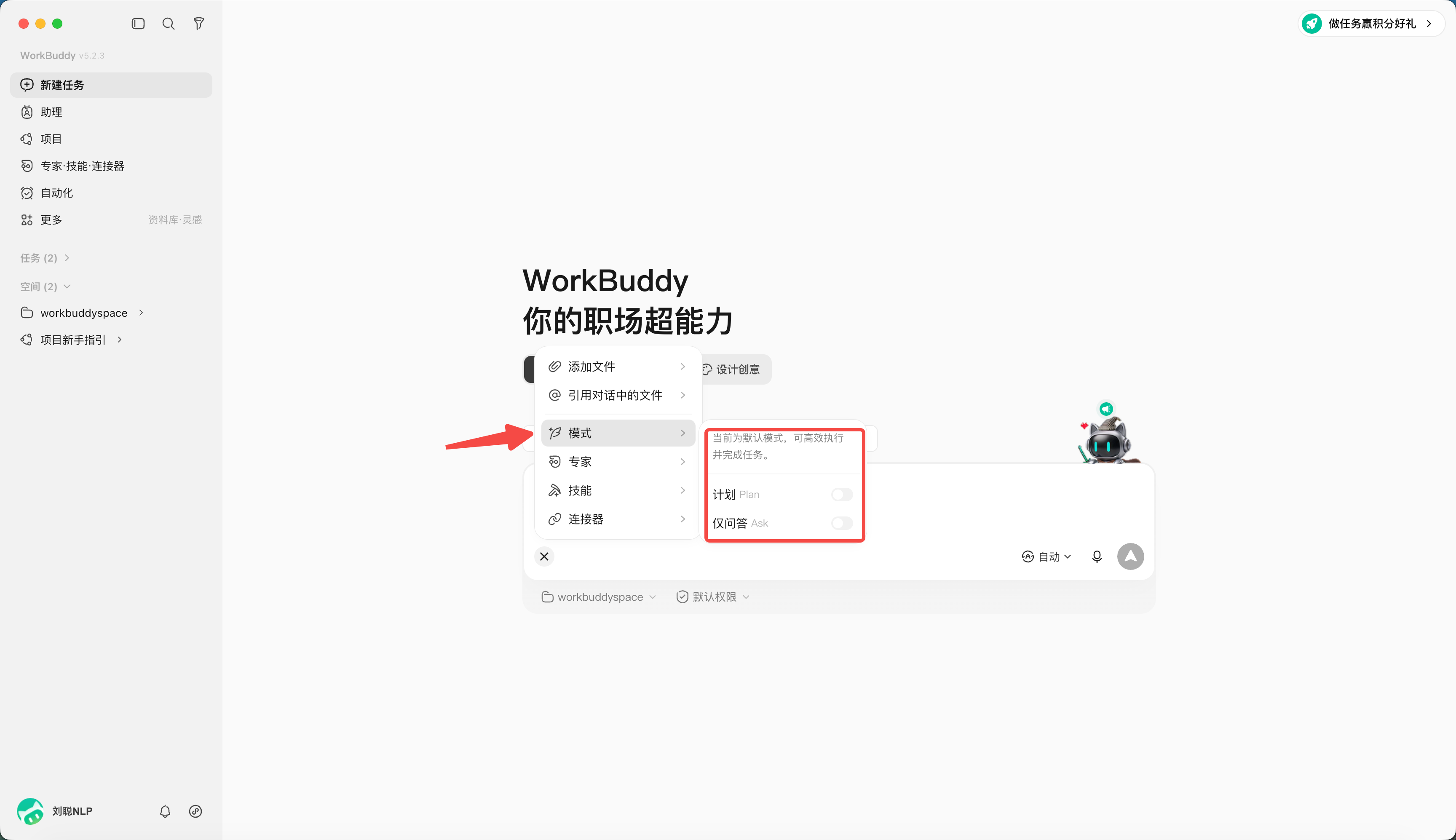
- Determine which mode should be used, the default is Craft, and can also be set to Ask or Plan;
- Select the model to specify the model you want to use. Different models consume different points.
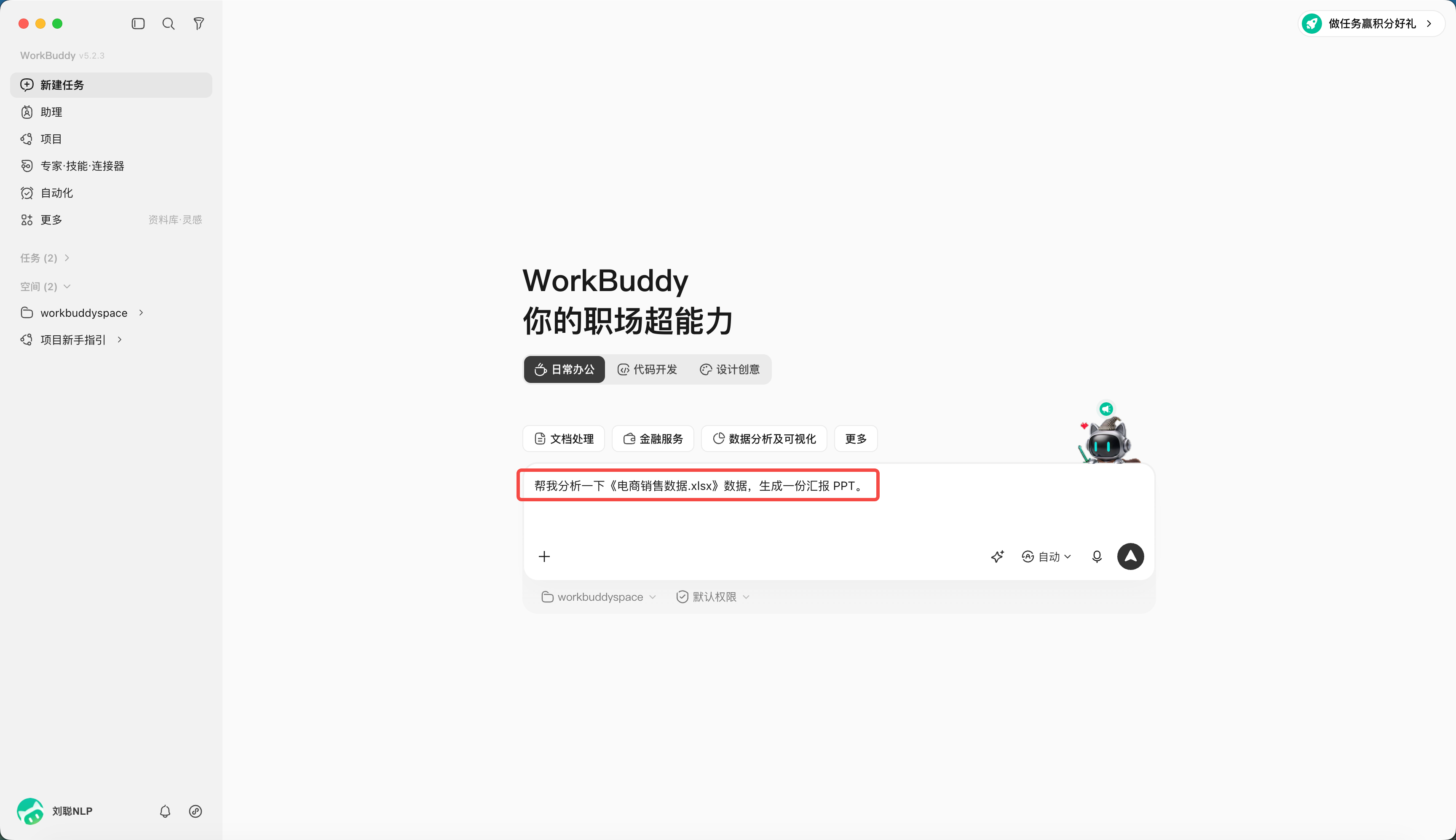
- Enter the task description, "Help me analyze the "E-commerce Sales Data.xlsx" data and generate a report PPT."
- If necessary, specify Skill, Expert, connector or Database. Ignore it for now.
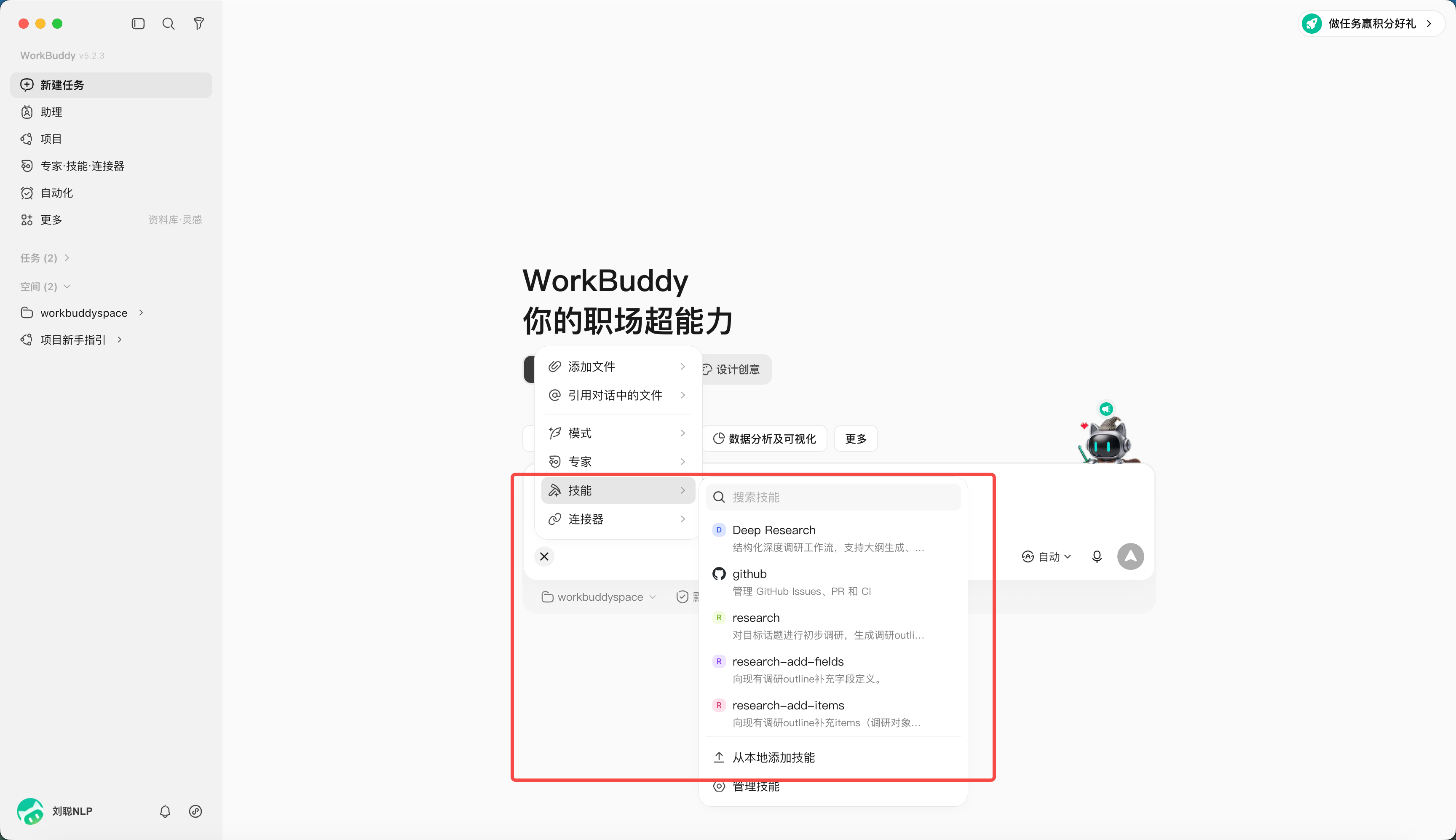
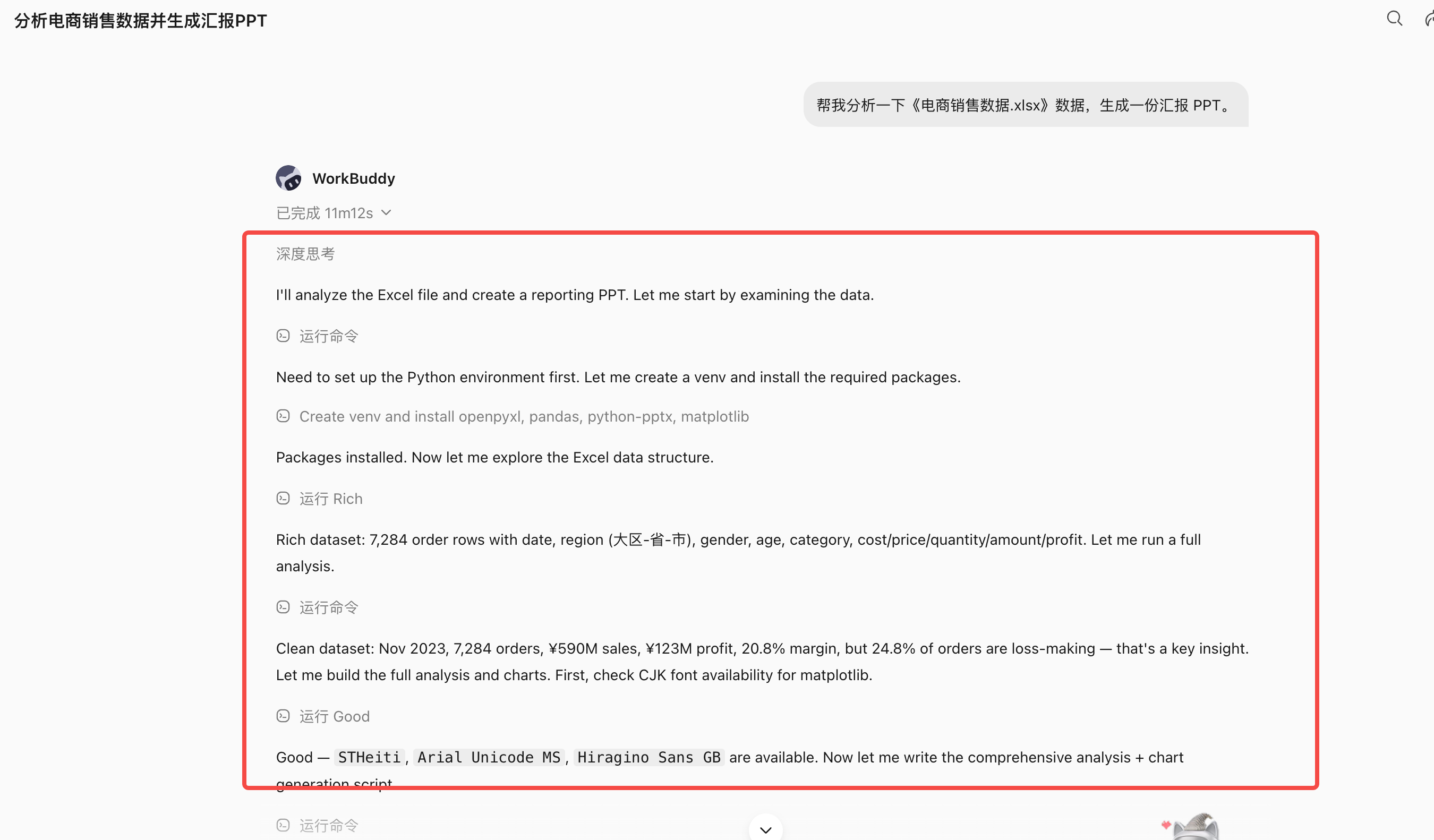
- Observe plans, tool calls, and file changes after sending;
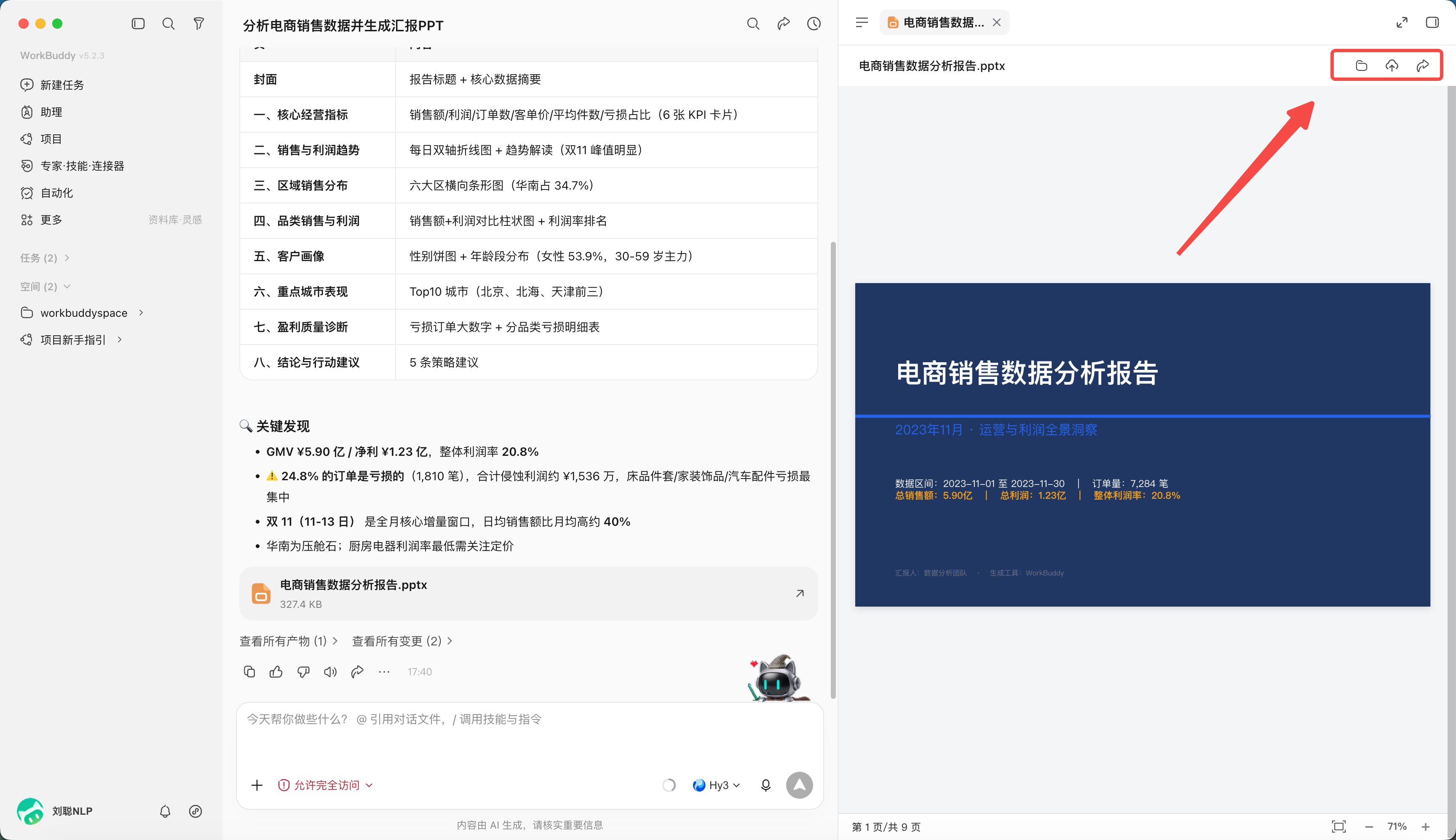
- Preview the product in the results area and accept it.
Files can be opened locally, uploaded to the cloud, or shared. Please make sure the product does not contain sensitive or confidential information before sharing, and select the sharing scope according to company standards.
How to write a mission statement
| elements | questions to answer |
|---|---|
| target | What problem should be solved in the end? |
| input | Which files, directories or links to use |
| action | Need to analyze, organize, convert or generate? |
| constraint | What cannot be changed and what standards should be adopted? |
| output | What documents to deliver and where to put them |
| Acceptance | What criteria are used to judge eligibility? |
Getting Started Task A: Organizing Files
Goal: organize input Exercise files in a directory for easy searching by type.
Input: only processes the current workspace input Directory.
Action: Identify the file type and propose a classification and renaming scheme.
Constraints: Do not delete or overwrite the original file; if the file has the same name, keep two copies and mark the serial number.
Output: first generate inventory.xlsx and proposed-actions.md.
Acceptance: Number of manifest files and input The actual number of files is consistent and all actions are traceable.
After I confirm proposed-actions.md Before, the files were not moved.
Getting Started Task B: Generate Meeting Minutes
please put input/meeting.txt Organized into structured meeting minutes.
Must include: meeting conclusion, to-do items, person in charge, deadline, and issues to be confirmed.
You cannot write "to be confirmed" from the person in charge or date confirmed in the original text, and do not complete it yourself.
Save the results as output/meeting-minutes.md and output/action-items.xlsx.
Acceptance: Each conclusion can be based on the original text; the person in charge and time status of the to-do list are not omitted.
Getting Started Task C: Convert Word to PPT
put input/Project report.docx Convert to 10 Internal reports within pages PPT.
Audience: Department heads; Reporting time:8 minutes.
Keep the original facts and figures and do not add unverified data.
Structure: background, current situation, problems, solutions, plans, and required decisions.
Use reference/brand-guide.pdf Color and font specifications in .
Save the presentation as output/project-report_v1.pptx, A page-by-page content list is also provided.
Acceptance: Each page has only one core idea, the numbers are consistent with the original text, and the text is readable in the projected state.
Chapter 5: Load a Useful Skill in WorkBuddy
What Is a Skill?
WorkBuddy itself is responsible for understanding tasks and organizing execution; Skill is a set of reusable instructions, scripts, reference materials, and resources that tell the Agent how a certain type of task should be done, what tools to call, and what format to deliver.
Anthropic will officially launch Agent Skills in October 2025 and release it as an open standard in December 2025.
A most standard Skill probably looks like this:
my-skill/
├── SKILL.md
├── scripts/
│ └── check.py
├── references/
│ └── guide.md
└── assets/
    └── template.pptx
Among them only SKILL.md is a must.
---
name: tech-article-writing
description: for writing AI Product, model reviews, and tech industry related articles
---

After receiving the writing assignment:

1. First confirm the core angle of the article
2. Find primary information
3. Cross-validation of core facts
4. Complete the first draft according to the user's writing style
5. Check for disabled sentence patterns and AI taste expression
You can also bring:
references/style.mdHow skills work
The most critical design of Skill is actually not SKILL.md, but Progressive Disclosure.
Suppose your Agent has 100 Skills installed.
It doesn't cram the entire content of 100 Skills into context at once. This not only wastes tokens, but also causes the model to be interfered with by a large number of irrelevant instructions.
Standard practice has three tiers.
At the first level, the Agent only looks at the names and descriptions of all Skills when it starts.
For example:
pptx
Process PowerPoint Create, edit, read tasks

pdf
Process PDF Extract, merge, edit, and fill in tasks

tech-article-writing
compose AI and technology industry articles
On the second level, when the user says:
Help me write an article WorkBuddy Public account articlesAgent determines based on description tech-article-writing It may be relevant, only the complete version is loaded at this time SKILL.md.
At the third level, during execution, I find that I need to imitate your writing style before continuing to read:
references/style.mdNeed to check AI flavor before executing:
scripts/check-ai-phrases.pyThe standard specification recommends that all Skills only load the metadata of tens to hundreds of Tokens when starting up, and then load the complete description after the Skill is activated, and other data and scripts continue to be read on demand. OpenAI Codex also uses a similar mechanism to first expose the name, description and path of the Skill to the model, and then read the complete content when the model decides to use it.
So Skill solves a problem that has long plagued Agent:
How to give Agent a lot of knowledge and working methods without stuffing everything into Prompt forever.
What is the difference between Skill and Prompt?
This is the core question.
| Dimensions | Prompt | Skill |
|---|---|---|
| core role | Describe the current task | How to define a type of task |
| life cycle | Usually for one request | Long-term reuse |
| Trigger mode | User active input | Agent automatically selected or explicitly called by the user |
| carrier | mostly text | folder |
| content | Instructions, context, examples | Instructions, scripts, materials, templates, resources |
| context occupation | Usually directly into the context | Load on demand |
| Reuse | Copy and paste often | Native and reusable |
| Share | Prompt text | Complete capability package |
| execute | It's just an instruction | Included scripts and tools can be called |
| Model parameters | Do not change | The same does not change |
The simplest understanding is:
Prompt = Task
Skill = practice
What does Skill do?
The first function is to supplement the model with procedural knowledge. large language model often knows a lot of knowledge, but it may not know how to do your things specifically. For example, it knows SQL, but it doesn’t know your company’s:
canonical user_id In which table
subscriptions The table is append-only
A certain status must be excluded when querying refunds
Grafana Correspond dashboard ID how much
This knowledge is very suitable for skills. Anthropic uses hundreds of skills internally, and ultimately found that they are mainly focused on nine categories of scenarios: API and internal library usage, product verification, data analysis, business process automation, code scaffolding, code review, CI/CD, fault runbook and infrastructure operation and maintenance.
The second function is to fix the complex Workflow, For example, do an industry survey.
A normal prompt might be:
Research in detail WorkBuddyThe model is rethought every time:
Where to find information
What to check first
How to verify
Who to compare with
What structure is output
Skill can fix the process:
1. official website
2. Official public account and press conference
3. Product documentation
4. Actual product testing
5. Comparison of similar products
6. Refining core ideas
7. fact check
This ability is called Encoded Preference Skill. The model would have completed each step individually, but Skill organizes these steps into how a team or individual works.
The other type is Capability Uplift Skill, which supplements the model with capabilities that it was originally unable to do well or was unstable, such as complex document, PDF and PPT processing.
The third function is to reduce repeated prompts.
You are now working with AI. In fact, a lot of content is repeated. For example, you often tell me:
Don't write too much AI
Combining long and short sentences
Don't overdo it
Have your own judgment
Technical content should be restrained
Don't make up examples
These are actually naturally suitable to be made into one writing-style Skill.
In the future, your Prompt will only need:
write an article WorkBuddy ArticleWriting habits, material standards, prohibited expressions, and article flow are all provided by Skill.
The fourth role is to capitalize personal experience and organizational experience.
The biggest problem with traditional prompts is that they tend to be scattered around:
Chat history
Feishu documentation
Notion
in one's mind
Skill is a file, so it can:
Git management
Version rollback
Team sharing
A/B test
Automatic assessment
Continuous updates
This matter is critical.
Find the right skill in WorkBuddy
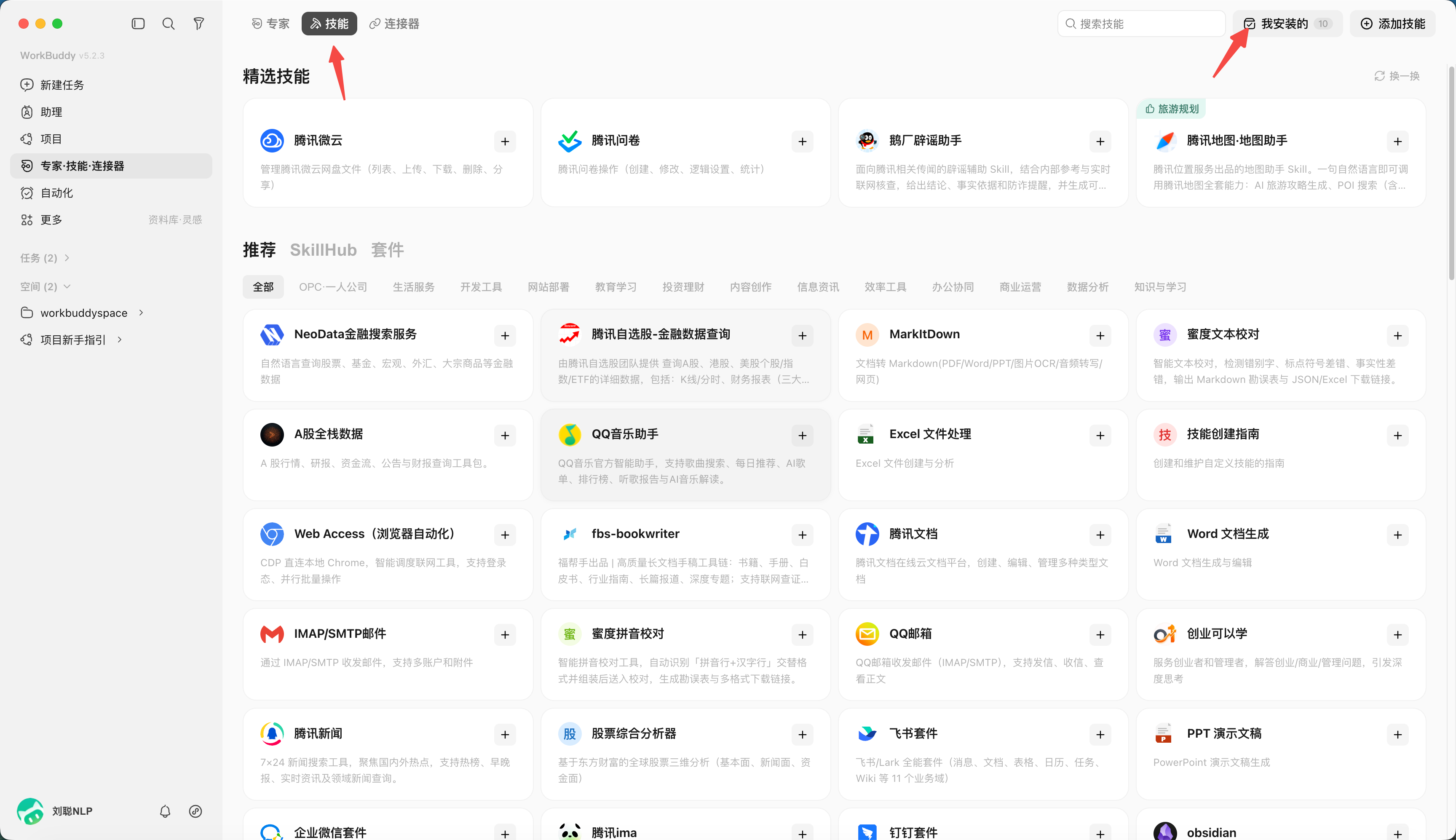
Open "Expert·Skill·connector" on the left, you can search from the skills market, or you can use "Find Skills" to describe your needs.
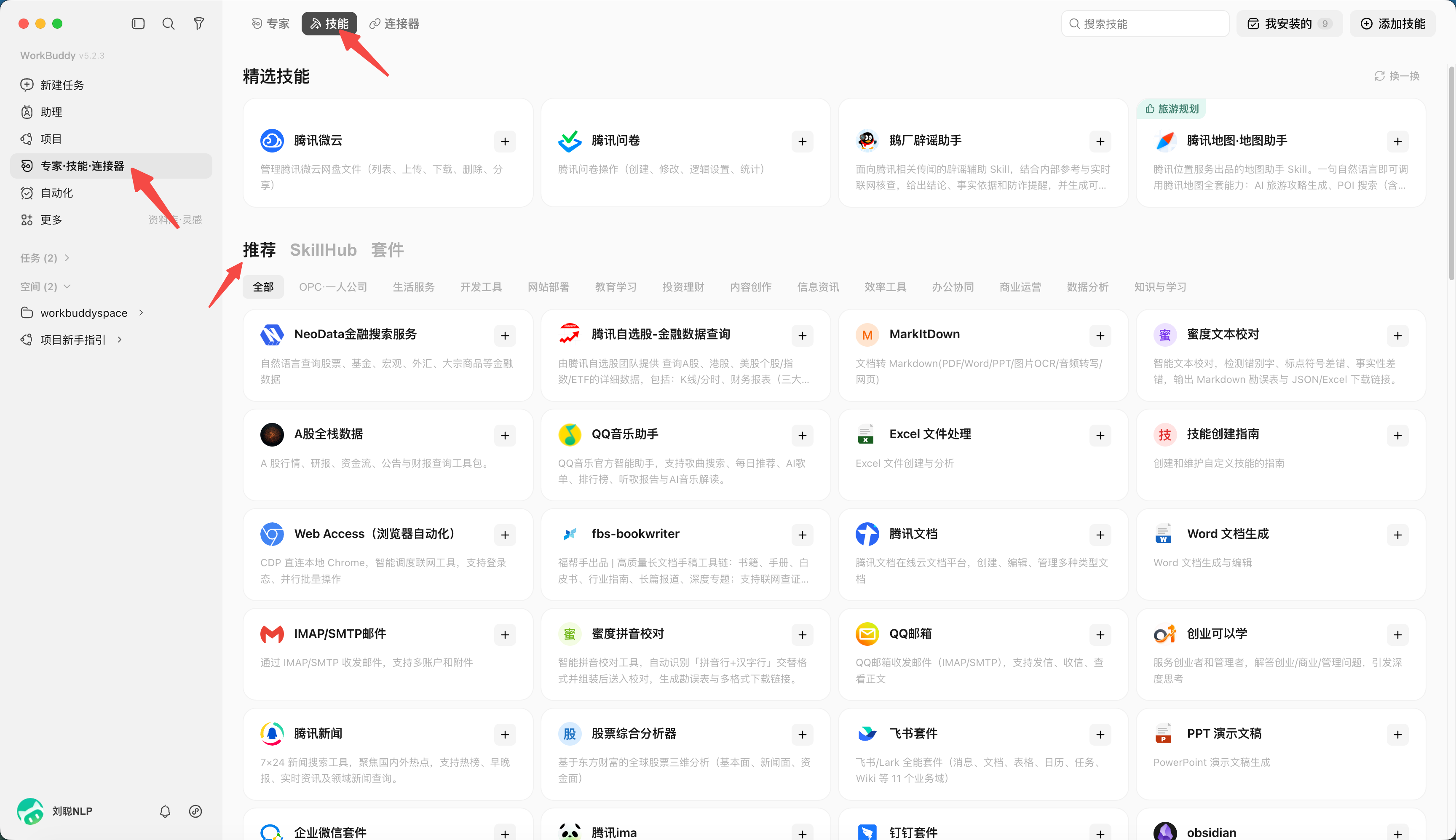
You can also find suitable skills in the SkillHub skills market
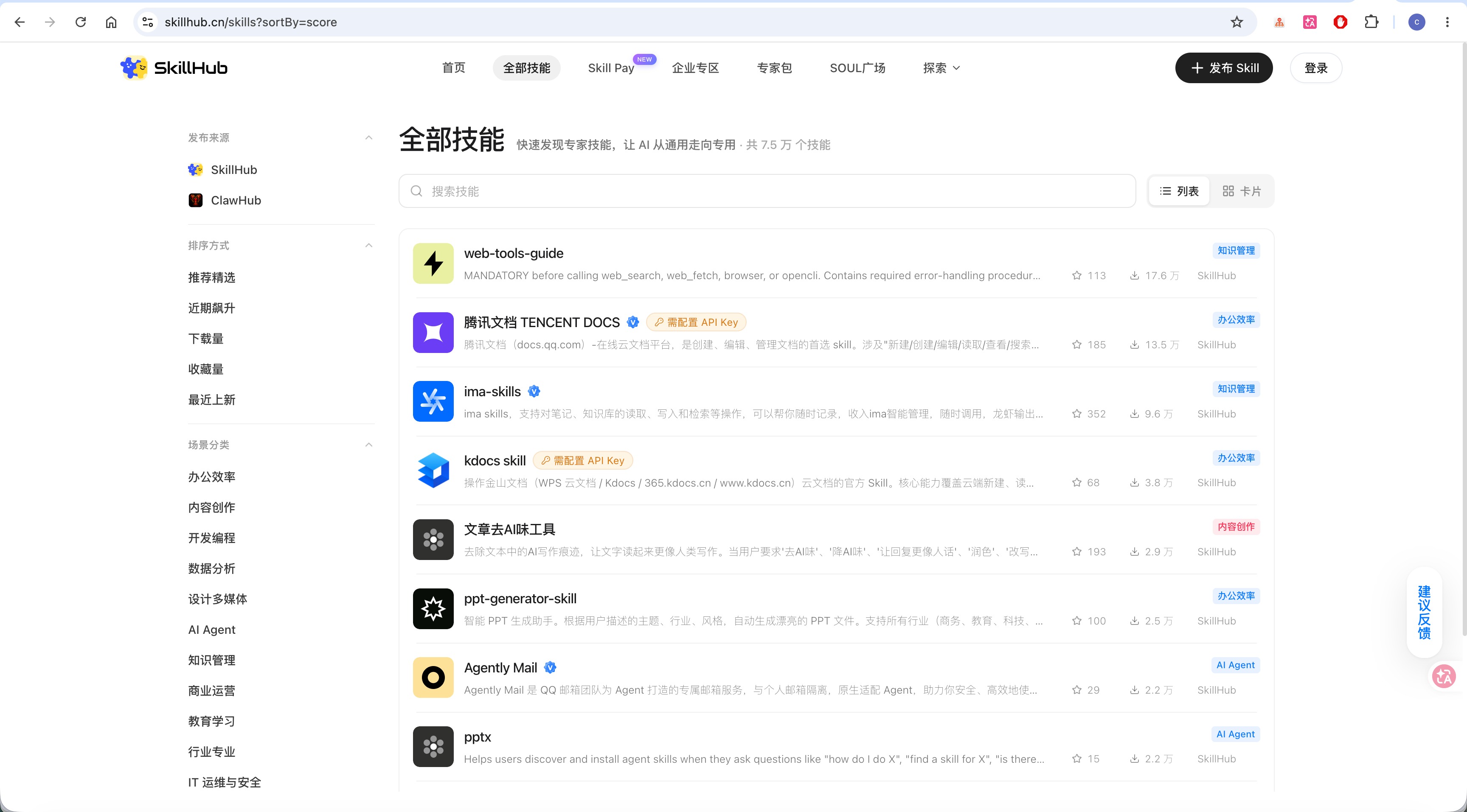
In addition to installing directly from the recommended list, you can also Import your downloaded skills.
For example, if you see a useful skill package on the Internet and download it as a zip file, the operation process is as follows: click "Upload Skill" and load the zip file.
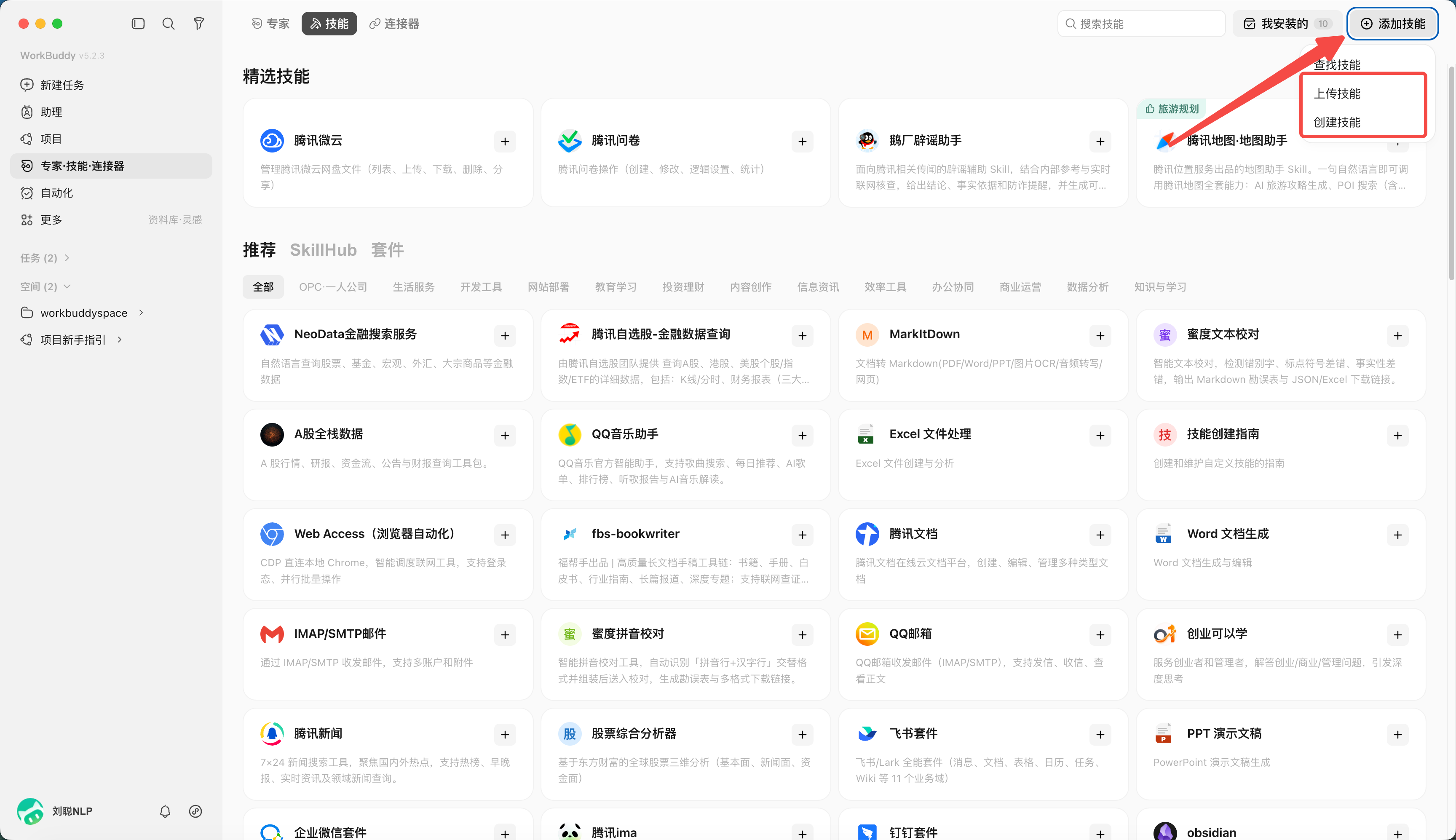
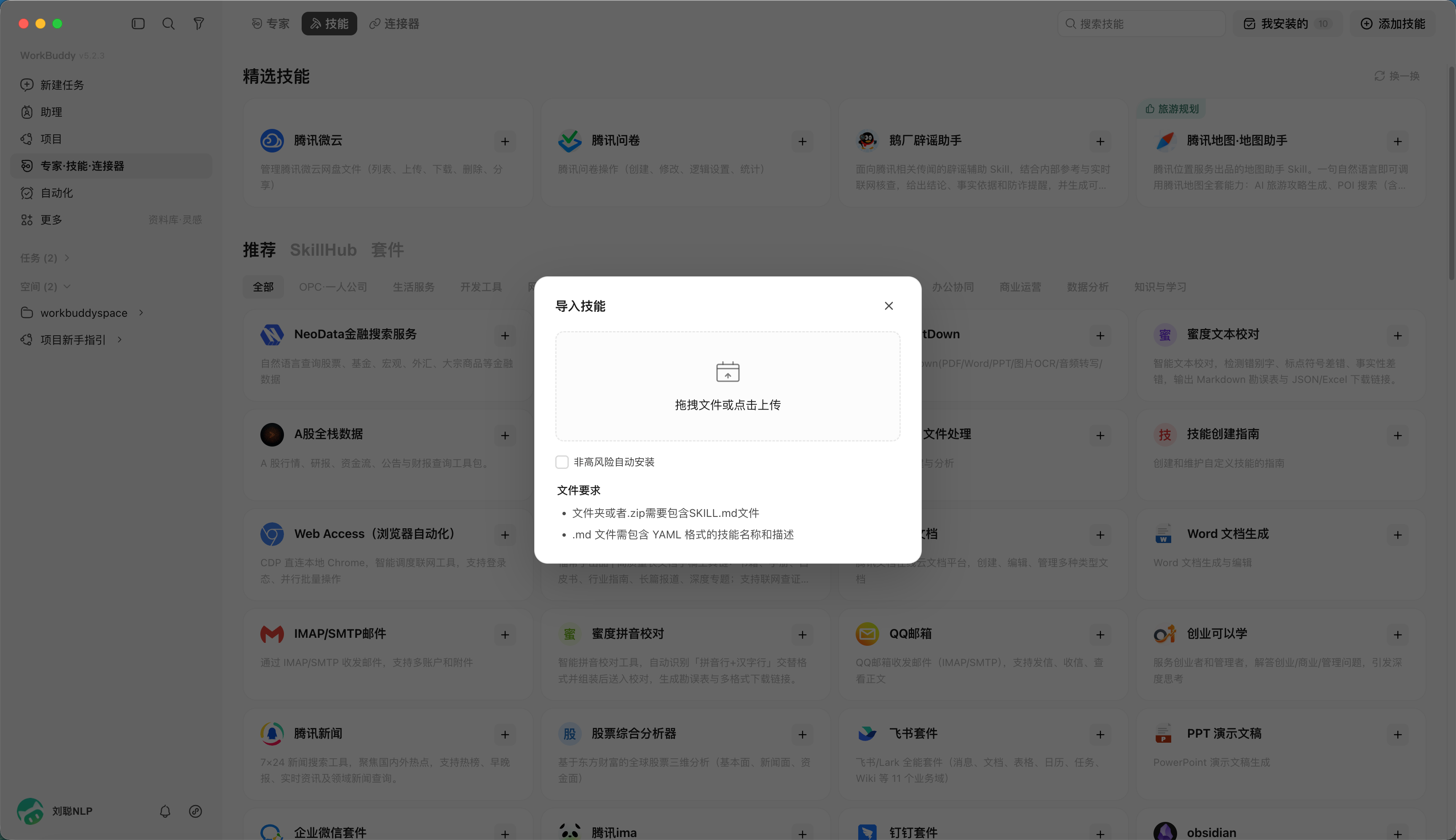
Use Skill to solve a task
For example, if you ask AI to write an article and need to remove the AI smell, you can find the "Article Removal Tool for AI Smell" Skill. After installation, when using it, just "/" to swap it out.
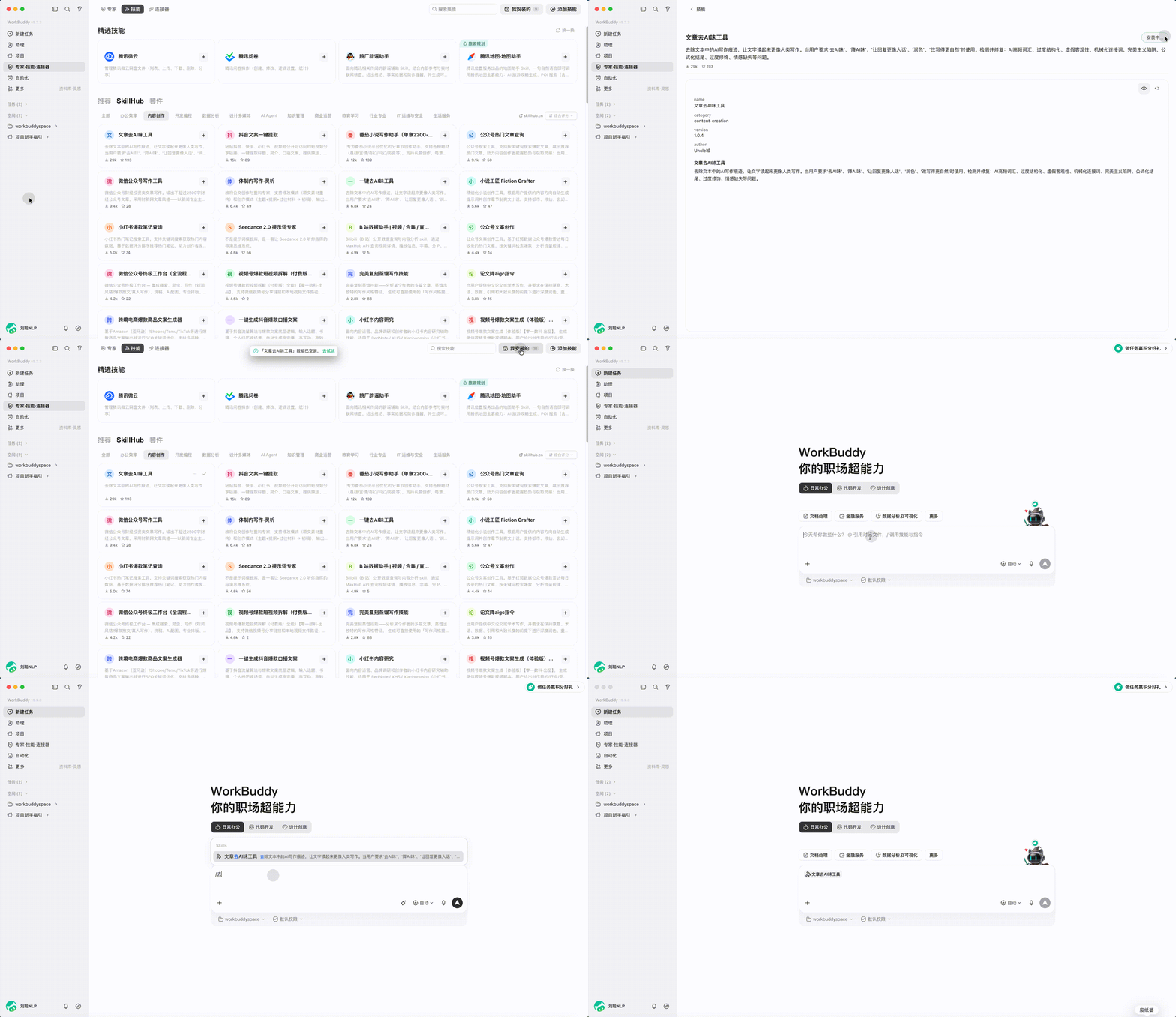
You only need to quote the Skill content and submit the article.
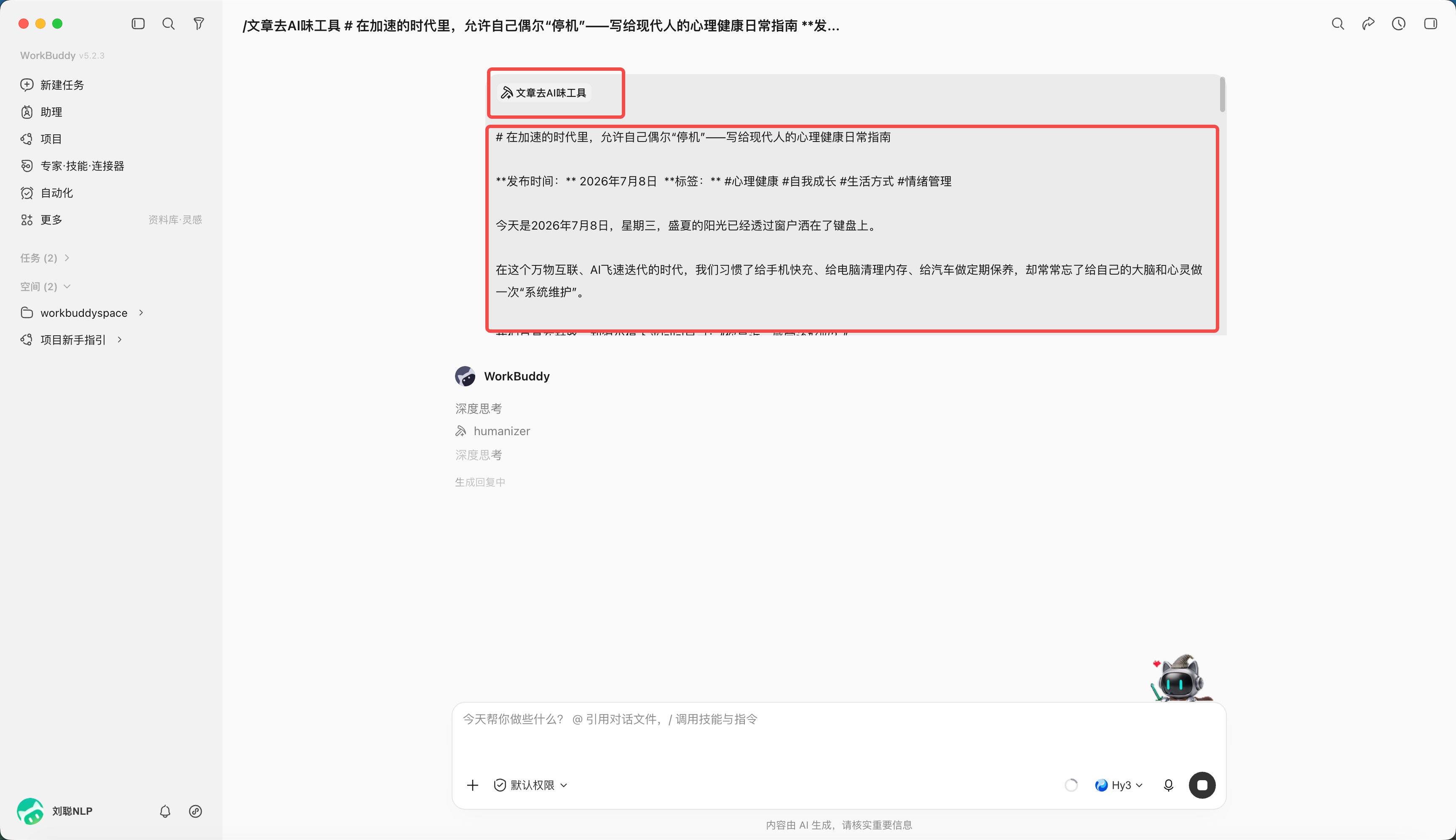
WorkBuddy will load the skill content first.
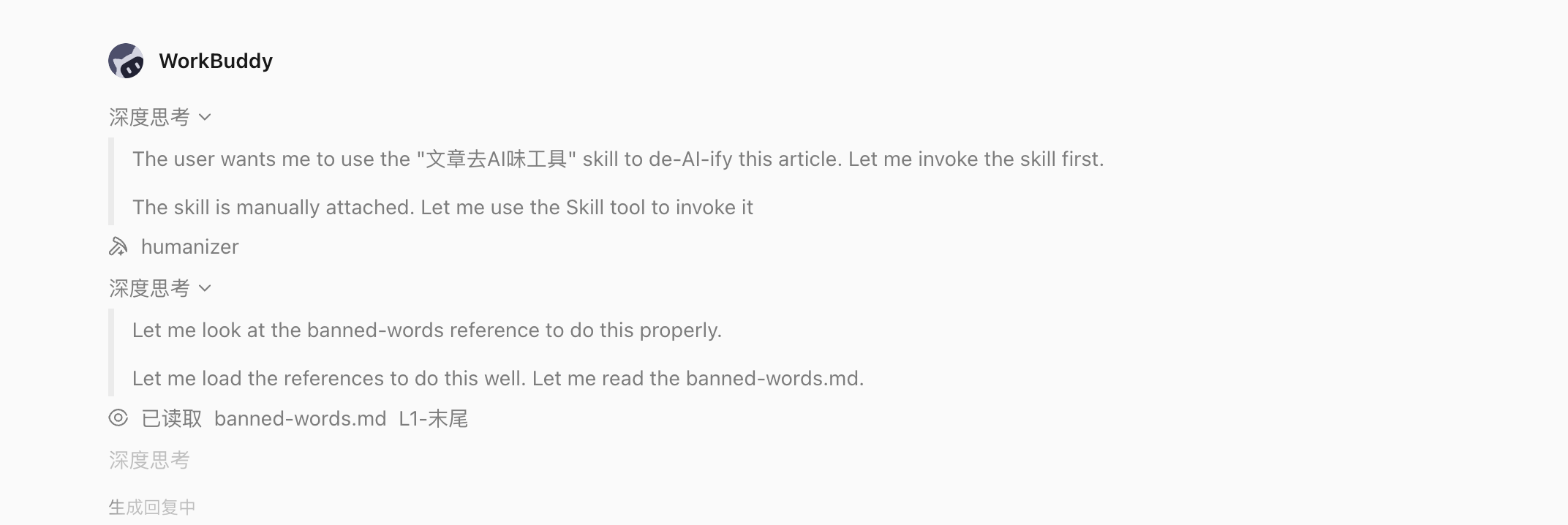
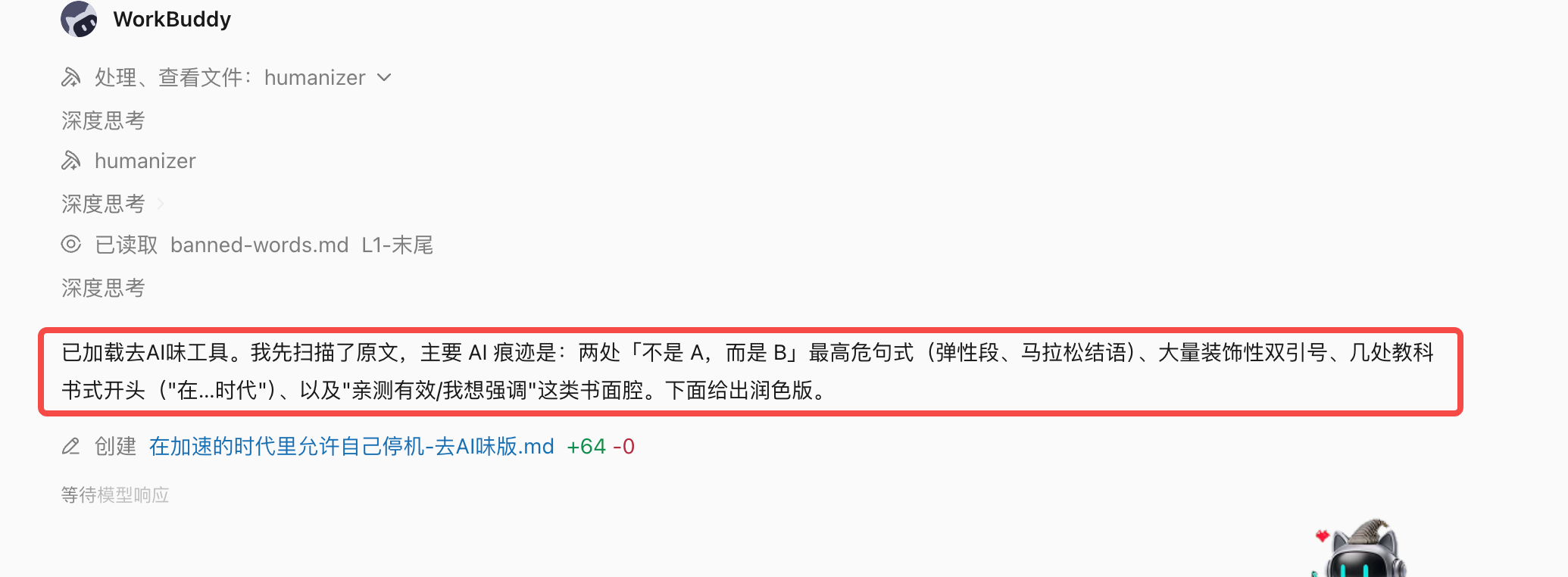
Execute according to the rules in the skill, for example, to remove not but, double quotation marks, etc.
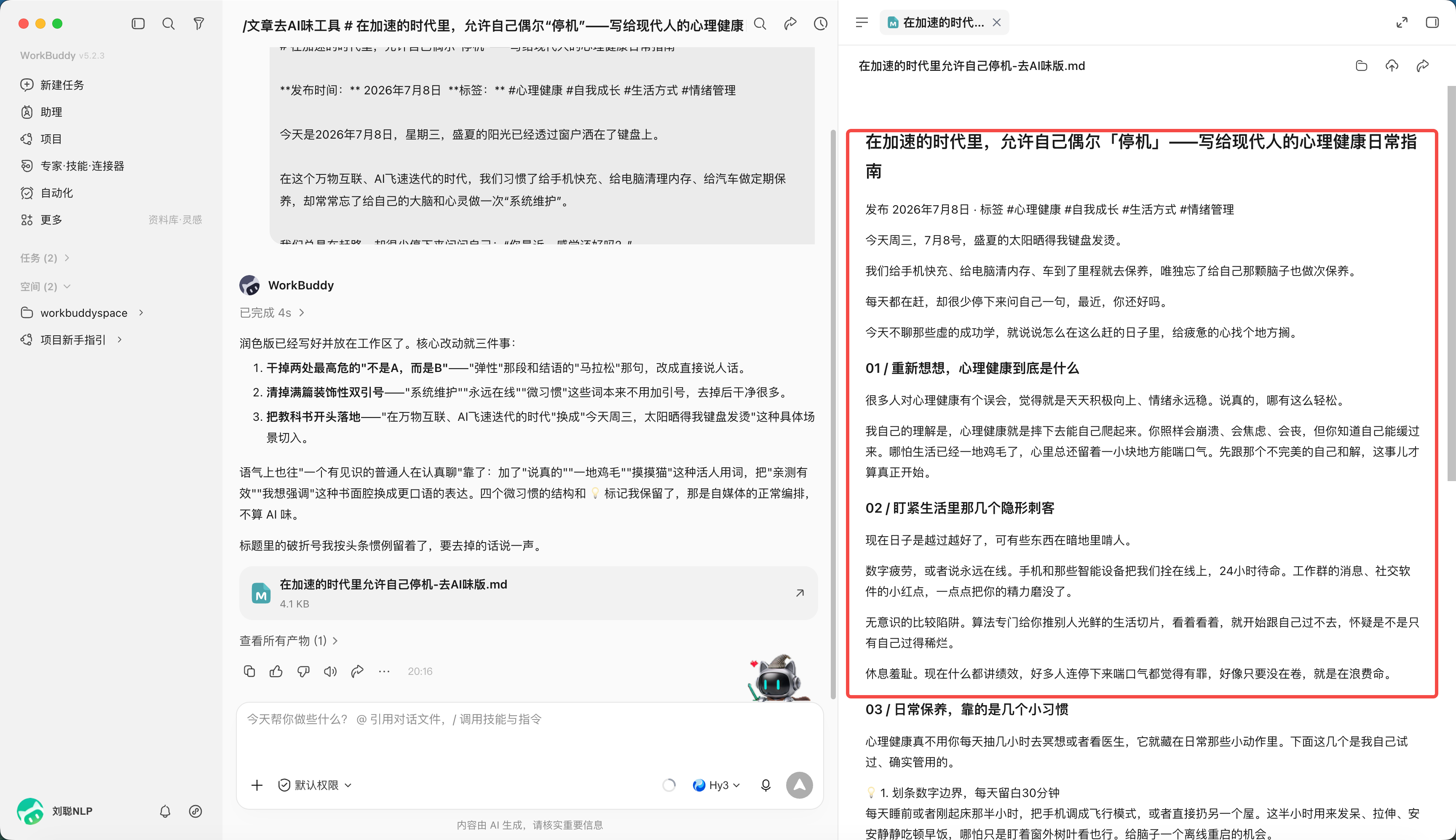
After modification, the results can be obtained, and the AI smell is indeed removed.
Closing and uninstalling skills
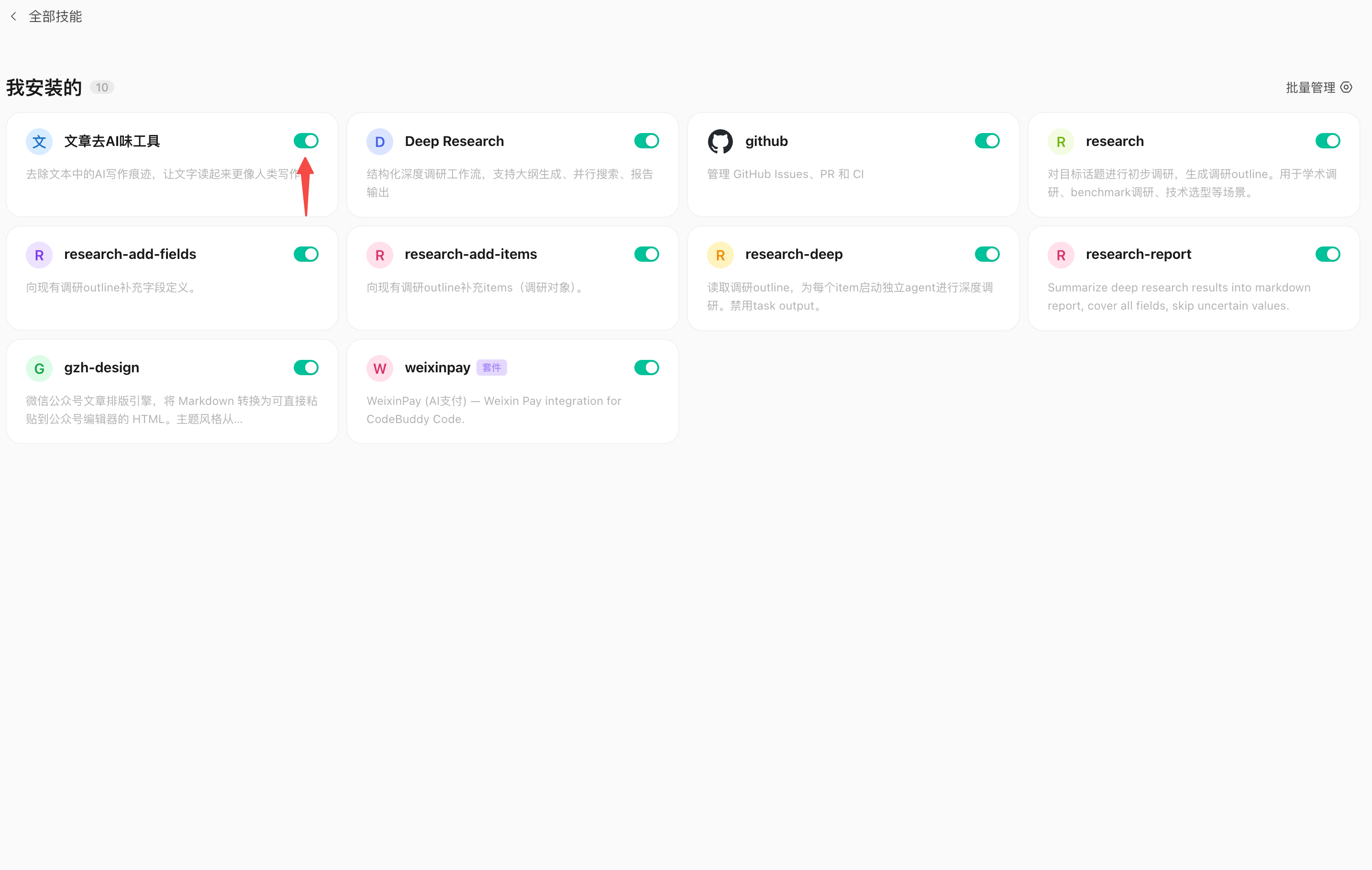
From all skills, click on My Installed
button to close (then close the Skill)
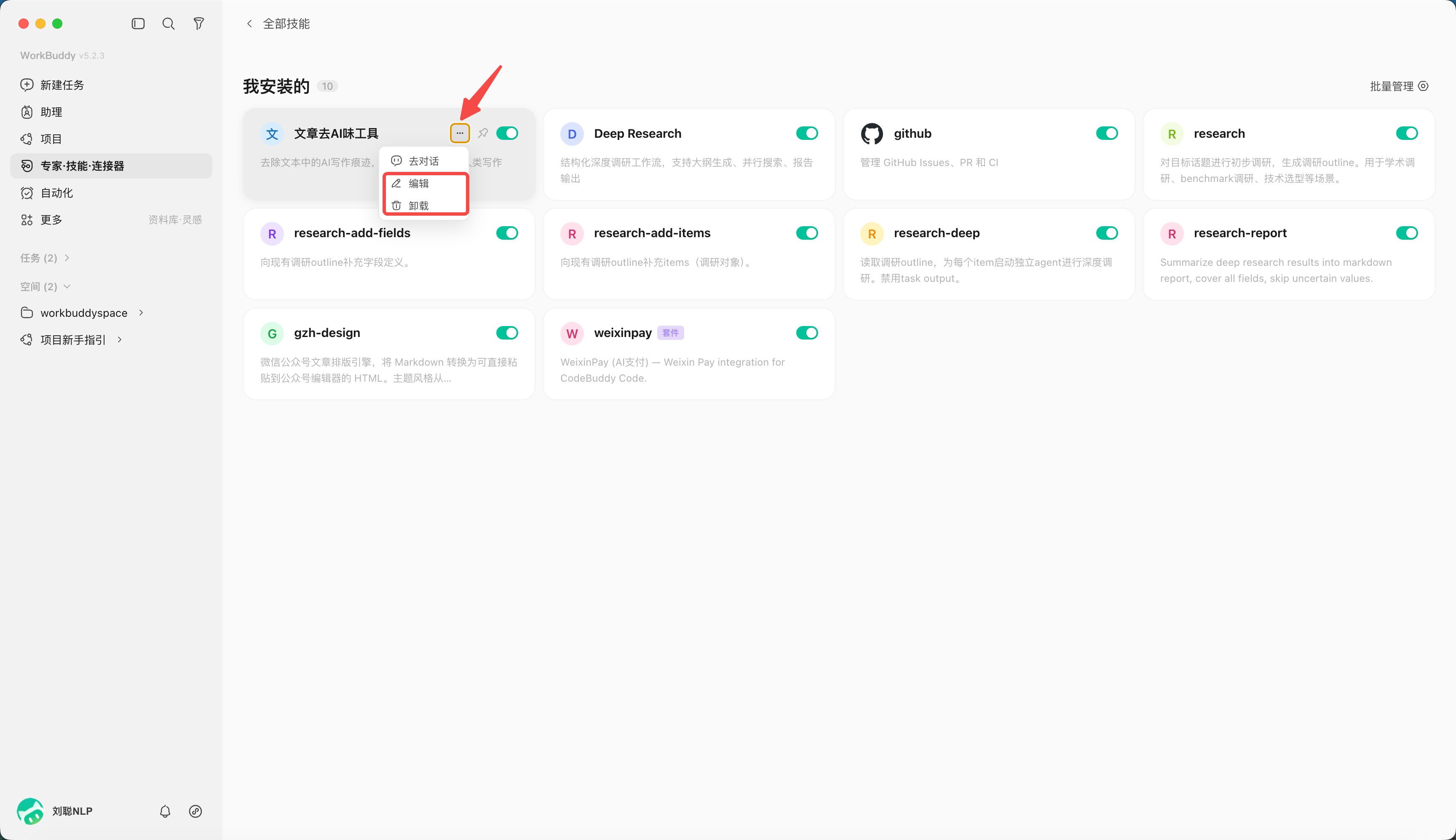
Click "···", you can choose to delete or edit the Skill
Chapter 6: WorkBuddy Experts and Expert Panels
The Difference Between an Expert, an Expert Panel, and a Skill
WorkBuddy itself is a universal Agent that can handle any task. But being universal doesn’t mean that every field should be approached in the same way.
For example,
Similarly, when analyzing a piece of sales data, an ordinary Agent may read the data, generate charts, and summarize trends. Data analysis experts will first understand the business goals, then determine core indicators, check data quality, look for abnormal changes, analyze possible causes, and finally give executable business suggestions.
When writing a Xiaohongshu copywriting article, an ordinary Agent may pay more attention to the content itself. Xiaohongshu Operations experts will also consider topic selection, title, opening retention, content seeding logic, platform content ecology and interactive design.
Expert is defined as a role switching mechanism that allows WorkBuddy to perform tasks as an expert in a specific field through persona, methodology, and tool chain.
The simplest understanding is:
Generic WorkBuddy = Generic AI Colleague
Expert = AI colleague with clear position and professional experience
And Expert Panel is defined as a collaborative execution mechanism. A Expert Panel is composed of multiple experts. The team leader automatically breaks down tasks, distributes work, executes it in parallel, and finally integrates and delivers it.
Users only need to tell the team leader the customer background, latest needs and expected results. There is no need to select team members or split tasks by themselves. The team leader will arrange content, activities, analysis and other member collaborations, and finally summarize the complete plan.
| way | essence | suitable question |
|---|---|---|
| Common tasks | General understanding and execution | One-time clear task |
| Skill | Specific tool capabilities | Need to perform an action stably |
| expert | Persona + methodology + tool chain | Single-point expertise in a clear field |
| Expert Panel | Multiple experts + collaborative process | Complex projects that need to be dismantled, parallelized, and summarized |
Call an expert
- Open "Expert·Skill·connector" and select "Expert";
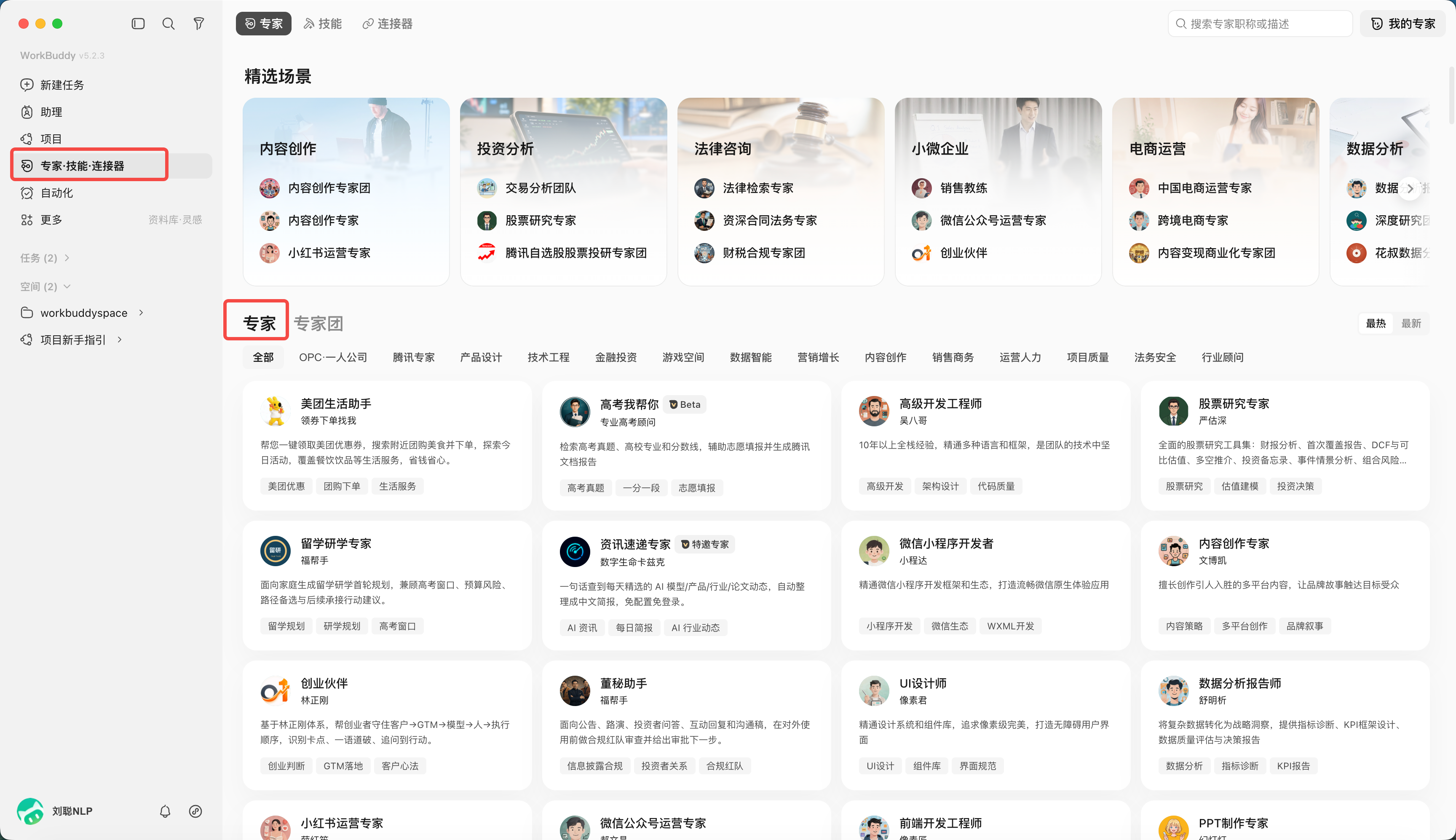
- Click "Summon Experts"; take the "College Entrance Examination I'll Help You" expert as an example
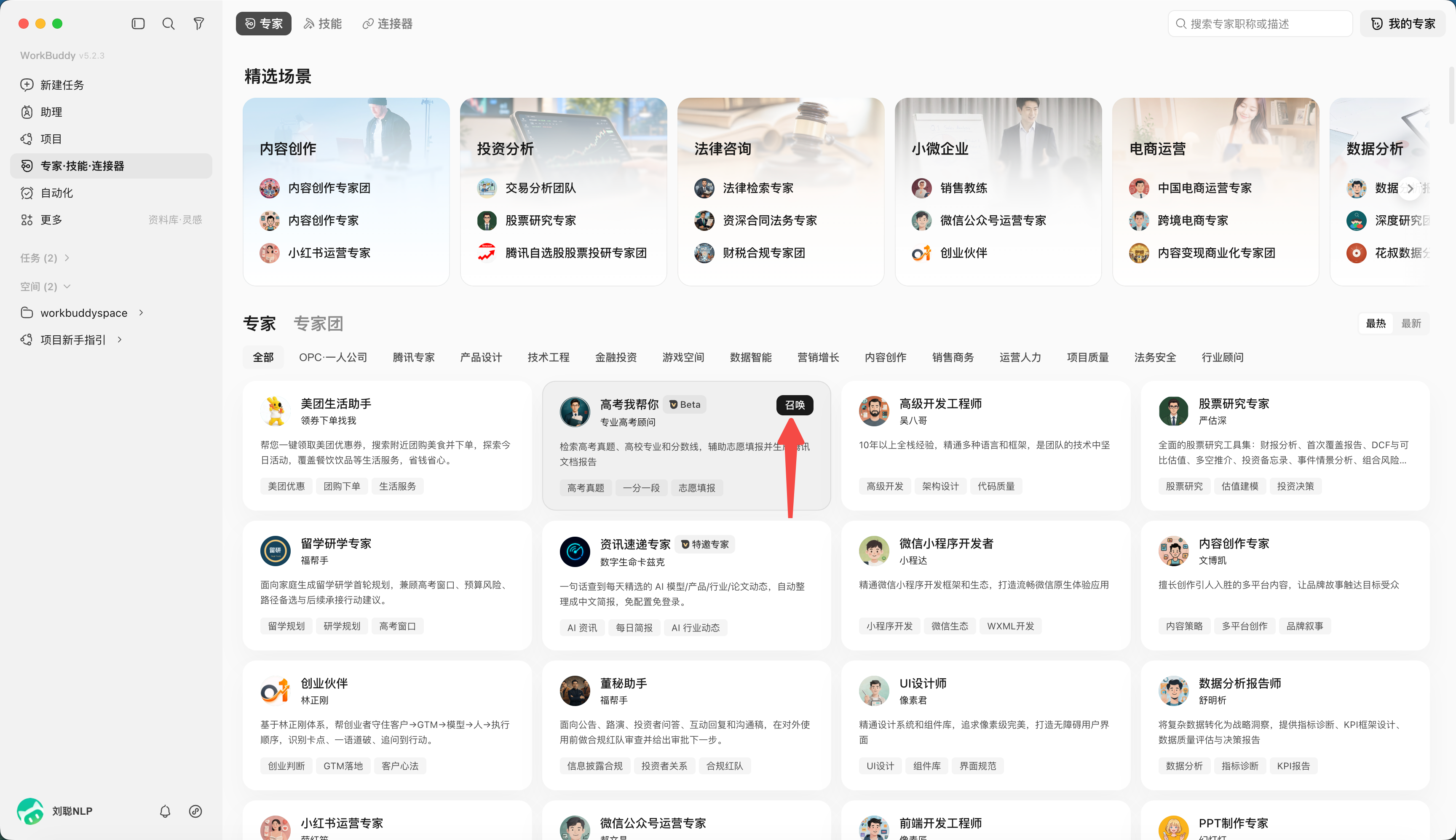
- Provide task content, such as "Help me check the actual mathematics questions for the 2026 College Entrance Examination"
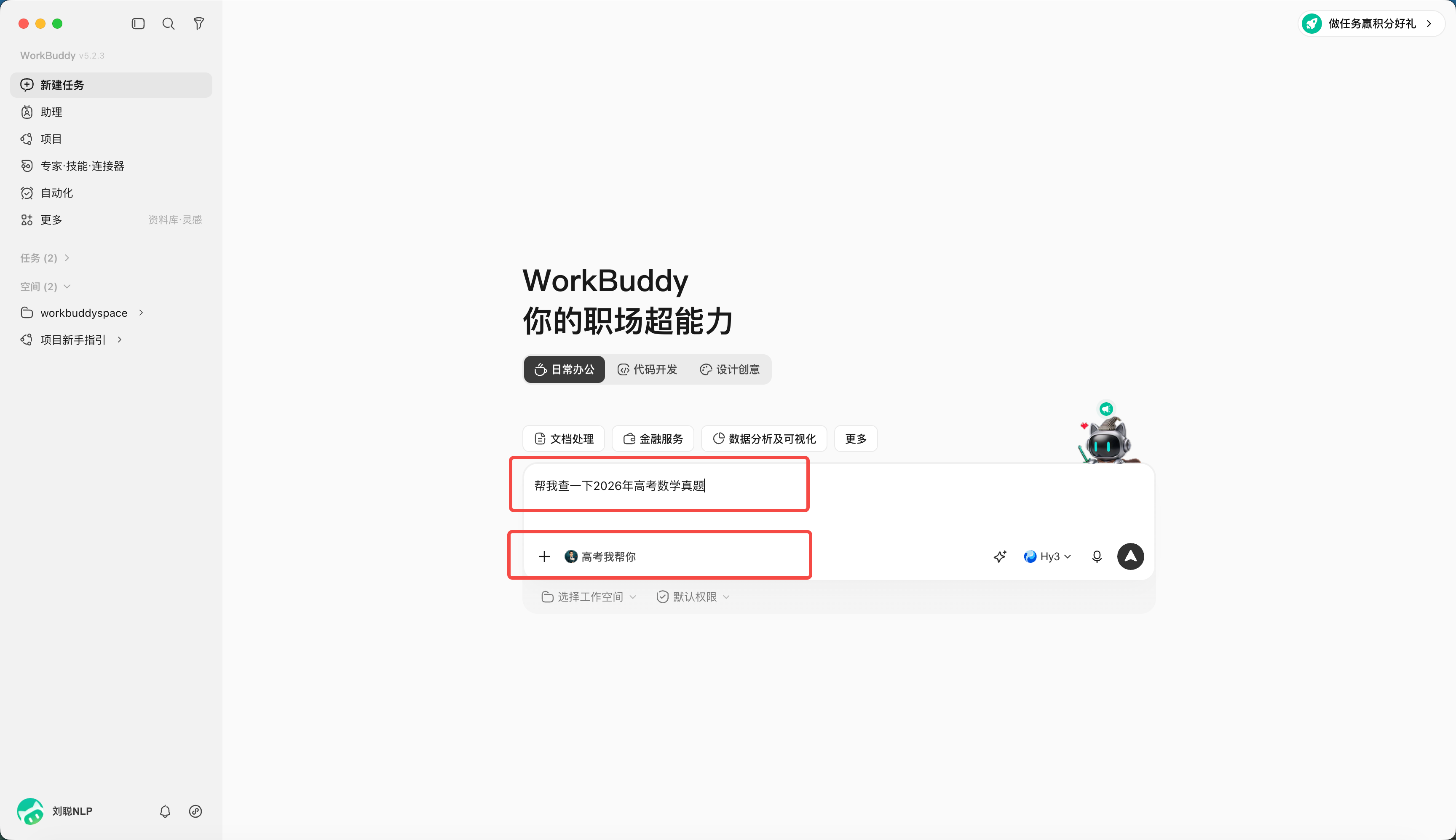
- Waiting for results
Create an expert
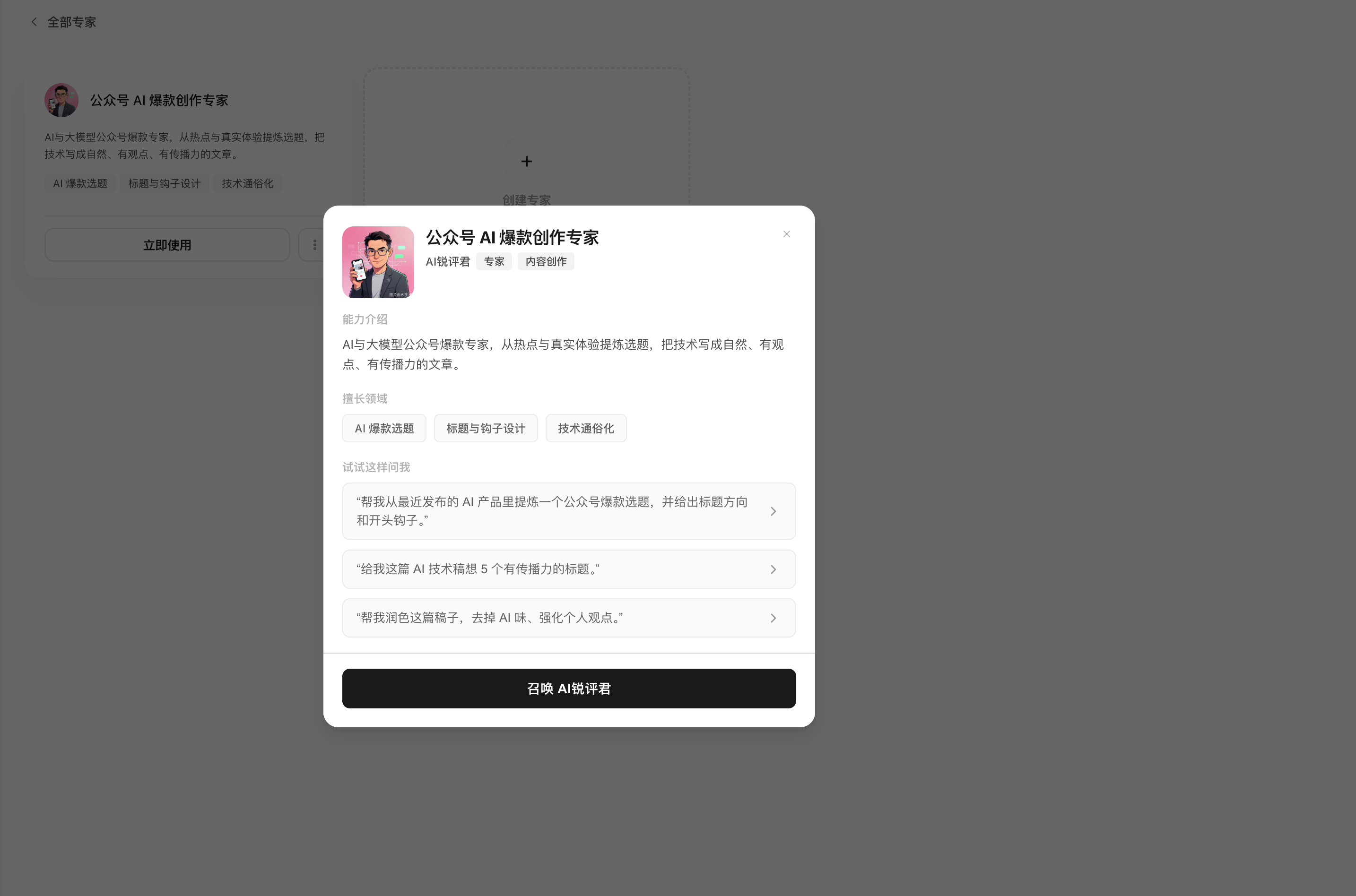
Click My Experts to create an expert
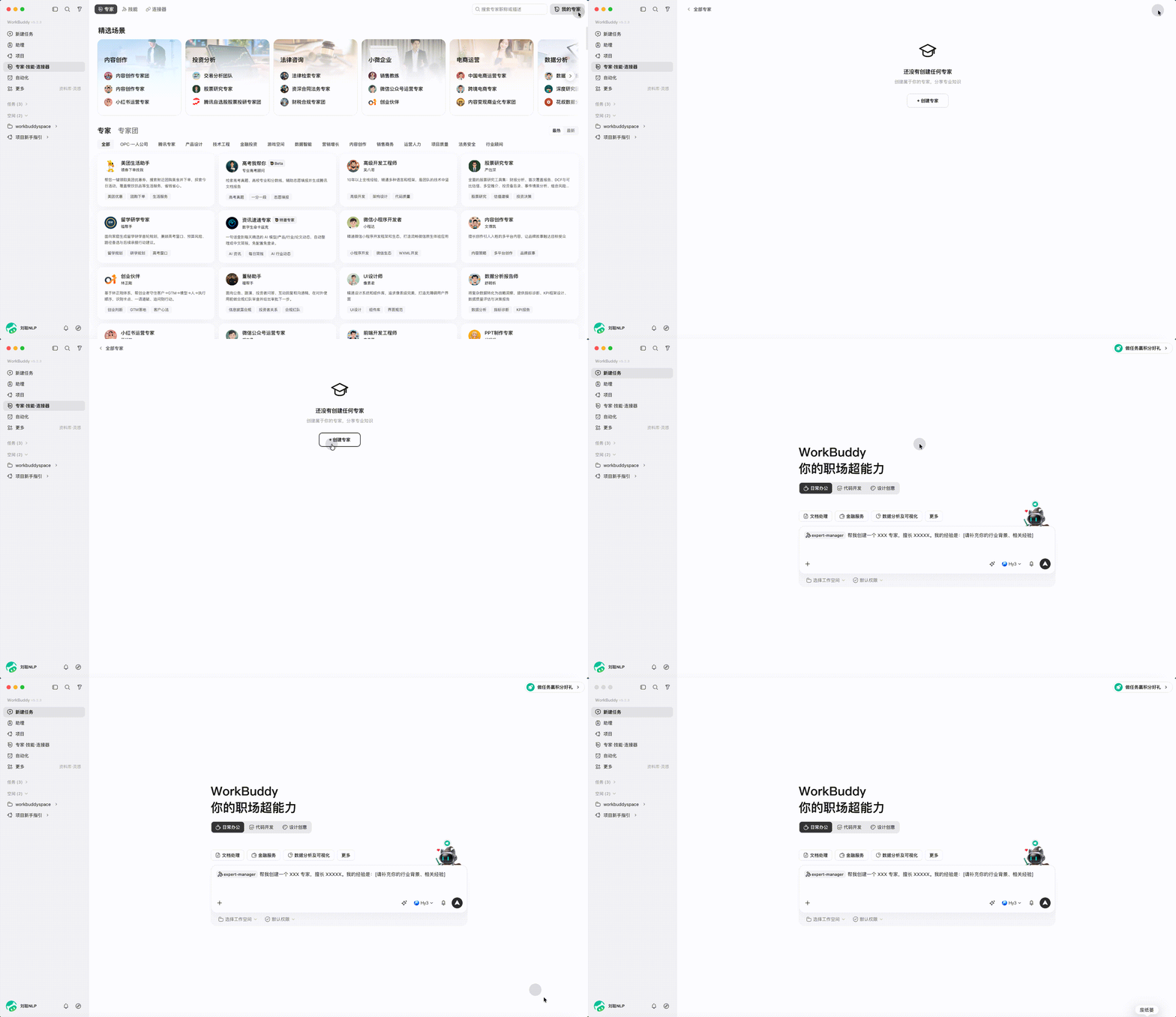
For example, create a public account creation expert,
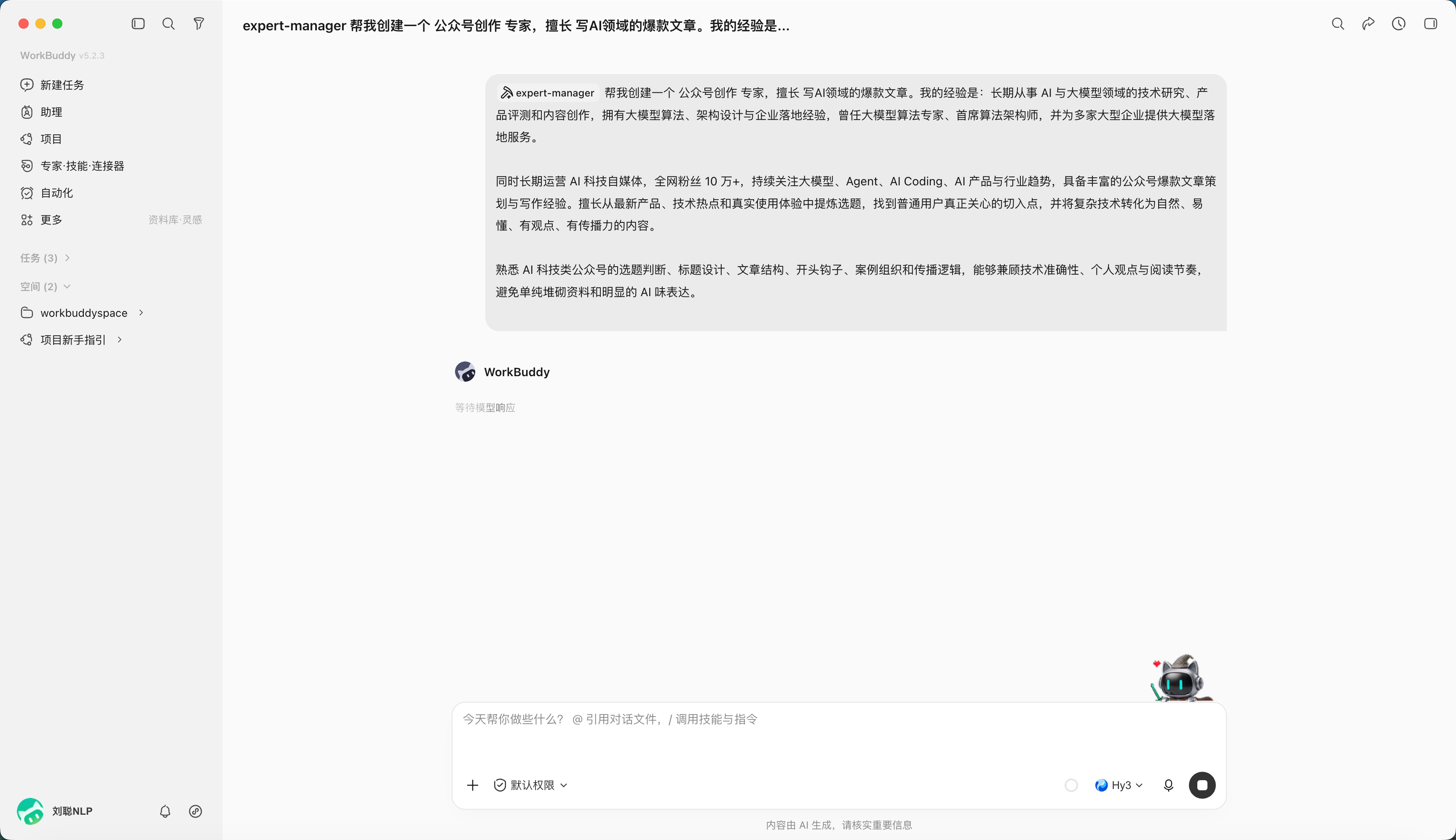
The generation is completed and can be tested
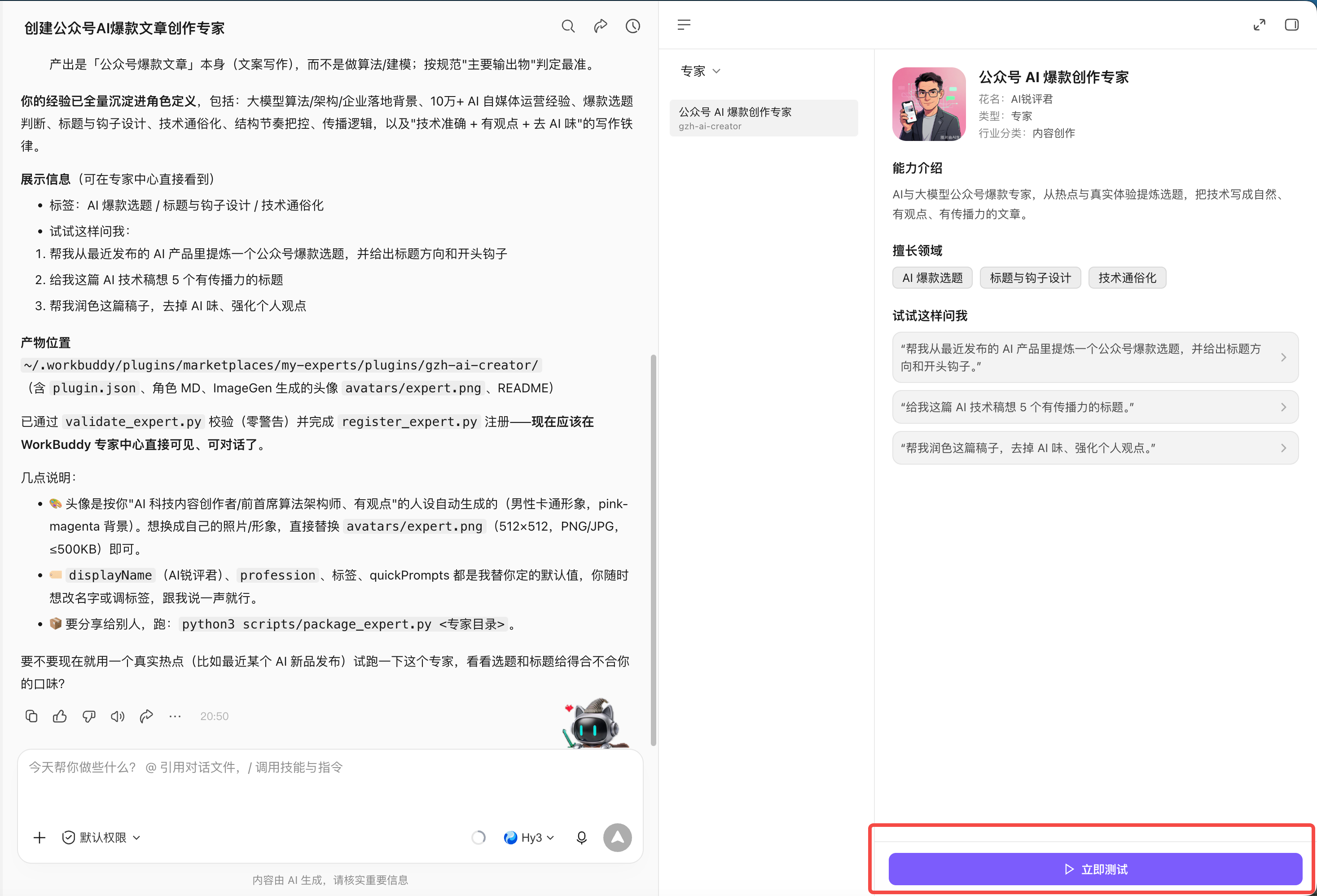
Also available in My Experts.
Invoke an Expert Panel
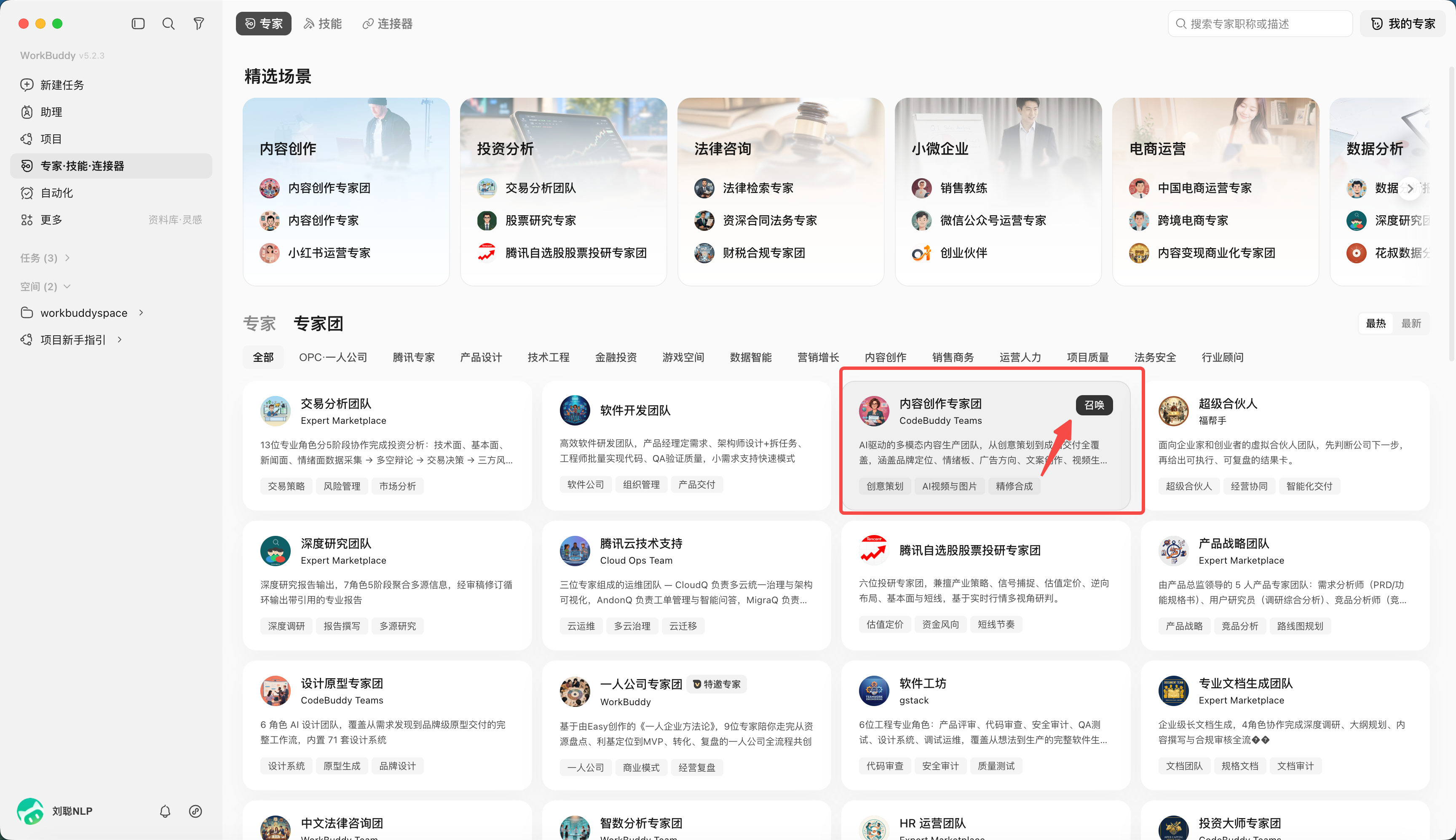
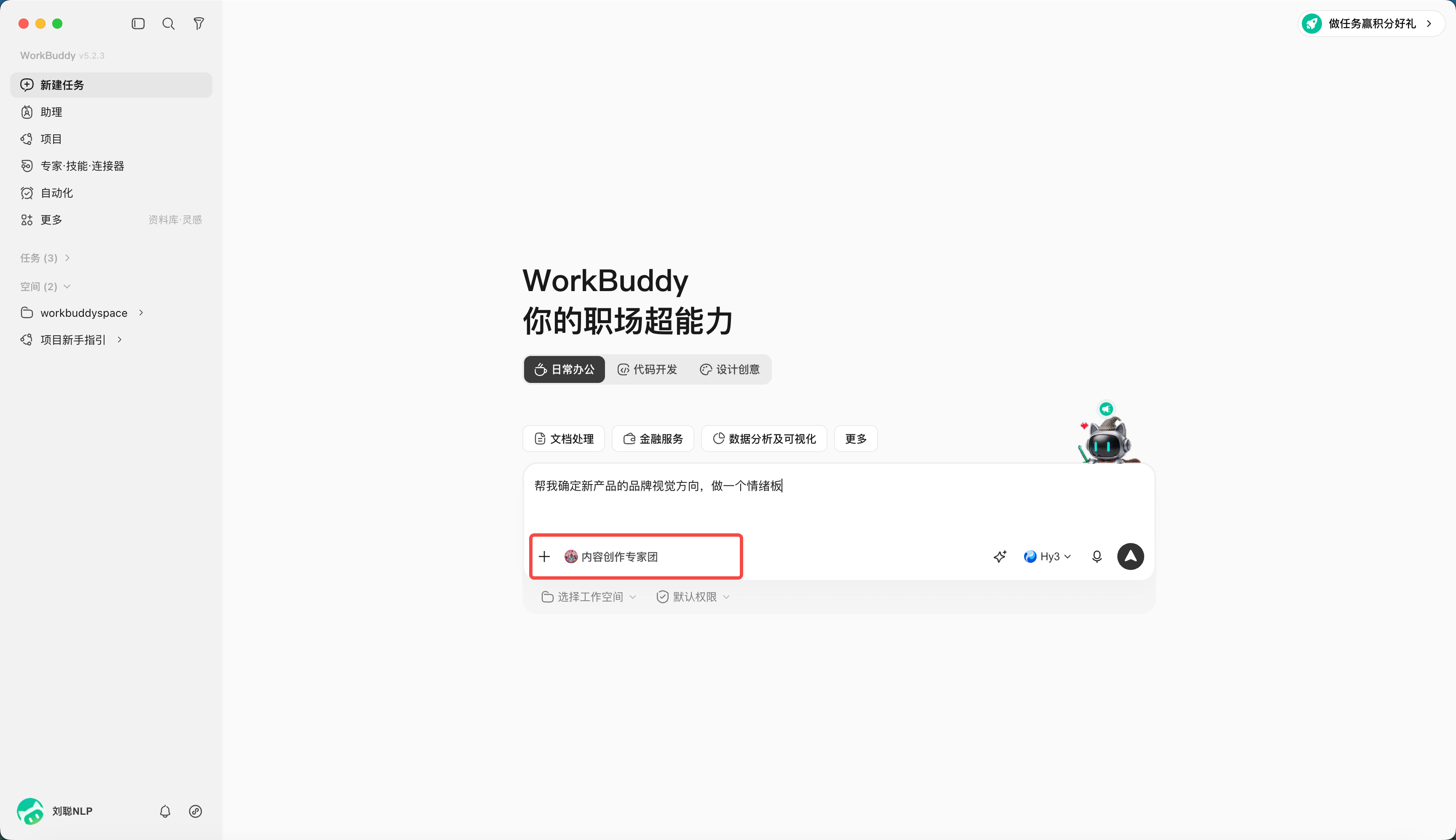
The Expert Panel team leader is responsible for dismantling and summarizing, and members perform it in parallel or serially according to their roles. Before starting the task, confirm: whether the division of labor among members is complete, which steps depend on the previous step, when someone is needed to make the decision, and who will ultimately integrate it.
Open "Expert·Skill·connector", select "Expert Panel", and click to summon
Chapter 7: Using WorkBuddy Connectors
This chapter introduces the basic concepts and common operations of connector. After completion, you can continue reading Chapter 8 Feishu Office Practice: From access to delivery, practice cross-tool collaboration through 5-step access and 8 office scenarios.
MCP refers to Model Context Protocol, It is an open standard protocol launched and open sourced by Anthropic at the end of 2024. It has become one of the most popular infrastructures in the AI field.
To use a popular metaphor:MCP is the “USB-C interface” of the AI world.
Why Is MCP Needed?
In the past, if you wanted an AI assistant (Agent) to connect to external tools (such as GitHub, local file systems, PostgreSQL databases, Slack, etc.), developers had to write dedicated docking code for "each AI application" and "each tool". If there are 10 AI applications and 10 tools, 100 interfaces need to be written (an N × M integration nightmare).
With MCP, tool developers only need to develop an "MCP Server" (equivalent to a USB-C device) in accordance with the MCP standard, and any AI application that supports MCP (such as Cursor, various Agent frameworks) only needs to have a built-in "MCP Client" (equivalent to a USB-C interface).plug and play. This simplifies the complex development work of N × M into N + M.
Core Features of MCP
- Unified standardized protocol (say goodbye to reinventing the wheel)
MCP provides a common set of specifications (based on JSON-RPC). Whether it is reading local files, querying databases, or calling third-party SaaS APIs, AI can understand and call it through the same set of protocol logic. This significantly lowers the threshold for tool integration in Agent development, allowing developers to focus on the core logic of Agent instead of writing cumbersome API docking code.
- Support three core capabilities
MCP not only allows AI to "do things", but also allows AI to "look at data" and "play cards according to routines". It standardizes three core primitives:
- Tools: Allow AI to perform actions. For example: run a piece of code, create a task in Jira, write data to the database.
- Resources (resources/context): Allow AI to read external data. For example: getting a list of files in a Git repository, querying a vector database for a specific fragment as context for answering a question.
- Prompts (prompt template): Provides predefined interaction templates that allow users or AI to trigger specific complex Workflow in a standardized way.
- C/S architecture and high degree of decoupling, MCP adopts client-server architecture:
- MCP Host: The AI host application you use (such as IDE, Agent platform).
- MCP Client: The component inside the Host that is responsible for maintaining a 1:1 connection with the Server.
- MCP Server: A lightweight standalone program dedicated to exposing the capabilities of a specific tool or data.
This decoupling means you can replace the underlying large language model at any time, or add new data sources at any time, without having to rebuild the entire Agent system.
- Local first and security (privacy friendly)
MCP supports communication via local standard input and output (stdio) or local HTTP. This means your MCP Server can run entirely on your local computer. Sensitive data (such as local code, private database content, e-commerce backend data) does not need to be uploaded to the cloud third-party server. The AI model only obtains the necessary context when reasoning is needed, which greatly improves the data security of enterprise-level applications.
Load a connector
Currently, QQ mailbox, Tencent Docs, Tencent Lexiang, Tencent Meeting, TAPD, and other connectors are supported.
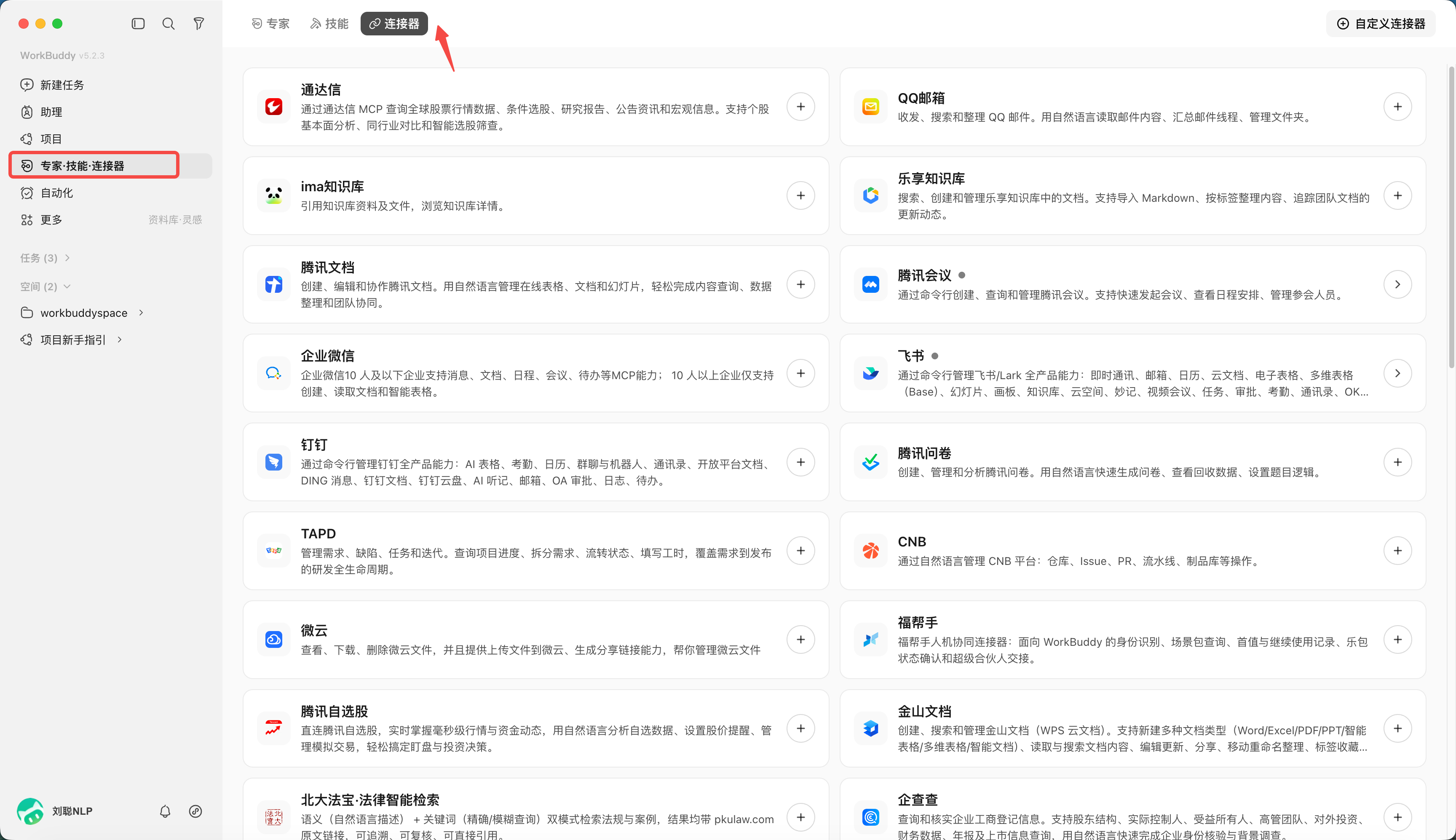
For example, load Tencentmeetingconnector,
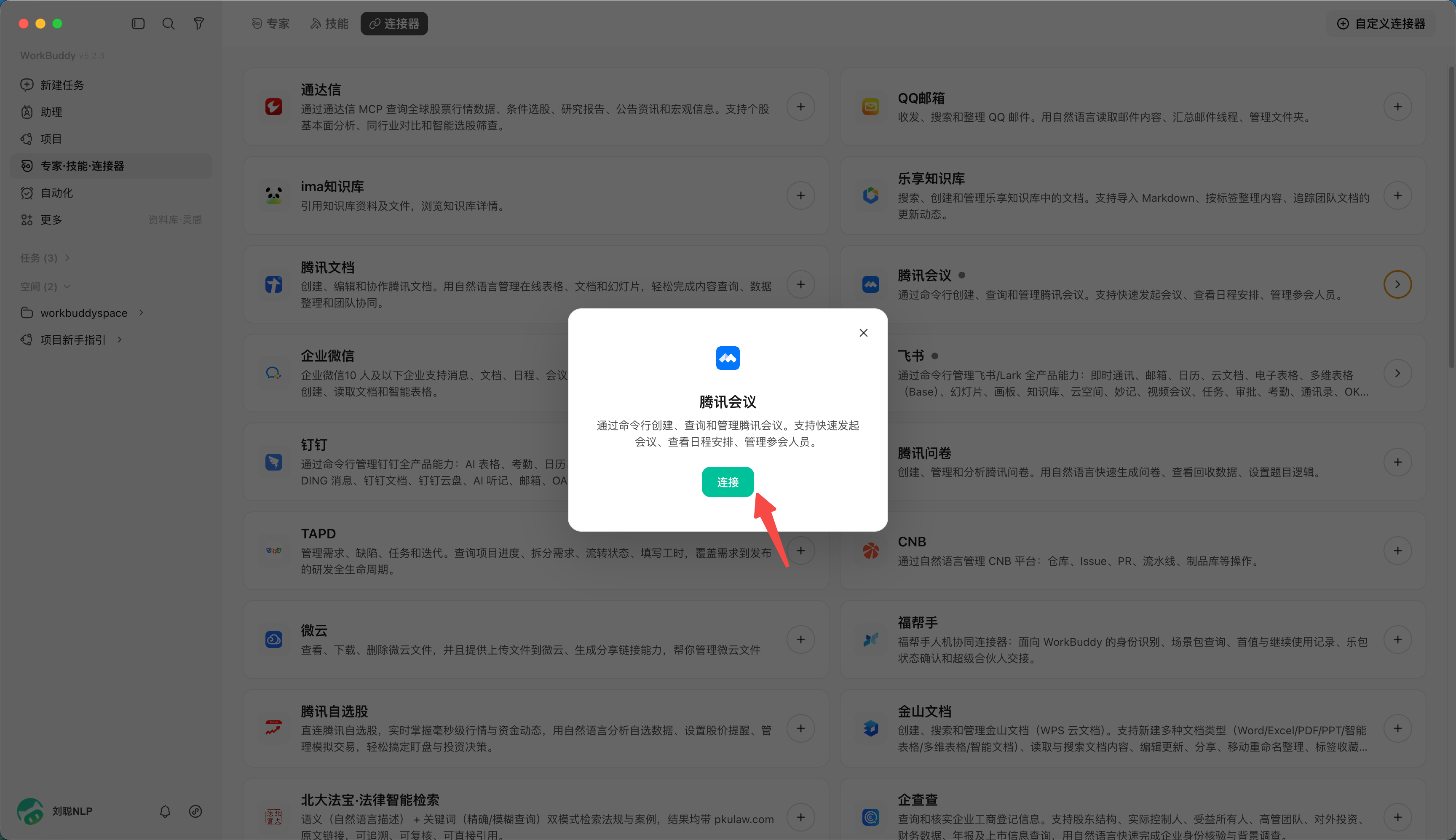
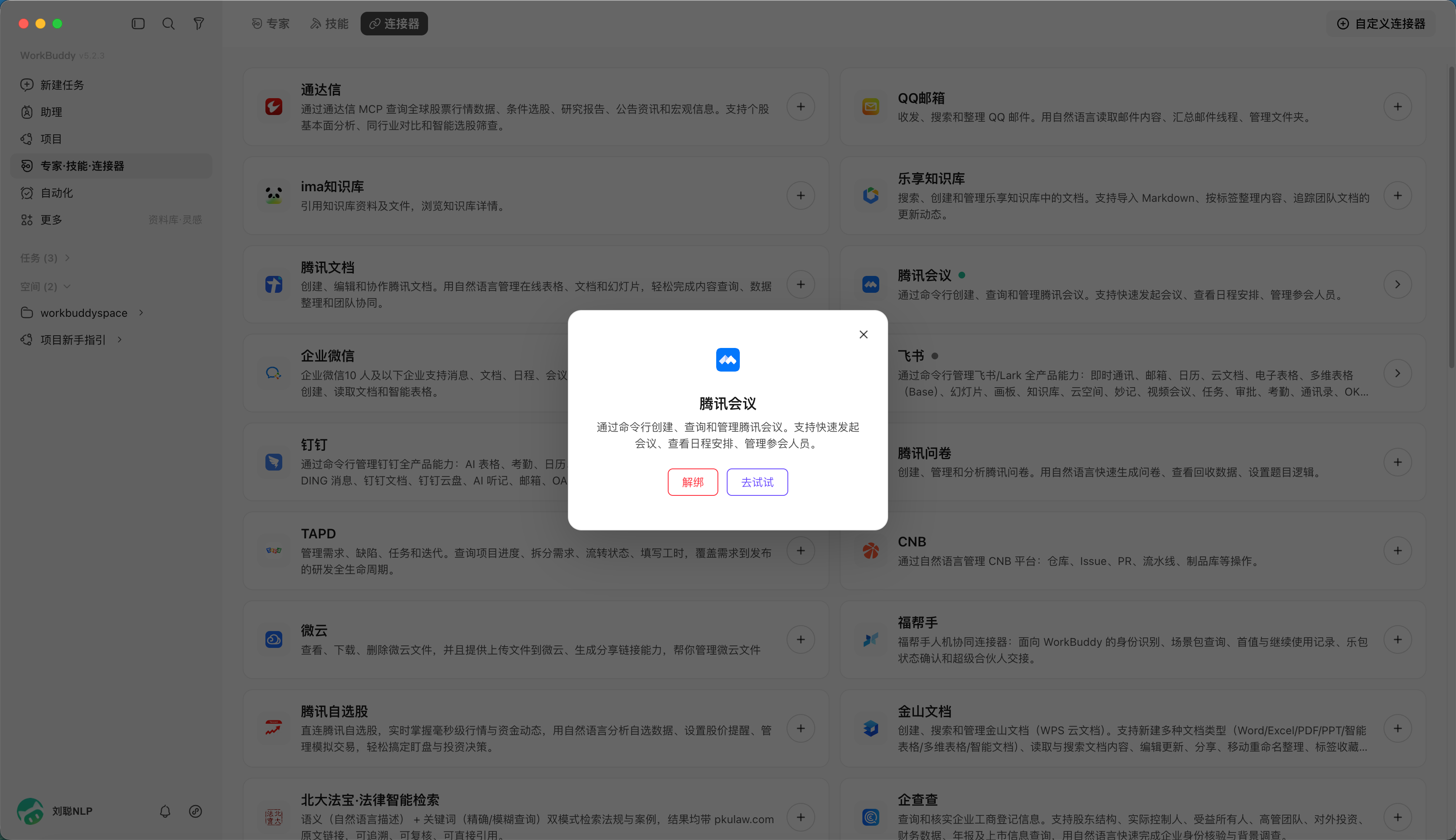
Create a task
Help me create a meeting for tomorrow at 3pm,
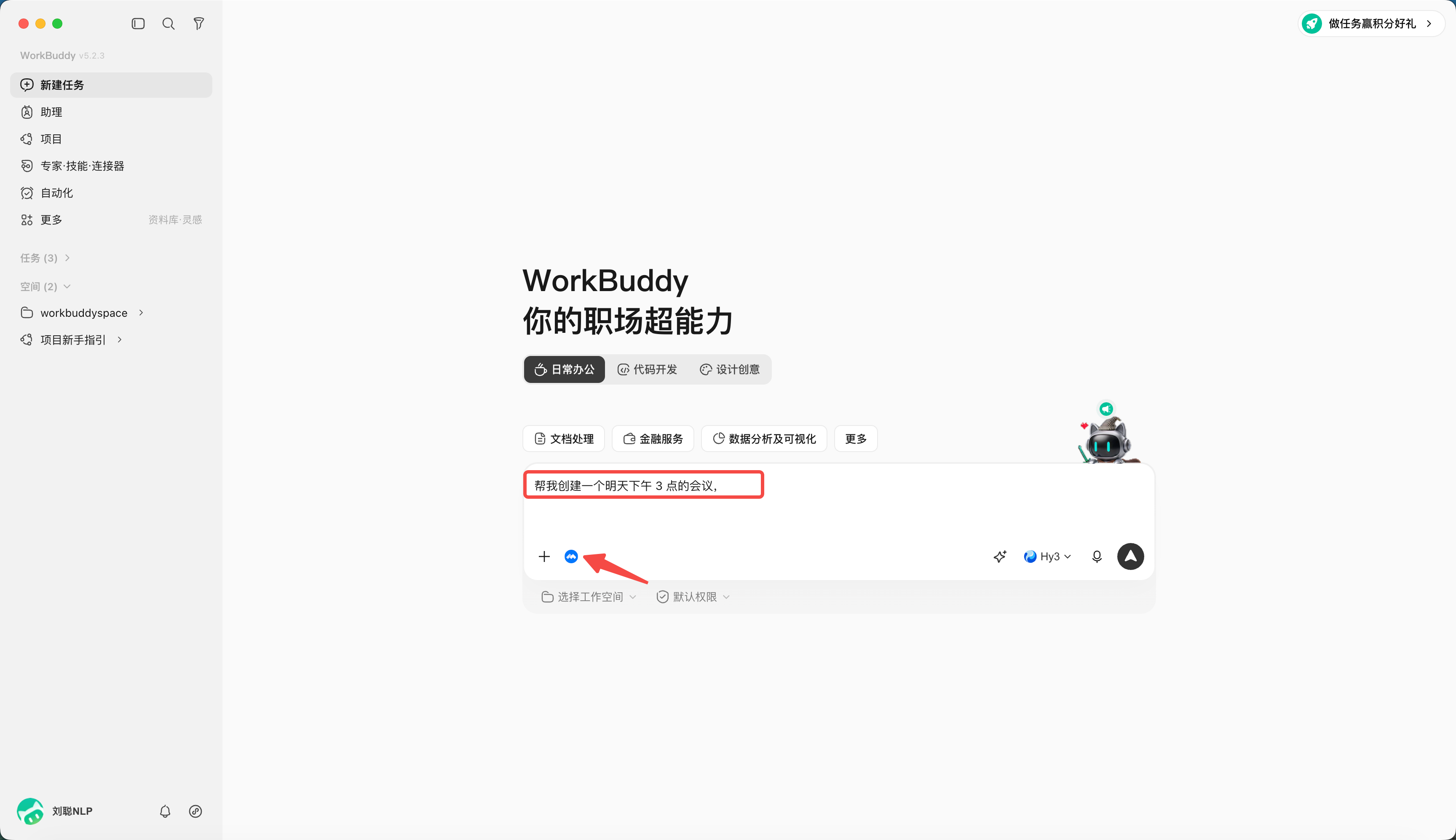
Topic "Project Discussion", duration 1 hour
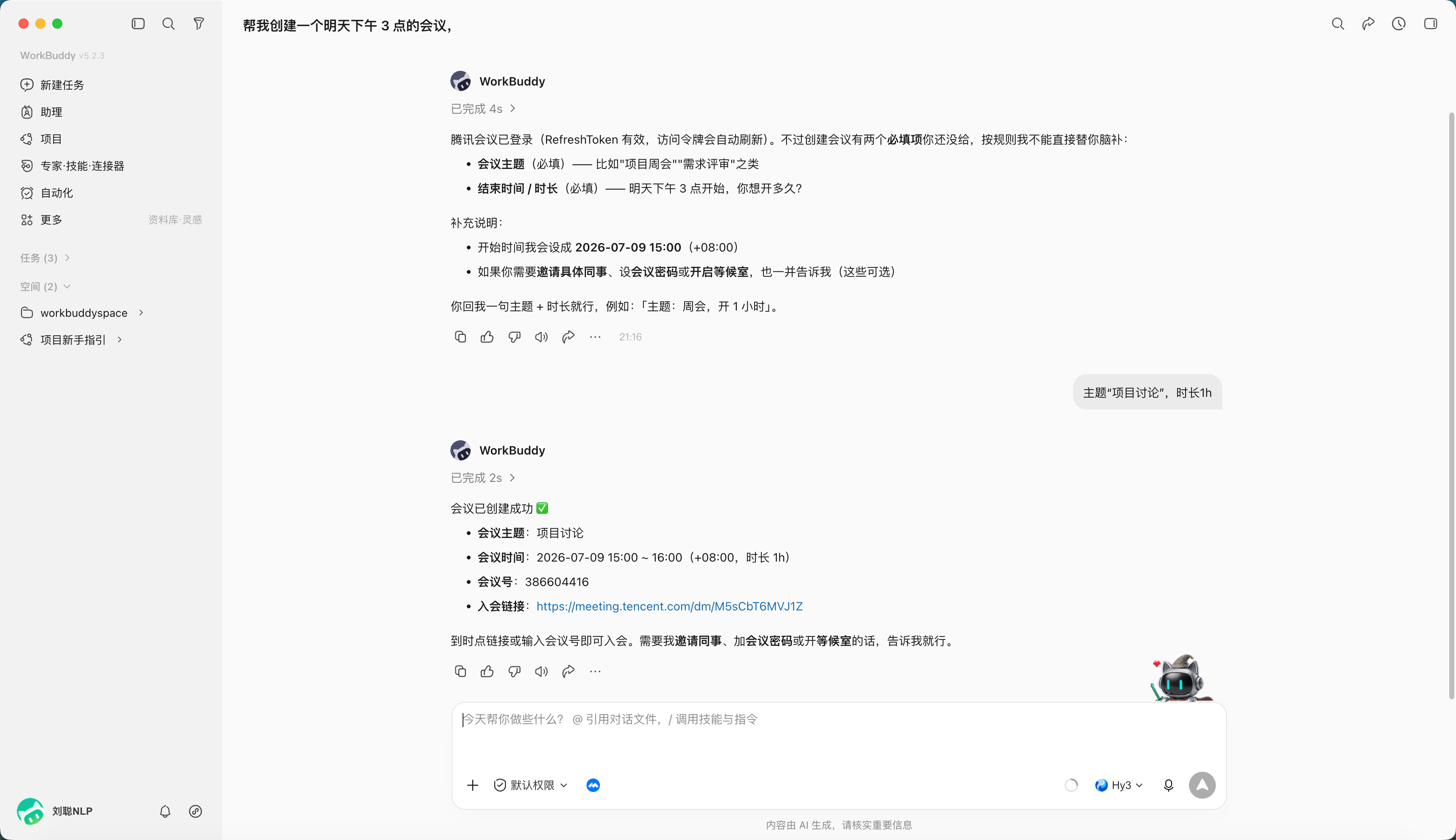
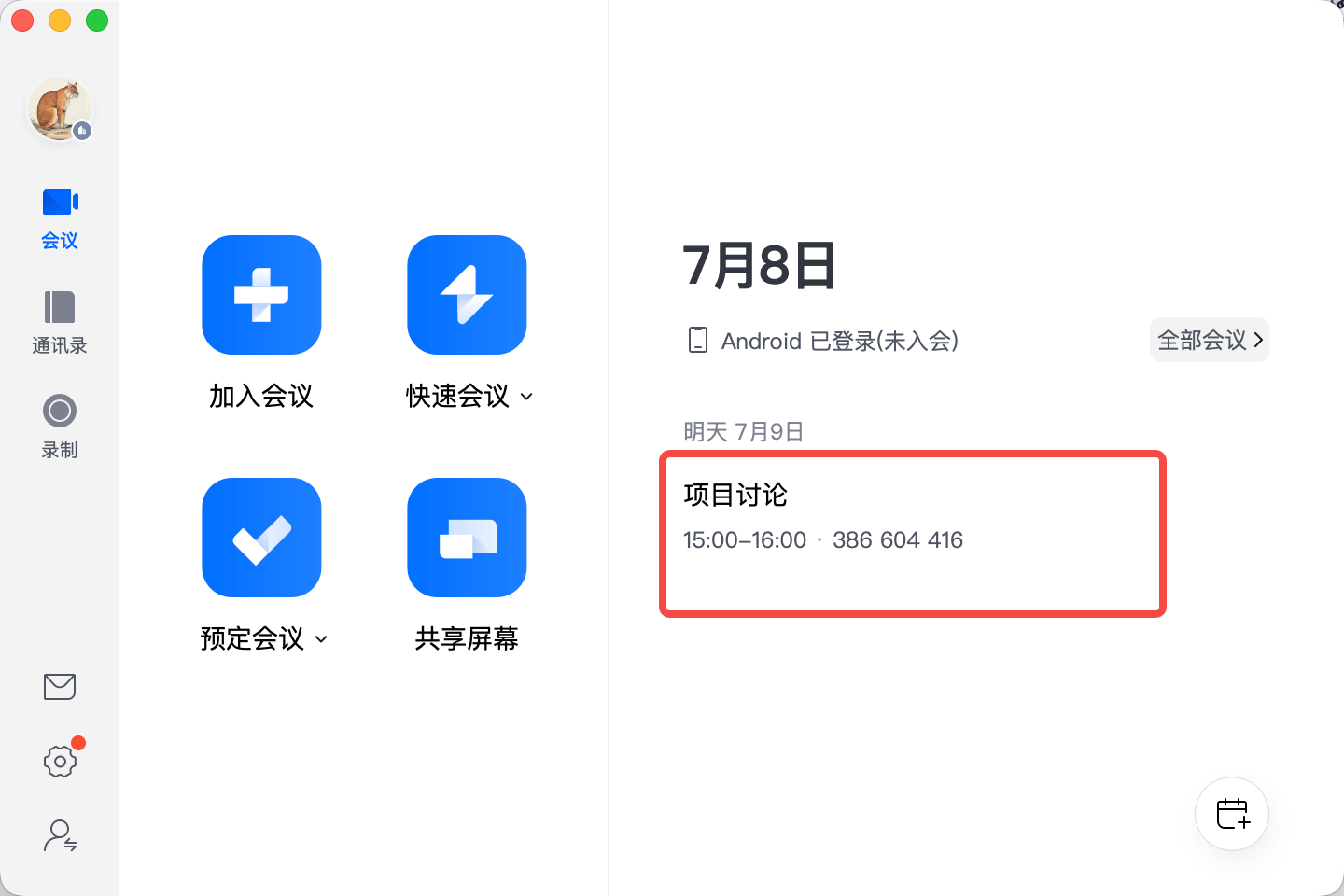
Created successfully
Add a connector
Click "Customize connector" in the upper right corner of the connector management page, follow the guidance to configure MCP (including service address, authentication method), and prompt that the access scope of customized connector is configured by the user
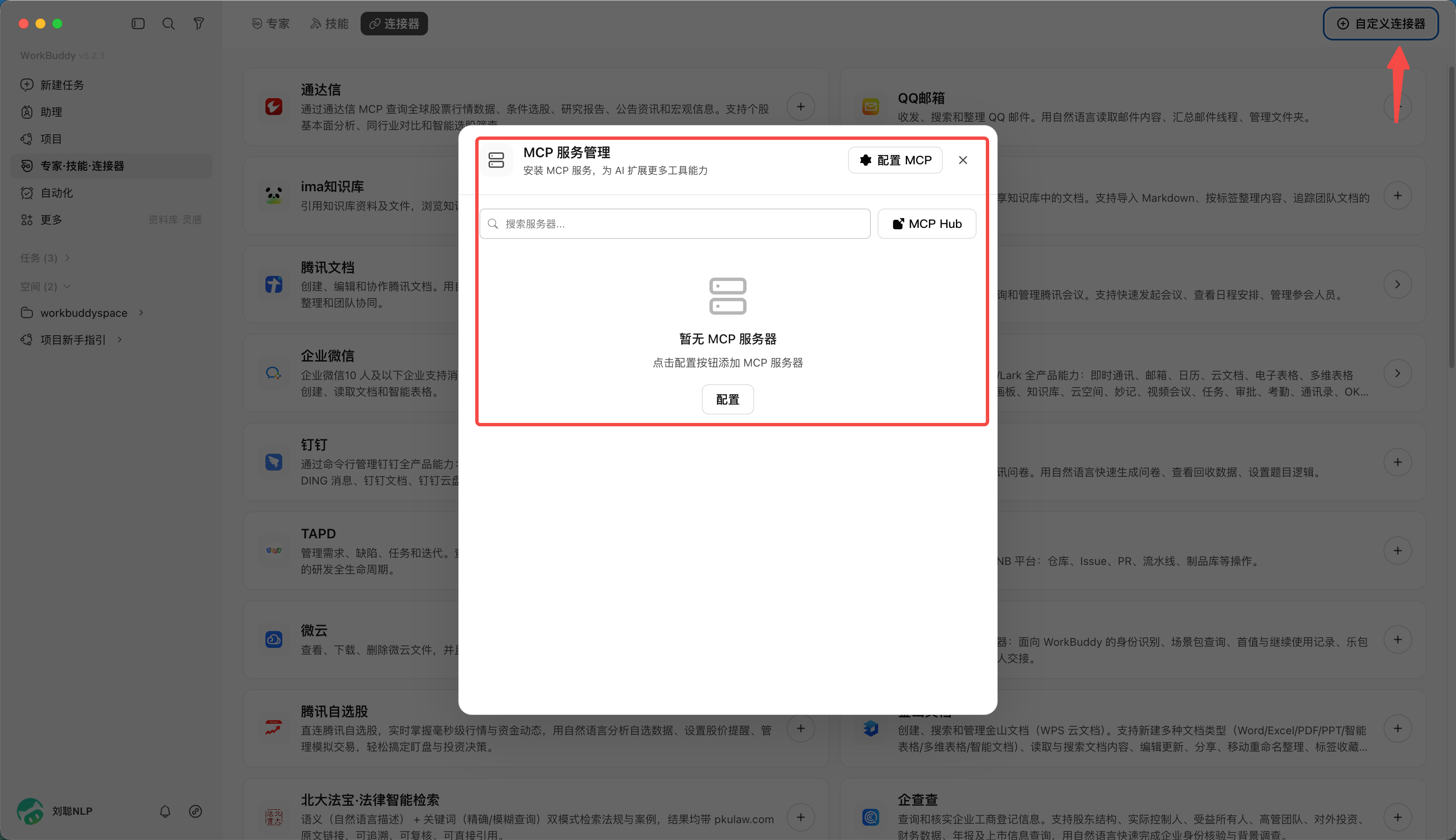
Chapter 8: Feishu Office Work—From Connection to Delivery
Feedback in group chats, work records in the Knowledge Base, arrangements on the calendar, and data in multidimensional tables form the context of daily office work. After accessing Feishu connector, WorkBuddy can read this information, continue to create documents, schedule meetings, send notifications, and combine tools on the computer to create PPT.
This chapter first introduces the 5-step access process of Feishu connector, and then shares 8 office scenarios that I have actually used. You can start with group chat summary and gradually try knowledge organization and multi-tool collaboration. The group name, data name and date in the example come from the practice at that time. Please replace it with your own task information when using it.
8.1 Connect the Feishu connector
This chapter calls the Feishu capability from a WorkBuddy conversation. If you want to send tasks to WorkBuddy in the Feishu chat window, you can read the next chapter of mini app and IM assistant access methods.
Step 1: Open Connectors
Open WorkBuddy and find "Expert·Skill·connector" in the list on the left. The entrance is shown in Figure 8-1.
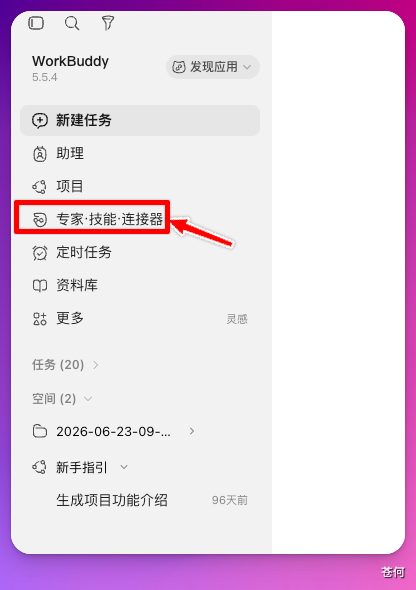
Figure 8-1 connector entrance
Step 2: Find the Feishu connector
Find "Feishu" in connector and click the "+" in the upper right corner, as shown in Figure 8-2.
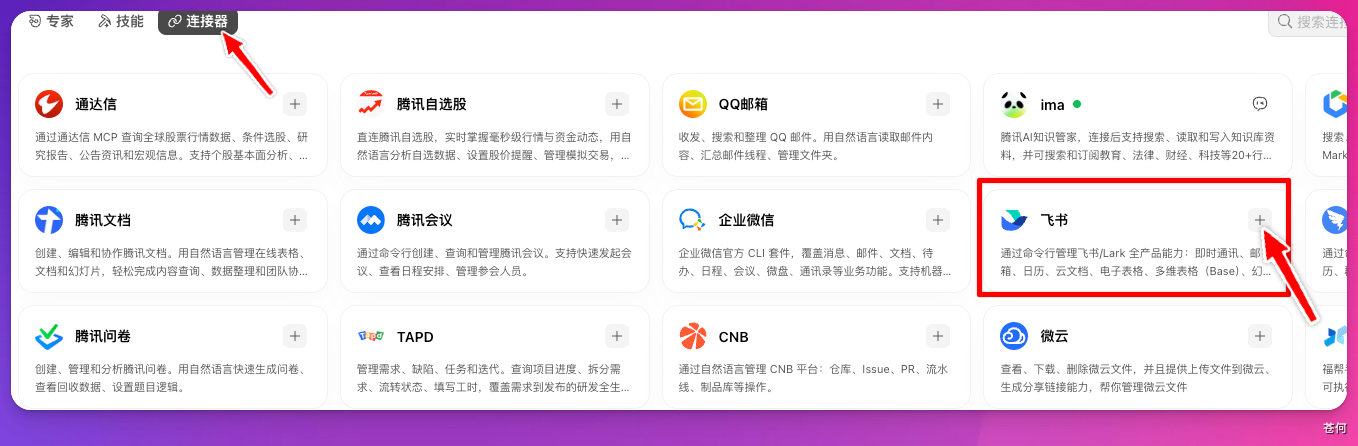
Figure 8-2 Add Feishu connector
Step 3: Create Feishu application
The page will jump to the Feishu open platform. Enter the application name as prompted on the page, and then click "Create", as shown in Figure 8-3.
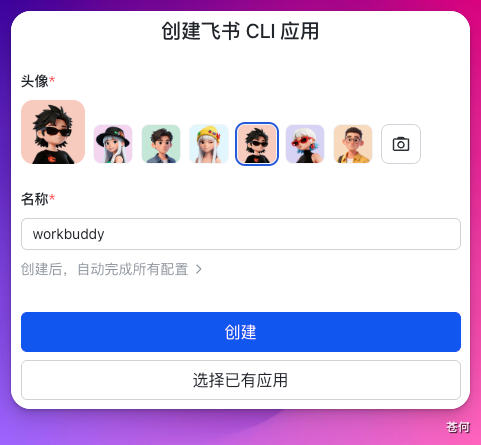
Figure 8-3 Create Feishu application
Step 4: Activate and authorize
Click "Activate and Authorize" and follow the page prompts to complete authorization, as shown in Figure 8-4.
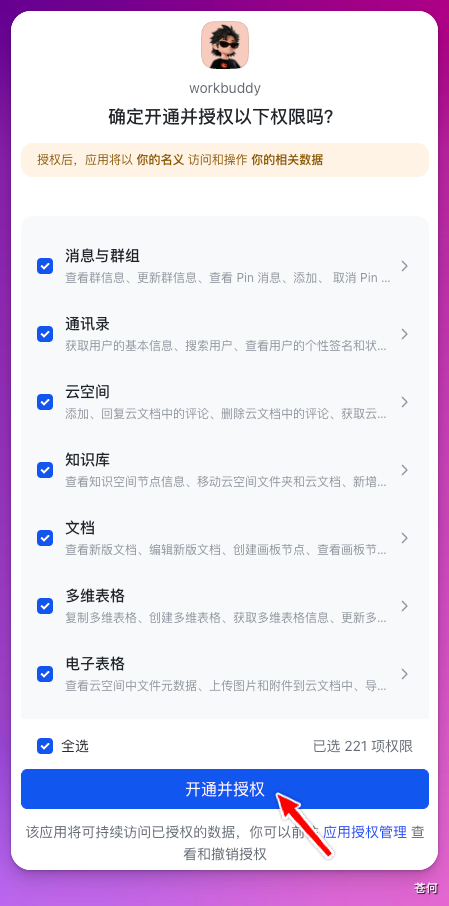
Figure 8-4 Activate and authorize the application
The resources that WorkBuddy can access and the operations that can be performed are jointly affected by the current account permissions, application authorization scope, and enterprise administrator settings.
Step 5: Enable connector in conversations
Return to the WorkBuddy dialog box, click the "+" in the lower left corner, find connector, and turn on the switch on the right side of Feishu, as shown in Figure 8-5.
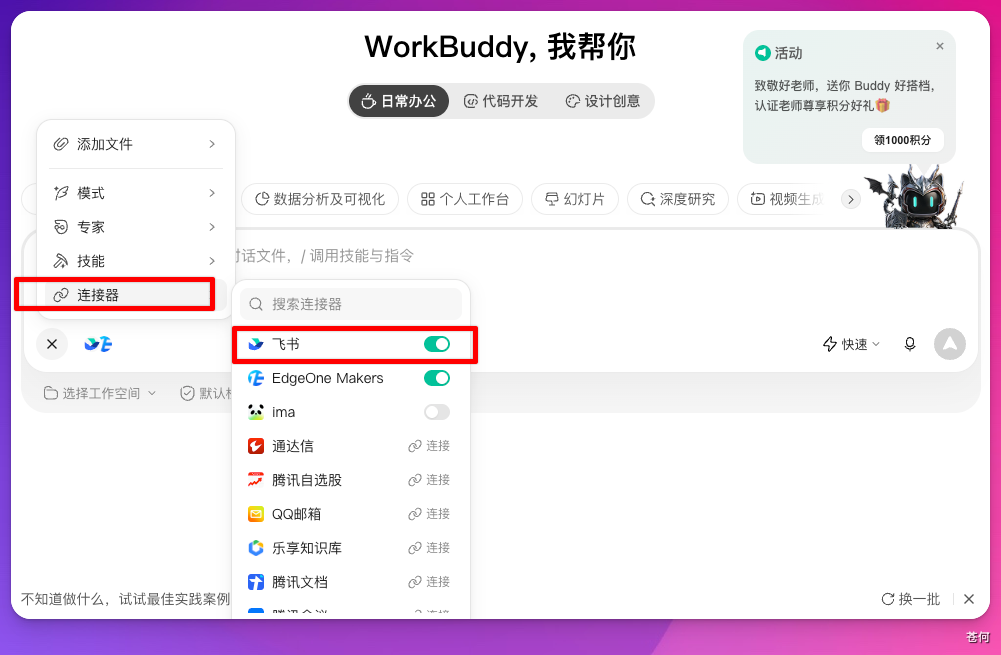
Figure 8-5 Enabling Feishu connector
Once completed, a notification can be sent to the group used for testing. The following is the command I use. Before executing, confirm the group name and notification content:
Use the robot to send a notification in the Feishu group [Product Weekly Meeting] tomorrow 15:00 in 3 There is a weekly meeting in the conference room on the building floor. Please bring the progress materials from last week.When a message is received in the target group, it means that the message sending link is up. My test results are shown in Figure 8-6. Reading and writing of other resources still require corresponding permissions.
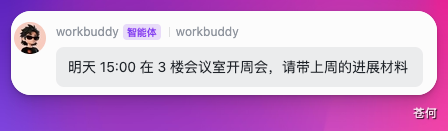
Figure 8-6 Receive test notification in the group
8.2 Quick check on eight office use cases
You can choose the following scenarios according to the task at hand. The required inputs and deliverables are shown in Table 8-1.
Table 8-1 Feishu Office Scenario Quick Check
| use case | main input | Deliverables |
|---|---|---|
| Group chat summary | Group name, time range | Highlights HTML report |
| Knowledge Base Weekly | Daily work record | Weekly reports, Feishu documents and group cards |
| External group notification | Target group, notification content | Group messages sent by bots |
| Meeting appointment | Group chat, schedule, participation range | Tencent meeting and Feishu group notification |
| Place review | Feishu Bitable | Charts, anomaly analysis and local PPT |
| Newcomer training | Operations Manual Knowledge Base | 7-day learning path document |
| GEO Rectification | Brand information, diagnostic skills | Reports, rectification task lists and inspection schedules |
| Hot spot operation | Hot skills and content data table | Question bank, review PPT and group notifications |
8.3 Summarize Hundreds of Group Messages in One Pass
The first scenario I use most often is to summarize key messages in group chats. I often join a large number of user feedback groups. If I don’t read it for a day, there may be hundreds of unread messages. At this point, I hand over the group name and time range directly to WorkBuddy.
Read ZCode User feedback group III Official key news of the past week.In this practice, after reading the group chat, it organized the key contents into HTML files. What the official has posted, what users are chatting about, and the direction of feedback can all be viewed together. The effect is shown in Figure 8-7.
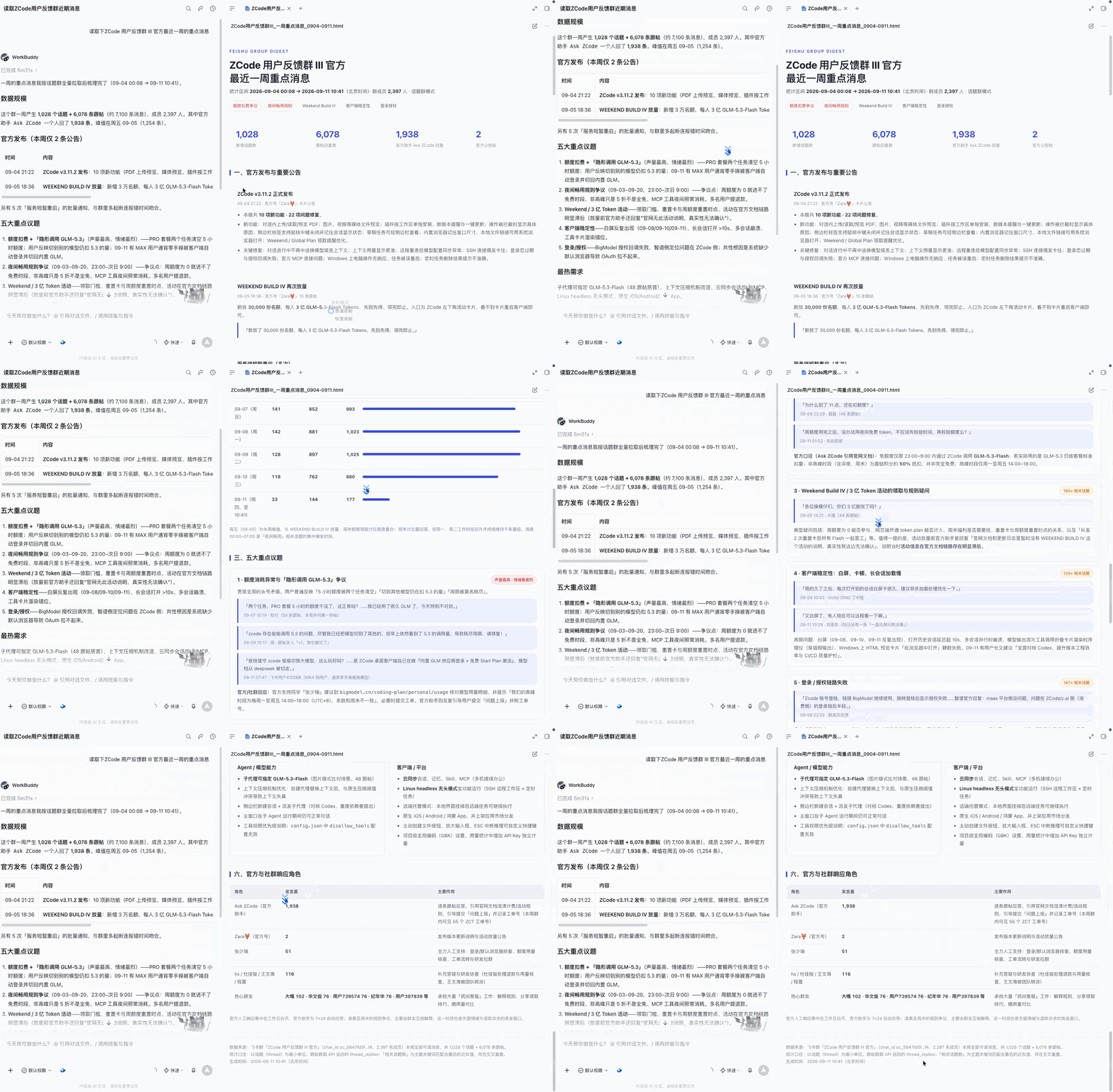
Figure 8-7 Group chat key message report
8.4 After reading the Feishu Knowledge Base, automatically generate a weekly report
I will let WeSight automatically deposit daily work into the Feishu Knowledge Base, but after accumulating more daily reports, re-reading them becomes a task in itself. So I directly asked WorkBuddy to read the daily accumulation and sort out the main lines, completed items and reusable experiences of the week.
To summarize the documents in the Feishu Knowledge Base [Daily Knowledge Precipitation], take a look at what I used this week AI What did. Please output in three parts: main tasks, completed items and reusable experience this week.The generated weekly report is shown in Figure 8-8.
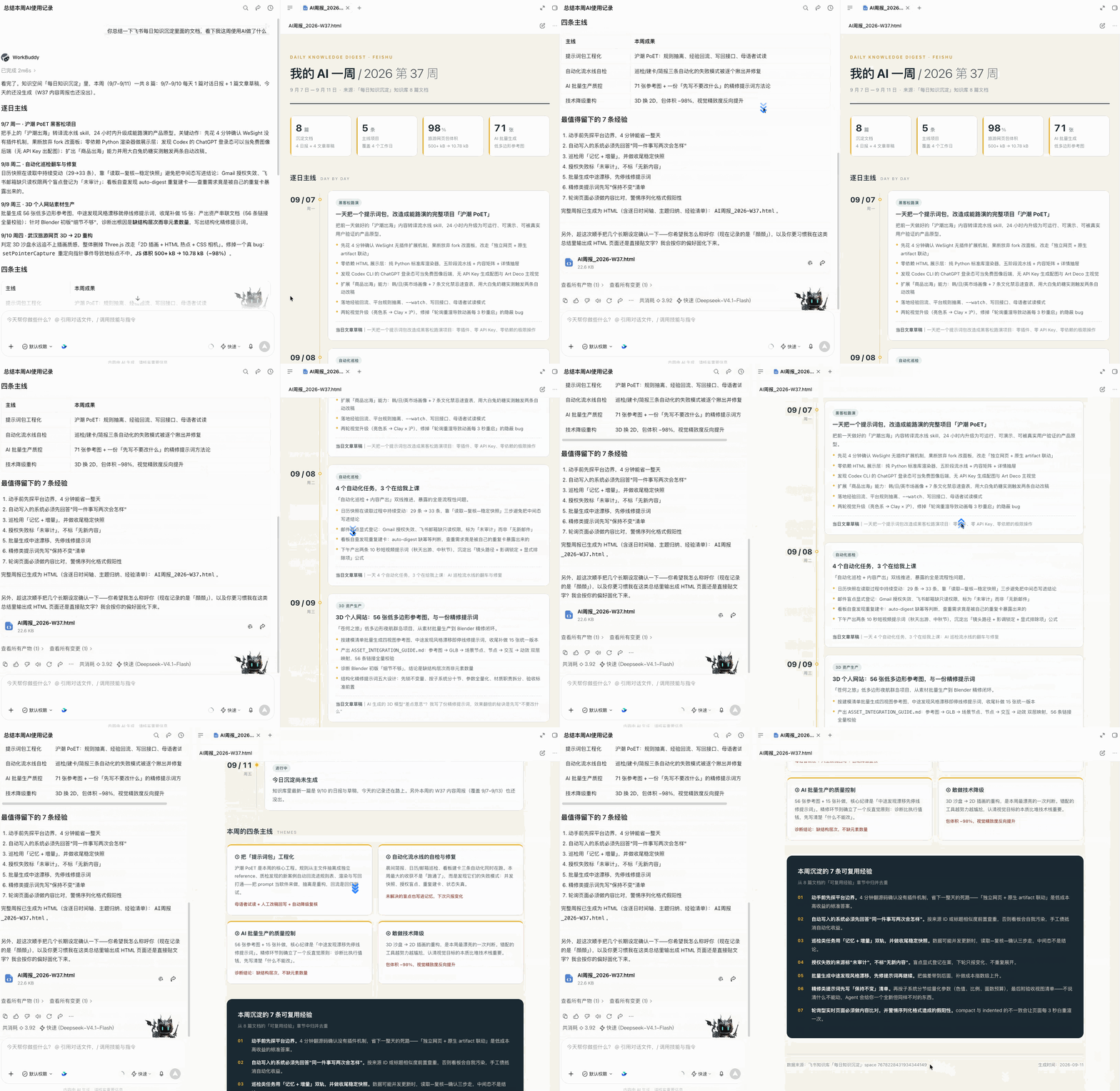
Figure 8-8 Generating weekly reports from the Knowledge Base
After the weekly report is generated, you can also have it continue to be sent to the collaboration group:
Send this weekly report to the [Product Operations Collaboration Group], present it in the form of a card, and attach a link to the complete weekly report.The complete weekly report is organized into the Feishu document, as shown in Figure 8-9.
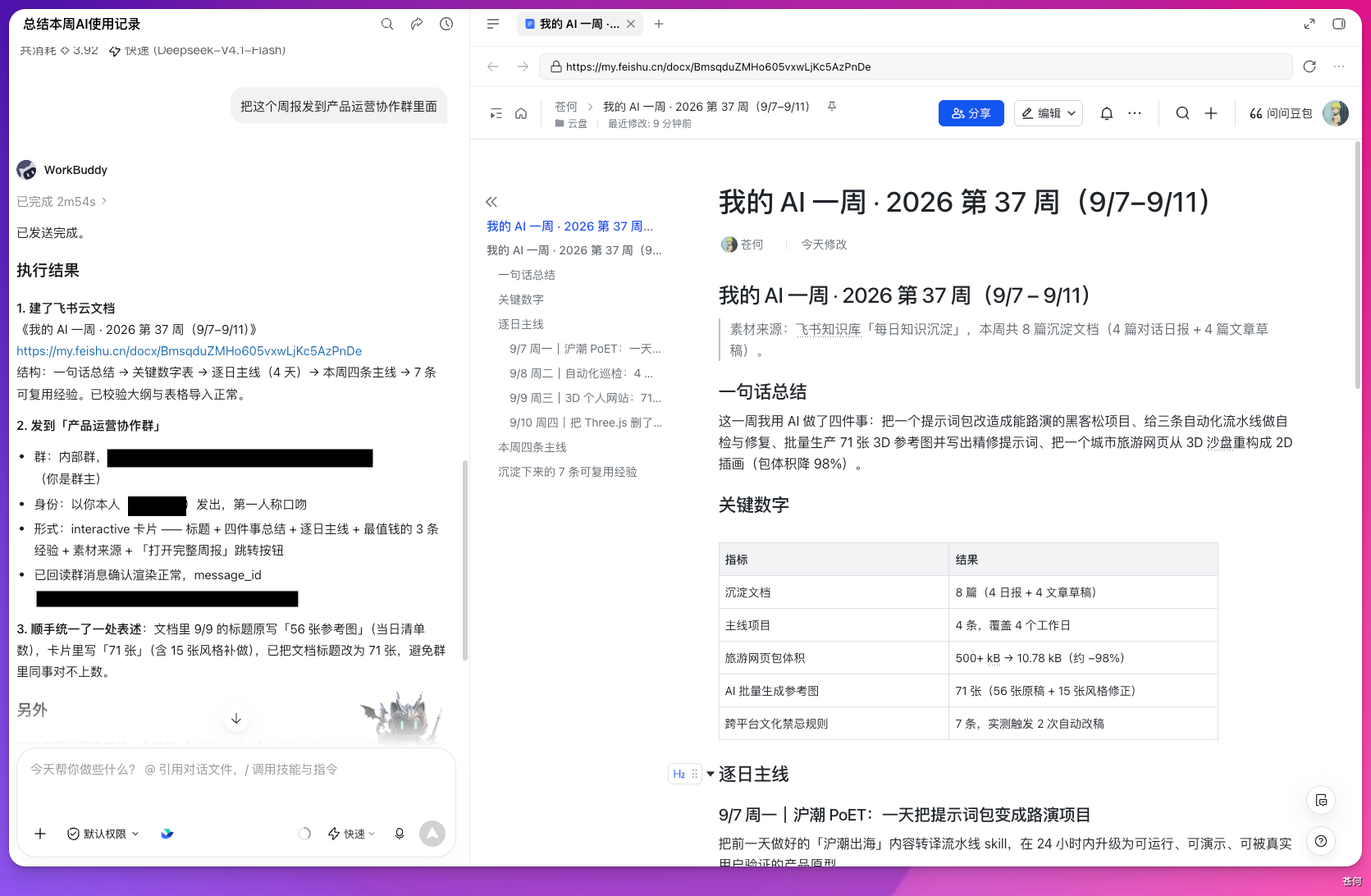
Figure 8-9 Save the complete weekly report
WorkBuddy will find the corresponding group chat and send the weekly report card. The result is shown in Figure 8-10.
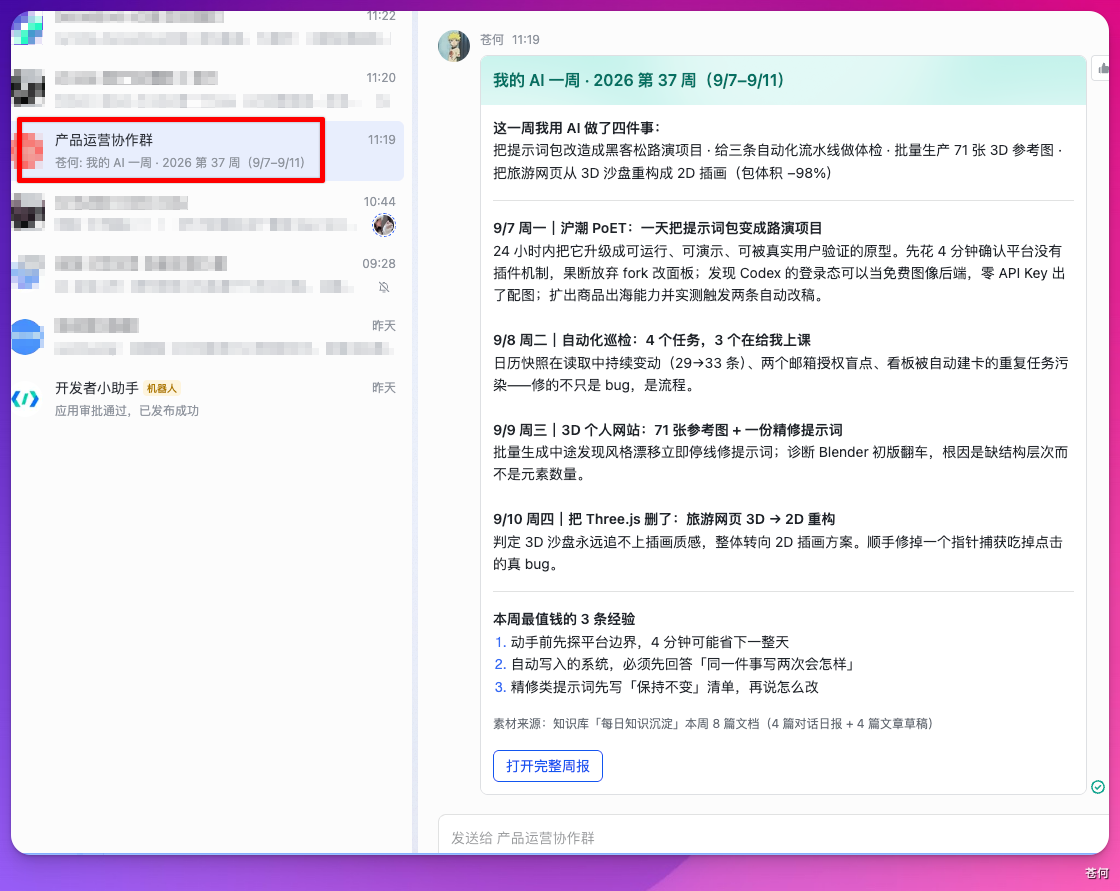
Figure 8-10 Sending weekly report cards to the collaboration group
In this practice, internal group messages can be sent using the personal identity, and external group notifications can be sent using the robot identity. The actual sending identity and available capabilities are subject to the current authorization method and enterprise configuration of connector.
8.5 Let the robot send external group notifications
Partners, suppliers and external consultants are often part of an external group. If you want the robot to send notifications on your behalf, you need to enable the external group capability first.
Use the robot to send a notification in the Feishu group [Supplier Reconciliation Group].9 The monthly statement has been uploaded to the group file. Please submit the monthly statement to the group on Friday. 18:00 Complete the verification beforehand and take a photo of the stamped confirmation page and send it back to the group.Submit the task in WorkBuddy, as shown in Figure 8-11.
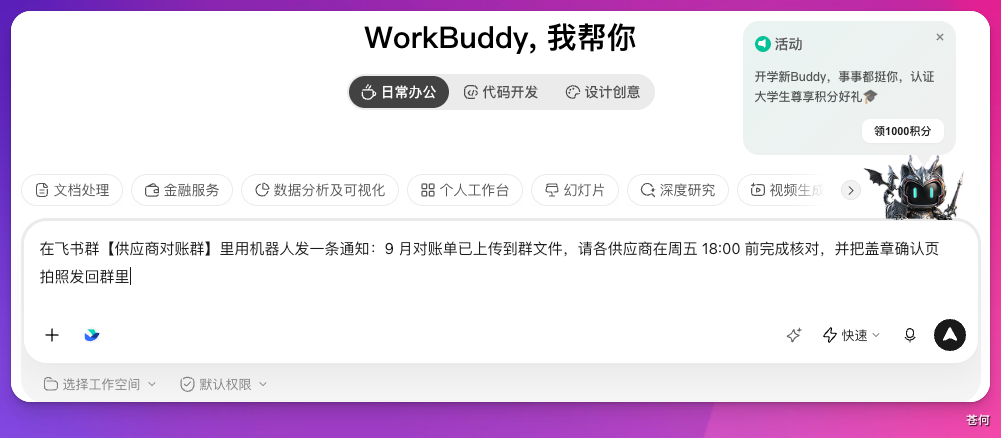
Figure 8-11 External group notification task
If the target group is an external group, you may encounter a prompt that the robot has not yet joined the group or that the external group capabilities have not been activated. My first attempt is shown in Figure 8-12.
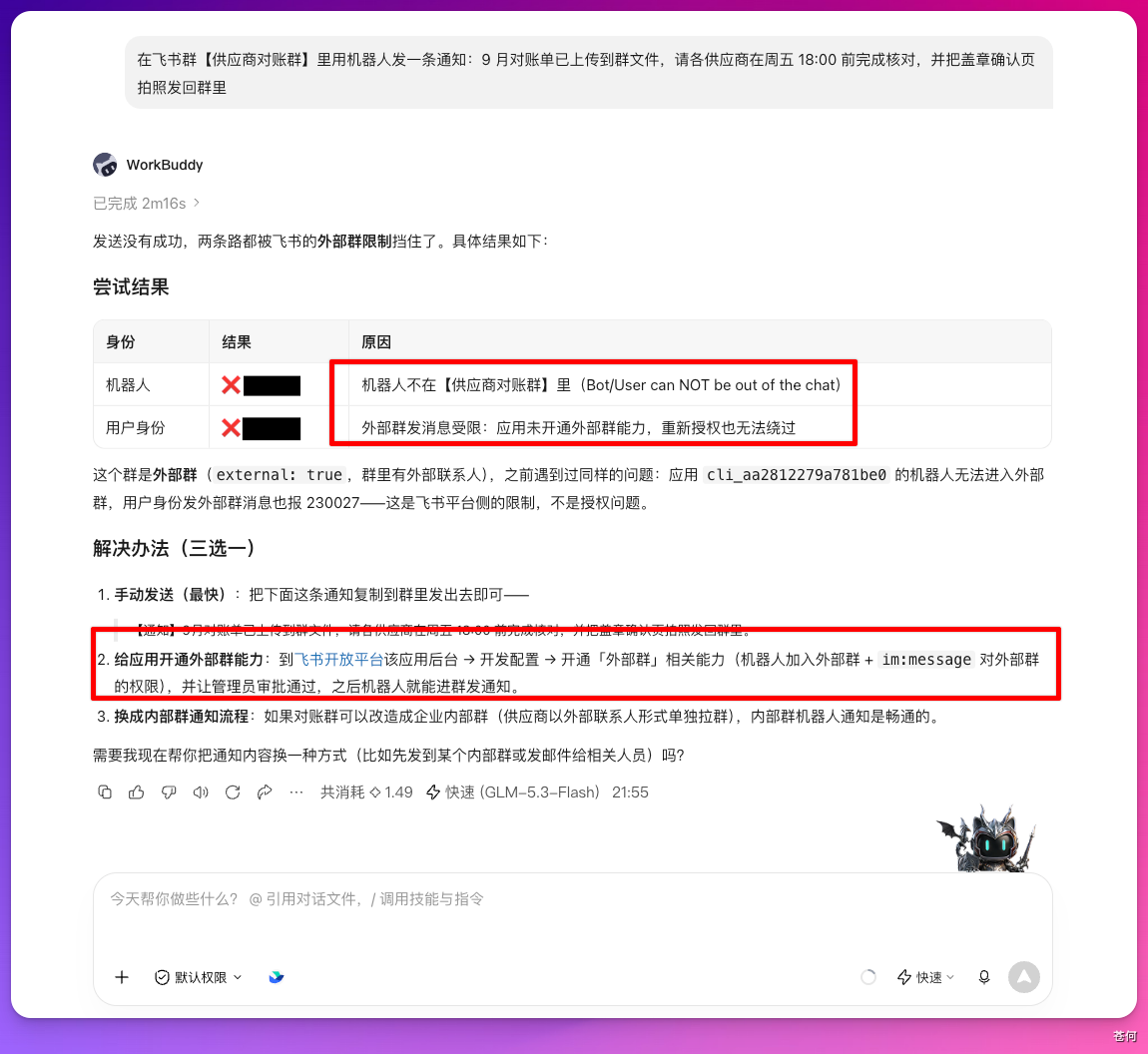
Figure 8-12 Checking external group configuration
Open the application background of the corresponding robot and click "Create Version", as shown in Figure 8-13.
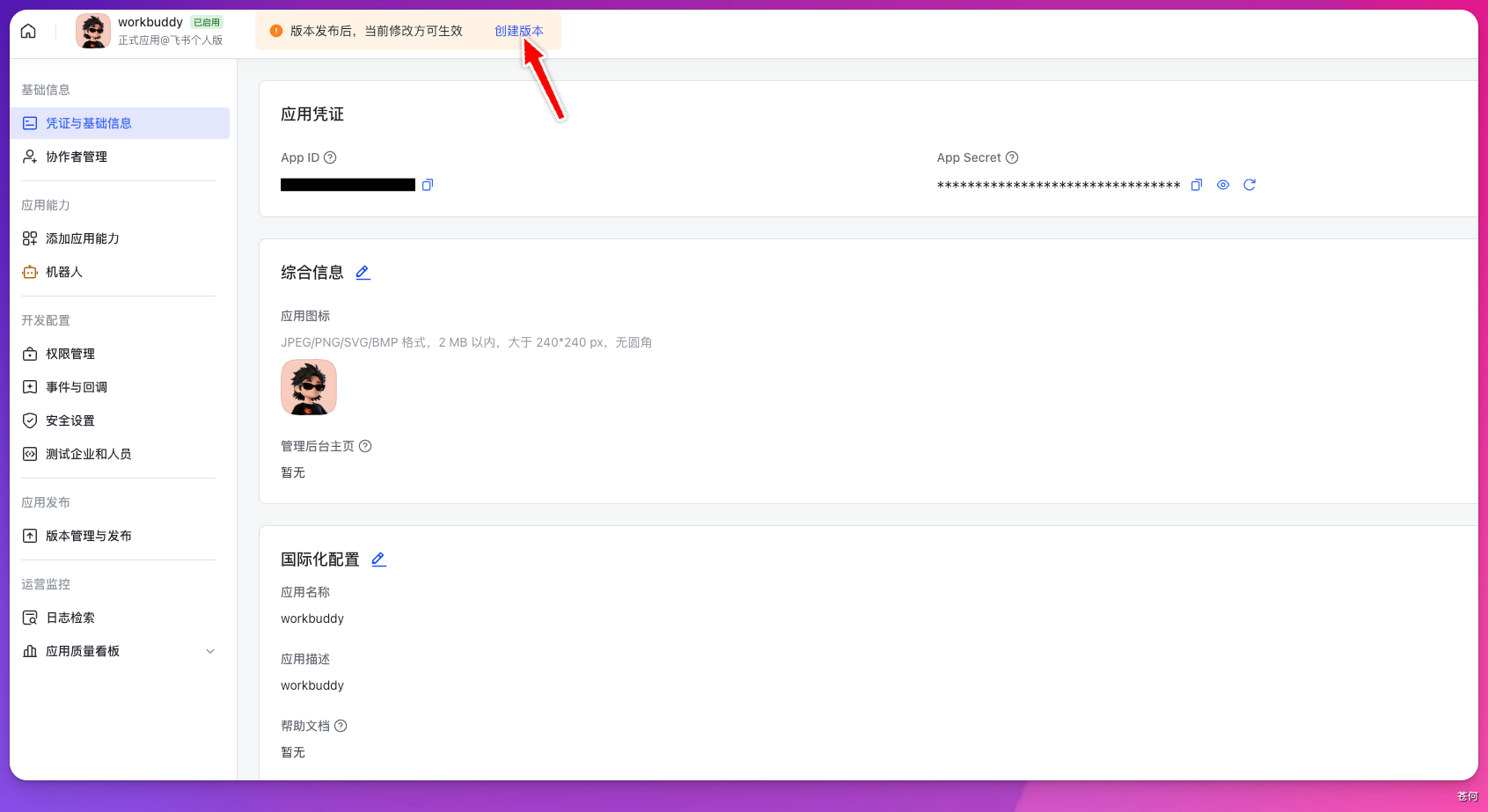
Figure 8-13 Create application version
Find "External Sharing", check "Allow robots to be added to external groups for use", save and follow the prompts on the Feishu page to complete the version release, as shown in Figure 8-14. The screenshot also shows the private chat option for external users. The group notification scenario requires the external group capability.
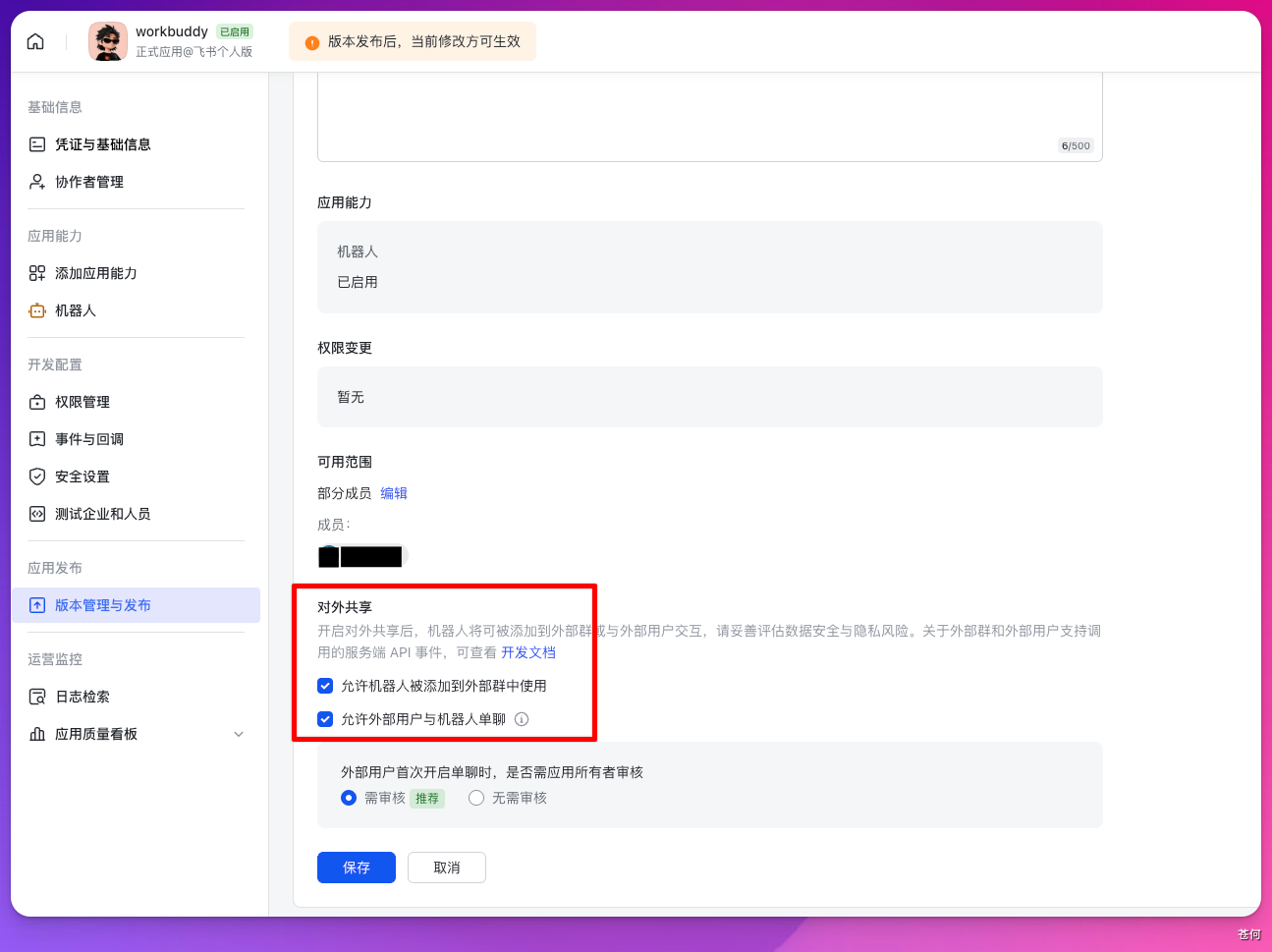
Figure 8-14 Activate external group capabilities
After completing the configuration, tell WorkBuddy that the configuration is complete. In this practice, it uses my identity to invite the robot to join the group, and then sends notifications as the robot. The execution results are shown in Figure 8-15. This process requires that the current account has corresponding invitation permissions.
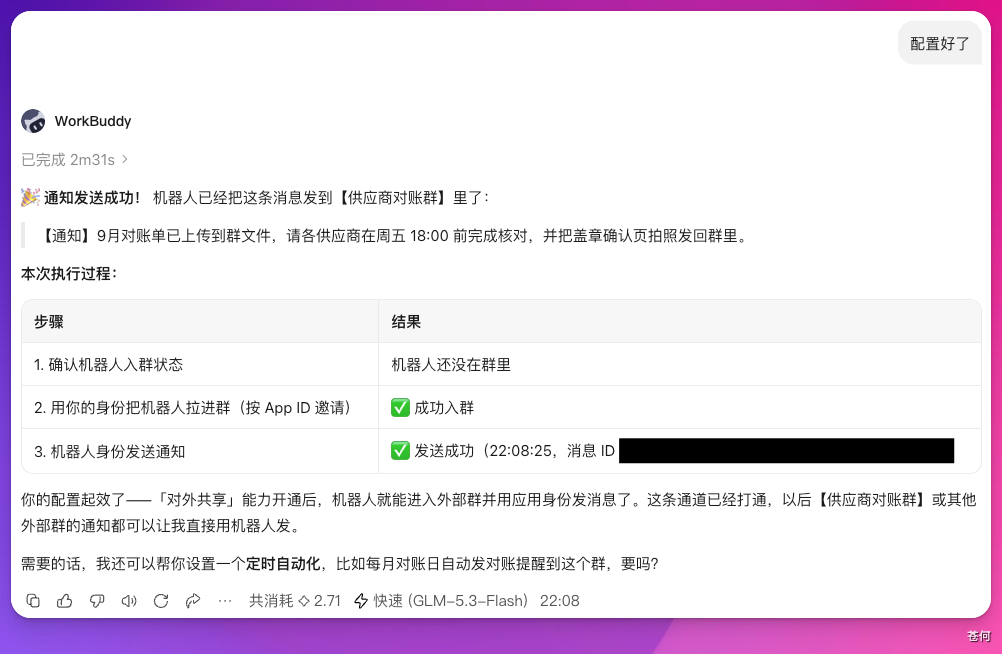
Figure 8-15 External group notification execution results
You can then see the notification in the corresponding group chat, as shown in Figure 8-16.

Figure 8-16 External group receives notification
8.6 Read group chats and schedules, and automatically schedule meetings
The most troublesome part of scheduling a team meeting is often finding a time when everyone is free, then creating the meeting, sending links, and notifying members. WorkBuddy can combine group chat and Feishu calendar to filter suitable time periods, then create meetings and send group notifications.
Below is the task directive I use with the authorization to automatically select the time and send the notification. When reusing, please adjust the date, participation scope, and whether you need to confirm the time first according to your own arrangements.
Please help me coordinate and make an appointment WeSight Product discussion meeting in the product exchange group.

1. View「WeSight product exchange group」Recent chat records to find out the free time mentioned by members;
2. Combined with the Feishu calendar, check that core members are 2026-09-14 to 2026-09-16 schedule;
3. Choose something that most people are free of 1 Hourly time slots, priority is given to weekday afternoons, no need to confirm with me again;
4. The topic created in the Tencent meeting is「WeSight product seminar」meeting;
5. Send meeting time and link to「WeSight product exchange group」;
6. After completion, report the final meeting time and group notification content to me.
After sending the request, WorkBuddy will read the accessible group chat and Feishu schedule and identify the members’ free periods, as shown in Figure 8-17.
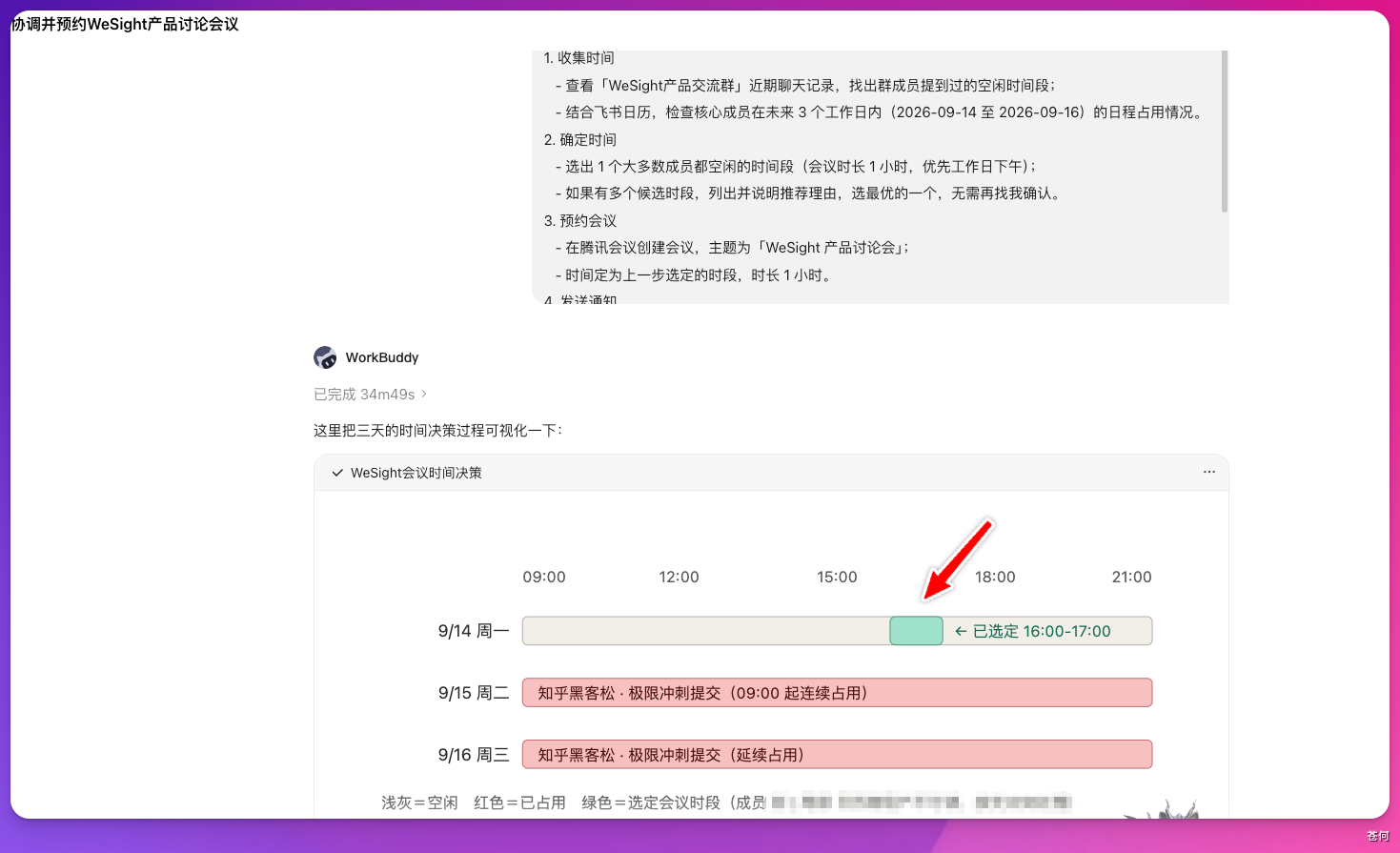
Figure 8-17 Select meeting time period
If you are not already connected to the Tencent conference, it will prompt to connect to the corresponding Tencent conference CLI capability through the authorization link. The authorization page is shown in Figure 8-18.
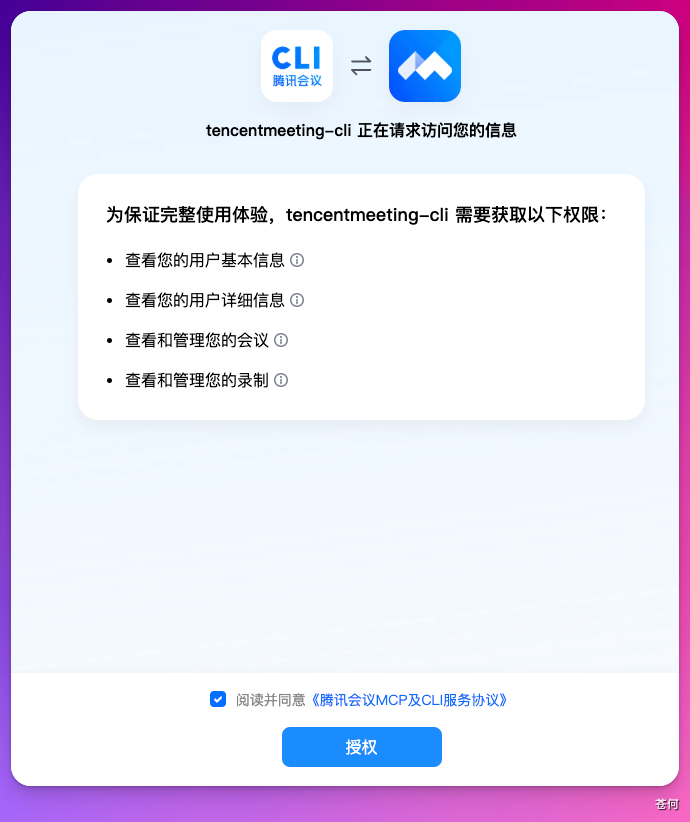
Figure 8-18 Authorizing Tencent conference capability
When completed, WorkBuddy will report the meeting time and link, as shown in Figure 8-19.
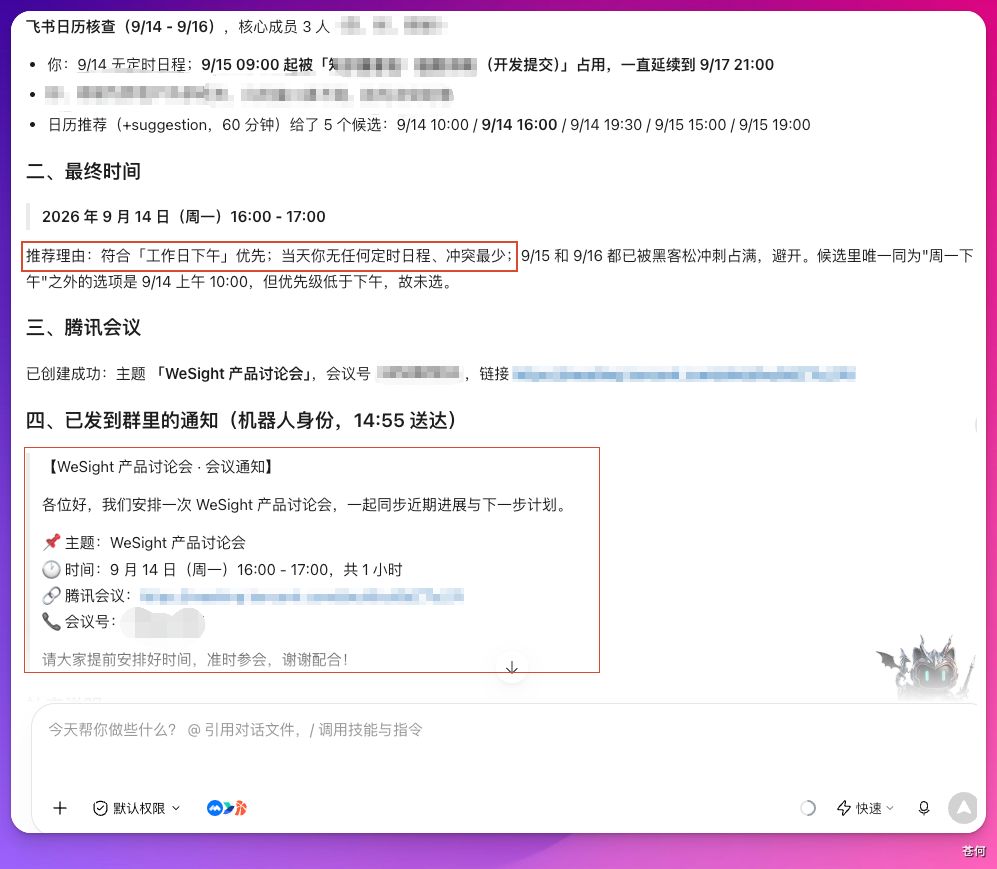
Figure 8-19 Meeting reservation results
Open Feishu, and you can see the corresponding meeting notice, as shown in Figure 8-20.
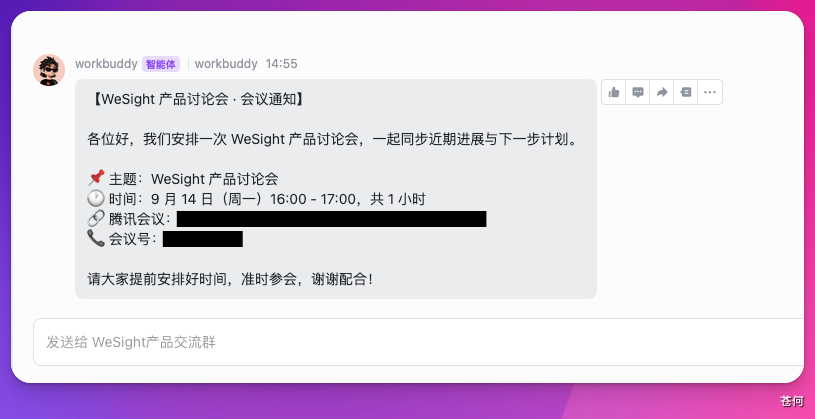
Figure 8-20 Group meeting notification
This scenario strings together multiple tools: Feishu provides the office context, Tencent is responsible for creating the meeting, and WorkBuddy coordinates the execution and returns the results.
8.7 Read multi-dimensional tables and generate delivery review PPT
When doing a delivery review, the data is usually in Feishu Bitable, but the final report may require a local PPT. In the past, you needed to export data, calculate indicators, create charts, and write analysis page by page. Now you can put these steps into the same task.
Read this month’s data in Feishu Bitable [Distribution Data], summarize spending, exposure, clicks and conversions by channel, and calculate each channel ROI and identify abnormal fluctuations (month-on-month changes exceeding 20% ), generate a copy of the disk on my computer PPT, Contains data charts, anomaly analysis and optimization suggestions for the next month.When calculating ROI (return on investment), a table is required to provide corresponding income data and calculation scope; comparing month-on-month changes also requires data from the previous month. When this information is missing, it should be completed or the scope of analysis should be clarified first.
In this practice, WorkBuddy found the corresponding multi-dimensional table, read the data and completed the analysis, and then provided 4 PPT solutions. After selecting the plan, it continues to create a complete PPT on the computer. The process is shown in the video below.
▶ Watch the demo video: Delivery data analysis and review PPT production demonstration(MP4 · 1.6 MB)
Video 8-1 Production review PPT production process
8.8 Read the operations manual and generate a 7-day learning path for newcomers
After new employees join the company, training materials are often scattered in different directories of the Knowledge Base. The person in charge needs to organize the documents, and also arrange what to learn every day and how to check and accept them.
There will be a new operator joining next week. Please read all the documents under the Feishu Knowledge Base [Operations Manual] and press「Must read / Optional reading / Tool operation」Classify and plan one for her 7 day learning path, starting from 2026-09-14(Monday) starts. The requirements are as follows.

1. List daily learning topics, document links and inspection methods;
2. Learn the required reading first, then learn how to operate the tools, and finally learn the optional reading content, with a balanced amount of reading every day;
3. Organized into Feishu cloud document, titled「new operations 7 day onboarding learning path」, Save it to the [Newcomer Training] folder.
See the video below for the execution process.
▶ Watch the demo video: Demonstration of generating learning paths for new employees based on the operations manual(MP4 · 1.5 MB)
Video 8-2 Newbie learning path generation process
This prompt clarifies three elements: what data to read, what rules to process, and where to deliver the results. This structure is also applicable to other knowledge organization tasks.
8.9 Turn a GEO Diagnosis into Actionable Improvement Tasks
The "Brand GEO Visibility Diagnostician" I published in WorkBuddy can complete infrastructure assessment, AI inclusion inspection, competitive product benchmarking, and output AIVO score reports for the brand. The expert entrance is shown in Figure 8-21.
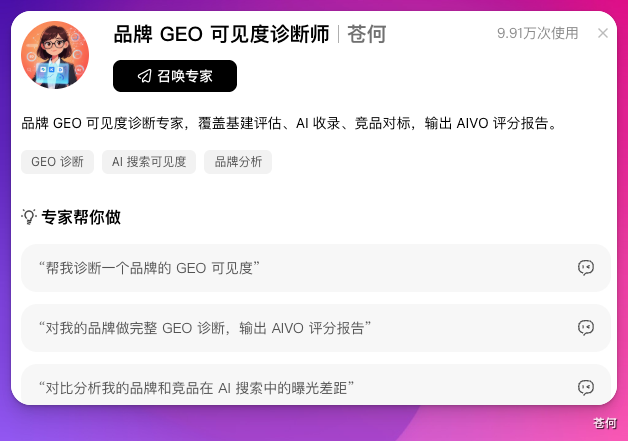
Figure 8-21 Brand GEO Visibility Diagnostician
In the past, after completing the diagnostic report, we still had to file, split tasks, assign responsible persons, create schedules, and follow up on progress. After connecting Feishu, I directly asked WorkBuddy to complete the subsequent work together.
please call GEO Diagnostic skills, for brands [WeSight]do it once completely GEO Visibility diagnostics and then do these few things.

1. will AIVO The scoring report is saved as Feishu cloud document「WeSight GEO diagnostic report-202609」, Put it into the [Brand Monitoring] folder;
2. Press the question「Content missing / Not included in the platform / Official website infrastructure / word of mouth public opinion」Classify and write items into multi-dimensional tables one by one[GEO Rectification tasks], supplement status, suggested person in charge, priority and modification suggestions;
3. Create this Friday for high priority issues 17:00 inspection schedule;
4. The total score,3 The most serious problems and the link to the rectification task list are sent to [WeSight product exchange group];
5. After completion, the total diagnosis score, number of questions entered into the form, and number of schedules will be reported.
The process of diagnosis and follow-up collaboration is shown in the video below.
▶ Watch the demo video: GEO diagnostic report synchronization and rectification task creation demonstration(MP4 · 3.8 MB)
Video 8-3 GEO diagnosis and rectification task creation process
After execution, WorkBuddy will synchronize the diagnosis results to Feishu and create a rectification task list. The results within the group are shown in Figure 8-22.
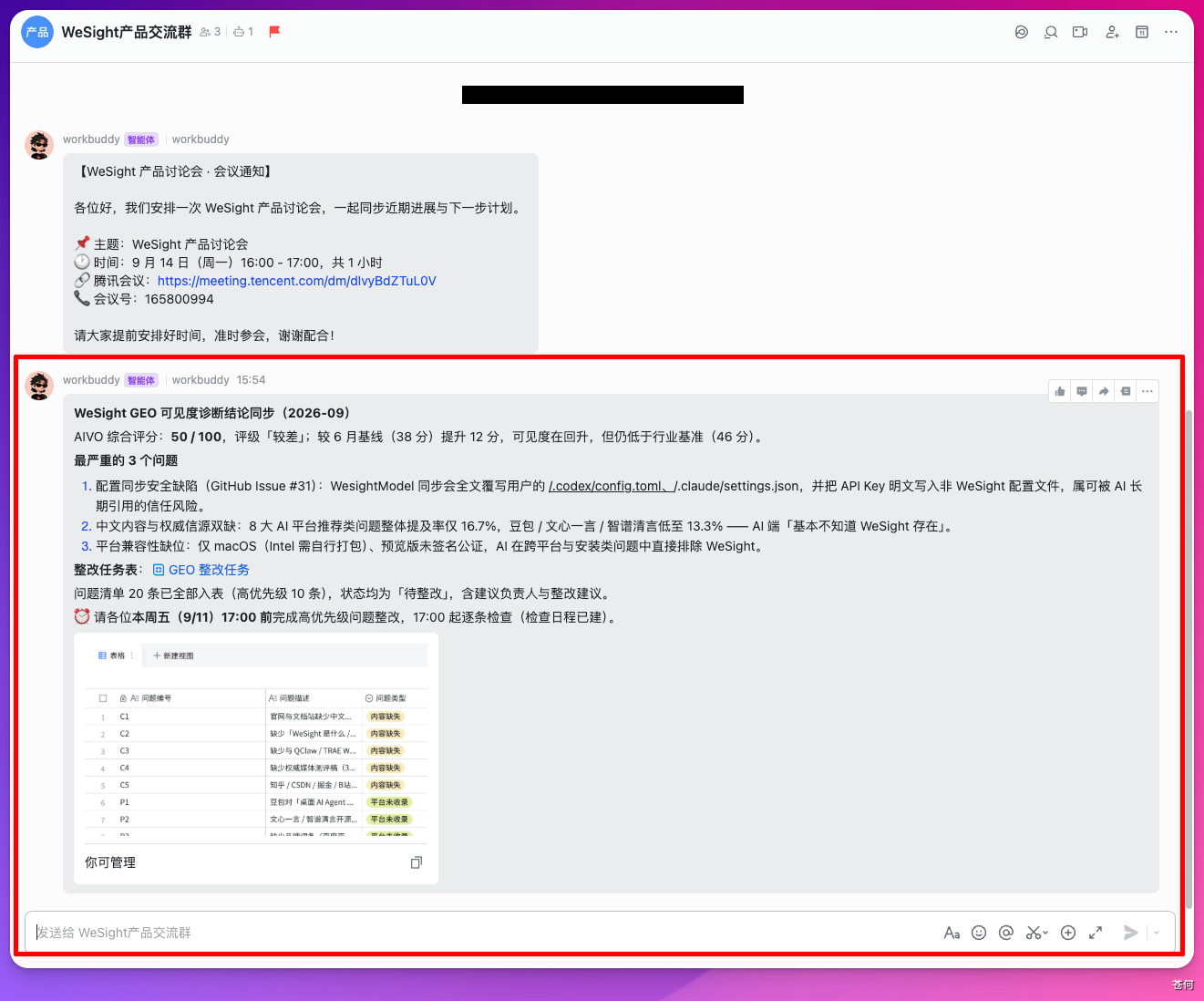
Figure 8-22 Synchronizing GEO diagnosis results
Open the task table, and you can see the task number, problem description, problem type, status, suggestion leader, and modification suggestions, as shown in Figure 8-23.
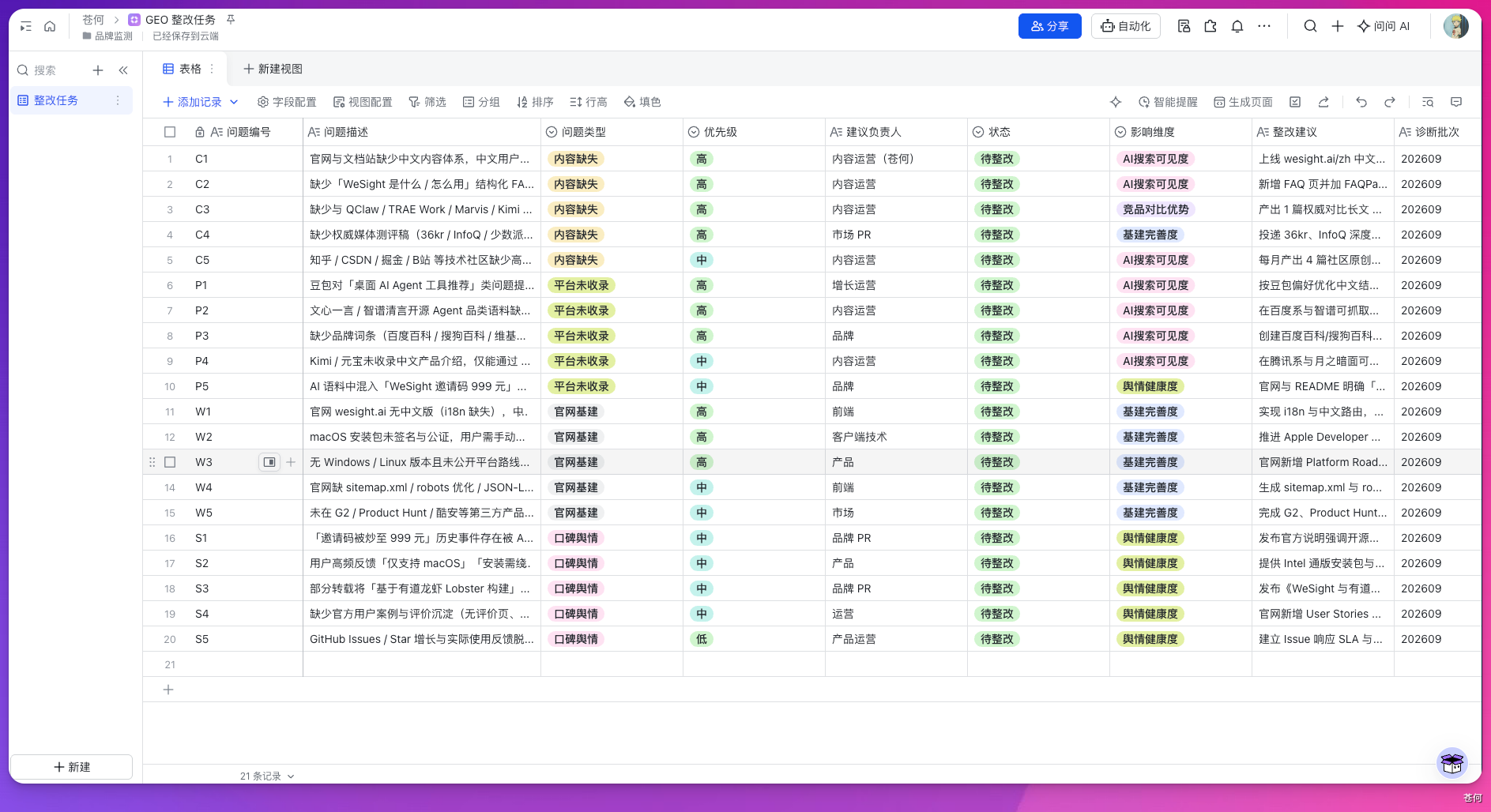
Figure 8-23 GEO rectification task list
It also creates an inspection schedule based on the prompts, as shown in Figure 8-24.
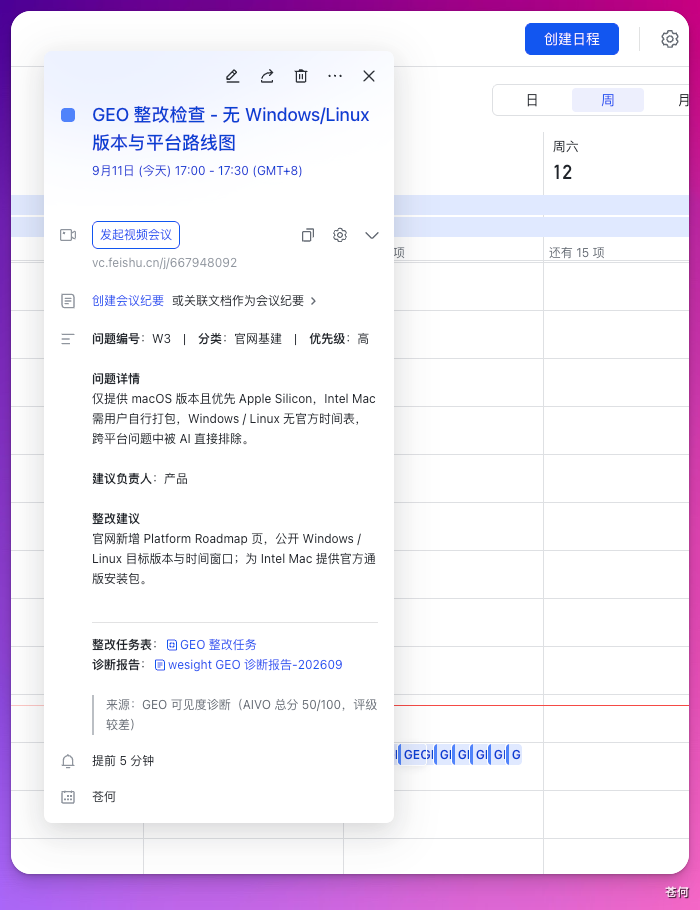
Figure 8-24 Creating a rectification inspection schedule
When the time is approaching, you can receive a reminder from the calendar assistant, as shown in Figure 8-25.
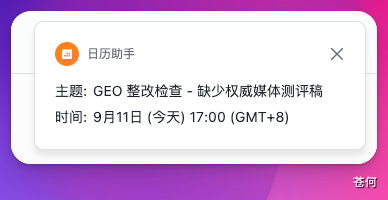
Figure 8-25 Rectification inspection reminder
8.10 Track Trends, Build a Question Bank, and Generate a Review Deck
When doing self-media, if hot spots are discovered too late, or if you see them but don’t turn them into topics in time, it will affect the content arrangement. I put finding hot spots, writing a question bank, doing reviews, generating PPT and synchronizing the team into the same WorkBuddy task.
Complete this week's hot spot operations work.

1. Call Douyin real-time hot list skills to obtain Top30 hotspot, combination AI Tools / AI The model industry selects topics suitable for taking advantage of the situation;
2. After removing duplicates, write Feishu Bitable [topic selection schedule], add popularity, leverage angle, release form, timeliness level, and fill in the status「To be evaluated」;
3. Read [Content Data Table] this week’s data, analyze the hot spots you caught, the hot spots you still have time to follow, and the things you missed this week but should have done. 3 a hotspot;
4. generated on computer「Weekly review of hot spots-No.37week」PPT, Save to the [Weekly Meeting Materials] folder;
5. Send the core conclusions of the review to the [Content Group] and remind everyone to read it before the meeting on Friday PPT;
6. Finally report the new warehousing quantity,PPT Location and group messaging results.
The review process and final PPT are shown in Figure 8-26. This scenario requires both hotspot acquisition skills, Feishu connector and local PPT production capabilities.
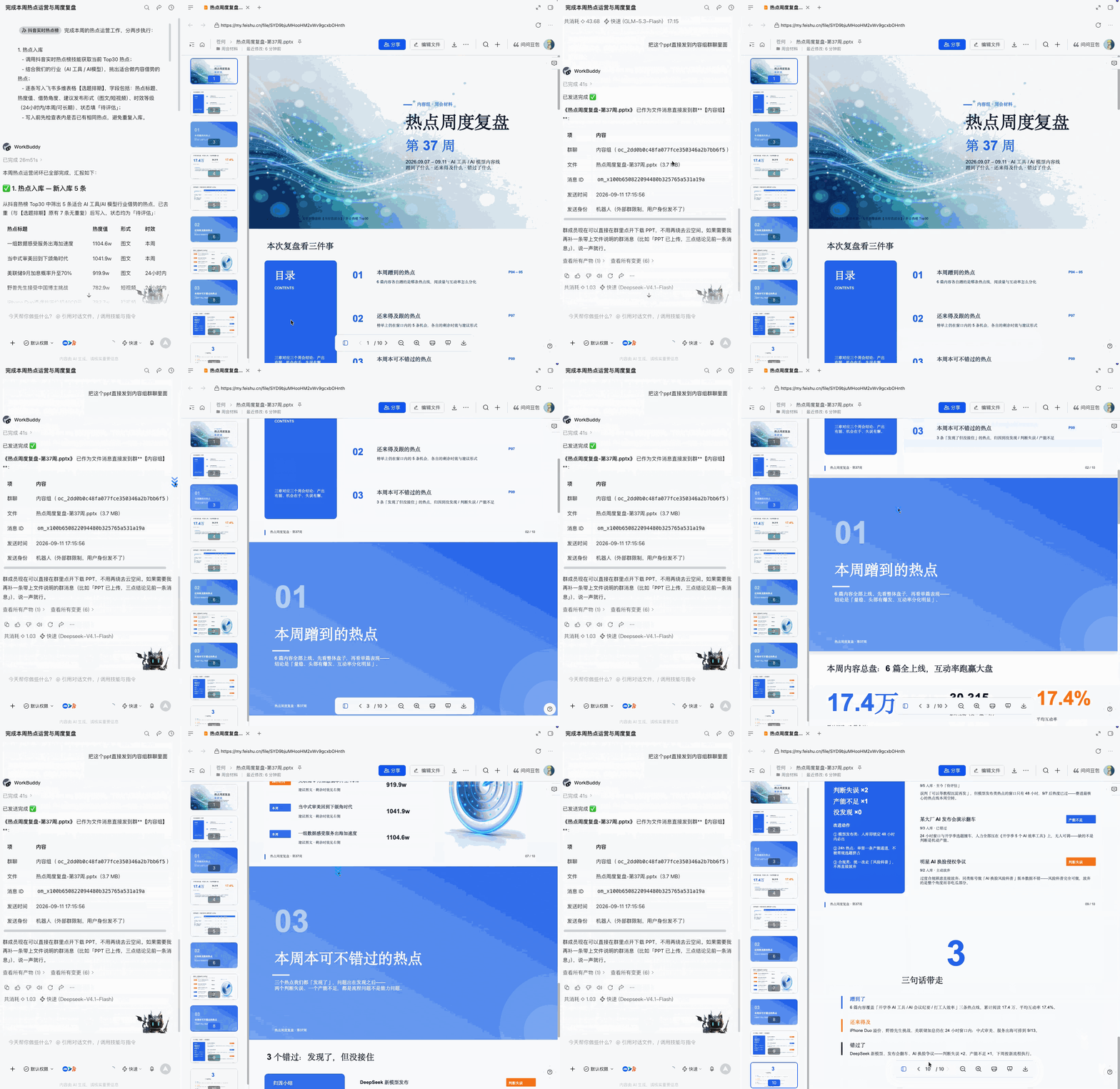
Figure 8-26 Weekly review of hot spots
WorkBuddy will write the filtered hotspots into a multi-dimensional table, and add the opportunity angle, release form and timeliness level, as shown in Figure 8-27.
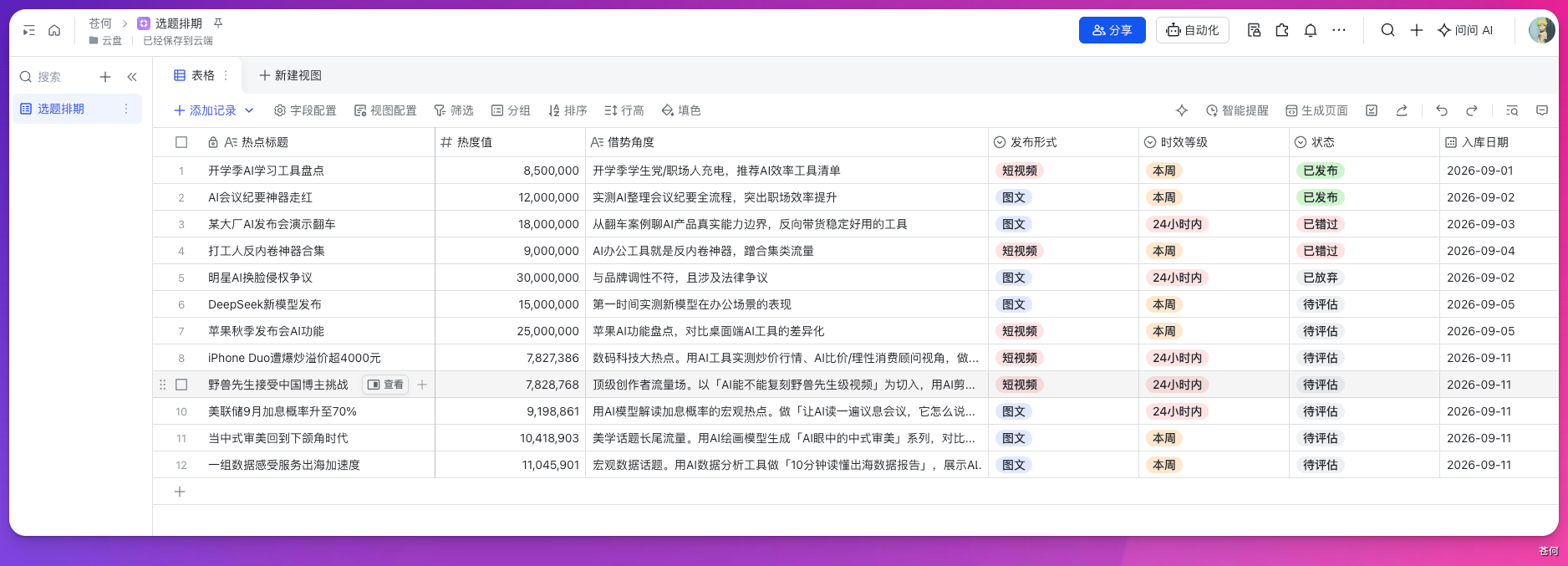
Figure 8-27 Hot topic selection bank
After the review is completed, it will also synchronize the core conclusions to the designated group chat, as shown in Figure 8-28.
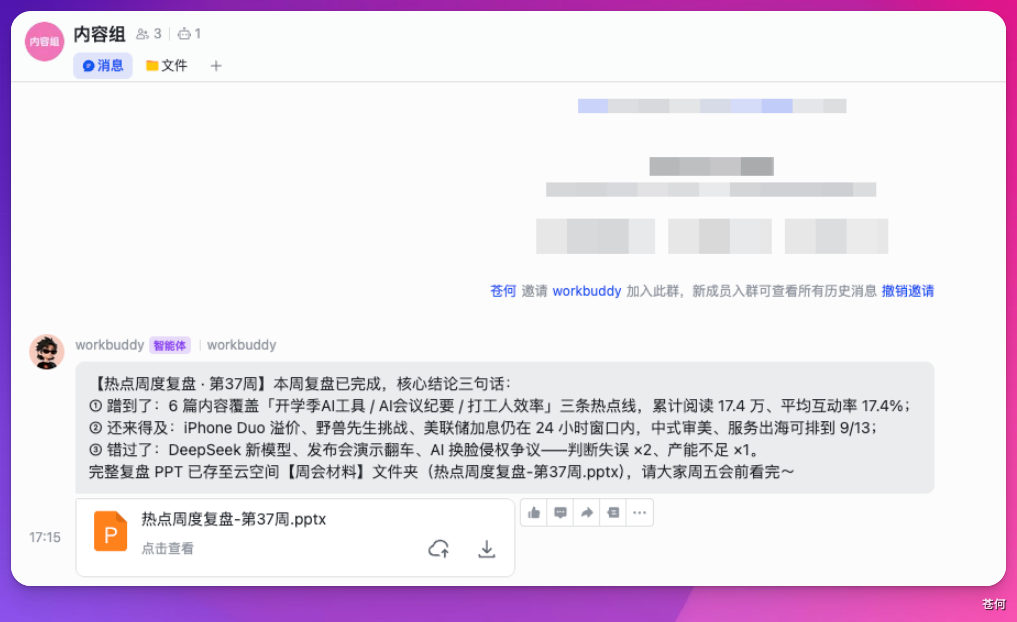
Figure 8-28 Synchronize review results to the team
8.11 Apply These Use Cases to Your Own Work
These 8 scenarios have a common task structure: read the work context, process it according to clear rules, and then deliver the results to the specified location. When writing prompts, clearly state the data scope, processing rules, deliverables, and reporting requirements after completion, so that it will be easier to check the execution results.
You can start with a group chat summary, and then add document archiving, table recording or group message synchronization after running through it. When it comes to Tencent meetings, GEO diagnosis and hotspot acquisition, first confirm that the corresponding connector or skills are available. After the task is completed, open the actual document, form, schedule or group message to check the results, and gradually accumulate your own reusable Workflow process.
This chapter is written by Cang He Feishu Connector: A Practical Guide Organizing, screenshots and videos retain the original practice process.
Chapter 9 Connect WorkBuddy to Mini Apps and IM Assistants
Two modes of mini app
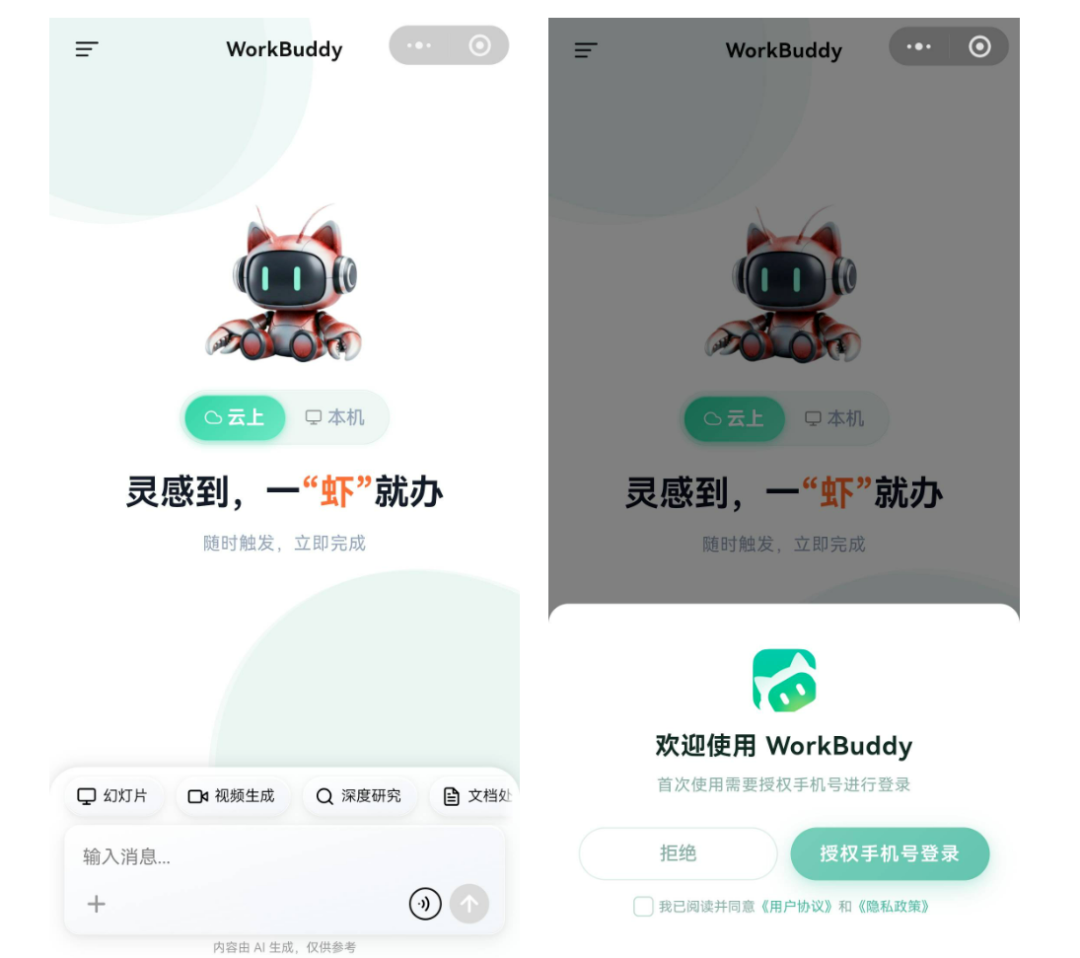
| mode | where the task runs | Whether to rely on computers to be online | fit for task |
|---|---|---|---|
| native mode | Connected computer | Yes | Local files, local Skills, existing workspaces |
| Cloud model | Isolated cloud environment | No | Research, writing, ad-hoc analysis, parallel tasks |
First time use
- Open WorkBuddy mini app through the official entrance and log in;
- Check whether it is in local or cloud mode;
- In local mode, confirm that the target computer is online and connected correctly;
How the IM Assistant Works
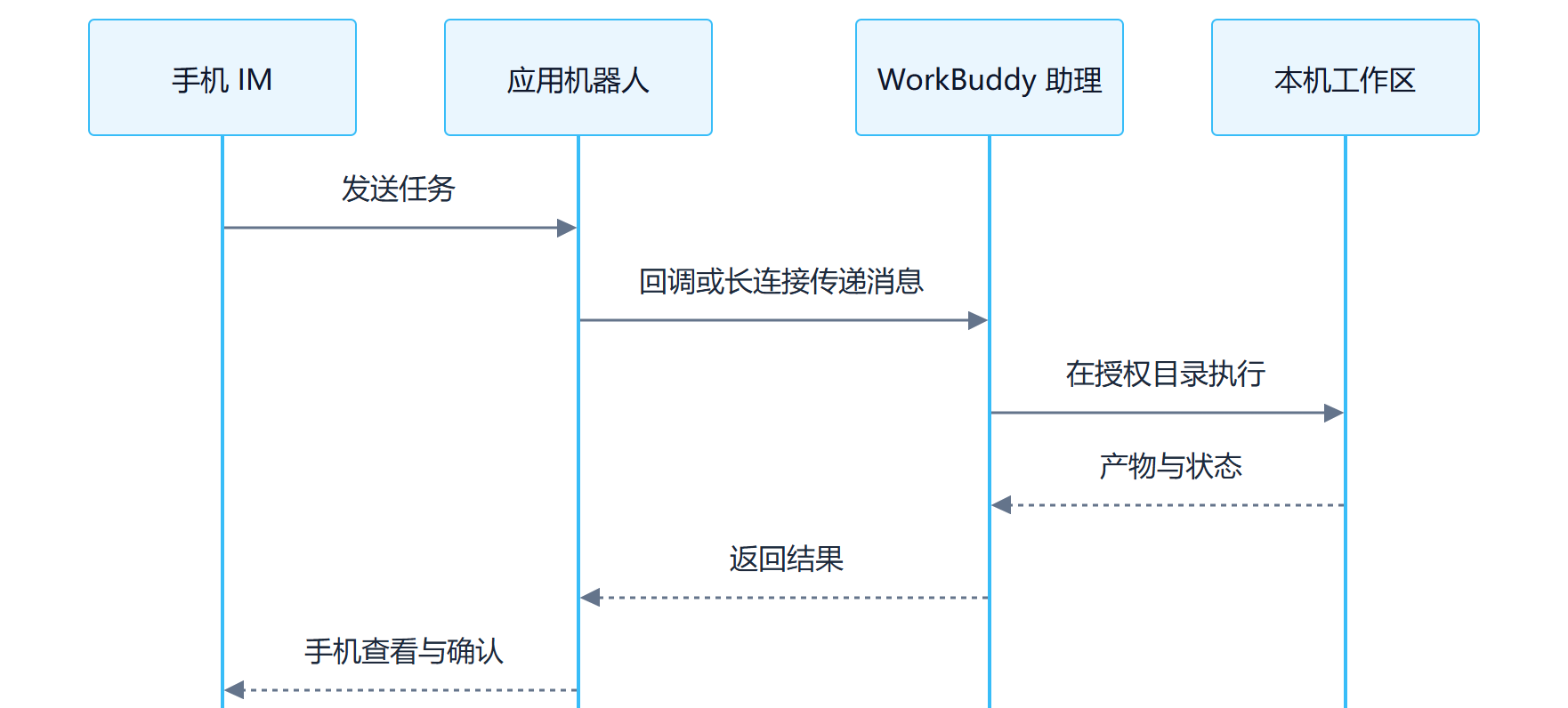
Connect the WeChat Assistant: Scan a QR Code to Bind It
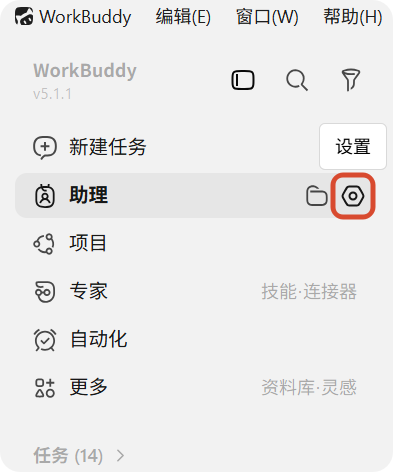
- Open WorkBuddy, click the gear in the "Assistant" column on the left, and enter "Assistant Settings";
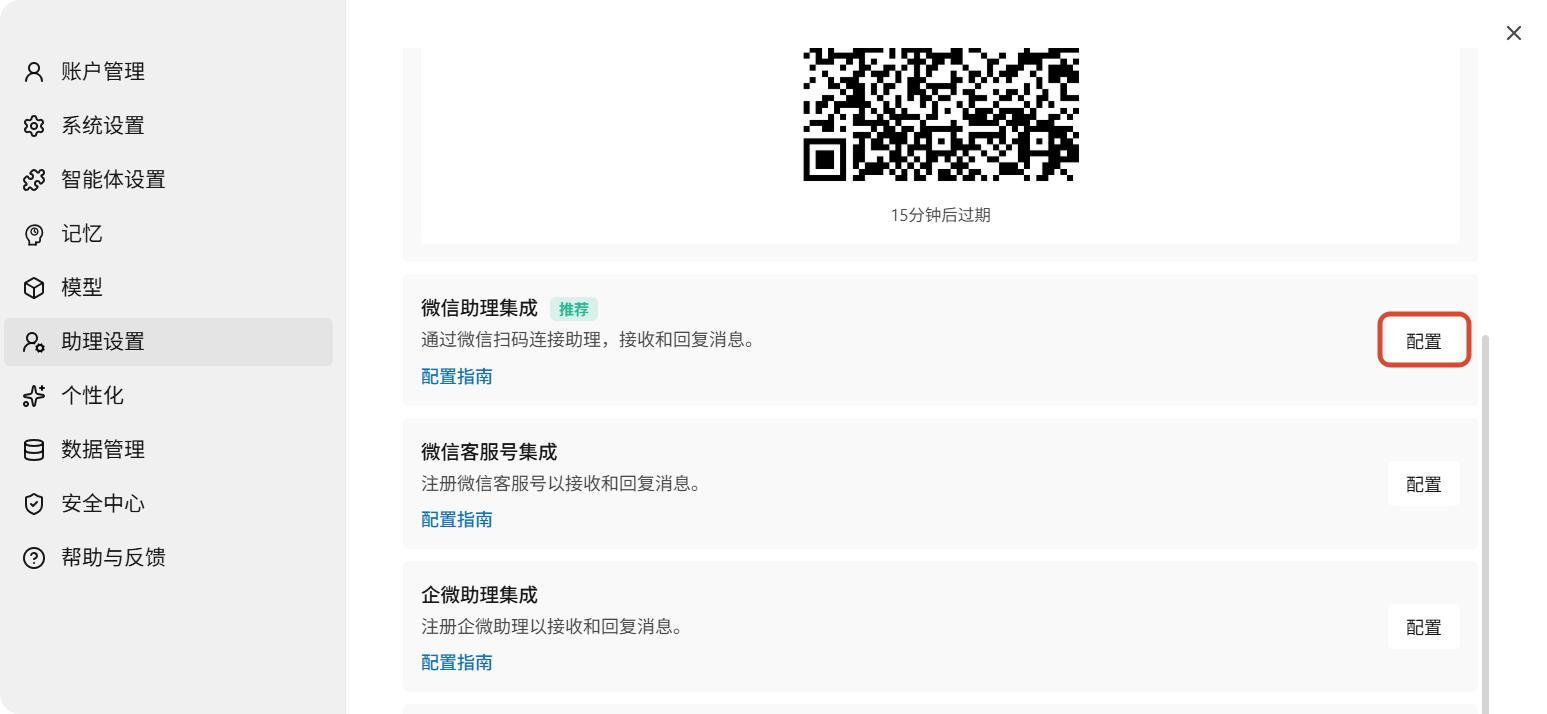
- Find "WeChat Assistant Integration" and click "Configure";
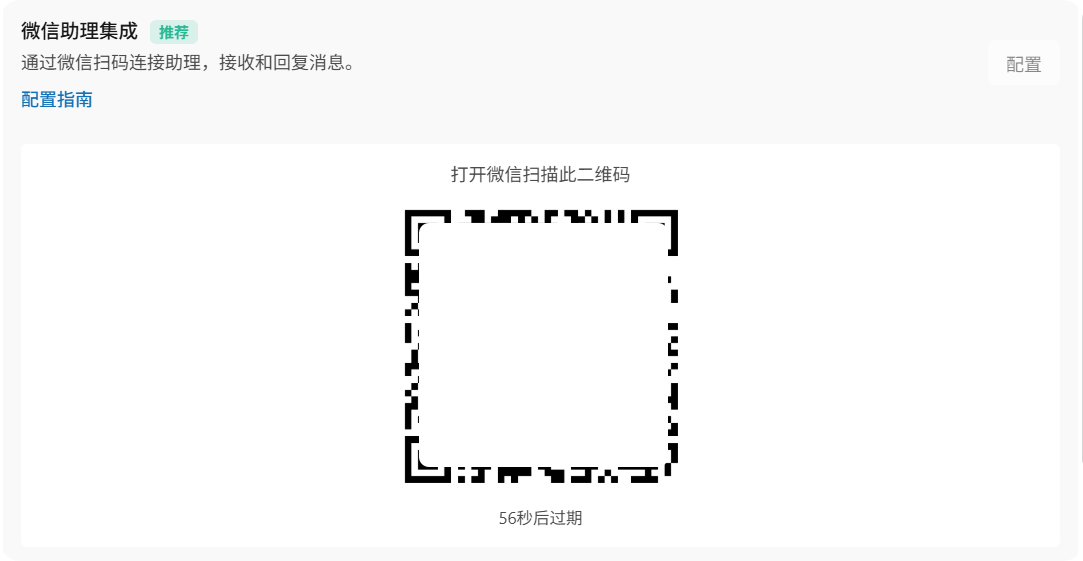
- Wait for the binding QR code to be generated, scan the code with your mobile phone WeChat;
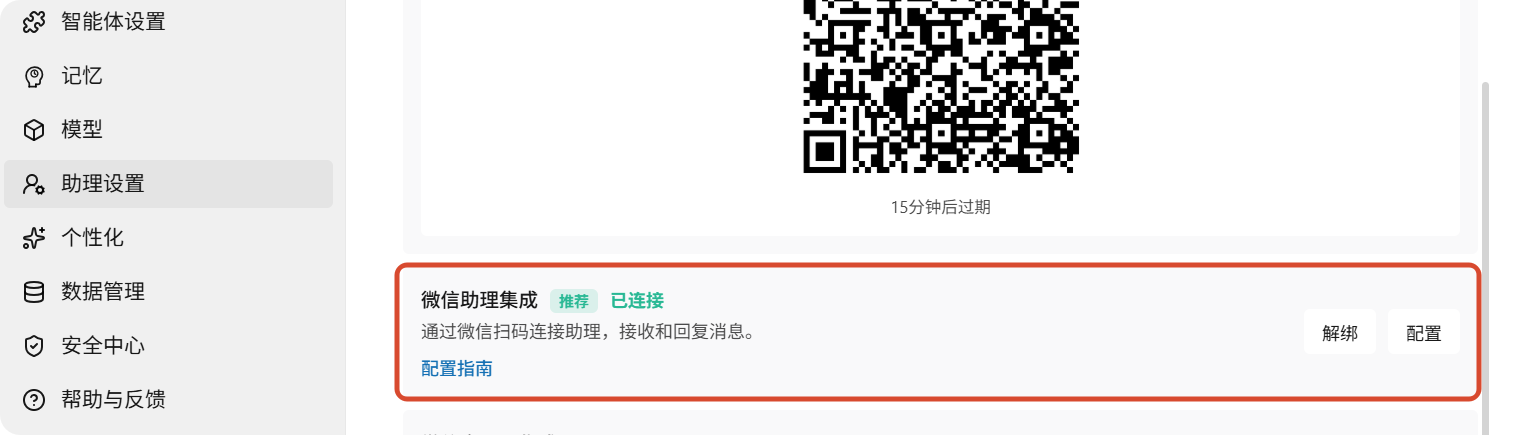
- After the card shows "Bound", first send a read-only test command;
- When you need to switch WeChat accounts, first unbind the current account and then scan the code again.
QR codes have time limits. If it stays in "Binding", the QR code expires, or the scan fails, close the configuration window and re-enter. If necessary, restart WorkBuddy and regenerate the QR code.
Source: WorkBuddy Official Guide.
Connect Feishu
This section describes how to send tasks to the WorkBuddy assistant in the Feishu chat window. For connector usage of reading Feishu group chats, documents and schedules in WorkBuddy, see Chapter 8: Feishu Office Work—From Connection to Delivery.
- WorkBuddy → Settings → Assistant Settings → Select Feishu;
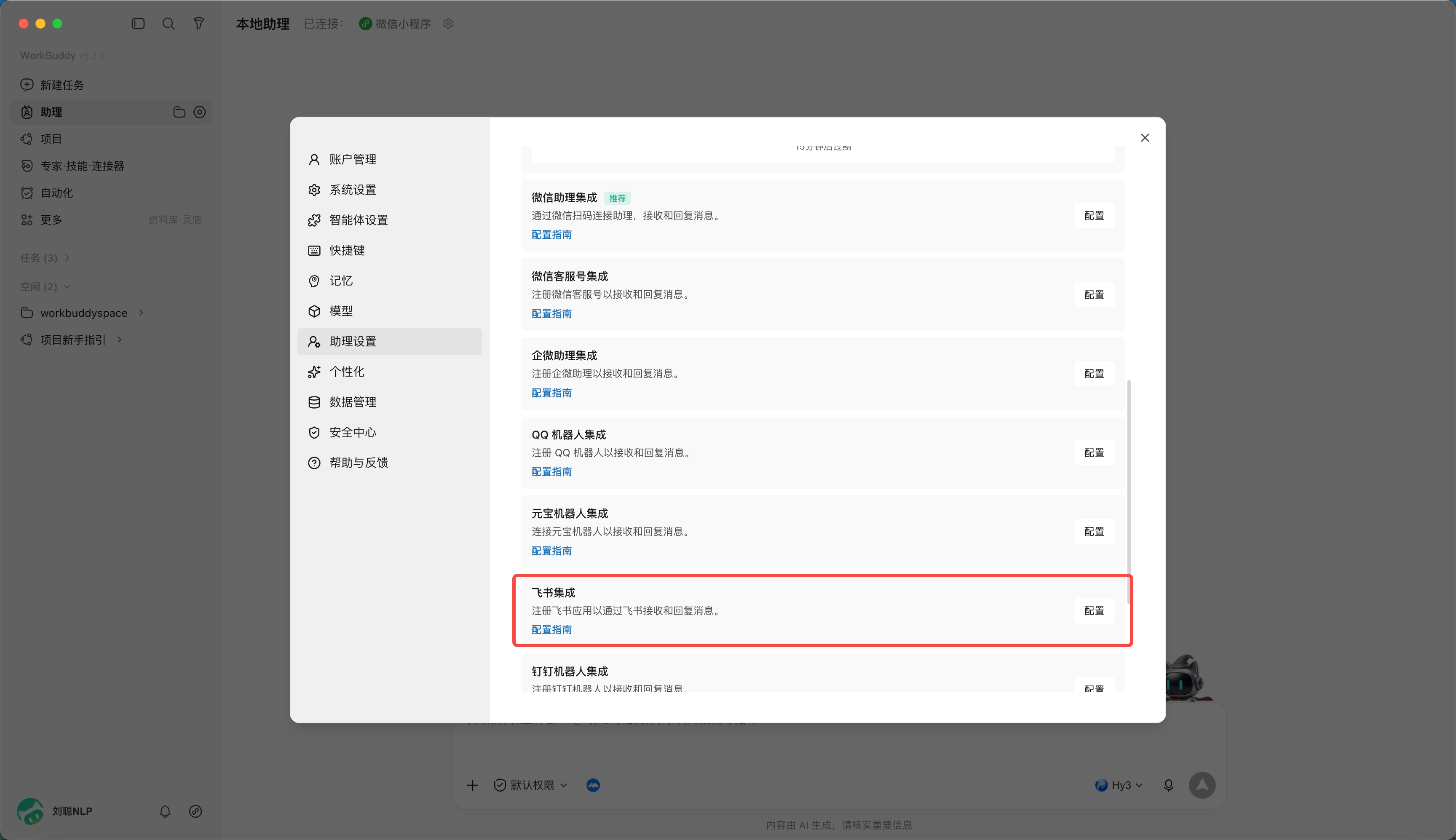
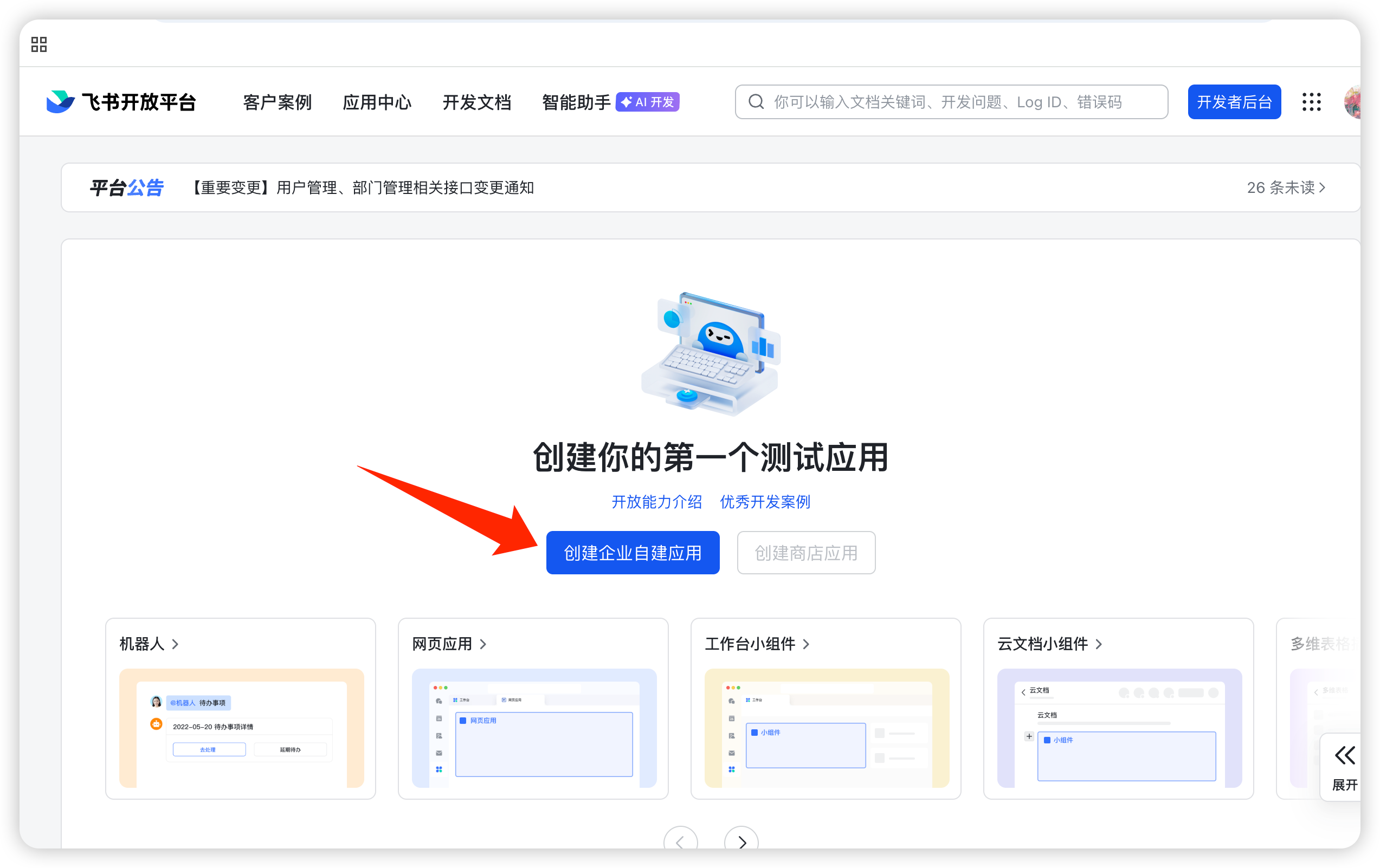
- Create enterprise self-built applications on the Feishu open platform;
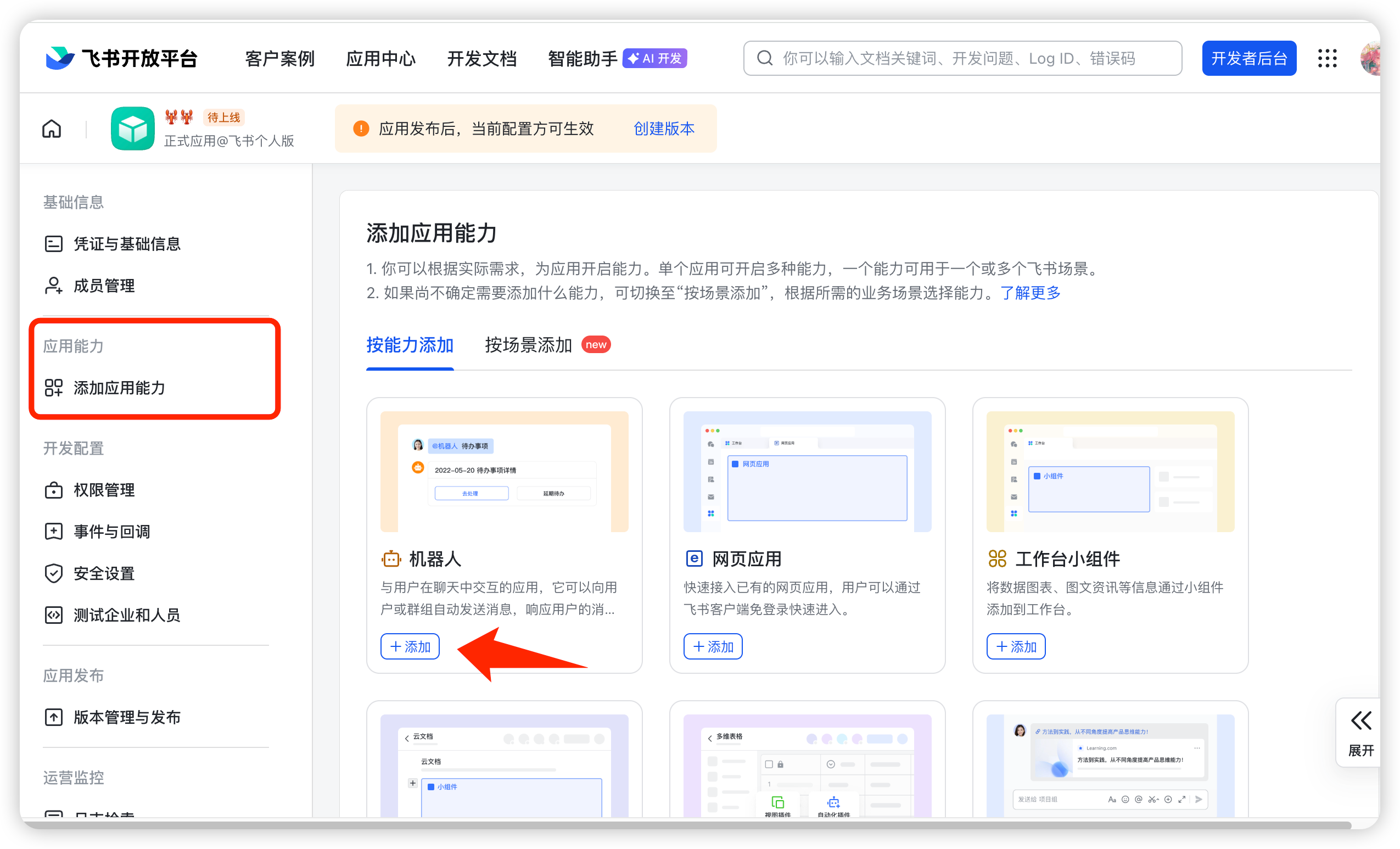
- Add robotics capabilities to applications;
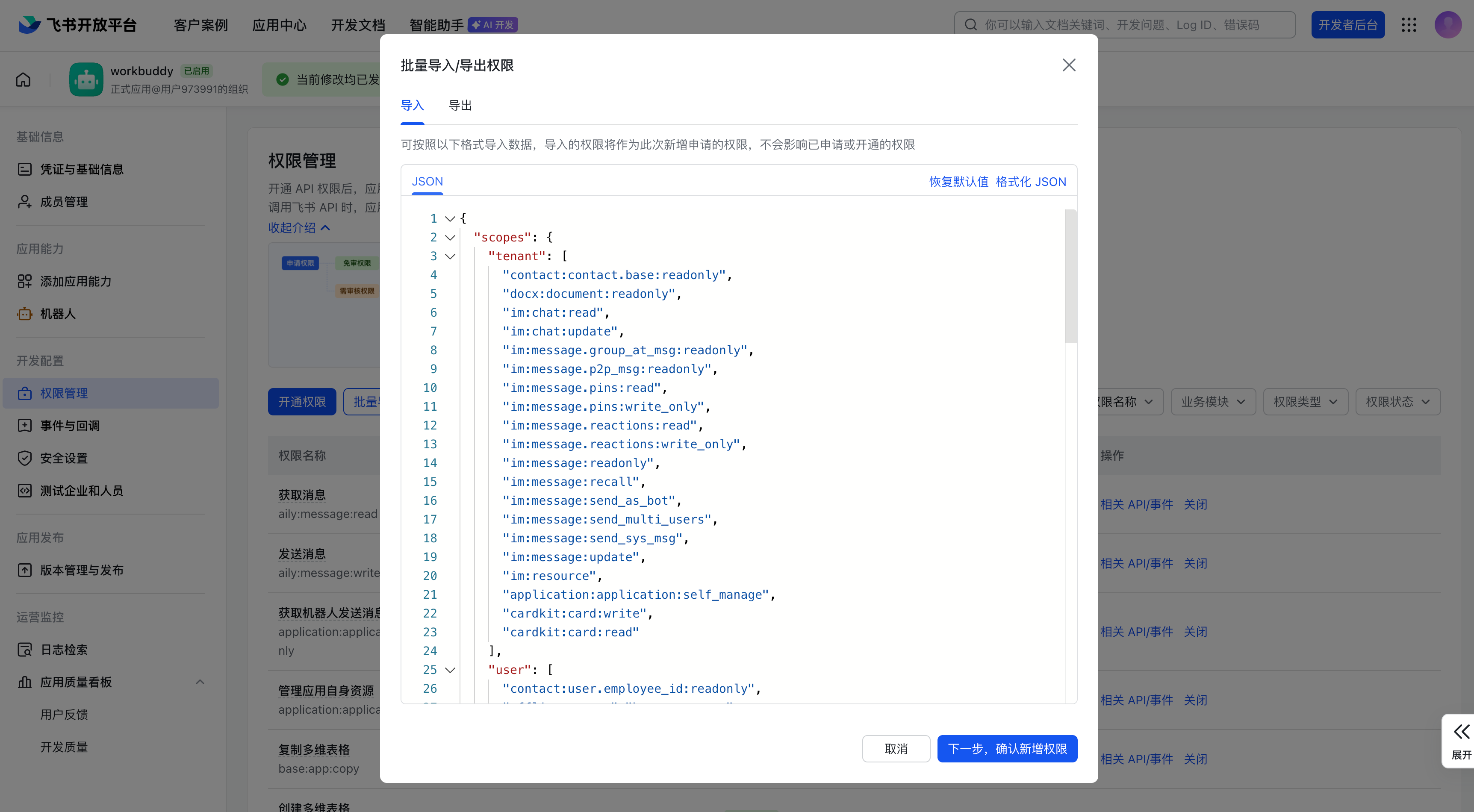
- Activate the minimum permissions required by the current WorkBuddy page;
- Get the App ID and App Secret in "Credentials and Basic Information";
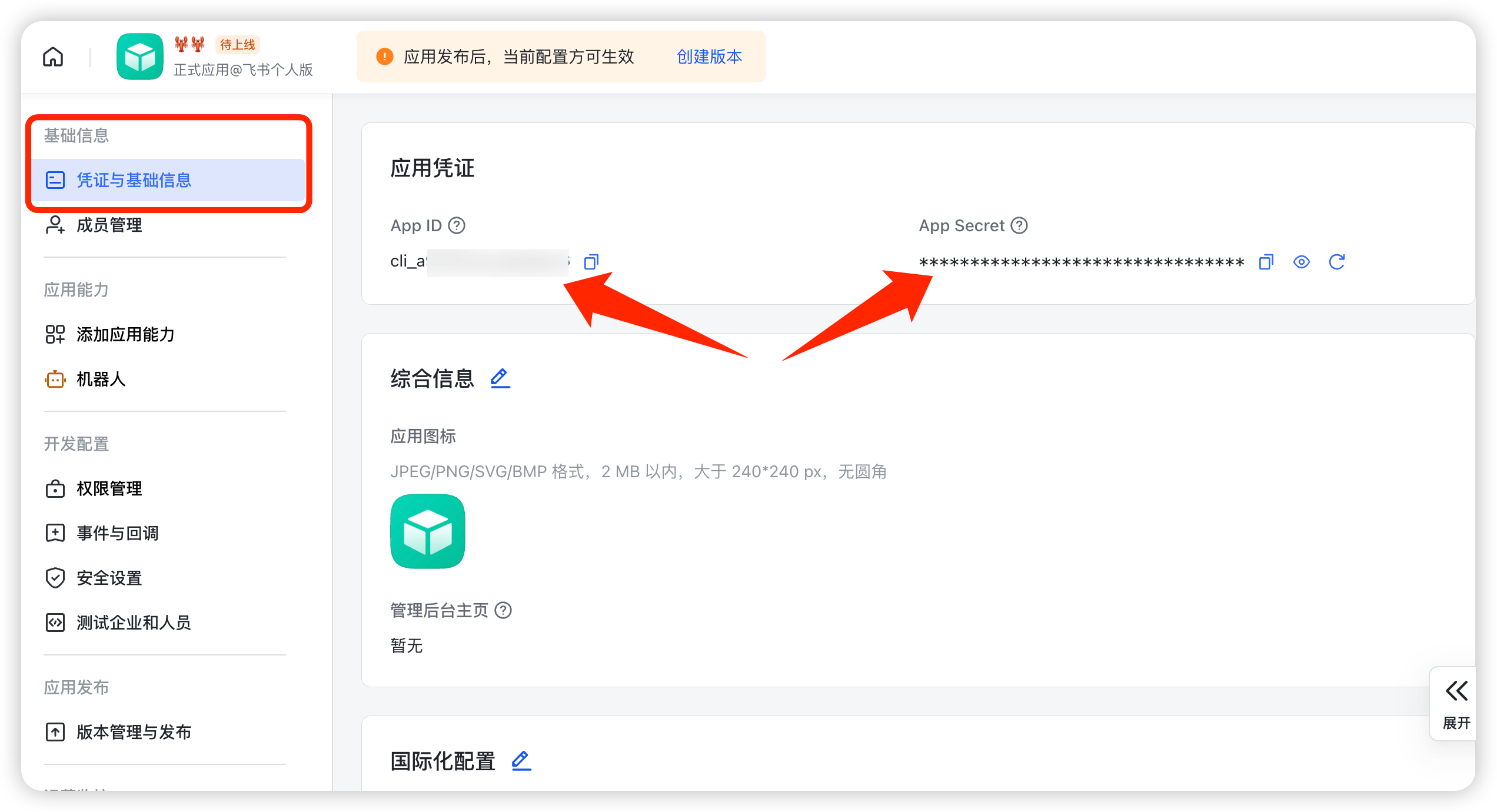
- Fill in the credentials into WorkBuddy and generate or copy the callback information;
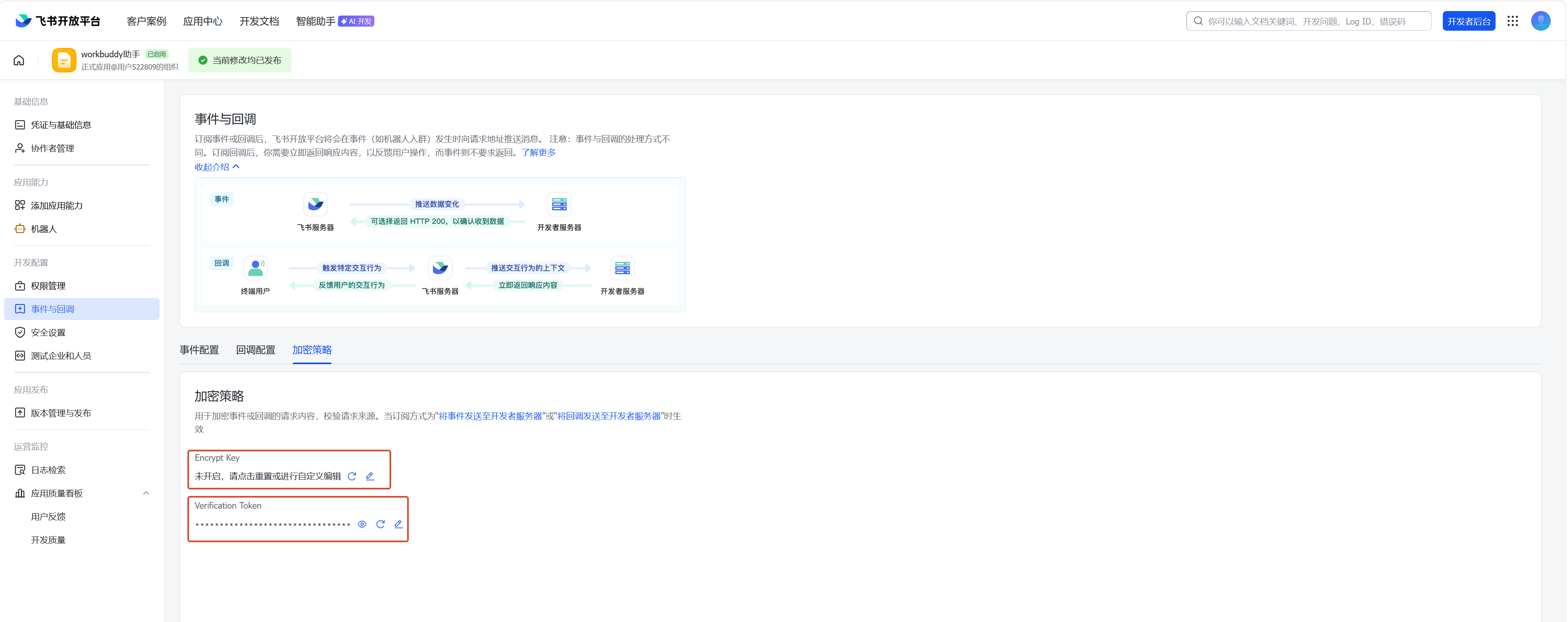
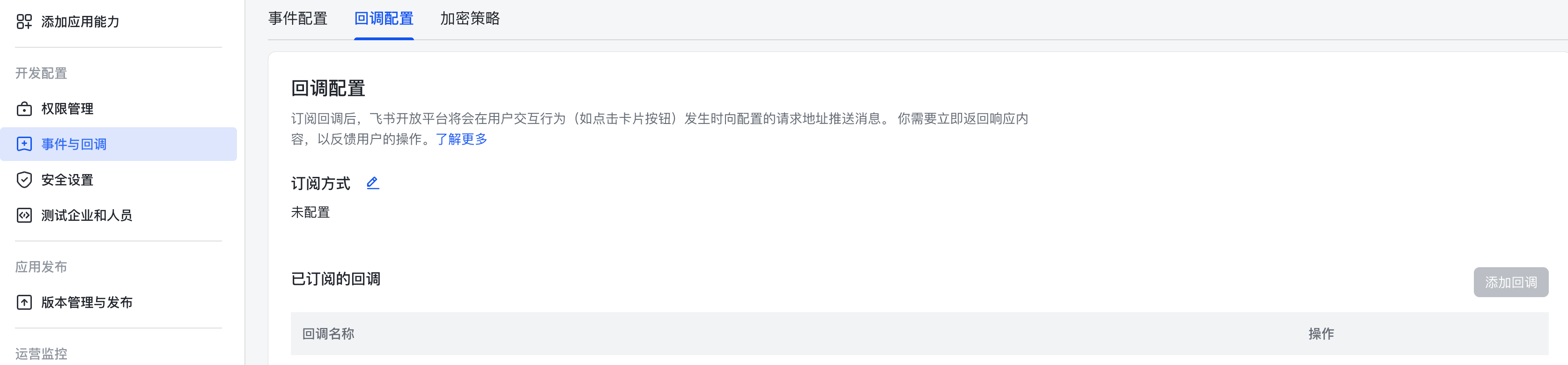
- Configure event subscription and callback in Feishu;
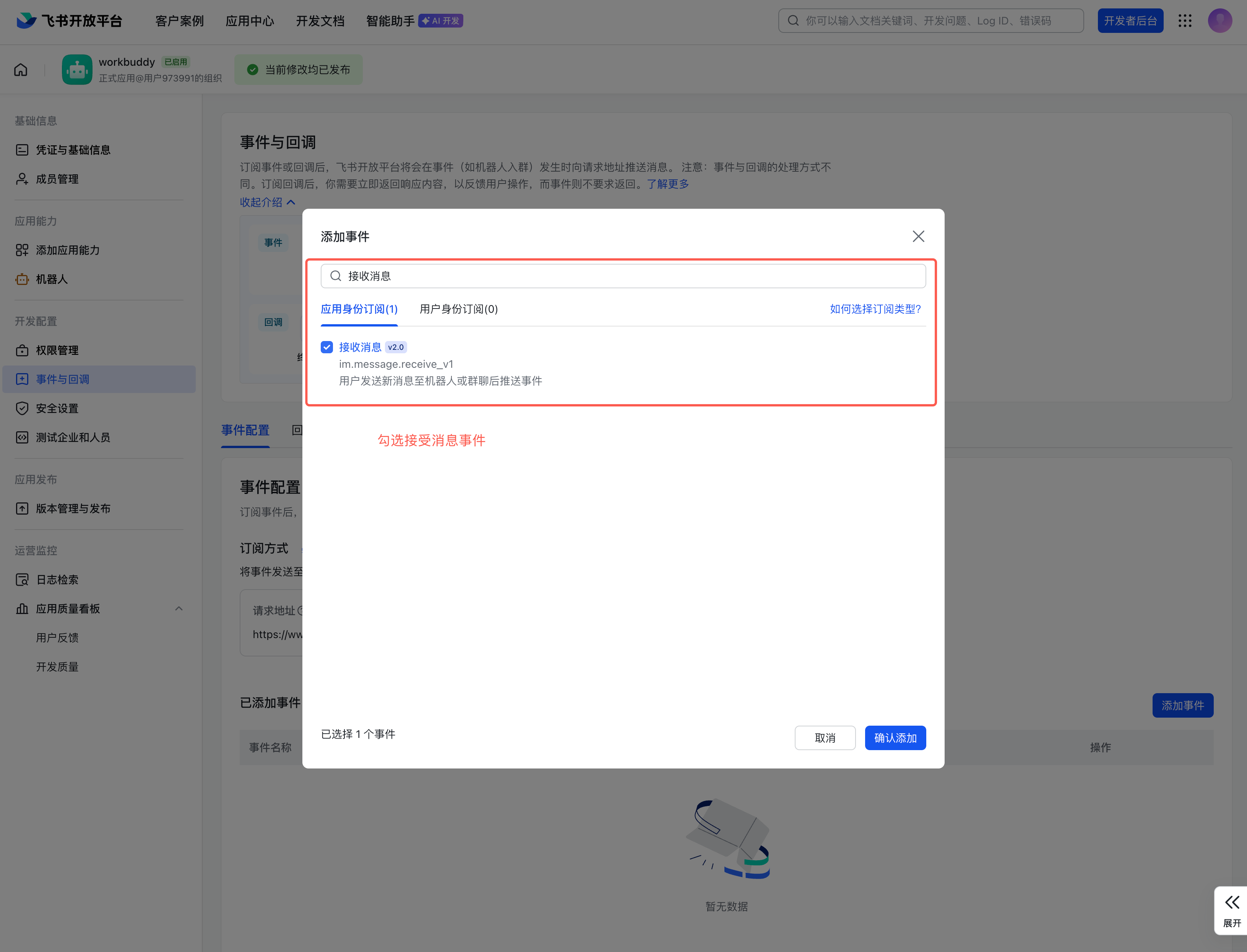
- Add events required by current guidelines such as message reception and card interaction;
- Create versions and publish applications;
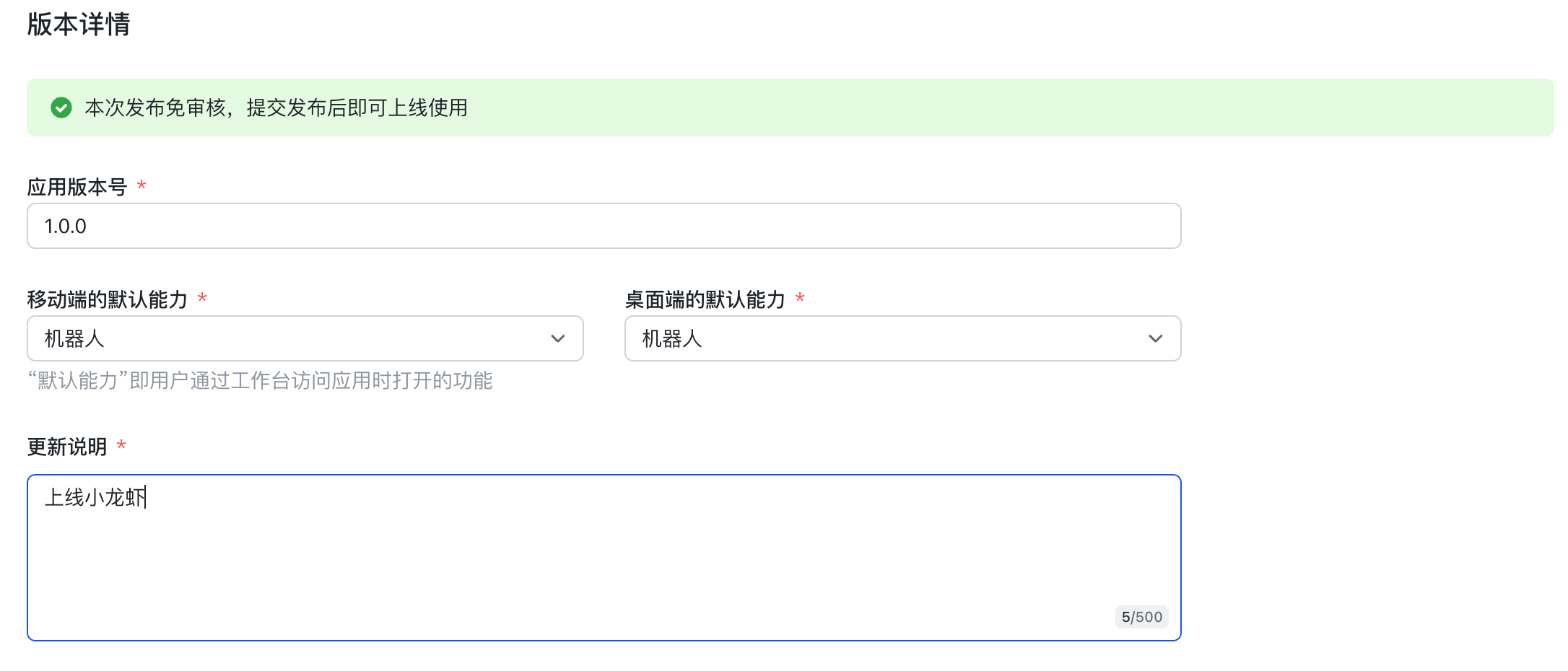
- Send a read-only test task to the robot within Feishu.
Source: WorkBuddy Official Guide.
Connect DingTalk
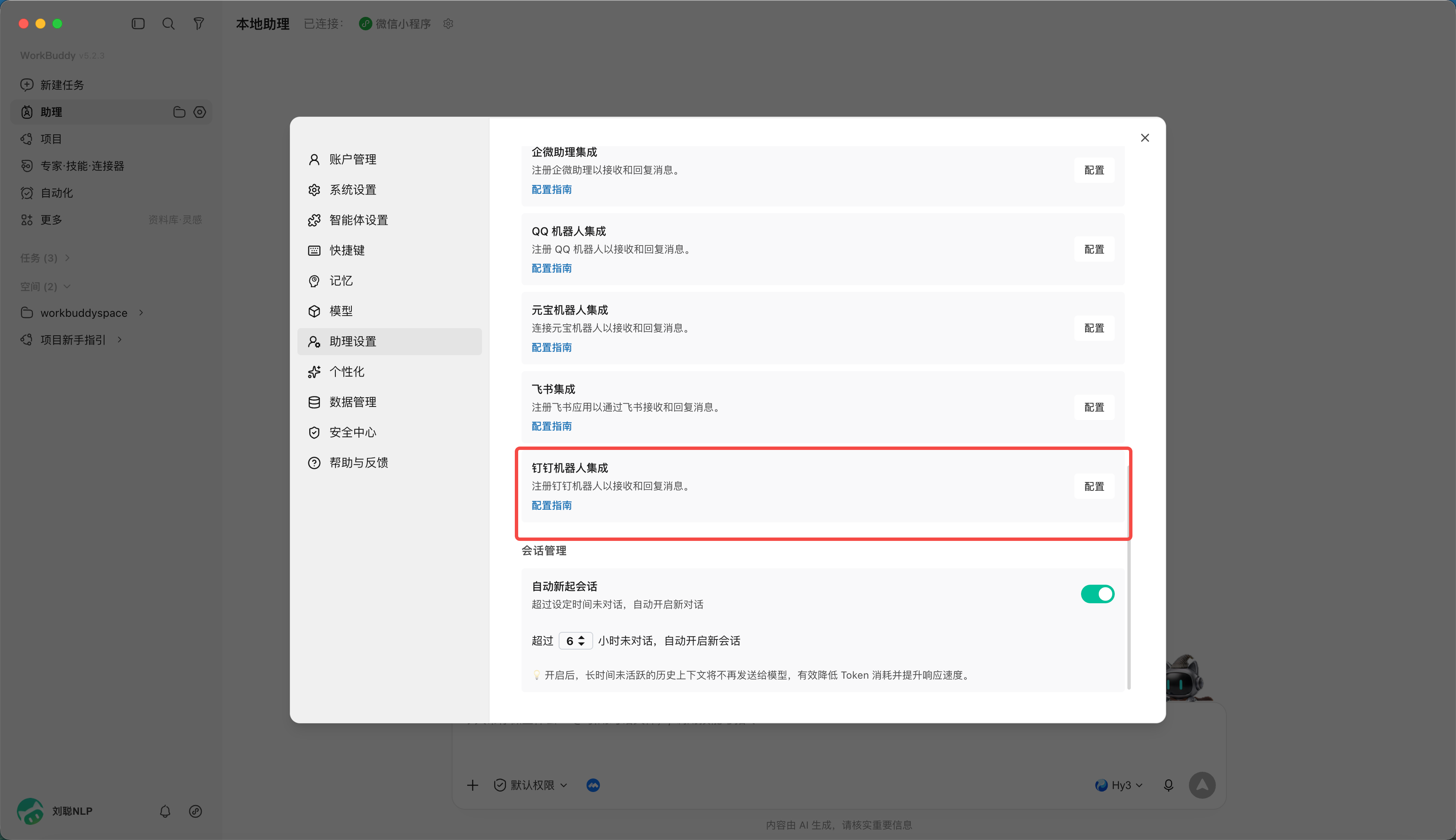
- Create applications and robots and use the enterprise administrator account to log in to the DingTalk developer backend;
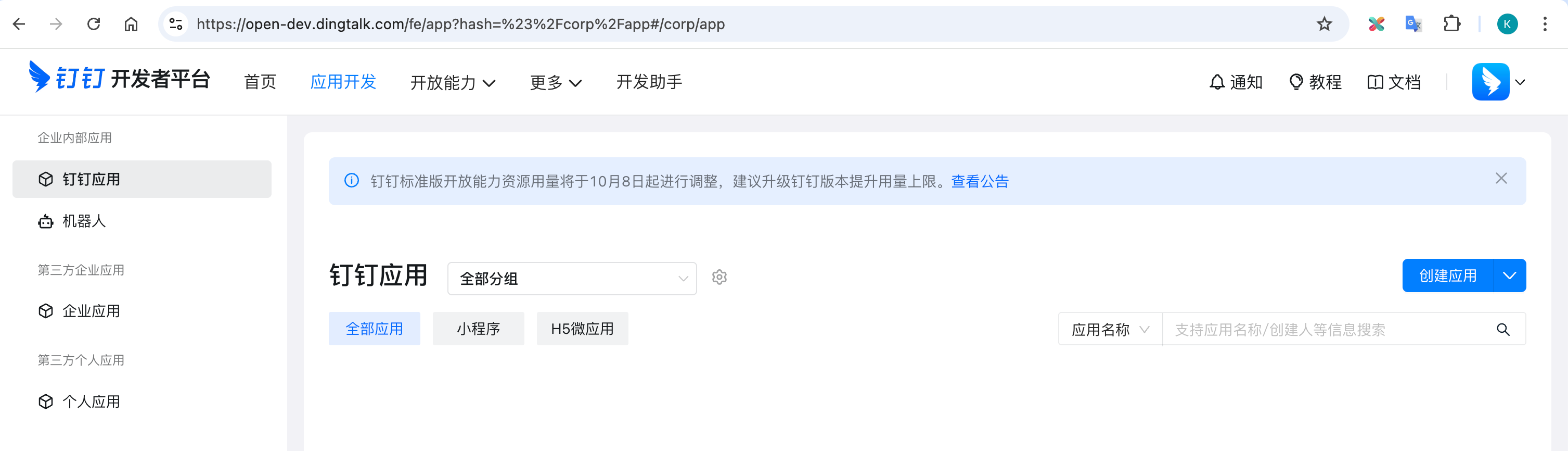
- Enter "Application Development" and create an application;
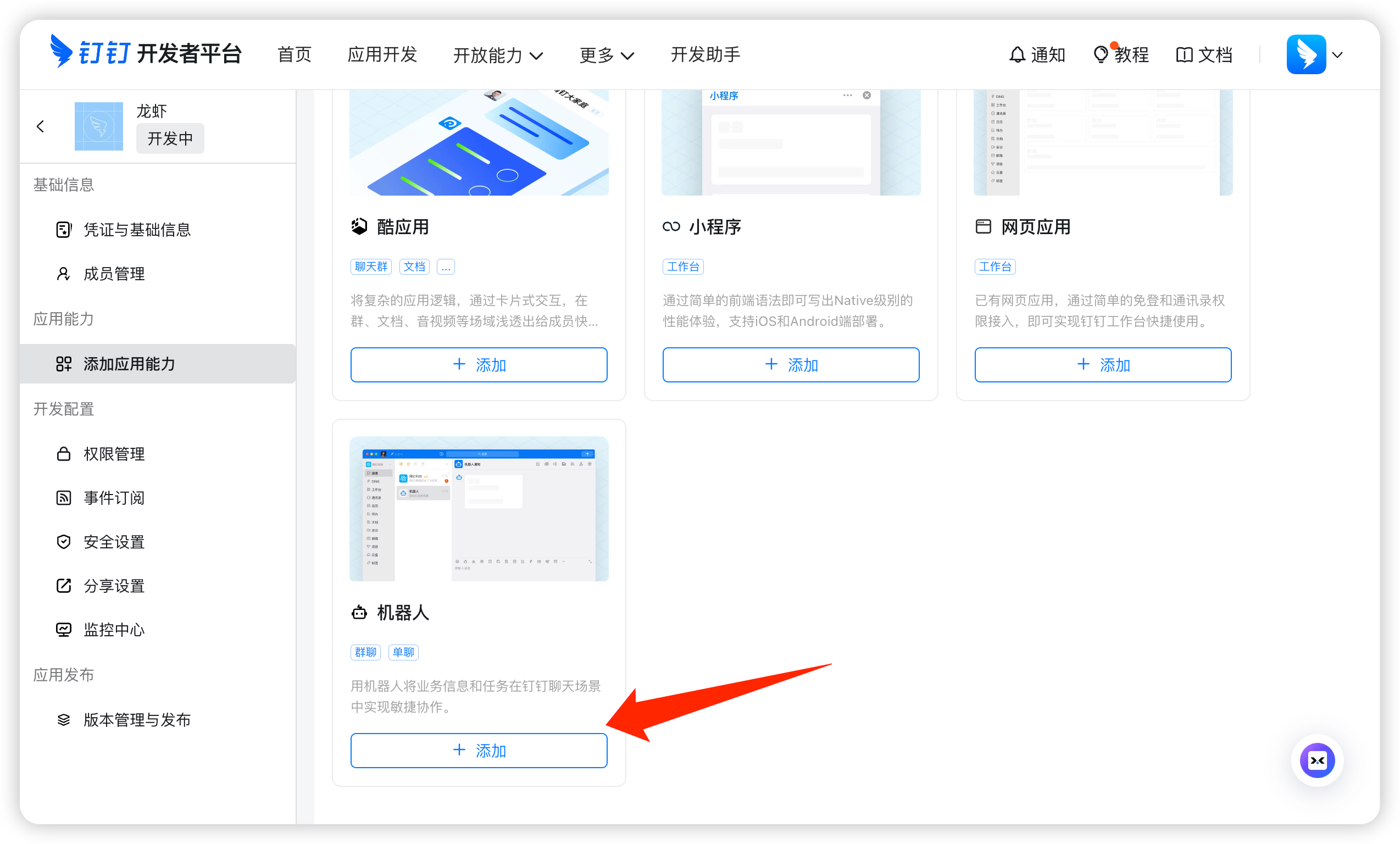
- Add robot capabilities to the application, fill in the robot name, description and avatar and confirm publishing;
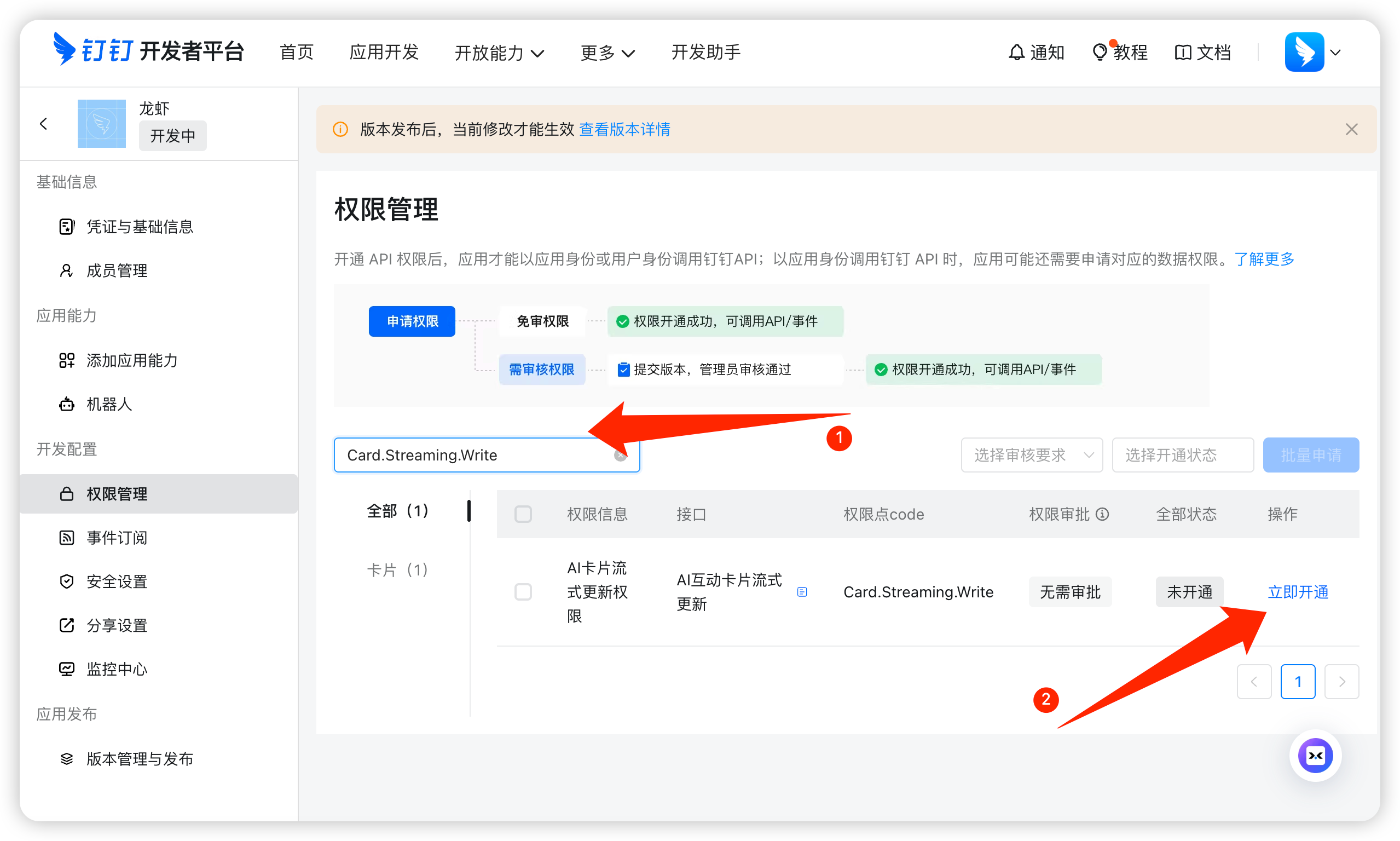
- Priority is given to completing verification in the testing organization or testing group.
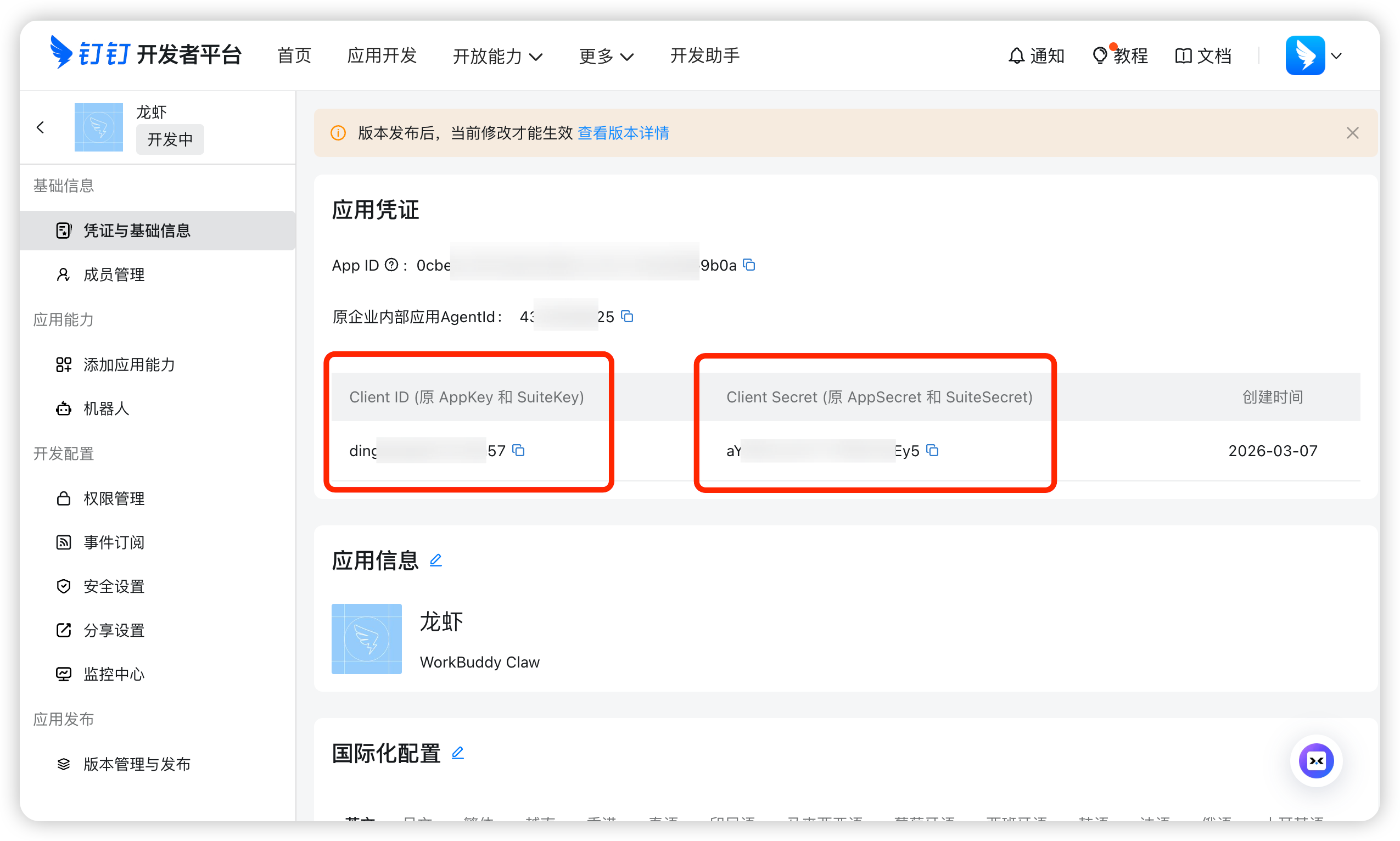
Source: WorkBuddy Official Guide.
Chapter 10 How to Connect External APIs
You may not have points, but you have your own LLM API,
WorkBuddy supports access to other LLM APIs, as well as Coding Plan, Token Plan and other packages.
Go directly from settings,
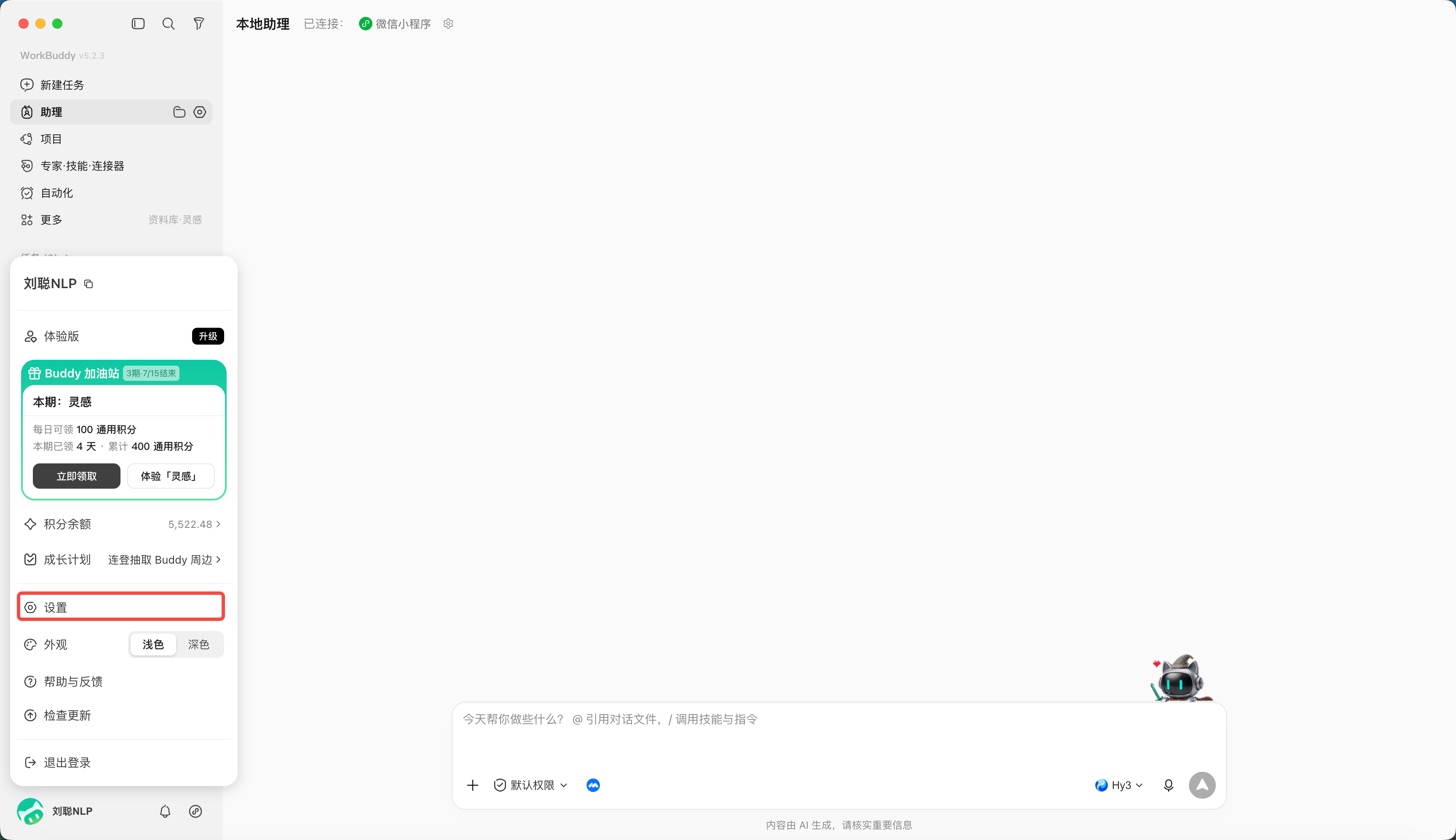
Select model options,
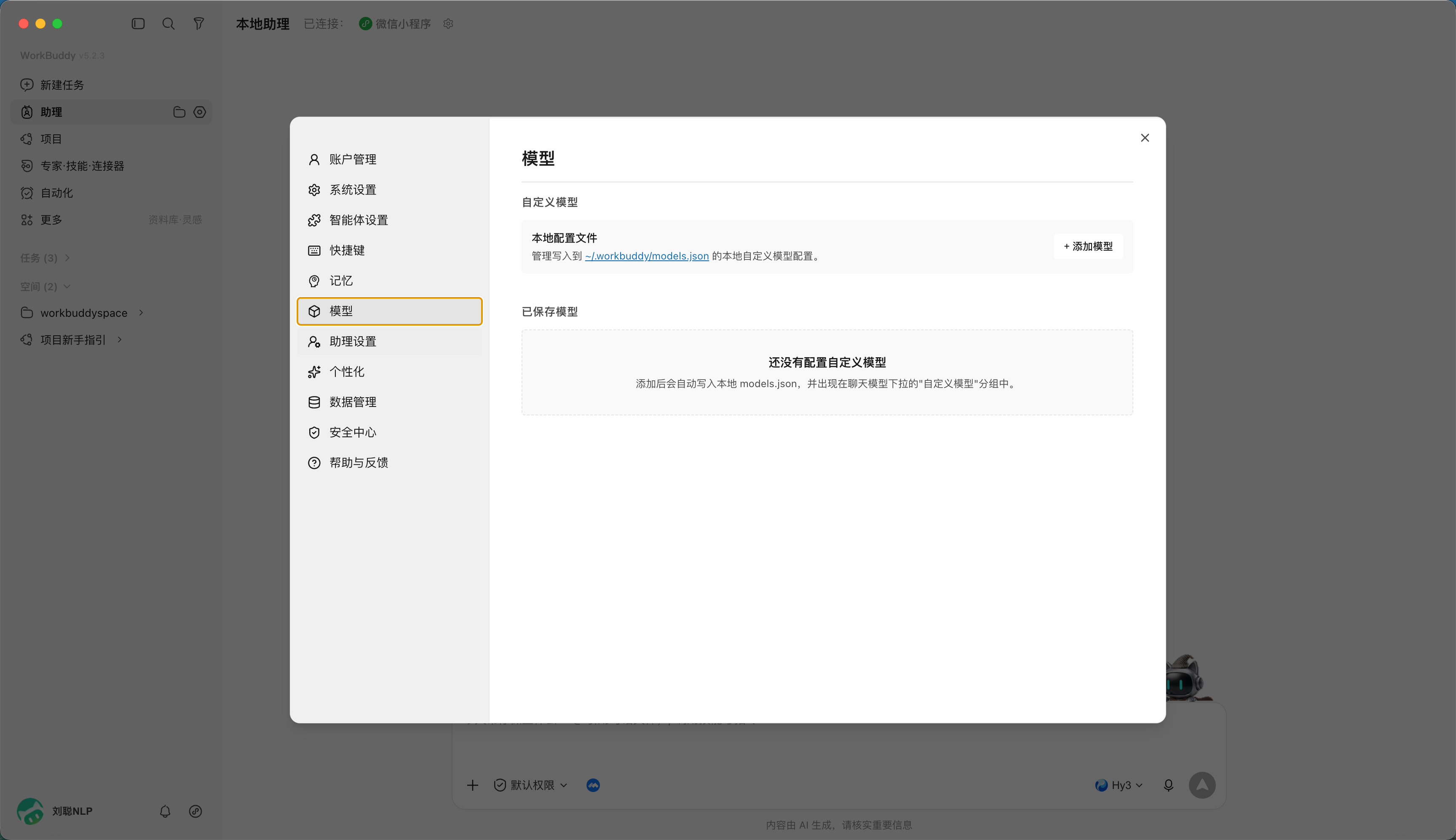
Click to add model,
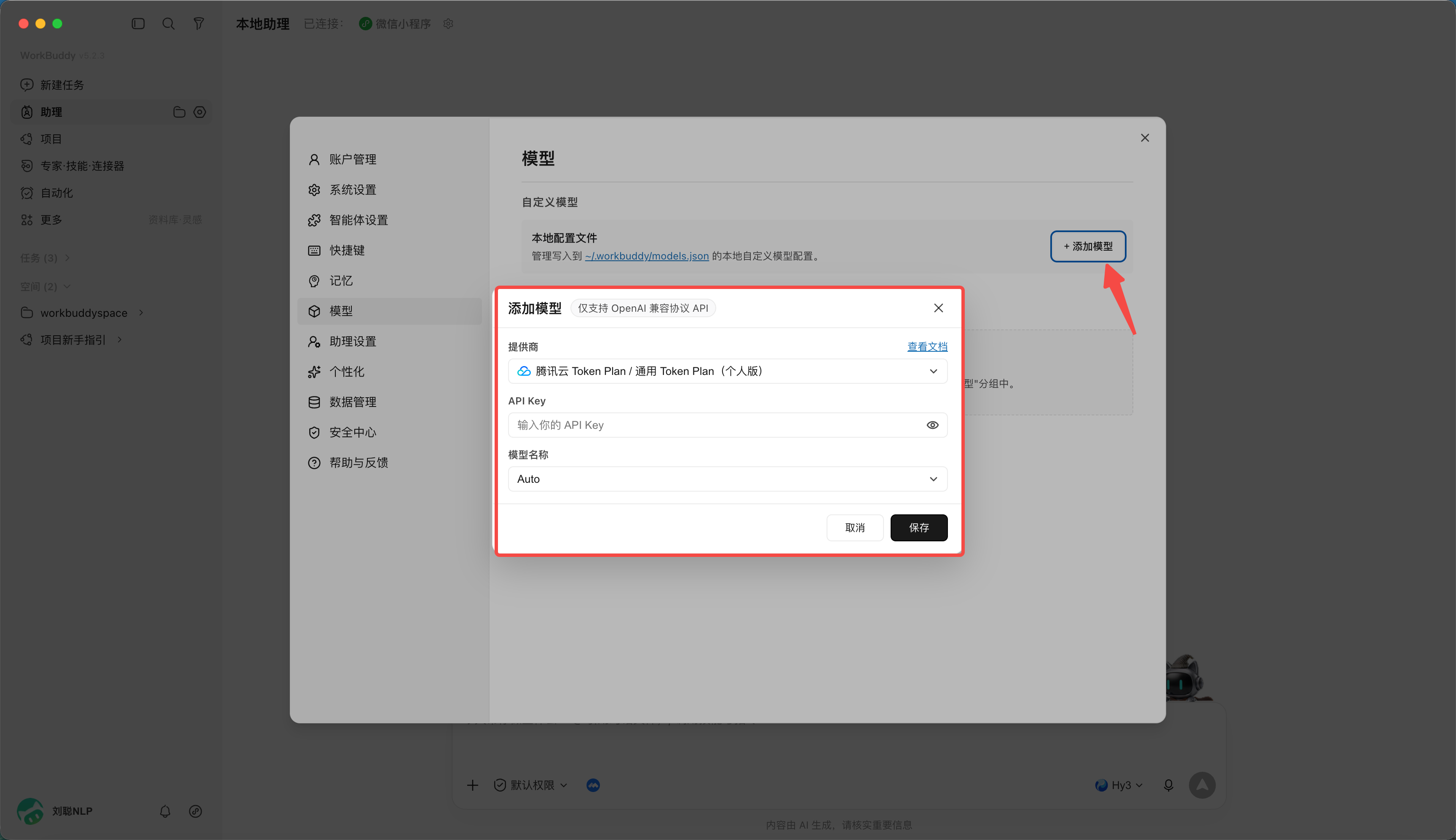
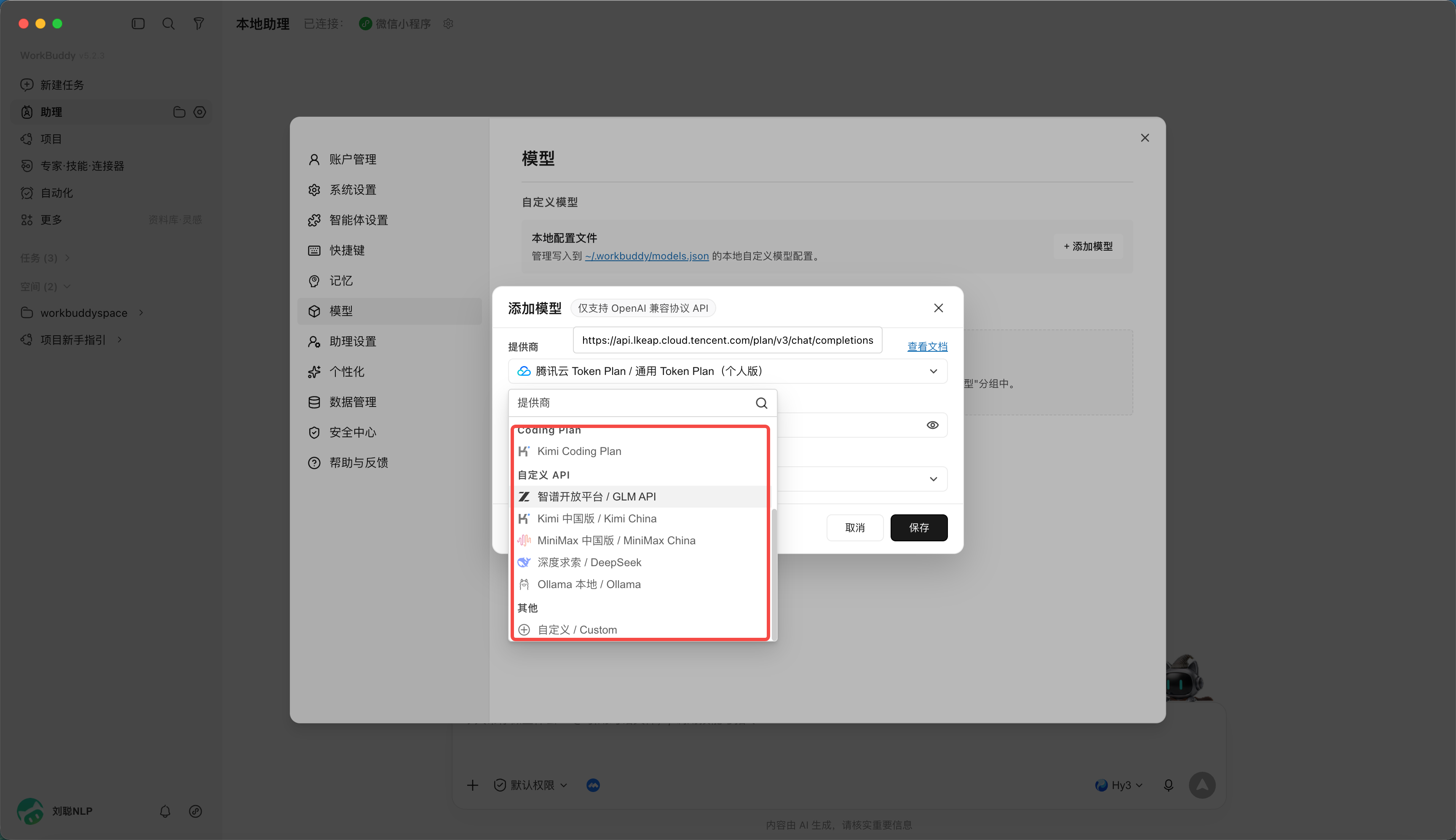
You can choose various coding plans or customized APIs
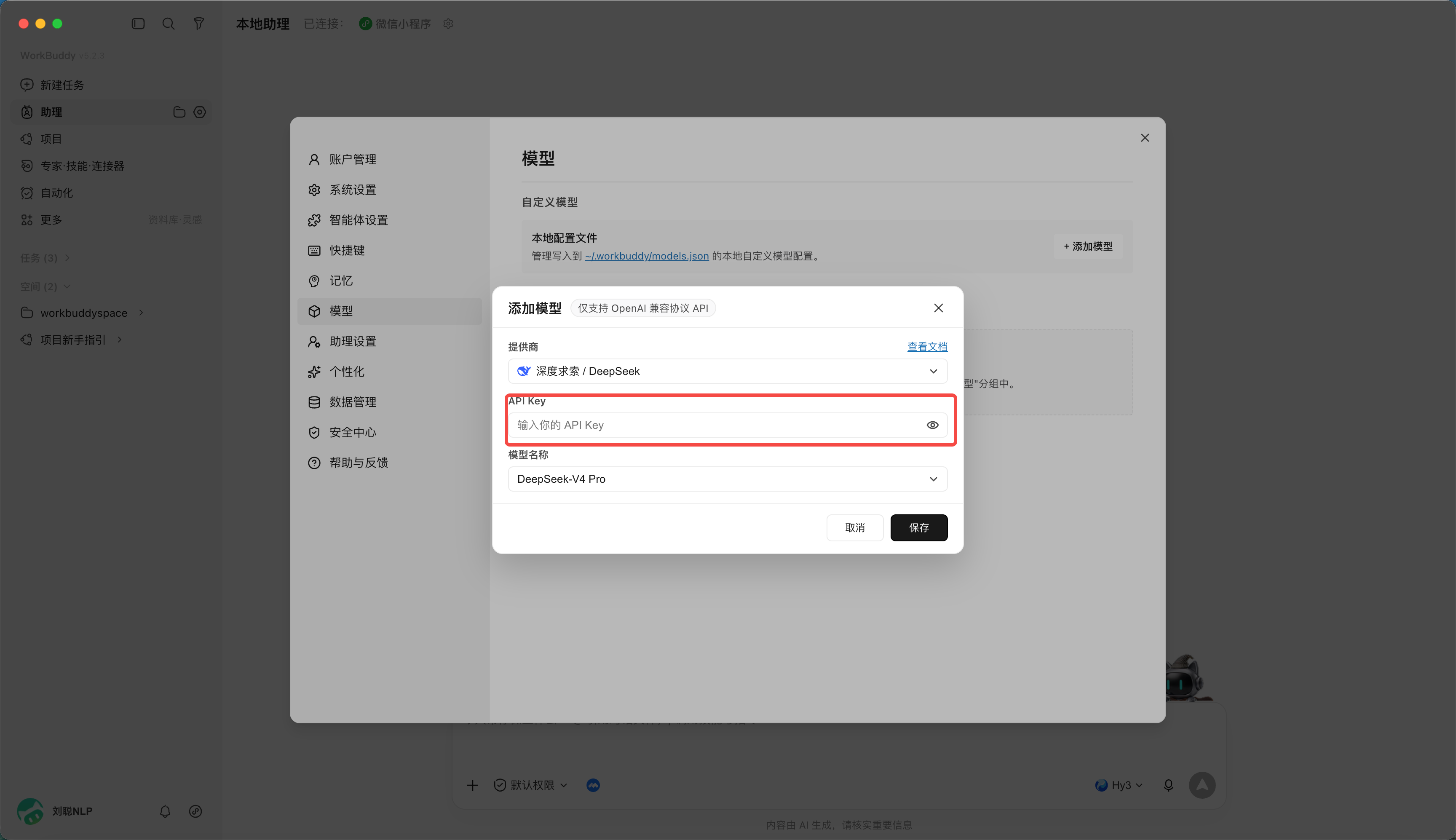
For example, for DeepSeek, you only need to enter the api key.
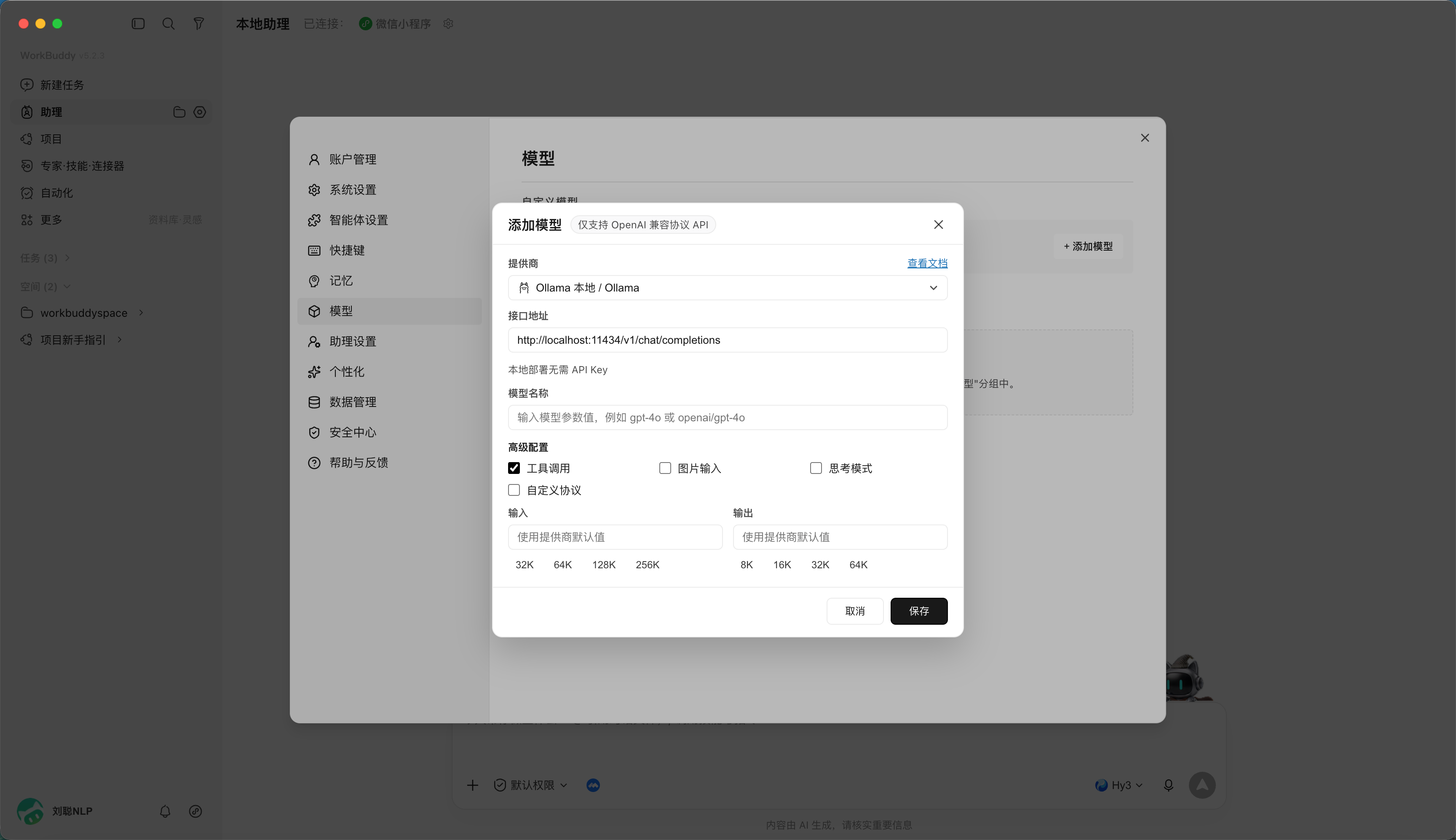
Or to access the local ollama model, you need to start Ollama locally first (default port 11434, OpenAI compatible interface). The advantages of the local model are that the data does not leave the local machine, can be offline, and has zero token cost.
Chapter 11 WorkBuddy Automation Tasks
What really consumes people is often not the big tasks that require creativity, but the need to open the same page every day, collect similar information, organize it into the same format, and then send the results to the same group of people. The value of WorkBuddy automation is to turn these tasks with "fixed time, similar steps, and checkable results" into repeatable Agent tasks.
Why WorkBuddy can automate
Traditional automation usually requires people to write each step into code first: which system to open, which button to click, which column to read, and how to branch when encountering exceptions.
What makes WorkBuddy different is that it combines "scheduling" with the Agent's understanding, tool calling, and file processing capabilities. You don't have to write every detail into a program, but you need to make the goals, inputs, boundaries, and results clear.
Automation configuration is saved in the local client, including task name, prompts, scheduling rules, working directory and execution status. After the set time is reached, WorkBuddy will use the current login identity to initiate the Agent task, and call the model, Skill, MCP or connector according to the prompts to complete query, summary and file processing in the specified working directory.
What really makes a task run stably are five elements: a clear trigger time, a repeatable input source, a sufficiently specific Prompt, a fixed and controlled working directory, and acceptance conditions that can determine success or failure.
What can automation be used for?
The most intuitive use is to hand over tasks that need to be repeated every day, week, or month to WorkBuddy. The value lies not only in fewer mouse clicks, but also in the fact that tasks will not be forgotten due to busyness, and the execution method will not change temporarily with different people.
| use case | can be done automatically | Typical products |
|---|---|---|
| Information and Intelligence | Regularly search for industry news, policies, and competitive product trends, and summarize them after removing duplicates | Daily briefings, risk alerts, source lists |
| Daily and weekly newspapers | Summarize tasks, calendars, documents and data changes and generate reports in a fixed structure | Daily, weekly, project schedule |
| Data and tables | Collect documents, merge tables, clean fields, check for missing and anomalies | Reconciliation table, exception list, trend chart |
| File management | Archive by date and project, batch rename, extract PDF or image text | Archive directories, indexes, processing logs |
| Content operation | Collect topic selections, generate title candidates, organize materials, and create publication drafts | Topic selection bank, content draft, cover request list |
| knowledge management | Regularly organize collections, meeting minutes and inspirations, and add tags and sources | Knowledge cards, weekly review, to-digest list |
| Products and R&D | Inspect logs, summarize issues, check dependencies and build results | Inspection report, defect summary, upgrade suggestions |
| personal affairs | Generate learning plans, stage reviews, appointments or reminder tasks | Learning lists, reminders, execution records |
What tasks are suitable for automation first?
You can use the following six questions to make a judgment. The more "yes" you answer, the better the first batch of automation tasks:
- Will it be repeated?: Occurs at least once a week, not a one-time requirement;
- Is the input stable?: Folders, web pages, tables or connector sources are relatively fixed;
- Are the steps similar?: Although the content changes, the processing method is basically the same;
- Are the results acceptable?: Can check the number of items, fields, time range, source or whether the file is generated;
- Can failure be recovered?: You can rerun after failure without causing immediate irreversible losses;
- Can permissions be controlled?: You can limit the working directory, accounts, and tools that are allowed to be called.
The most suitable starting point is usually not "run the entire company for me", but "collect 10 AI industry news at 8 o'clock every day, remove duplications, retain links, and generate Markdown briefings to the designated directory." The clearer the scope, the easier it is to identify problems and make incremental improvements.
From an idea to a runnable task
Before creating automation, rewrite the verbal requirements into a small task statement. A reliable Prompt must at least answer: when to execute, what to read, how to process, where to output, how to count completion, what to do after failure, and which actions are prohibited from execution.
Task name: Daily AI Industry briefing
Trigger time: every day 08:00, time zone Asia/Shanghai
Working directory:automation/ai-daily

Input:
- Search past 24 hours AI Products, models and industry news
- Only use public sources where you can access and keep links

Processing rules:
1. Merge duplicate events and organize them into three categories: product, technology, and business.
2. Each article contains a title,100 Summary, source, publication date and link
3. Put content that cannot be confirmed as the time or source of publication into "to be verified". Do not make it up.

Output:
- save as YYYY-MM-DD-ai-daily.md
- Most text 10 Article, with a list of sources at the end
Create an automated task
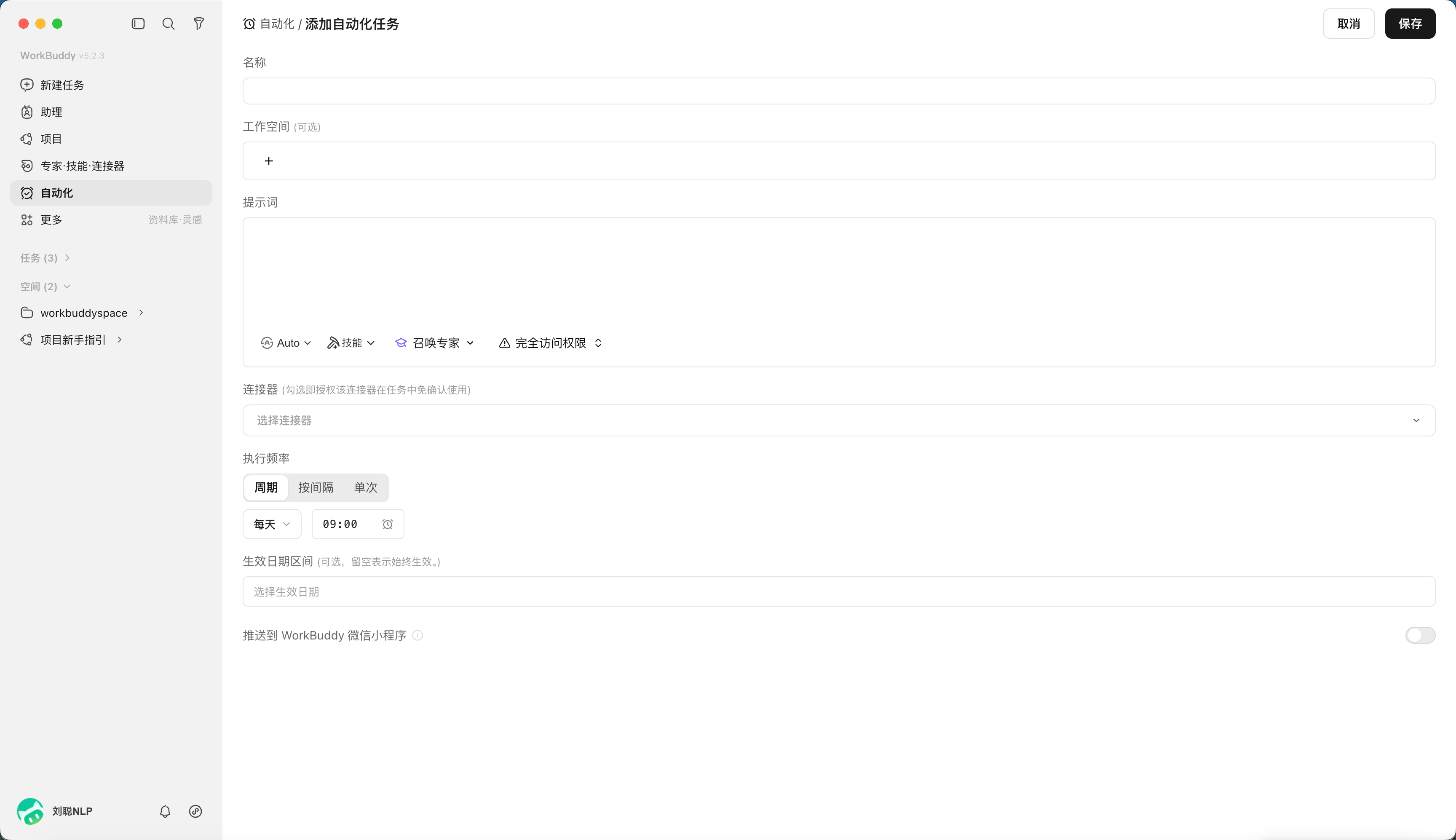
Open the "Automation" page in WorkBuddy to view scheduled tasks and historical execution records. After clicking "Add", you need to configure the task name, workspace, prompts, models and skills, timing rules, and whether to push the completion results to WorkBuddy mini app.
| Configuration items | Purpose | Fill in suggestions |
|---|---|---|
| Name | Differentiate between different automation tasks | Write down the target and frequency, such as "daily AI briefing" |
| workspace | Limit the execution directory and file storage location | Use separate directories for each automation to avoid overwriting each other |
| prompt | Describe goals, steps, outputs, and boundaries | Use the task template above to write more than just a slogan |
| Models and Skills | Determine available understanding and execution abilities | Select only the Skills and connector that are really needed for the task |
| Timing rules | Set frequency and effective date | Test run at low frequency first, then gradually increase the frequency |
| Push to mini app | Check the results on your phone after completion | Before starting, confirm which results will be synchronized to the cloud through a secure link. |
Click "Automation",
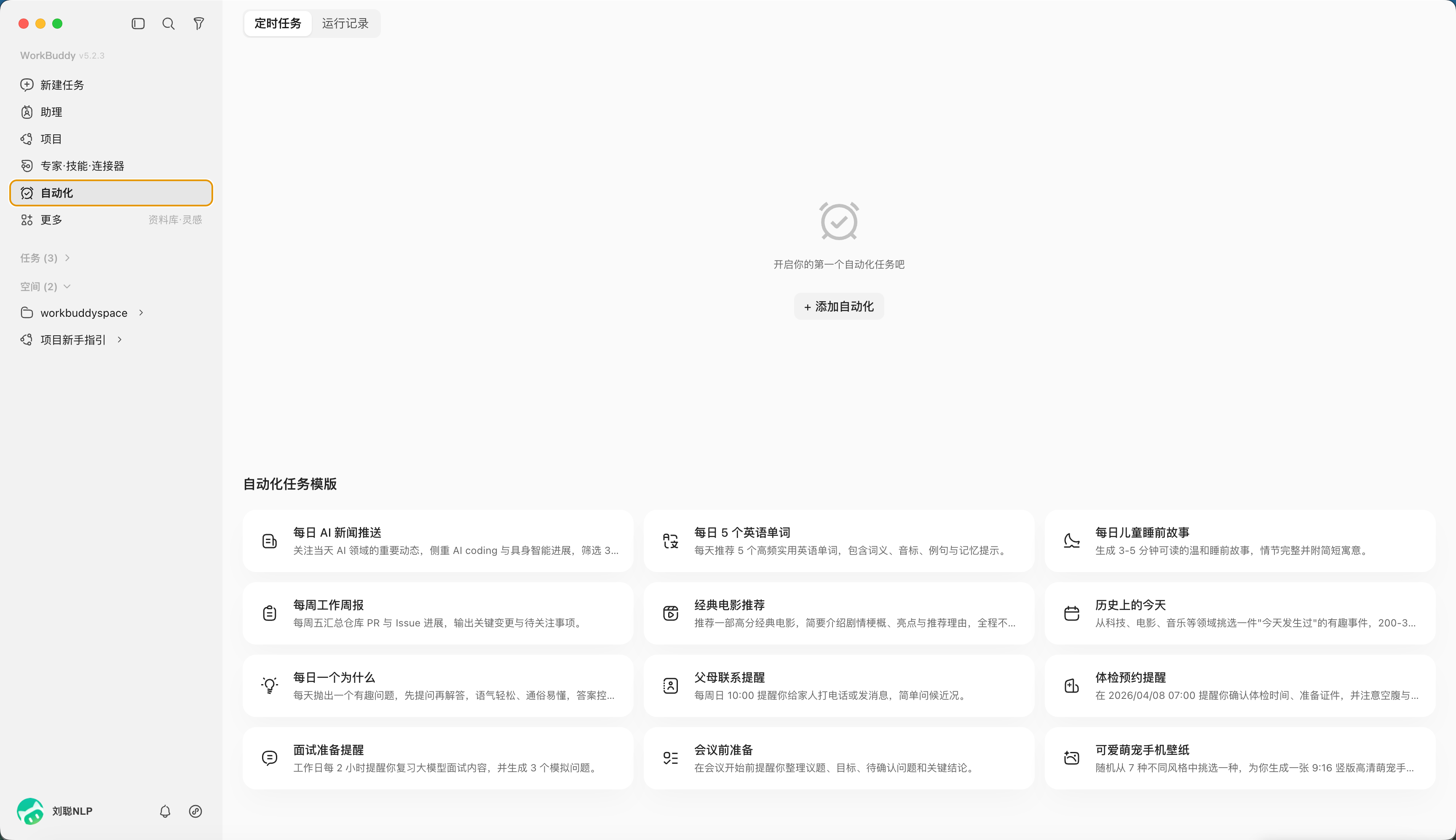
"Add Automation" to customize your tasks
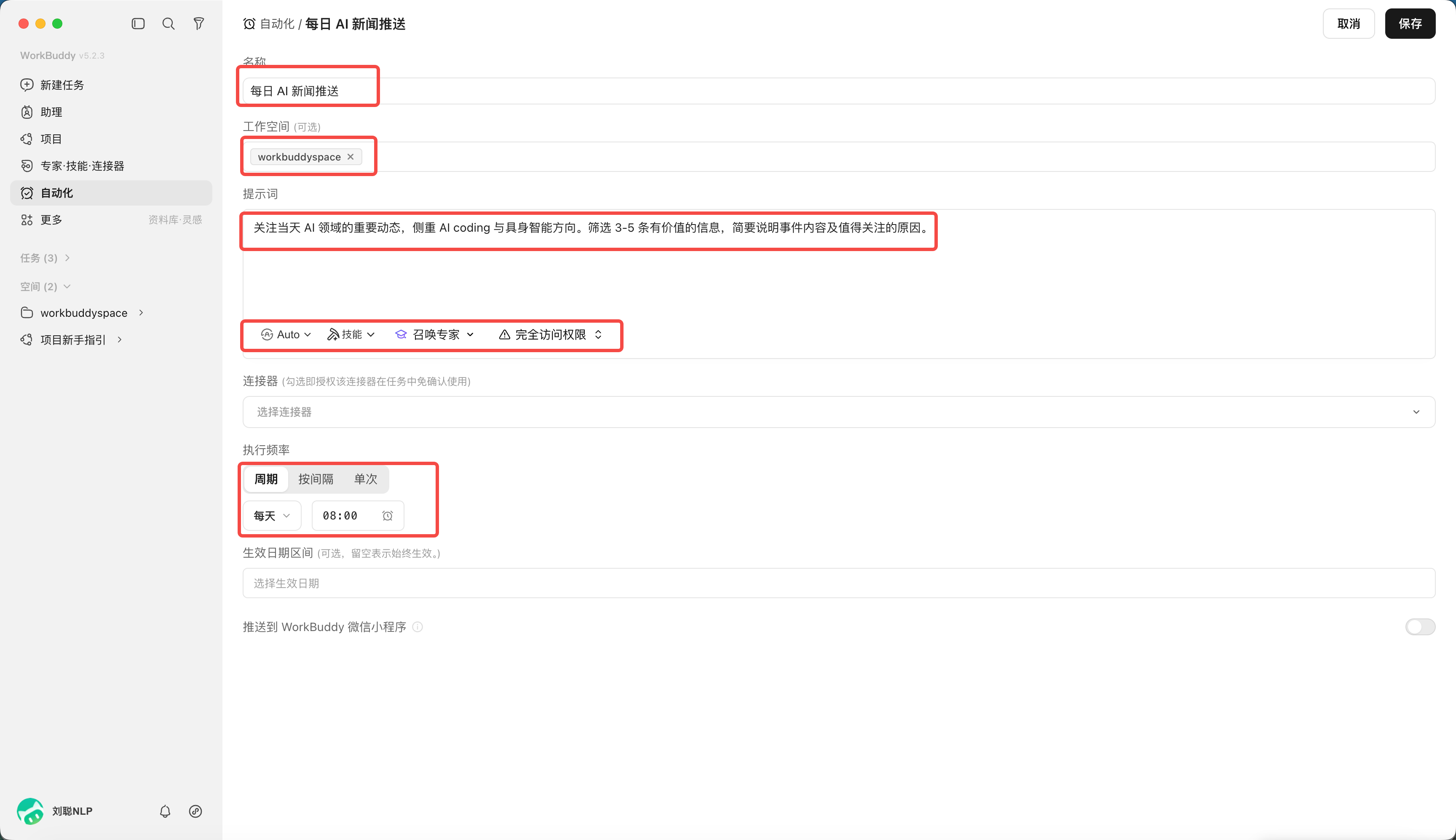
For example, daily AI information news push will be sent at 8 o'clock regularly.
If you don’t want to write Prompt from scratch, you can use a template first
The official task template covers common scenarios such as news push, weekly report generation, physical examination appointment and study plan. The value of a template is to provide basic fields and task structure, but it is not the final answer. After selection, the data source, time range, output location, acceptance criteria and prohibited actions should still be modified.
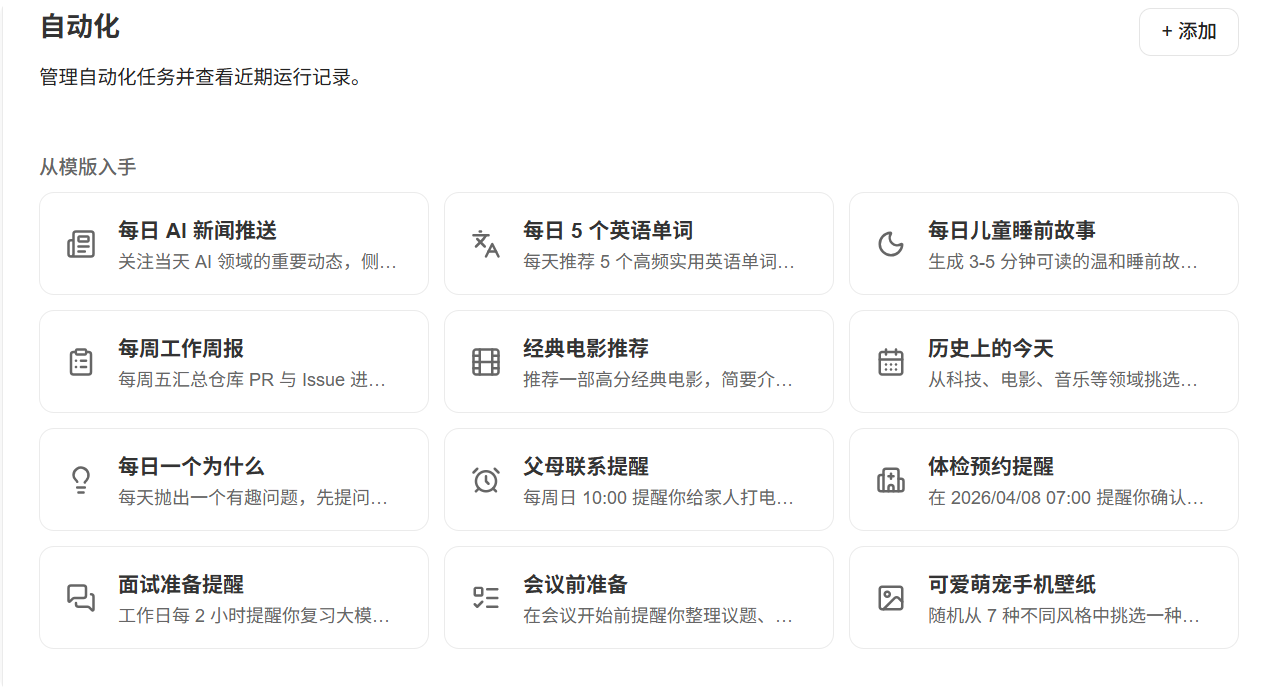
More automation scenarios worth trying
| Task | Trigger mode | Recommended human checks |
|---|---|---|
| Weekly report summary | Read the week's tasks, calendar and deliverables every Friday | Confirm progress and risk statements before sending |
| Sales Daily | Summarize new customers and follow-up records in CRM or tables every day | Check amount, customer status and responsible person |
| Expenses and invoice sorting | Read bills and reimbursement forms in the specified directory every month | Check tax amounts, duplicate bills and attribution before financial submission |
| Self-media topic selection radar | Collect hot spots, industry topics and questions in the comment area every day | Manually determine brand stance and whether to pursue hot topics |
| Knowledge Base Week in Review | Organize new notes, saved items, and meeting minutes each week | Confirm classification, origin and whether it is worthy of long-term retention |
| Project risk inspection | Check deferred tasks, build results, and error logs daily | Serious alarms are handed over to the person in charge for confirmation and handling |
| Competitive product price monitoring | Read public pages or authorize API regularly | Pause and fix parsing rules when page structure changes |
| Learning-plan review | Reminder every day, summary of completion status on weekends | Adjust next week’s plan based on real energy |
Further Reading: Understand the AI Work System in One Chapter
Start with the Big Picture: What Happens During an AI Task

This picture can be explained in one sentence:The model is responsible for understanding and generating, the agent is responsible for organizing actions around the goal, the skill provides professional methods, tools and MCP/API to allow actions to reach the real world, and people are responsible for boundaries and acceptance.
Taking apart a real task, the information flows roughly like this:
You set a goal → the agent breaks it into steps → it loads the appropriate Skill for a specialist subtask or calls a tool when it must interact with an external system → the tool uses MCP or an API to read or write a database, send a message, or edit a file → the result returns to the model, which decides the next step → you control the boundaries and perform final acceptance.
Among the five types of roles,The model is the brain, the agent is the dispatcher, the skill is the expert manual, the tools and interfaces are the hands and feet, and the people are the referees. Each subsequent section explains one of the characters clearly and marks the boundaries between what it can and cannot do.
LLM: A Foundation Model That Predicts Content from Context
LLM is Large Language Model. It learns language and knowledge patterns from large amounts of data to generate the best possible follow-up content based on the current input.
It is essentially an engine that "predicts the next content". It is not a database, nor is it a person who will be responsible for you.
What Is It Good At?
- Understand, summarize and rewrite texts;
- Extract structure from materials;
- Generate drafts, plans and code;
- Model format and style based on examples;
- Continue analysis after the tool returns results.
What It Does Not Guarantee by Default
- There is no guarantee that every fact is correct;
- Not knowing the latest internal status of the enterprise unless provided with information or connected to the system;
- Just because you are confident in your language does not mean you have real evidence;
- Do not automatically have file, account, database and network permissions;
- Does not assume business or legal liability.
Why Hallucinations Occur
The goal of the model is to generate coherent content, not to have a built-in factual database. When information is missing, questions are vague, or it is asked to give a definite answer, it may fill in the gaps with content that is reasonable but untrue.
This is not a bug, but a side effect of "probabilistic completion". Once you understand this, you will no longer ask "Why is it wrong when it is clearly stated clearly?" - certainty and correctness are two different things.
Ways to Reduce Hallucinations
- Provide reliable information;
- Require citation location (state clearly which piece of material the conclusion comes from);
- Allow the answer "Unable to confirm";
- Separate fact extraction from advice generation;
- Manual review of high-impact conclusions.
Tokens and Context Windows: How Much Can the Model See?
Token is the basic unit for text processing by the model, which is not exactly equal to the number of words. One word in Chinese may correspond to one or several Tokens, and codes and punctuation are also billed separately. The context window is the total amount of input, historical dialogue, and output that the model can process in one inference.
Think of Token as the short-term memory capacity of the model: it can be seen only if it can fit, and it must be lost or compressed if it cannot fit.
Longer context is not necessarily better
Cramming all the files and months of conversations into one task can result in:
- Old requirements conflict with new requirements;
- Key information is overwhelmed by a large amount of irrelevant content;
- increased costs and waiting times;
- The model references an out-of-date version.
The larger the window, the easier it is to "flood the golden mountain" - what is important will be diluted.
A safer approach
For each project, organize the current rules, confirmed facts, decision log, and current input. For long-running projects, use files and project memory instead of relying on an unlimited conversation.
Simply put:Don’t use all chat records as a database, the placement of this placement, the separation of this sub-item.
Prompt: A Task Brief, Not a Mysterious Spell
Prompt is the input to the model or Agent, including goals, background, data, constraints, examples and output requirements. A good prompt does not win by its length, but by whether the information is sufficient for execution and acceptance.
Writing Prompt is not "reciting a mantra", it is writing a task list that can be handed over to colleagues for execution.
Six Elements
| elements | questions to answer |
|---|---|
| target | What problem is finally solved? |
| input | What data or systems are used? |
| action | Analyze, organize, generate or write |
| constraint | What it must not do and which rules it must follow |
| output | What files or structures are delivered |
| Acceptance | How to judge correct and usable |
The most easily overlooked of the six elements is "acceptance": without acceptance standards, the model can only be crossed according to your own understanding, and you can't tell where it is wrong.
Prompt, task card and SOP
- Prompt: How to say this time;
- task card: A structure that can be filled in for similar tasks;
- SOP: Fixed steps, roles, checkpoints and exception handling;
- Skill: Encapsulate stable SOPs, scripts and resources into executable capabilities.
The fourth is a step-by-step solidification from "one-time description" to "reusable capability".
Not every Prompt is worth turning into a Skill. First repeat the task successfully, then formalize it step by step. For a task that has only been done once, first write the Prompt and run it through; after it has been run successfully three or five times and the mode is stable, then consider turning it into a Skill.
Agent: An Executor That Iterates Toward a Goal
Agent doesn't just "answer once", but continues to execute a loop:Understand the goal, observe the environment, decide the next step, call tools, read the results, and modify the plan until delivery or a stopping condition is triggered.
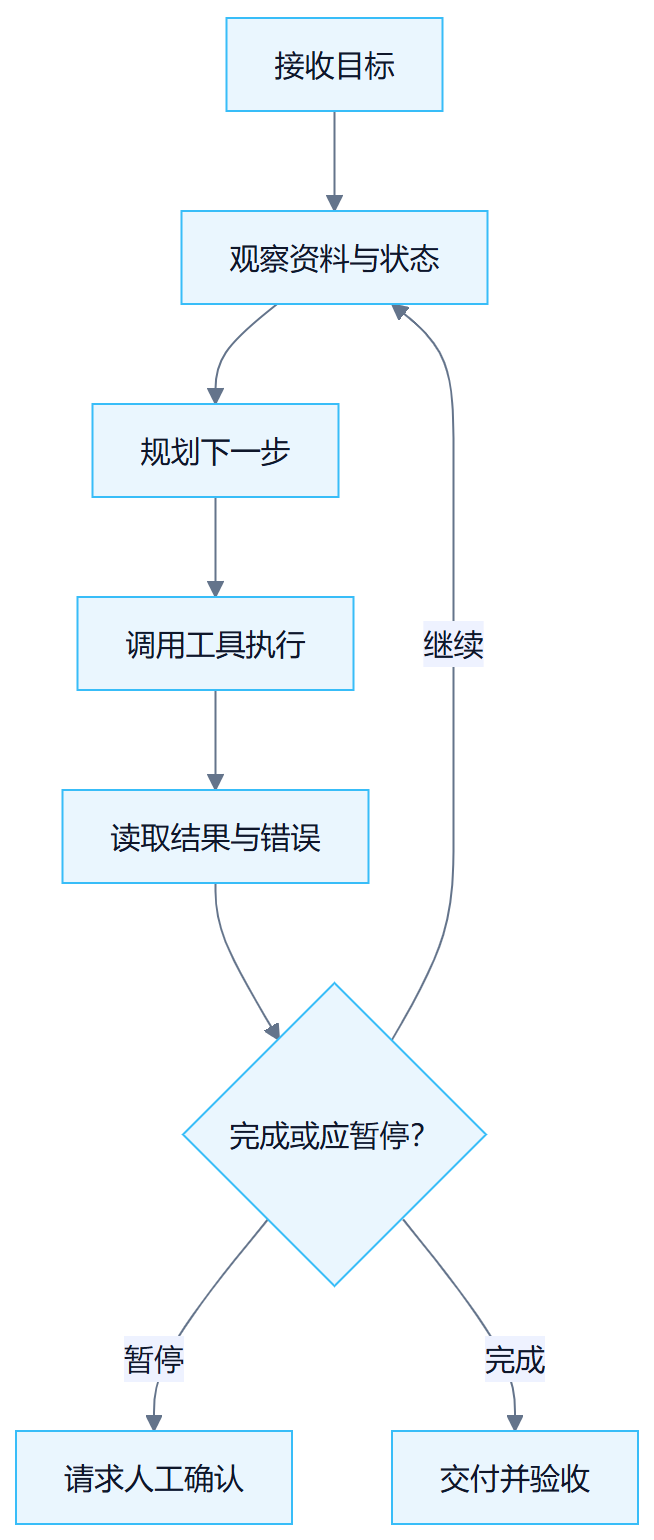
The chat model is "you ask a question and it answers"; the agent is "you give it a goal, and it advances step by step, and will check the results and change the route midway."
The Difference Between an Agent and a Chat Model
| Dimensions | Chat model | Agent |
|---|---|---|
| core movements | generate answer | Plan, tool, execute and deliver |
| Work object | current conversation | File, tool, system and task status |
| process | Usually generated once | Multiple rounds of observation and action |
| risk | Content error | Content errors + real operational impact |
| control | Tips and Reviews | Permissions, checkpoints, logs and rollback |
The key difference is in the last line: if the chat model says something wrong, it will mislead you at most; if the agent does something wrong, it may actually delete files, send emails, or change the database. So what Agent needs is not smarter prompts, but harder guardrails.
Agent's stop condition
A good agent should not "always figure out how to continue." In the following situations, it should be suspended and requested to be handled by someone:
- A required input is missing;
- goal conflict;
- Insufficient authority;
- Costs exceed budget;
- The action is irreversible;
- The result cannot be accepted.
Knowing when to stop and ask someone is more professional than doing everything yourself. An agent that won't stop is more dangerous than a stupid agent.
Tools: Let an Agent Take Real Action
Tools are specific capabilities that an Agent can invoke, such as reading a file, performing a search, generating a table, or sending a message. Connector is usually a third-party service connection that has been packaged in the product, and it is emphasized that it can be used directly after authorization.
Knowing Something Does Not Mean the Model Can Act on It
The model can explain "how to send an email", but you can only actually create a draft or send it if you have access to the email tool and account. The model can write SQL, but it can only be queried if the database tool, network and account allow it.
This point is most easily misunderstood by ordinary users:Just because a model "understands" something doesn't mean it "can" do it. Whether it can be done depends on whether there are corresponding tools, permissions and connections. When a task fails, first ask "Is the tool available and permissions granted?" rather than "Is the model not working?"
Five things to ask about every tool
- whose identity is used;
- what can be read;
- What can be modified;
- Where the data will be sent;
- How to stop and roll back after failure.
Skill: A Reusable Professional Work Method
Skill is not a smarter model, but organizes the instructions, scripts, knowledge and templates required for certain types of tasks to allow the Agent to complete actions more stably.
The value of Skill is not in "making the model stronger", but in "fixing the links that are easy to make mistakes and miss." For the same invoice processing, if the model is written every time, it may be written in three ways ten times; if it is written as Skill, it will take the same verified path ten times.
A Skill may contain
invoice-skill/
├── SKILL.md # Trigger conditions, steps, boundaries and outputs
├── references/ # Fields, classifications and business rules
├── scripts/ # OCR, Verification, form processing
├── templates/ # Excel and report templates
└── tests/ # Normal and abnormal examples
SKILL.md is the entrance, telling the Agent "when to use me, how to use it, and where the boundaries are"; references contain business knowledge; scripts contain the actual executed code; templates ensure that the output format is consistent; tests ensure that exceptions are also covered.
The difference between Skill and Prompt
Prompt often only affects this conversation; Skill can be called by different tasks and can carry scripts, resources and stable processes. However, the Skill may still error and may request local, network, or third-party permissions.
Remember:Skill is "method encapsulation", not "capability guarantee". With Skill installed, the Agent is more likely to go on the right track, but it does not mean that it will never make mistakes.
Risks of installing third-party skills
- Read unnecessary local directories;
- Outbound input materials;
- Get API Key or account;
- Execute system commands;
- Contains malicious prompts or code;
- Dependencies are out of date and unmaintained.
So check the source, code, permissions, network, credentials, cost and deactivation method and test in an isolated directory first. Third-party skills are the same as installing browser plug-ins: they are convenient, but you must first check what permissions they require.
MCP: A Standard Interface for AI Access to Tools and Data
MCP is Model Context Protocol. It stipulates how the AI client discovers and calls external tools, reads resources, or obtains prompt templates. It can be understood as a standard interface for the AI tool ecosystem.
Think of MCP as "the USB interface of the AI world": the tool provider exposes capabilities according to a set of standards, and the AI client uses the same set of standards, without the need for each company to re-adapt.
What does MCP solve?
If each AI product had to develop a dedicated set of connections for each system, integration costs would be high. MCP allows tool providers and AI clients to describe capabilities in a unified manner, reducing repeated adaptation.
Without MCP, one needs to write a set of adaptations to connect a CRM, and another set of adaptations to connect a database; with MCP, the tool is exposed according to standards at once, and all clients that support MCP can use it directly.
What MCP doesn’t solve
- Does not automatically determine whether data is compliant;
- Not keeping all keys safe for you;
- There is no guarantee that tool results will be correct;
- Does not automatically implement identity and least privilege;
- It does not mean that production writing can be opened after connection.
MCP solves "how to connect", not "is it safe and correct after connecting". The security layer is still your responsibility.
User level and project level
- user level Public capabilities suitable for reuse in multiple projects;
- project level Suitable for client, database or business specific tools.
Sensitive connections are prioritized in project isolation to avoid cross-project miscalls. For example, the company's production database should only be accessed in the corresponding project, and should not be placed at the global user level, otherwise another unrelated task may also touch it.
Relationship between API and MCP
An API is an interface for software to interact with each other, such as querying data or creating records via HTTP. MCP Server can call one or more APIs internally, and then expose tools in a way that is easier for Agents to use.
In one sentence:API is the foundation, and MCP is the door built on the foundation that Agents can directly enter and exit. Agents usually do not deal directly with a bunch of primitive APIs, but call them indirectly through an MCP Server.
Use an API Directly or Use MCP?
- Use API directly More flexible, but requires understanding authentication, parameters, errors and throttling;
- Use mature MCP More convenient, but still have to review what requests and permissions it encapsulates.
Convenience does not mean exemption from review. MCP saves you the adaptation work, but you have to know "what APIs are adjusted behind it and what permissions are used."
Knowledge base, RAG and memory
These three are all related to "what AI is based on", but what is saved and how it expires are completely different.
Knowledge Base
Save searchable policies, products, cases, SOPs and other materials. It solves "what AI is based on", which does not mean that AI will remember everything forever.
The Knowledge Base is an external data room. You only browse the model when you use it. After browsing, there is no guarantee that you will remember it next time.
RAG
RAG is Retrieval-Augmented Generation, retrieval enhanced generation. The system first finds relevant fragments from the database and then provides the fragments to the model for answers. Performance depends on material quality, segmentation, metadata, retrieval and citations.
RAG is not "smart after being connected to the Knowledge Base", it is a chain: poor information, poor cutting, partial retrieval, and distorted answers. The citation mechanism is very important - if you can point out the passage from which the conclusion comes, you can judge whether you believe it or not.
Memory
Memory is used to hold preferences, long-term rules, project decisions, or historical status. False memories will be repeatedly amplified, so important information must have a source, date, owner, and update mechanism.
The most dangerous thing about memory is that "it won't notice its expiration on its own." A wrong rule half a year ago will be used repeatedly by Agent as the truth.
The difference between the three
| concept | what to save | Main risks |
|---|---|---|
| conversation context | Current task communication | Too long, conflicting, expired |
| Knowledge Base/RAG | Searchable facts and information | Poor source, old version, cannot be retrieved |
| memory | Preferences, long-term rules, project status | Mistakes are perpetuated |
Distinguish in one sentence:The context is the short-term memory of this chat, the Knowledge Base is the data room that can be checked at any time, and the memory is the long-term setting retained across tasks.
The difference between Workflow and Agent
I explained Agent clearly before, but there is another word that is often used interchangeably:Workflow. It is not a replacement relationship with Agent, but two ideas of "organizational action".
The Difference in One Sentence
- Workflow is a standardized production line: The steps are determined at the time of design and executed in sequence or branches.
- Agent is an executor who can think and make his own decisions: Only give the target, and decide the next step when running.
For example, Workflow is like an SOP that states "Do A in the first step, B in the second step, and do C after B passes, otherwise do D." The Agent is like a person you hire. You just say "finish this batch of invoices." He will decide which one to check first and ask you if he gets stuck.
The core difference: where the decision-making power lies
"Which path to take" for each step of the Workflow is fixed in the design stage; the next step of the Agent is determined by the model in real time based on the environment during the execution stage. This is the most essential difference between the two, and other differences grow from here.
Comparison table
| Dimensions | Workflow | Agent(AI agent) |
|---|---|---|
| a word | standardized production line | An executor who can think and make his own decisions |
| Is the path preset? | Yes, the steps are determined during design | No, it depends on the environment at runtime |
| decision timing | Fixed at design stage | Execution phase dynamics |
| Who will choose the next step? | process definition | Model yourself |
| Controllability | High, easy to predict and rollback | lower, path may vary |
| Debugging difficulty | Low, the steps are clear and followable | High, need to check the log and intermediate status |
| Applicable scenarios | The steps are clear, repeatable, and have high compliance requirements | Uncertain paths, need for environmental feedback, and open goals |
| typical failure | Stuck at a certain step and branches are not covered | Deviation, infinite loop, unauthorized operation |
| Relationship with LLM | Models can be embedded in the pipeline, but the control flow is determined by humans. | Model driven control flow |
When to use Workflow
- Fixed SOP, such as "Receive work order → classify → dispatch to corresponding person";
- Batch processing, such as "compress 100 pictures and add watermarks";
- Compliance approval must leave traces and be auditable at every step;
- Repeatable report generation.
These task paths are clear, and using Workflow is more stable, cheaper, and easier to check.
When to use Agent
- The goal is clear but the path is unclear, such as “research competing products and produce a comparison report”;
- It requires multiple tools to explore and see the results before making a decision;
- The environment will change and you need to adjust as you go;
- Tasks that are highly open-ended and difficult to write down into fixed steps.
Common misunderstandings
- "Agent must be better than Workflow": No. It is more stable and cost-effective to use Workflow to determine tasks, but hard-installing Agent is easy to deviate, difficult to audit, and costly.
- "Workflow cannot contain intelligence": Wrong. Workflow nodes can fully call the model for summary, classification, and extraction, but "which path to take" is still determined by the process.
- "It would be best if the Agent is fully automatic": Over-delegation makes failure more difficult to pinpoint. In really complex systems, the Agent often makes decisions at a high level and leaves the stabilization process to the Workflow.
How the two work together
Instead of choosing one of the two, use nested ones:
- Agent contains Workflow: Agent writes the stable sub-tasks into fixed processes (for example, behind a Skill is Workflow), and only makes its own judgment when it is uncertain;
- Workflow node deployment Agent: A certain judgment node on the production line is handed over to an Agent to process unstructured input.
Part 2: Case Studies—From One Task to an AI Team
Difficulty Map
| level | Case | core competencies |
|---|---|---|
| L1 | 12. office productivity suite | Word, Excel, PPT and delivery acceptance |
| L1 | 13. Desktop file organization | Document identification, classification and archiving |
| L2 | 14. Remote control computer | mini app, IM and remote acceptance |
| L2 | 15. Life Assistant | Daily arrangements and life decisions |
| L2 | 16. Information integration | Information collection, screening and notification |
| L2 | 17. Knowledge Management | Knowledge base, organization and reuse |
| L2-L3 | 18. Work after the meeting | Minutes, to-do and collaborative delivery |
| L3 | 19. Investment Analysis | Data research, cross-validation and risk boundaries |
| L4 | 20. AI Video Team | Expert Panel, Multi-Agent and Video Delivery |
| L2-L4 | 21. We-media growth | Topic selection, content, publishing and review |
| L3 | 22. GEO Brand Diagnosis | Experts, scoring frameworks and optimization suggestions |
Chapter 12: The Office Productivity Suite—Word, Excel, and PowerPoint
office productivity suite is where most people first experience the value of WorkBuddy.
This chapter focuses on the three most common office products: Word documents, Excel tables, and PPT reports.
A Shared Workflow for the Office Productivity Suite
Regardless of the document type, it is recommended to start by breaking the task into five questions. The root cause of many office tasks that "AI does not do well" is not that the model cannot be written, but that the person has not clearly stated the delivery standards.
| question | What should I say clearly? | Example |
|---|---|---|
| target | Who should this material help decide what? | Show it to the department head to determine whether to continue investing in the project. |
| Audience | Who is the reader? Do you understand the background? | Management only looks at the conclusion; the project team needs a process and a responsible person. |
| Material | Which documents are sources of fact and which are just references | data.xlsx It is the only data scope, and the old version of PPT only refers to the structure. |
| Format | Do you want Word, Excel, PPT, or linkage of the three? | Output a project review in Word, a risk ledger in Excel, and an 8-page report in PPT. |
| Acceptance | How to judge whether the result is available | Numbers can be returned to the source file, table formulas can be refreshed, and PPT projection will not overflow. |
Choose the Right Skill First: Recommended Combinations for Office Tasks
There are many skills related to office efficiency, document processing, form processing, PPT generation and meeting minutes on SkillHub.
| Skill name | suitable for handling | How to use this chapter | Note |
|---|---|---|---|
| Word / DOCX | Word document | Create, check, edit DOCX, process titles, numbers, tables, revision records. | Suitable for local docx files. |
| Excel / XLSX | Excel table | Read, clean, and write workbooks, handle formulas, dates, formats, and template retention. | Confirm the data size first. |
| Powerpoint / PPTX | PPT file | Create, edit, review PPTX, work with layouts, placeholders, notes, diagrams and visual quality control. | Suitable for scenarios requiring editable PPTX. |
| Office Document Specialist Suite | Word / Excel / PPT | Comprehensive processing of Office files, suitable for automated reporting and multi-file linkage tasks. | Step-by-step acceptance is recommended for complex tasks. |
| wps | WPS three-piece set | WPS Office Workflow for Chinese users, covering text, tables, and presentations. | Suitable for WPS ecological users. |
| Tencent Documentation TENCENT DOCS | Online document collaboration | Create, read, edit, and search Tencent documents, covering online Word, Excel, and Slides. | Usually an API Key or authorization is required. |
| kdocs skill | Kingsoft Document/WPS Cloud Document | Process WPS cloud documents, smart documents, forms, PPT, PDF, Knowledge Base. | Usually an API Key is required. |
| Markdown Converter | Material analysis | Convert PDF, Word, PPT, and Excel to Markdown to facilitate the model to understand the content first. | Suitable for reading material, does not mean final typesetting. |
| PPT Generator / PPT Workflow | PPT generation | Automatically generate presentations from topics, lecture notes or materials, suitable for first drafts and structured presentations. | After generation, manual review is still required. |
| PowerPoint Automation | PPT correction and export | Read outlines, export PDF/images, replace text, unify fonts and themes. | More suitable for Windows + PowerPoint/WPS. |
| Excel formula generation | formula problem | Convert natural language into Excel/WPS/Google Sheets formulas and interpret error-proof versions. | The formula needs to be verified on sample data. |
| TencentMeeting | meeting to document | Book a meeting, get transcription, get AI minutes, and then convert them into Word minutes, Excel to-do, and PPT reports. | Conference platform authorization is required. |
A practical collocation idea is: use local files first Word / DOCX, Excel / XLSX, Powerpoint / PPTX;Online collaboration is preferred Tencent Docs or kdocs skill;Use first when there is a lot of materials Markdown Converter Extract the structure; superimpose the conference office flow TencentMeeting Or meeting minutes skill.
Word: From blank page to formal document
The pain points of this use case
Word seems to be just for writing, but there are usually four difficulties in real office work: not knowing what structure to write in, the tone is not formal enough, the titles and numbers are confusing, and the content has no evidence source.
Especially documents such as plans, notices, reports, meeting minutes, systems, applications, and PRDs. If AI is allowed to play freely at the beginning, the result is often like a "universal template" that reads completely but is difficult to submit directly.
What WorkBuddy is suitable for is not "patting your head for you", but turning existing materials into a first draft of a document that has a stable structure, consistent tone, and can continue to be modified.
The document goals, submission objects, tone and structure requirements must be clearly stated once; after generation, use differentiated feedback to continue modifying it, rather than generating it from scratch each time.
Good tasks for Word
- formal plan: Event planning, project plans, marketing plans, training plans.
- Manage documents: Systems, notices, applications, meeting minutes, review reports, weekly and monthly reports.
- Product materials: PRD, requirement description, competitive product analysis, user interview summary.
Recommendation process
| steps | What WorkBuddy does | What do people want to confirm? |
|---|---|---|
| 1 | Read the material and list available information and missing items. | Which materials are factual sources and which are just references. |
| 2 | Generate document outlines and writing standards. | Who is the reader, and whether the document is for reporting, approval, or execution. |
| 3 | Generate a first draft in Word based on an outline. | Are the title level, chapter order, and key information complete? |
| 4 | Polish, add, and delete based on feedback. | What can be finalized and what must be marked “to be confirmed.” |
| 5 | Output editable docx and modification instructions. | Can it be sent directly to colleagues for review? |
Example of prompt: Generate a team building activity planning Word
Help me generate a company team building activity plan Word Document framework.
company approx. 80 People, including: activity goals, activity theme suggestions, overall process arrangements (including time nodes), grouping and interactive game suggestions, budget composition list, personnel division of labor, risk plans and precautions.
The language is concise and practical, and there is no need to write it in too much detail. It focuses on clearly listing the overall framework and key decision-making items. It is suitable for directly confirming the direction of activities with the leader.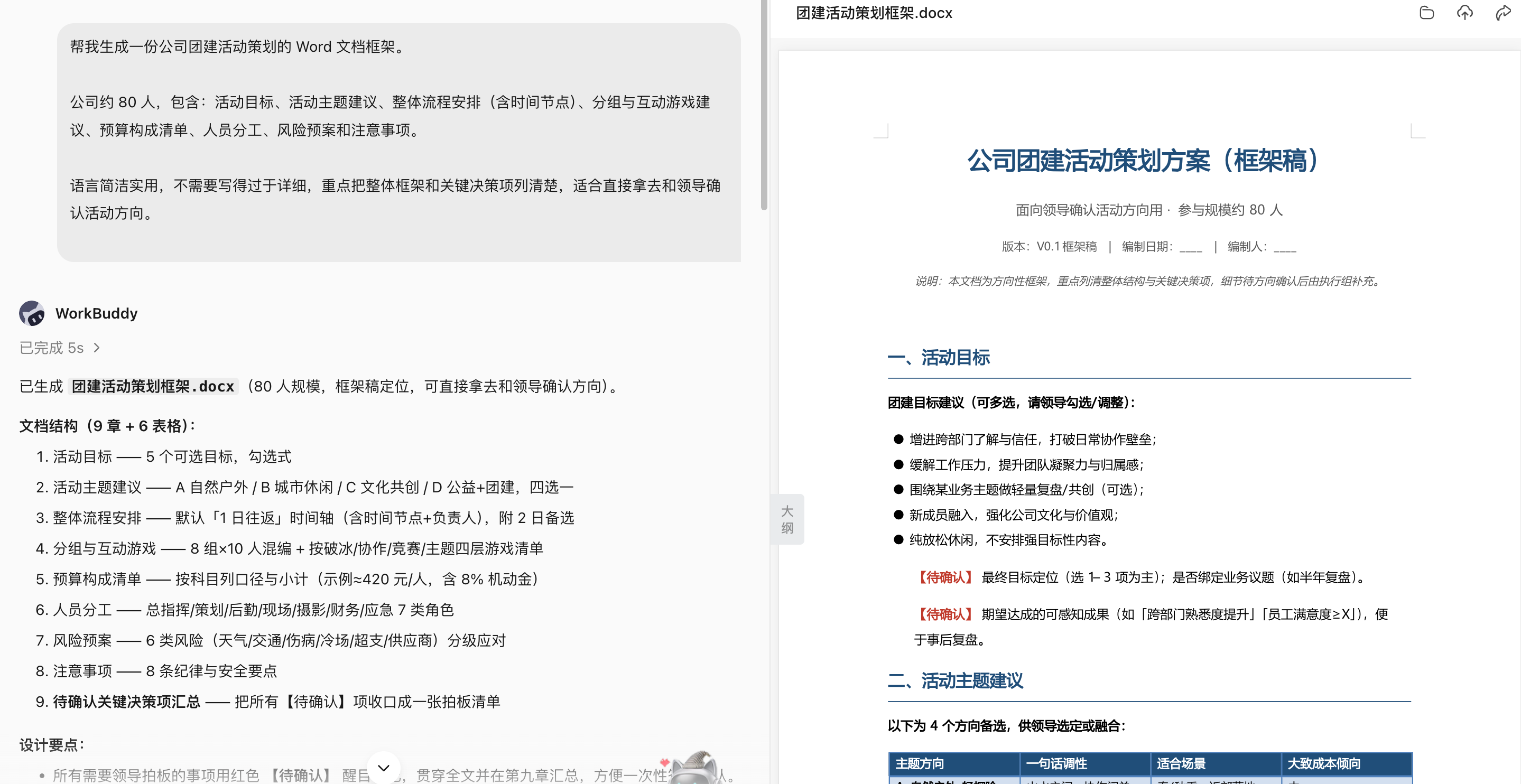
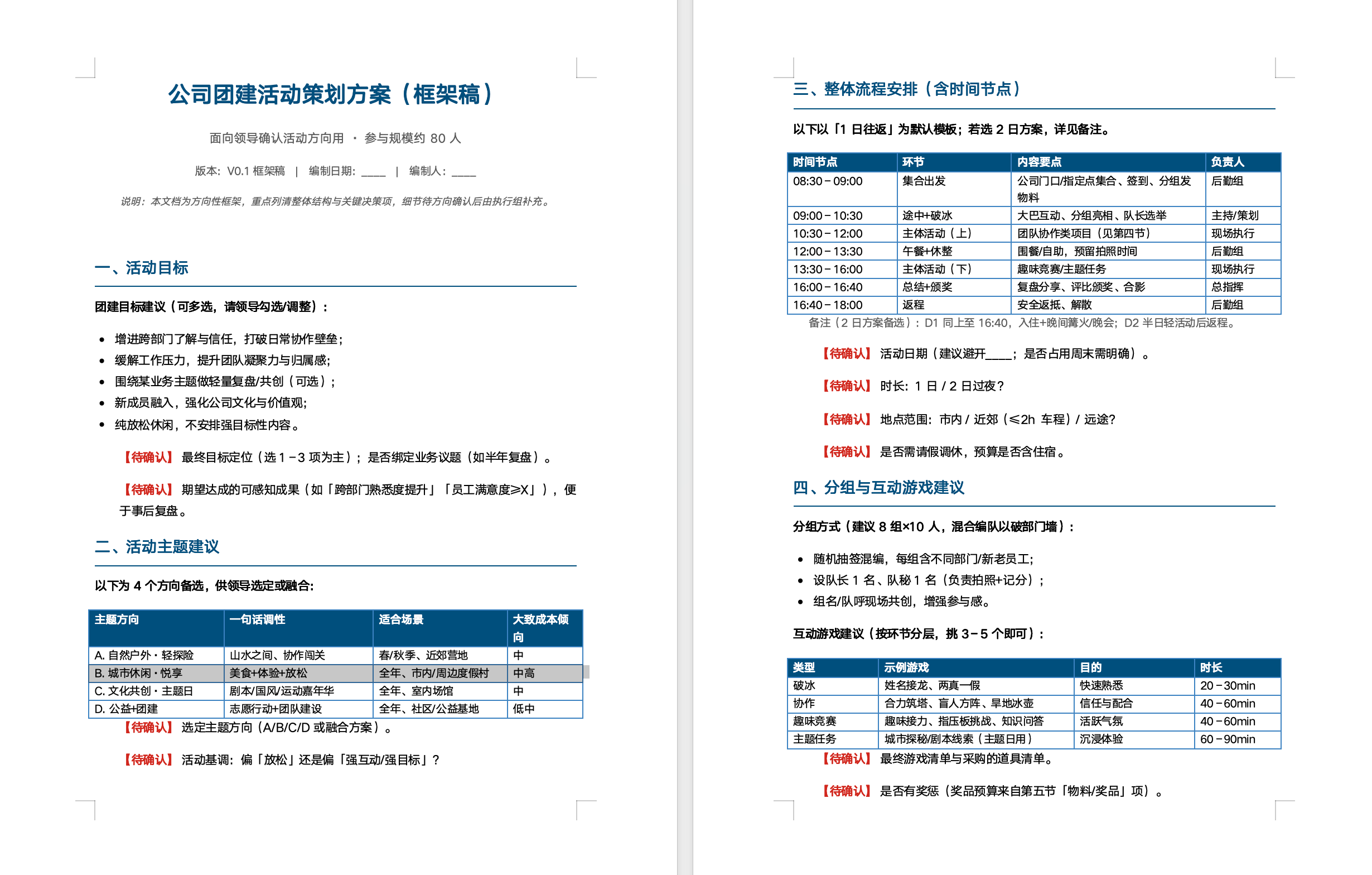
For a Second Revision, State the Differences Instead of Rewriting Everything
Please refer to the previous version of company team building activity planning Word Make modifications based on the document, do not regenerate the entire article.
Modification requirements:
Compress activity goals to 3 Articles, each article shall not exceed 50 word;
Change the process arrangement into a table and list it as: time, links, main content, person in charge, and required materials;
Add suitable to program type suggestions 100 Interactive links in human-scale companies and delete plans that are too difficult to implement;
Further refine the budget composition, add: budget items, estimated amount, quantity, unit price, remarks, and supplement the total budget;
A new risk plan section has been added, covering personnel lateness, equipment failure, program timeout and unexpected safety issues;
The overall language is more formal and concise, suitable for submission directly to leaders for approval.
Output the modified v2 version Word documentation and in changelog.md The contents of this modification are listed in .
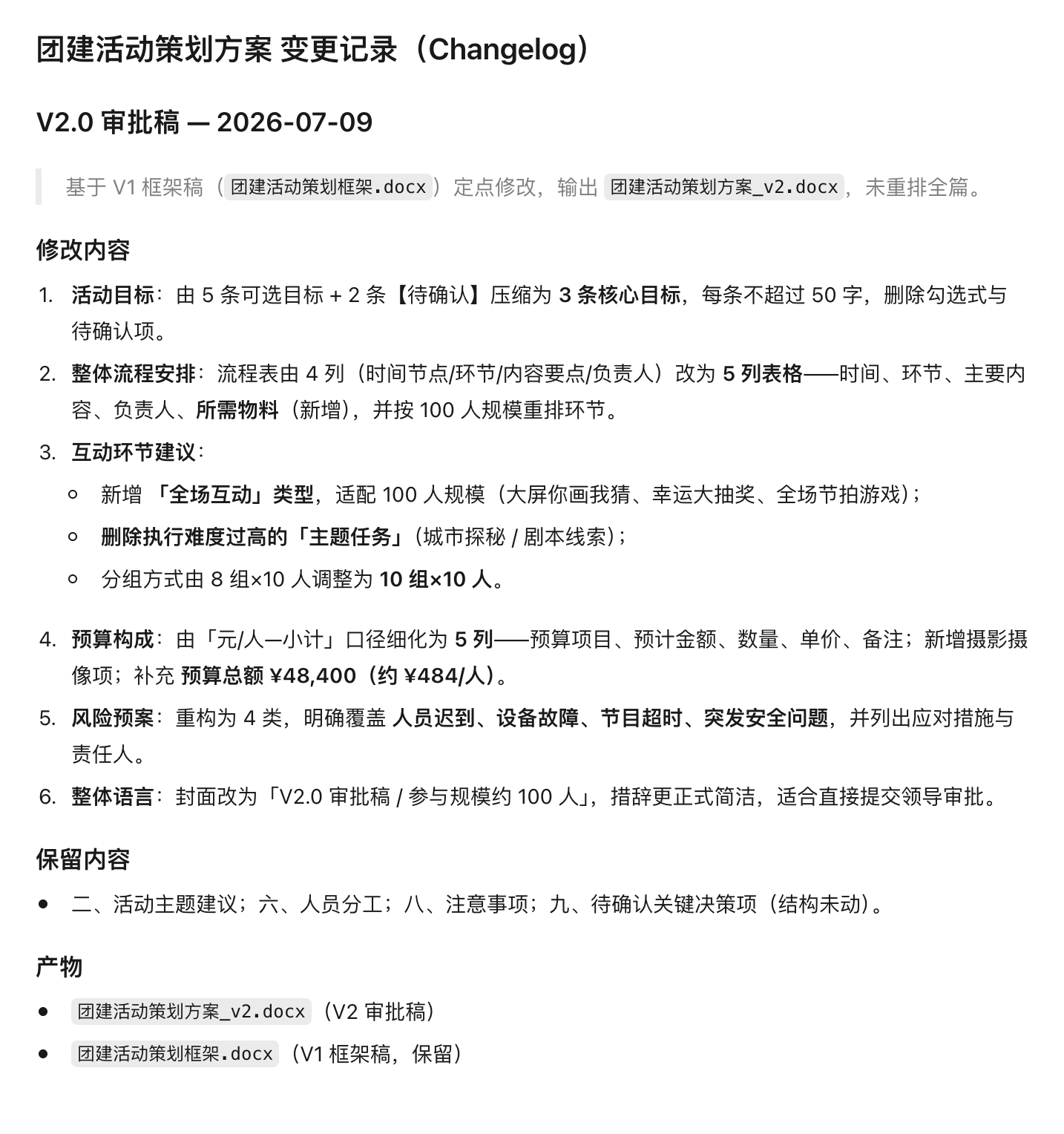
Advanced practice: Compare two versions of systems, contracts or plans
compare policy-v3.docx with policy-v4.docx.
Output four types of differences: new additions, deletions, modifications and only format changes, with chapters and original text positioning attached.
Focus on marking the amount, date, responsible party, approval conditions, exceptions and negative expressions.
Generate a list of impacts and issues to be confirmed, without giving legal conclusions or modifying the original documents.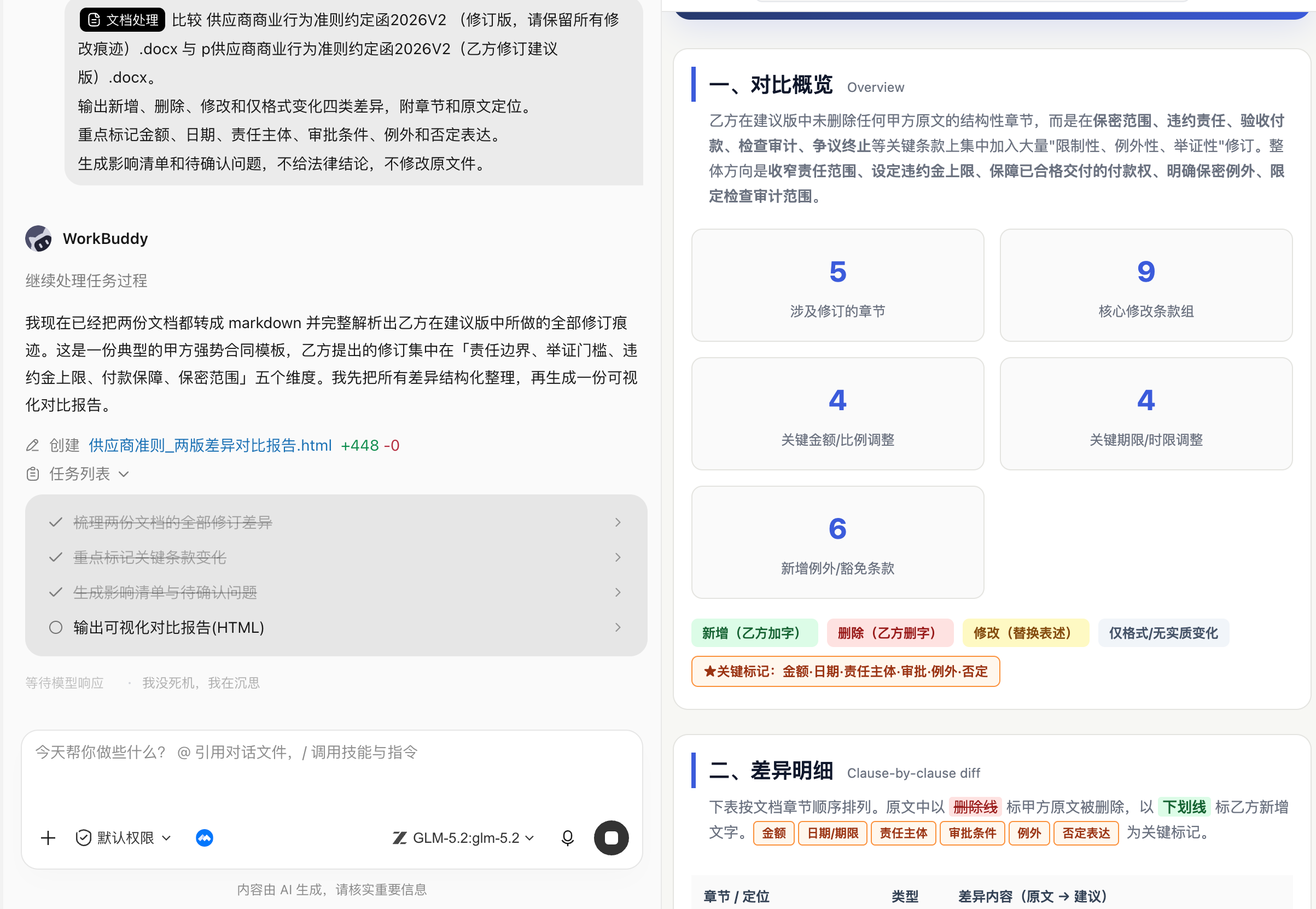
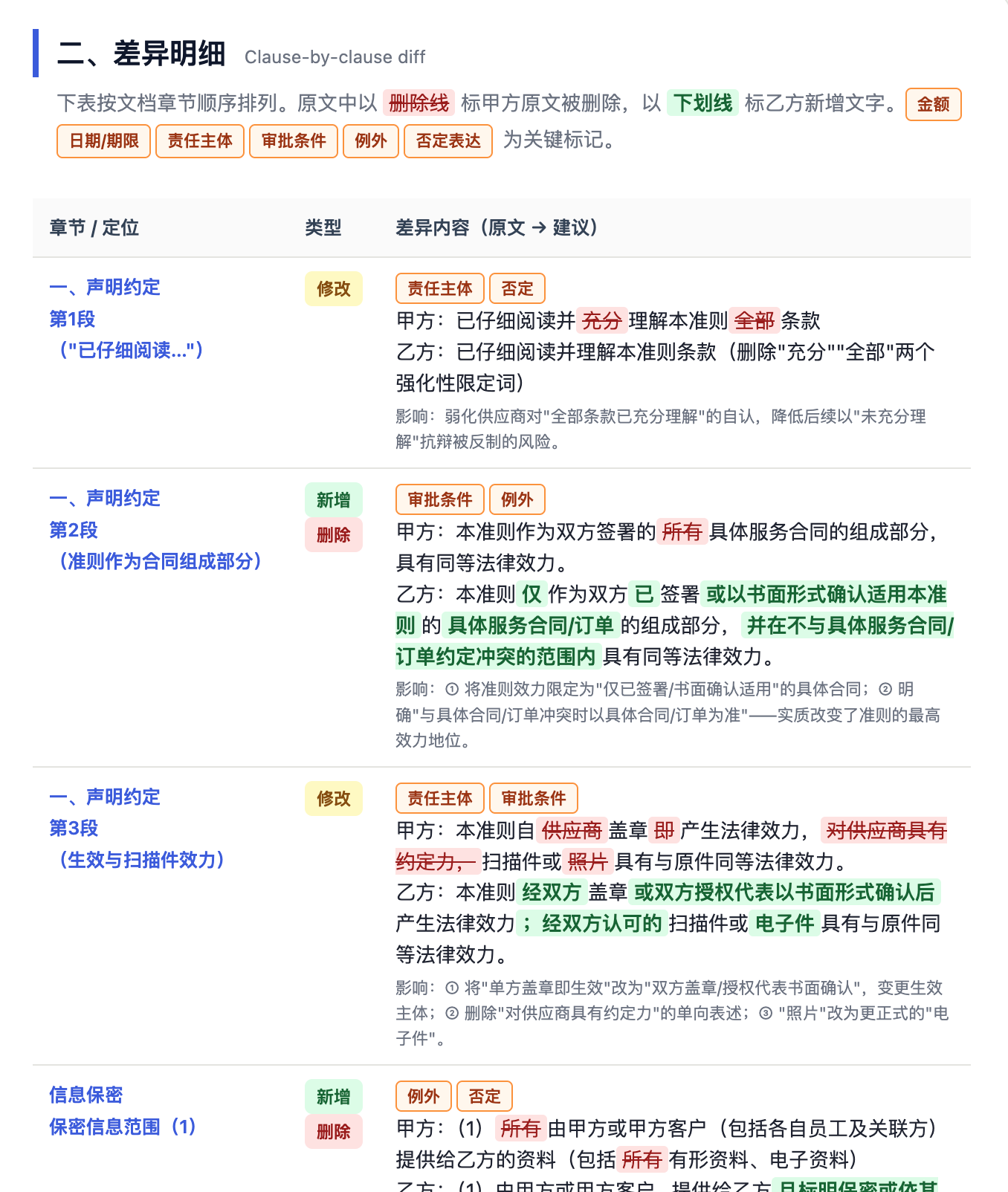
Document comparison is suitable for detecting changes and does not replace the final judgment of the legal, financial or institutional responsible persons.
Excel: Turn tables into analysis that answers questions
The pain points of this use case
The question in Excel is usually not "can you make graphs?" but "what questions can this table answer?"
Many tables are mixed with dates, text, null values, merged cells, multiple calibers, and temporary notes. If they are directly analyzed by AI, it is easy to get a chart that looks professional but actually has no business value.
It is recommended to import into Excel or CSV first, and once again specify the analysis indicators, chart type, statistical dimensions, time range and whether reporting is required. This order is important: define the business problem first, then decide on the diagram, not produce the pretty diagram first.
Tasks suitable for Excel
- Data cleaning: Remove duplicates, fill in null values, unify date format, split fields, merge multiple tables.
- business analysis: Sales volume, profit margin, conversion rate, customer unit price, renewal rate, inventory turnover.
- Report generation: Weekly reports, monthly reports, budget execution, attendance summary, project progress ledger.
- Formula assistance: Generate or interpret complex formulas, troubleshoot
#N/A,#VALUE!, circular reference. - Visualization: Bar chart, line chart, pie chart, pivot table, dashboard, abnormal point prompt.
Recommendation process
| stage | Prompt focus | output |
|---|---|---|
| Reading meter | First describe the workbook structure, field meanings, sample rows and obviously dirty data. | Data dictionary, question list. |
| fixed indicators | State the business question you want to answer rather than just "analyze this." | Index scope table. |
| Clean | Explain how to handle null values, duplicate values, and abnormal values. | Cleaned xlsx/csv. |
| Calculate | Generate formulas, pivot tables, or statistics tables and preserve the refreshable structure. | Summary table and formula description. |
| Visualization | Choose charts based on business questions and avoid chart stacking. | Charts and analysis conclusions. |
Example prompt: Sales data analysis
Please read the e-commerce sales data.xlsx, Don't modify the original file yet.
Business problem: Analyze the sales performance and profitability of each product line this month, determine which product lines have high contribution and which profit performance is weak, and identify abnormal fluctuations in the sales process this month.
Please output:
Explain the meaning of data fields and check for missing values, duplicate records, outliers and field format issues;
Statistics of sales, gross profit, gross profit margin, sales proportion and gross profit contribution proportion by product line, and ranking;
Summarize sales and gross profit margin on a daily basis and analyze daily changes in sales performance this month; if the data span and completeness allow, supplement weekly statistics;
Generate a bar chart to compare the sales and gross profit of each product line, and generate a line chart to show the daily sales changes this month;
Identify dates or records with obvious abnormalities in sales, gross profit margin, or single order amount, and use data to explain the abnormal performance. Do not speculate on business reasons when there is a lack of evidence;
Summarize the best-performing product lines this month, product lines that need focus, and 3 The conclusion can be directly used for business review.
Save the results as output/sales-analysis.xlsx and output/summary.md.
Requirements: preserve the source data and make the calculations and formulas traceable; make each chart title state its main conclusion directly; clearly mark any cause that cannot be confirmed from the data as pending verification, and do not invent one.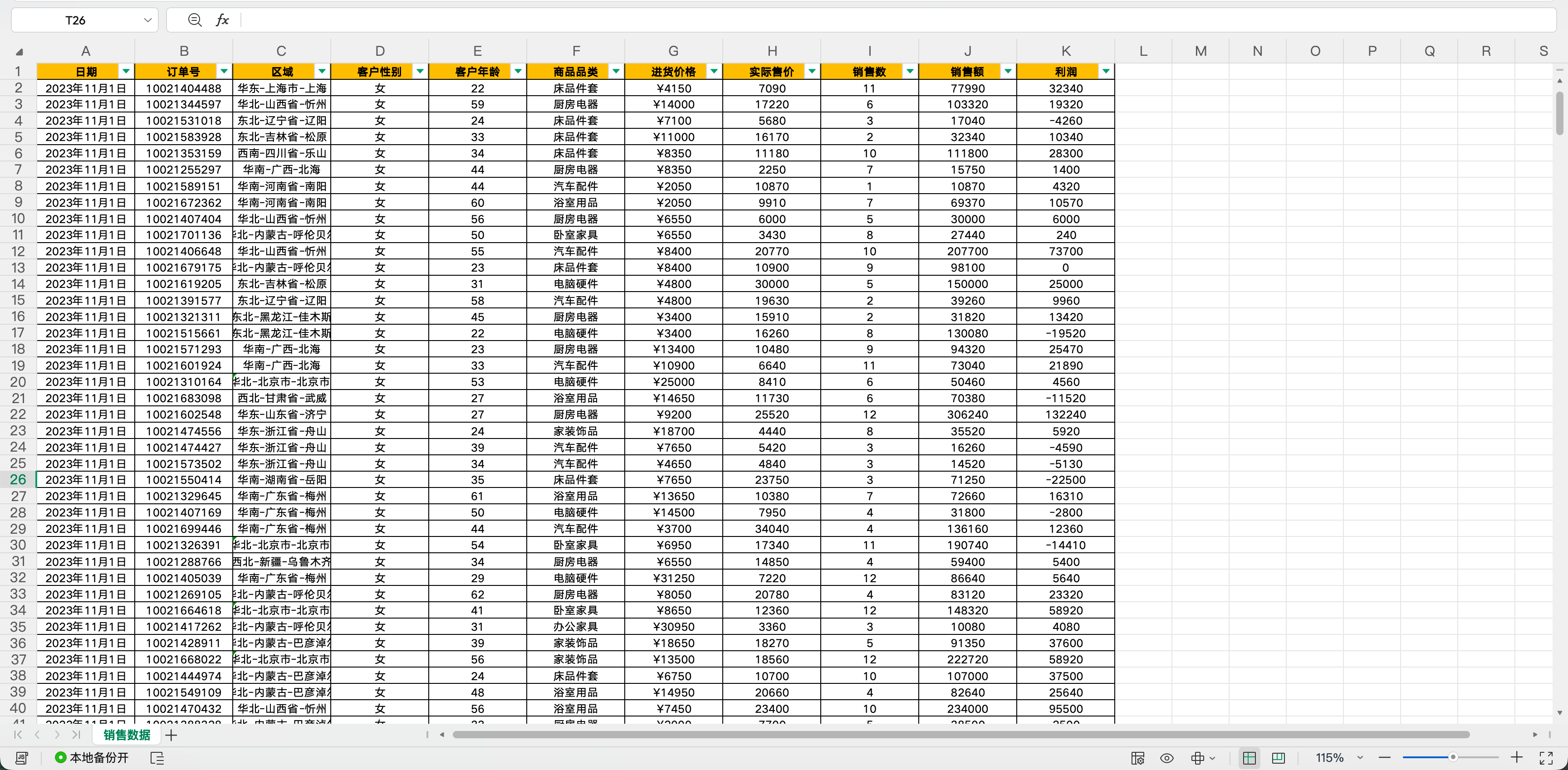
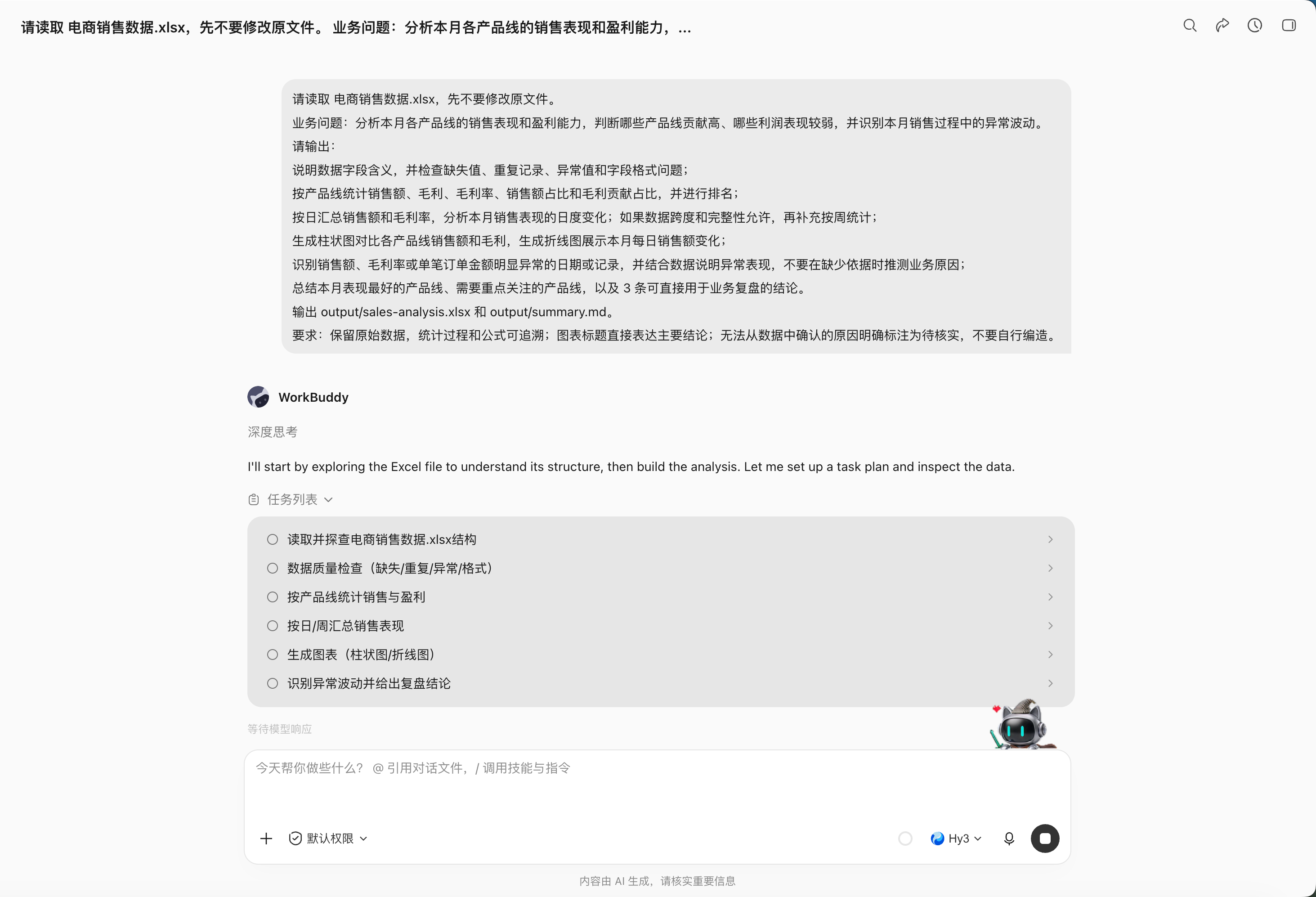
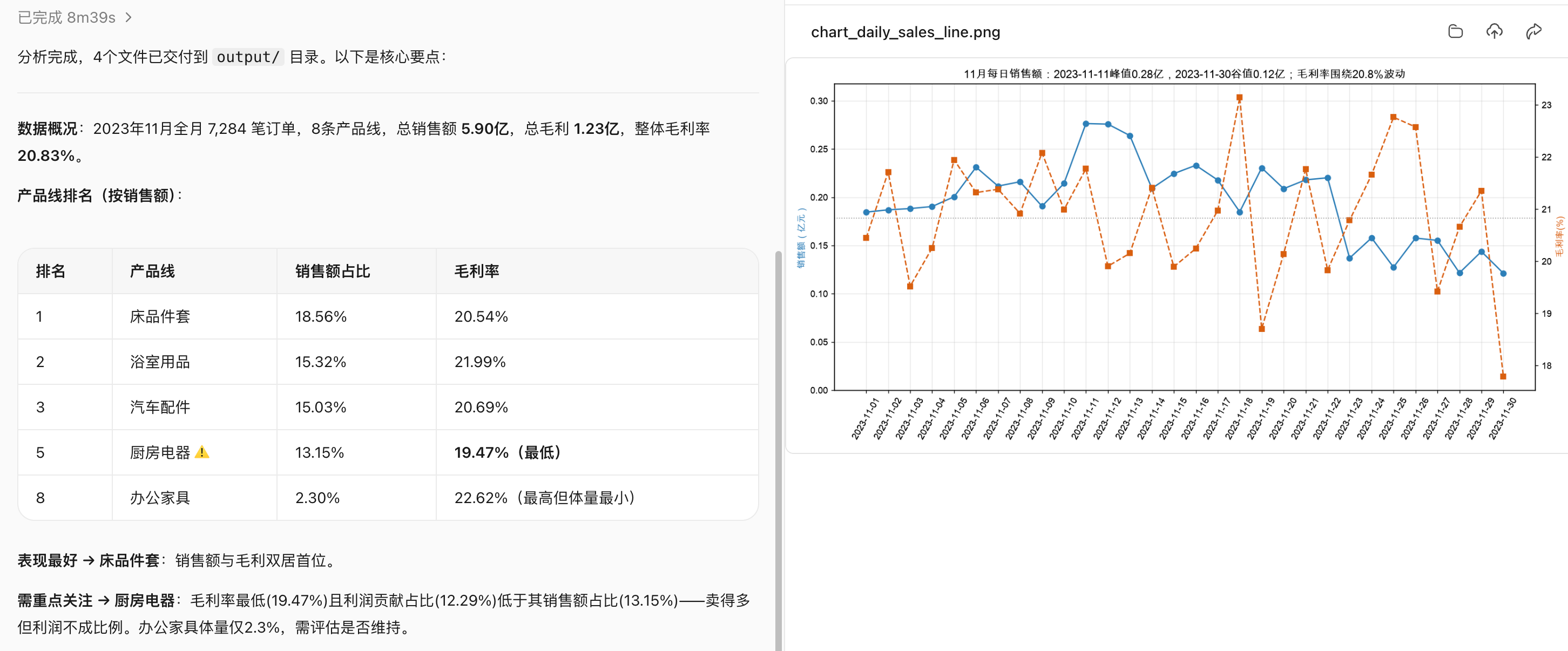
Advanced practice: multi-table merging, reconciliation and exception list
The most valuable thing in basic office work is not "making a chart", but exposing the data scope and anomalies:
merge input/sales in 6 Weekly sales table for each region.
First check the column name, data type, date range, currency and primary key, and stop juxtaposing differences if they are inconsistent.
Deduplicate by order number, but retain duplicate sources; output the total number of rows, null values, outliers and duplicates before aggregation.
generate clean-sales.xlsx, exception-list.xlsx and reconciliation.md.
The amount summary must be reconciled with the total of each source table, and the difference is not 0 No management conclusions are generated.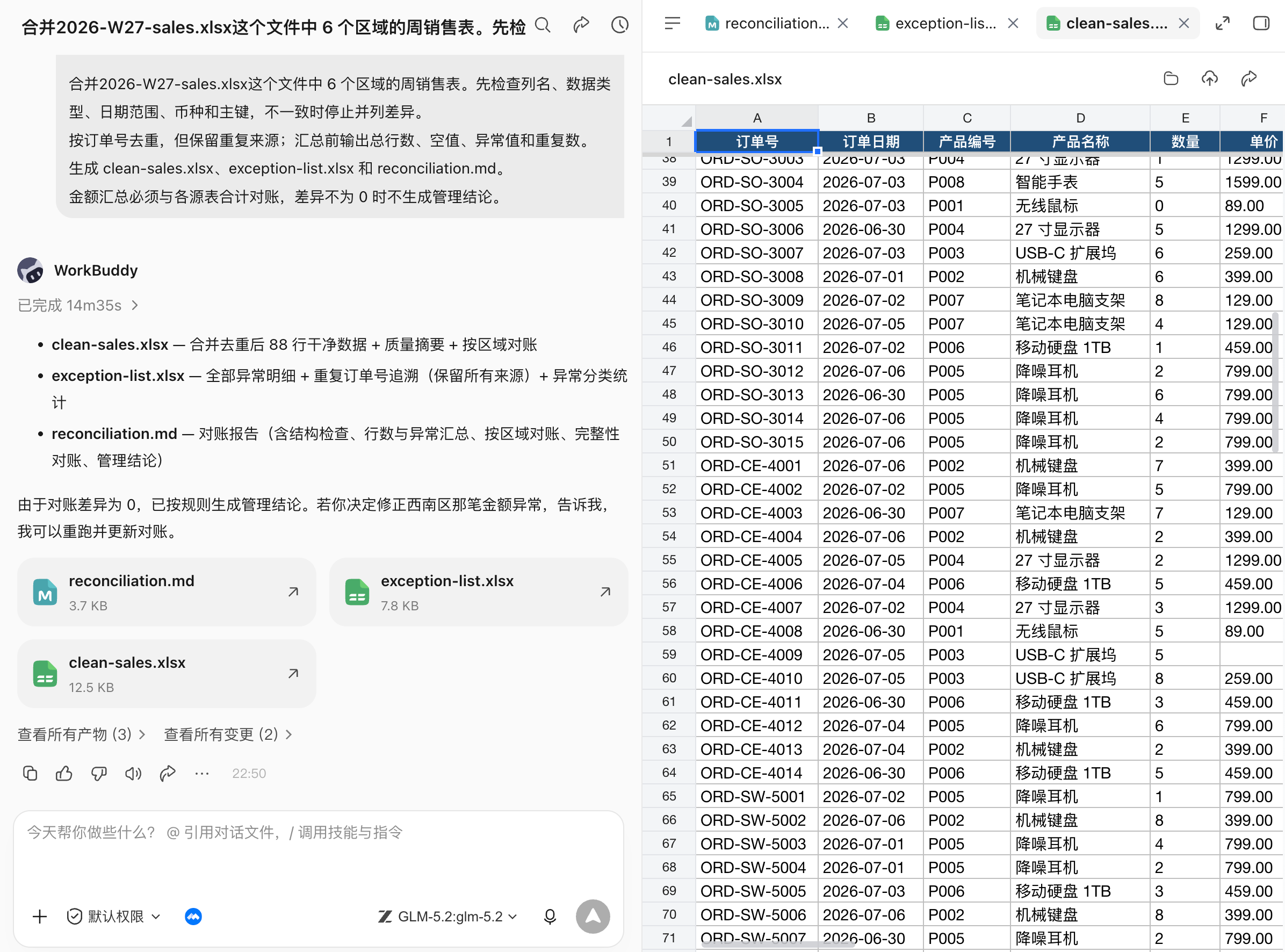
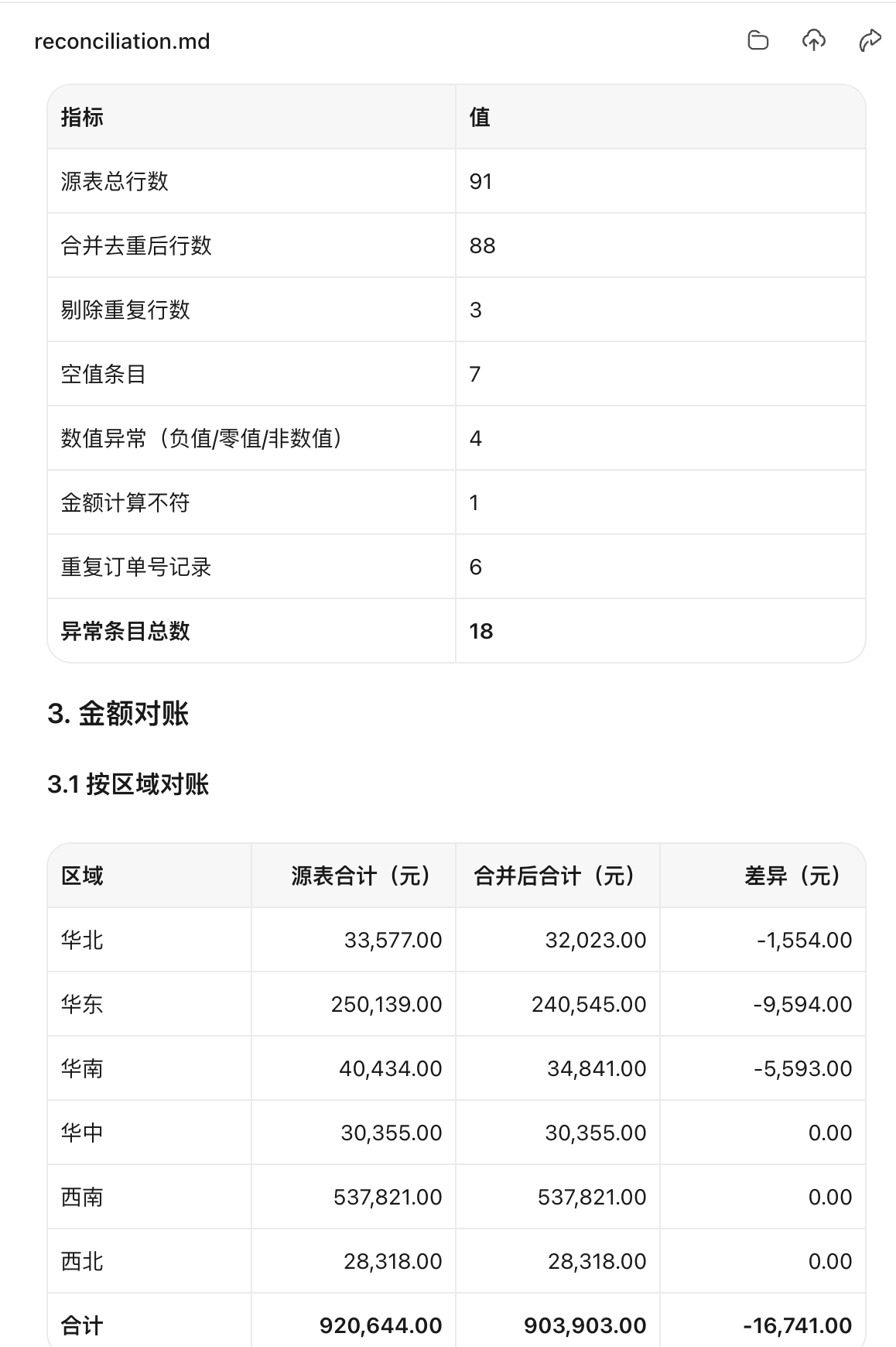
Acceptance: Input totals, cleaning changes and output totals are conserved; formulas can be recalculated; exceptions are not silently deleted; the fields used in the chart are consistent with the summary table.
PowerPoint: Turn Source Material into a Narrative, Not Just a Template
The pain points of this use case
PPT is most easily misused.
Many people write the task as "help me make a high-end PPT". As a result, the AI can only guess the style and generate a bunch of beautiful empty words. A truly usable PPT must first answer three questions: who will report this report, what decision will the other party make after listening, and how much time do you have to speak.
PPT generation emphasizes providing materials, page requirements, audience and style preferences at the same time. For WorkBuddy, PPT Skill can be responsible for page generation, but the story line must be confirmed first. Otherwise, the more beautiful the page, the easier it is to hide logical problems.
Tasks suitable for PPT
- Project report: Project progress, stage review, milestone plan, risks and resource requests.
- Business report: Monthly business analysis, sales review, budget execution, user growth review.
- Training courseware: Newcomer training, product training, customer training, internal sharing.
- Solution display: Customer proposals, bidding materials, business plans, product launches.
Recommendation process
| steps | What WorkBuddy does | What do people want to confirm? |
|---|---|---|
| 1 | Convert Word, Excel, pictures, and old PPT into material summaries. | What content must be kept and what can be deleted. |
| 2 | Create a 6–10-page story line and a title for each page. | Reporting objects, duration, and decision-making goals. |
| 3 | Make PPT based on the confirmed outline. | Whether there is only one core idea per page. |
| 4 | Supplement charts, notes, source maps and export versions. | Whether the key figures are from Excel. |
| 5 | Do layout checks: text overflow, missing pictures, font size, and color. | Whether it can be read after projection and whether it is suitable for live lectures. |
Prompt example: create a presentation from a source pack
Please make one based on the current workspace materials 8 Within pages AI Agent Topic sharing PPT.
Audience: Yes AI Have basic knowledge, but don’t understand Agent business and management personnel.
Reporting time:10 minutes.

Goal: Make the audience understand AI Agent What is and ordinary AI What are the differences between conversational tools, what problems can they solve, and how should companies judge whether they are worth implementing?
Material:
AITerminology Panorama Handbook.md is the primary source;
Do not add facts and figures outside of the workspace materials.
The full text is controlled in 8 Within a page, each page should express only one core conclusion;
Cases, data and key judgments must be marked with the source of the material, and do not add content that cannot be confirmed by yourself;
PPT The title should express the point of view directly as much as possible and do not use AI Agent General titles such as introduction and application scenarios;
Save the presentation as output/ai-agent.pptx;
After generation, check text overflow, page margin, chart size, missing pictures, font consistency and page numbers.

Overall style: professional, concise, and technological, but do not overuse gradients, glows, and decorative elements. It is suitable for formal sharing and internal reporting.
Combined Office-Suite Case: Build a Delivery Package After a Meeting
Many office tasks are not just a single document, but "something to have after the meeting."
For example, after a product review meeting, the meeting includes user feedback, feature decisions, to-do items, and plans for the next version. The manual method is usually: first organize the minutes, then fill in the PRD, then make the task list, and finally make the report PPT.
The value of WorkBuddy lies in stringing these deliverables into the same chain of facts.
Use-Case Pain Points
- Meeting discussions are colloquial, with resolutions, disagreements, and to-dos mixed together.
- PRDs need to be structured, but there is no standard format in meeting minutes.
- Excel task sheets require responsible person, due date, and status fields, not just a summary.
- The PPT report needs to be shown to the boss, and the full text of the meeting cannot be moved into it.
Available Skill Combinations
| link | Recommended Skill | Purpose |
|---|---|---|
| Get meeting content | TencentMeeting / Intelligent Meeting Minutes Skill | Retrieve the transcript, AI minutes, decisions, and action items. |
| Generate PRD | Word / DOCX, Tencent document, kdocs skill | Rewrite the meeting content into a product requirements document. |
| Generate task list | Excel/XLSX, Excel/WPS table automation tools | Output responsible person, due date, priority, status and acceptance criteria. |
| Generate report | Powerpoint / PPTX, PPT Workflow, PPT Generator | Convert PRD and task progress into management reports. |
Examples of prompts: meeting to PRD, task list, debriefing
Read the transcript and AI minutes from this product review meeting, generate an office delivery package.
Goal: Convert meeting content into materials that can advance research and development.
Please output:
1. Word: output/feature-prd.docx, Includes background, target users, core issues, requirements list, process description, acceptance criteria, risks and issues to be identified;
2. Excel: output/action-items.xlsx, Fields include items, responsible persons, priorities, deadlines, dependencies, status, and acceptance criteria;
3. PPT: output/review-summary.pptx, 6 Within one page, for management, highlight the meeting’s resolutions, resource requests, and risks.
Constraints:
- If there is no clearly confirmed content in the meeting, do not write a predetermined conclusion;
- Names, dates, and functional scope must be kept from their sources;
- If the responsible person or time is missing, please mark it as pending;
- First output the outline and task list field preview, and then generate the file after I confirm it.
Common errors and how to fix them
| Common mistakes | why it happens | better way to write |
|---|---|---|
| "Make a PPT for me, make it more advanced" | There are no constraints on audience, goals, or materials. | Describe the audience, duration of the report, number of pages, decision objectives, reference templates, and data that must be retained. |
| "Analyze this Excel" | Without business problems, the model can only be summarized generally. | Explain what questions to answer, which indicators to count, and what dimensions to compare. |
| "Write a report" | There are no document type or tone requirements. | Indicate whether the description is a proposal, summary, application, minutes, or PRD, and specify the reader. |
| "It's all done automatically, no need to ask me" | If the key scope is not confirmed, the risk will be amplified. | First let WorkBuddy output the material list, risk list and outline, and then generate them after confirmation. |
| "Combine this pile of materials into one file" | No distinction is made between facts, references and to-be-confirmed. | Specify unique data sources, reference files, and fields that cannot be made up. |
Chapter 13: Start Small by Organizing Desktop Files
Organize Desktop Invoices Without Manually Searching Through Files
Desktop invoices are a typical "computer takes over the chaos for people" scenario: electronic invoices, screenshots, PDFs, WeChat download files, and email attachments are mixed together, with different naming methods. When people are not in front of the computer, the most annoying thing is not knowing how to reimburse, but not knowing which invoices are already in the computer, which fields are missing, and which files may be duplicated.
Use-Case Pain Points
- Invoices are scattered on the desktop, download directory, and WeChat file directory. The formats may be PDF, JPG, or PNG.
- The file names are often just "invoice.pdf", "image.png" and "WeChatpicture_2026xxxx.jpg".
- What you really need for reimbursement are structured fields: header, tax number, amount, billing date, invoice number, and seller.
- The biggest fear of remote batch sorting is that the originals may be accidentally deleted, overwritten, or moved, resulting in the inability to retrieve them later.
Please help me organize the invoices on my computer, but do not delete, move or overwrite the original files.
The scan scope only includes desktop,Downloads and WeChat file receiving directory, the time range is the most recent 30 Days.
Candidate conditions: The file name contains "invoice" "electronic invoice"invoice”, or the content is identified as an invoice PDF, JPG, PNG.
The first step is to return the candidate list and quantity.
The second step is to identify the header, tax number, amount, invoicing date, invoice number, seller, and file path.
The third step generates invoice-ledger.xlsx, And list the manual confirmation list of "duplicate invoices" and "unrecognized fields".
After execution, only the ledger file will be added, and the original invoice on the desktop will not be moved, renamed, or deleted.
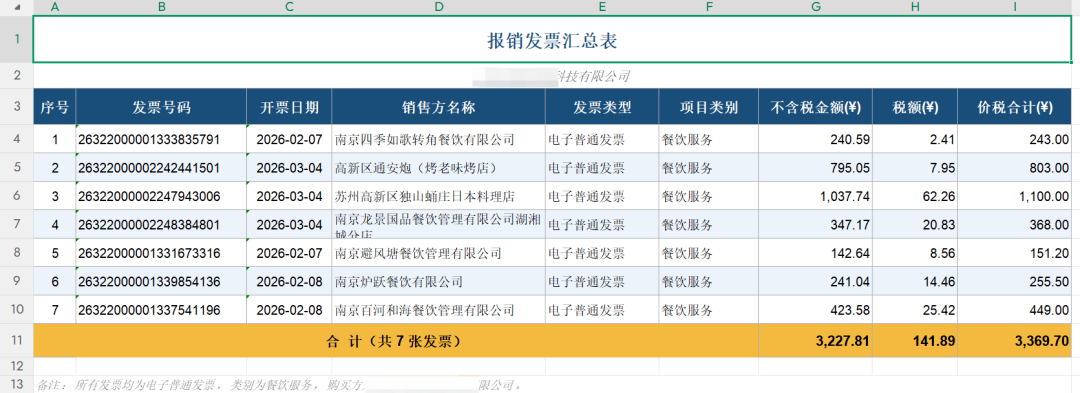
Chapter 14: Control Your Computer Remotely When You Are Away
When you are not in front of the computer, WorkBuddy mini app can become a remote task portal, sending instructions back to the running computer, allowing the computer to continue checking files, reading information, organizing invoices, processing WeChat files, and even continuously reporting the progress of a long task.
Control a Computer Remotely from a Mini App
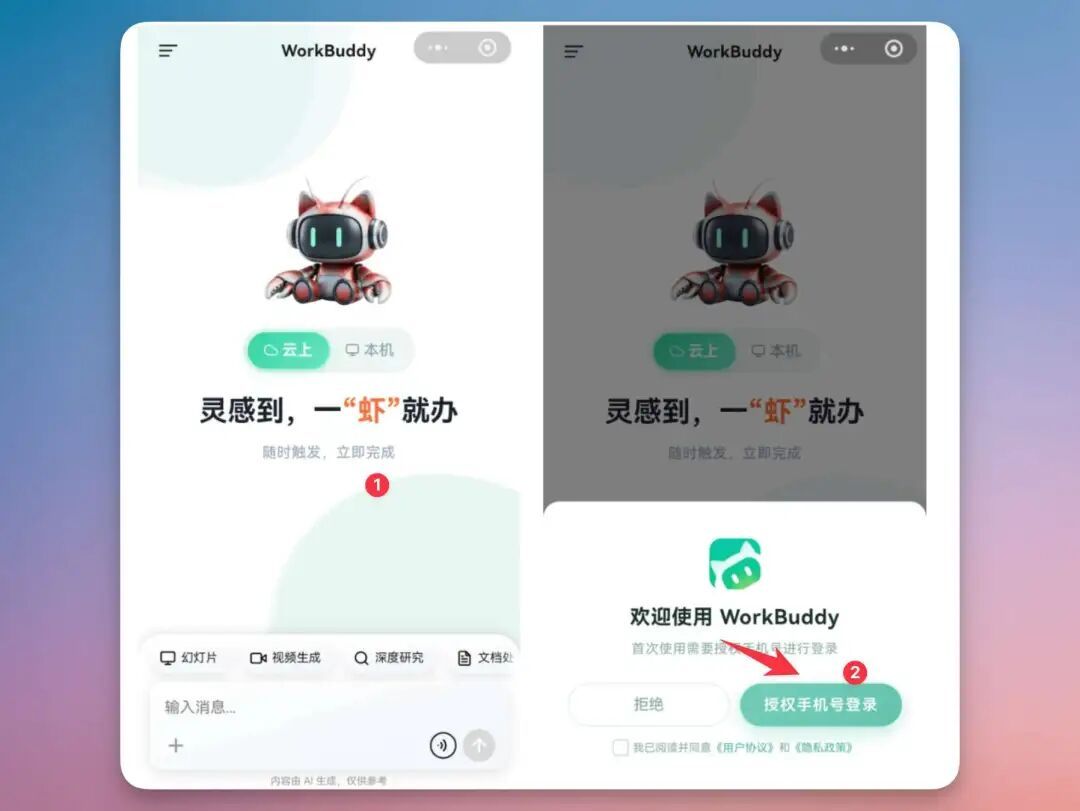
There are usually two ways to work remotely: one is to project the computer screen onto the mobile phone and click the mouse yourself; the other is to first transfer the files to the cloud and then process them on the mobile phone.
WorkBuddy's remote mode is somewhere in between: the user does not directly control the mouse, but explains the task clearly; the computer-side WorkBuddy reads local files, calls Skills or local tools based on the authorization scope, and sends the intermediate results and final products back to the mobile phone.
| Ability level | what problem to solve | What to confirm when using |
|---|---|---|
| Mobile portal | Tasks can also be initiated on the road, between meetings, and at customer sites | The account is logged in, the message can be delivered, and there are no critical errors in converting speech to text. |
| Computer execution | Read local directories, call local software, and process private data | The computer is online, WorkBuddy is running, and directory permissions have been granted |
| Task return | Return candidate files, summaries, tables, screenshots, and compressed packages to mobile phones | The output path is clear, the original file is not overwritten, and sensitive information is desensitized first. |
| Manual confirmation | Avoid accidental deletion, accidental transmission, and accidental modification of important information in remote mode | High-risk actions must be suspended for confirmation, and "execution completed" should not be regarded as "acceptance completed" |
First, distinguish: cloud mode or local mode
The mobile version is suitable for continuing tasks while commuting, traveling, and working across devices. But before using it, you must first determine whether the task should be run in the cloud or on the local machine.
This judgment will directly affect whether it can read computer files, whether the computer needs to be online, and whether the data is suitable for entering the cloud environment.
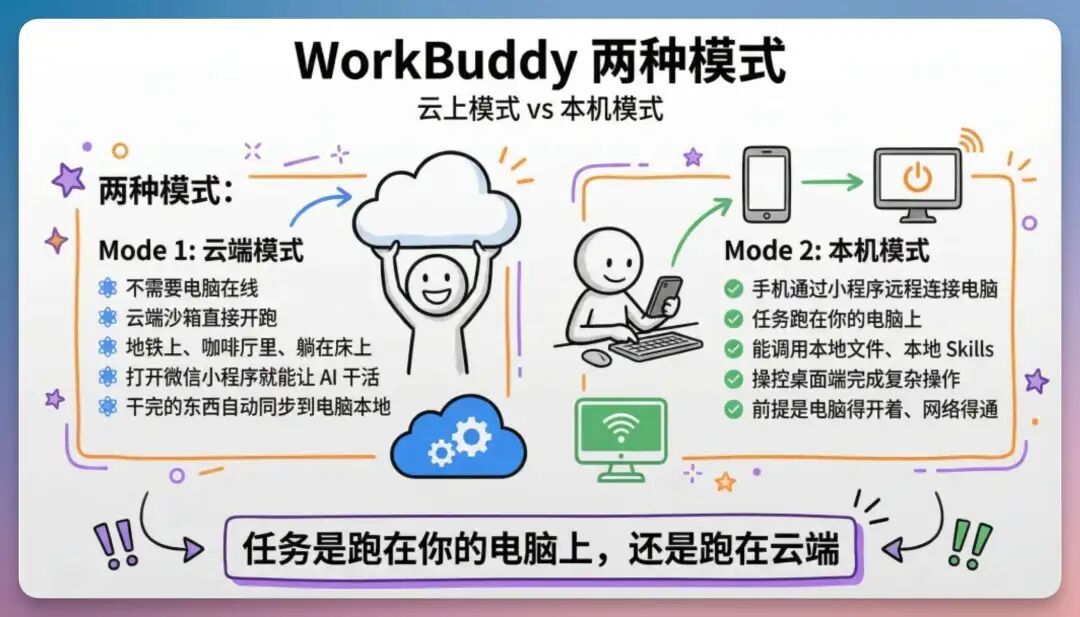
| Judgment problem | Cloud model | native mode |
|---|---|---|
| Do you need a computer online? | Usually not required | Requires the computer to be online and WorkBuddy to be responsive |
| Can the computer directory be read? | cannot be read directly | Can read local directories within authorized scope |
| fit for task | Research public information, write outlines, and generate lightweight text | Find local files, read private data, and call local skills or software |
| Main risks | Is the data suitable for entering the cloud? | Directory permissions, misoperation, computer offline, results not accepted |
Retrieve a File from Your Computer While Away
This is the easiest scenario for users to feel the value of remote control for the first time. The partner suddenly asked where the source files of training courseware, project reports, contract versions, quotations, and activity posters were, but the materials were all on the office computer. In the past, you could only reply "I'll go back and look for it". Now you can initiate a task by voice in mini app, and let the computer-side WorkBuddy search for candidate files in the specified directory, read the content and organize the summary.
Use-Case Pain Points
- You may not necessarily remember the complete file name, but only remember keywords such as "training", "project report", and "a certain customer".
- There may be multiple versions in the computer, and you cannot send them directly based on your feeling in a remote state.
- For temporary needs, you often only need to give the other party a summary or confirmation first, and it is not necessarily necessary to send the original document immediately.
Recommendation process
- First limit the directories, such as desktop, Downloads, project information, and training folders.
- Have WorkBuddy perform a read-only scan, listing candidate files, modification times, file sizes, and possible match reasons.
- After confirming the target file, read the content and generate a summary that can be forwarded on the mobile phone.
- When files need to be sent, sort them into a separate output directory first without moving the original files directly.
Please help me take a look. On my computer, I have thislocal long GPTThere is a story aboutxxsome of the company PPT deck, Then you sort out the content and send it to me.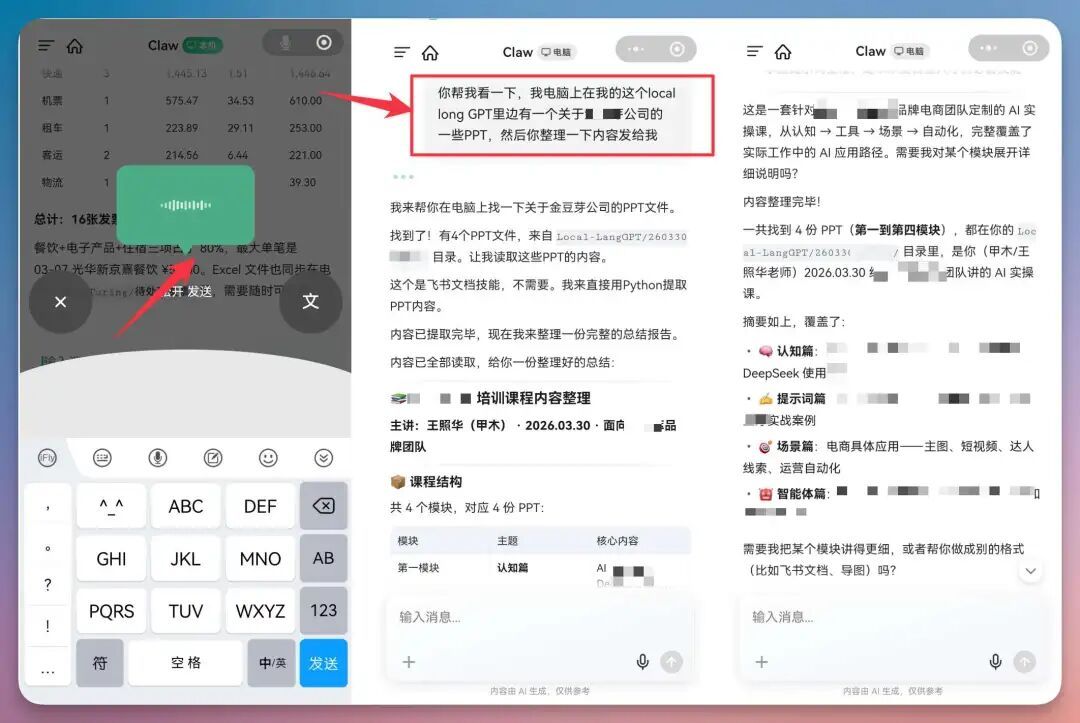
Process a File Directly in WeChat Without Moving It First
Many tasks do not start from computer folders, but suddenly appear from WeChat chat: the customer sends a contract PDF, a friend sends a photo of the receipt, a colleague throws an Excel, and the supplier sends a compressed package. The traditional process is to download it to the mobile phone first, then transfer it to the computer, then find the directory, and then open the software. mini app is more suitable for turning the "file in the WeChat context" directly into the input of WorkBuddy.
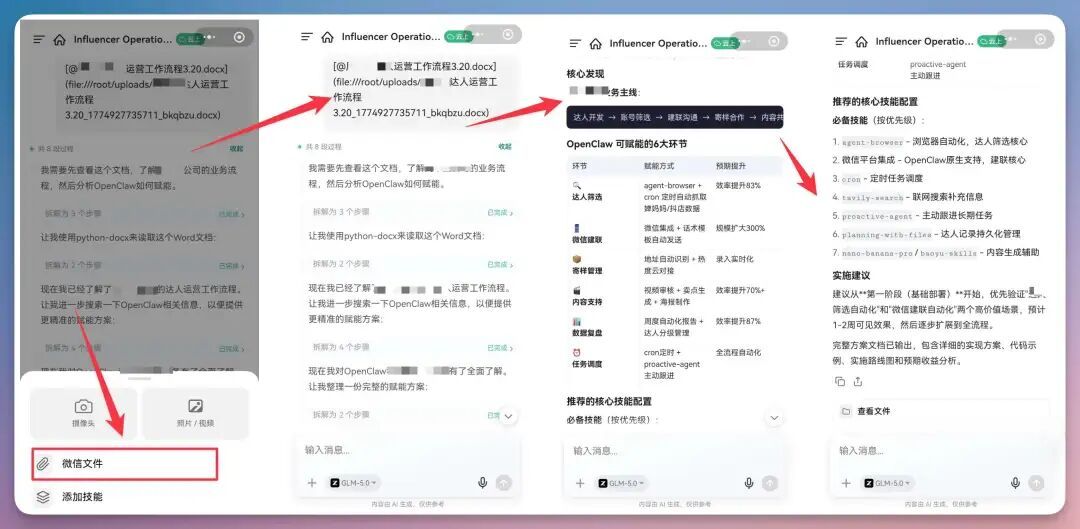
Remotely monitor long tasks and turn your mobile phone into a task board
There is a more advanced use of remote control: instead of asking WorkBuddy to do a small task for a few seconds, let it continuously advance a task that needs to be waited for, processed in stages, or prone to failure. For example, convert files in batches, organize large directories, generate websites, process meeting recordings, run code tests, download information, crawl public web pages, and automatically check system status.
What is suitable for remote monitoring?
- The task takes more than 3 minutes and requires stage reporting.
- A failure may be encountered in the middle of the task and needs to be recorded and continued with other files.
- You need to preview the task results before deciding whether to execute the next step in batches.
- High-risk actions such as logging in, making payments, sending messages, and overwriting files may be triggered during the task.
Please start this batch processing task and use the mobile phone as a progress dashboard.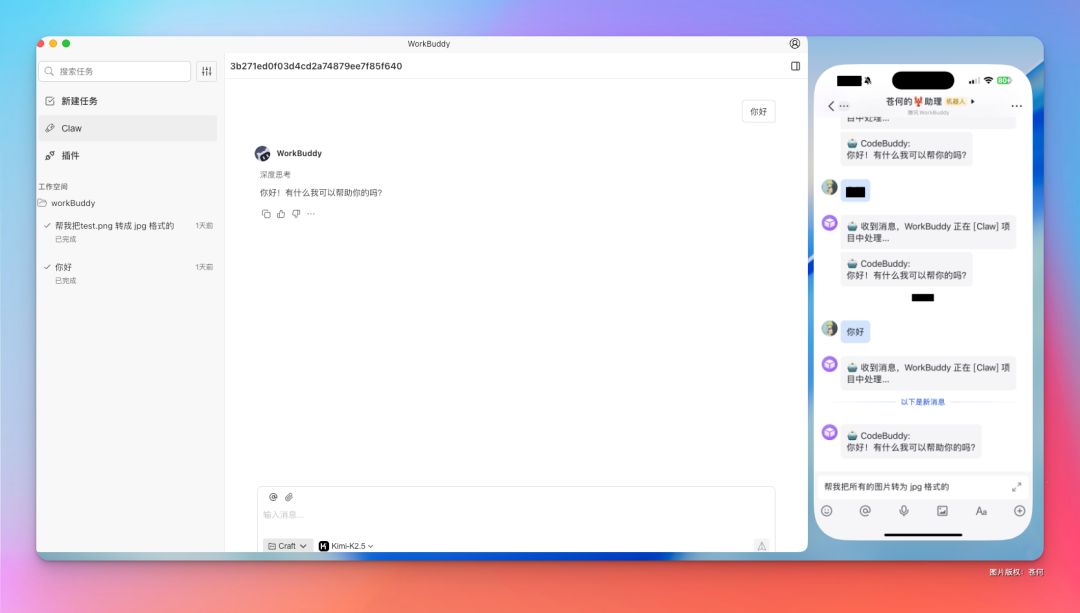
You control the camera to take a picture and describe the use case in front of the computer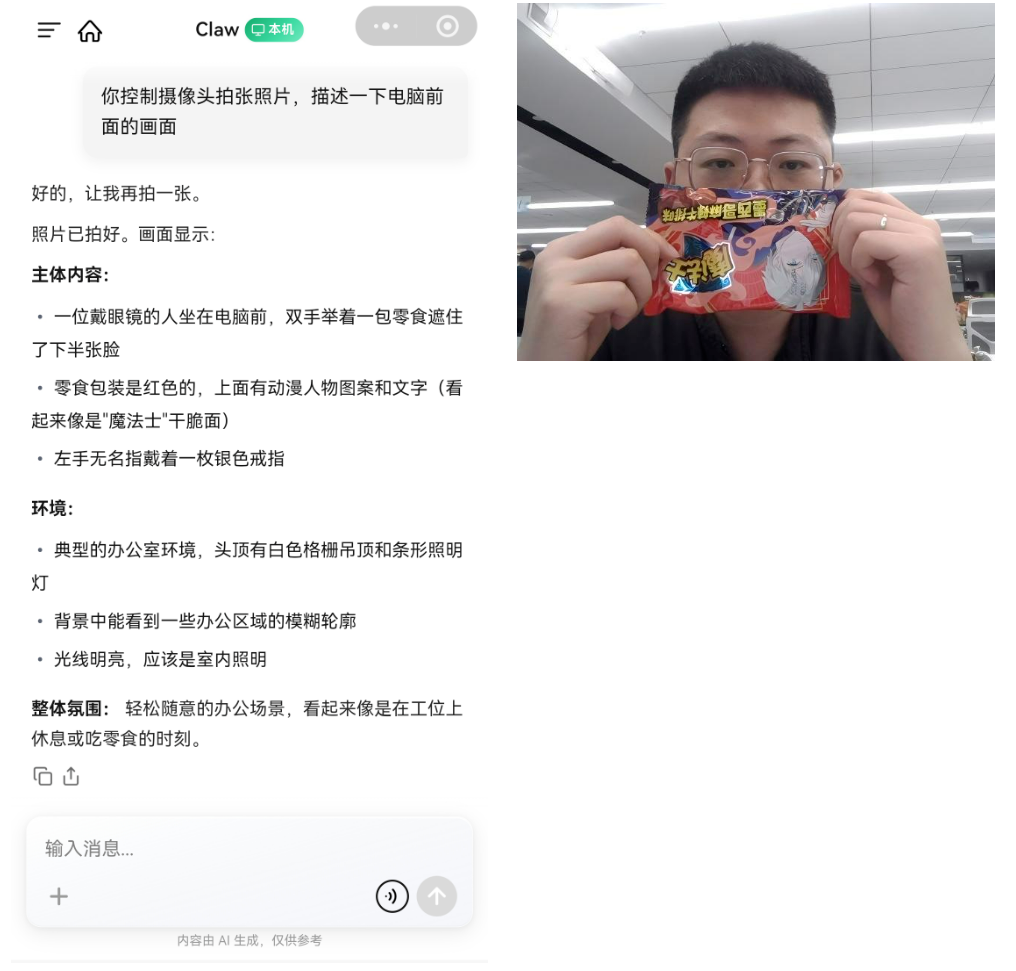
Chapter 15: A Life Assistant That Reduces Everyday Friction
Life problems are more ambiguous than office problems
"Help me plan my trip", "Look at the physical examination report", "What to eat today" and "Calculate my fortune" may seem like just one sentence, but behind them are a mixture of preferences, real-time data, privacy and risks. Mistakes on office documents can be reworked, but mistakes on medical care, payments, visas and major decisions can have completely different costs.
Therefore, life use cases are divided into three categories:
| Type | What WorkBuddy can do | what one must do |
|---|---|---|
| Information sorting type | Gather preferences, compare candidates, generate lists | Confirm facts and final choice |
| Real-time decision-making | Check weather, routes, inventory and rules, mark time | Return to the official or service provider page to verify and operate |
| High risk or recreational | Organize medical issues and provide entertaining interpretations | Leave medical treatment to professionals, and numerology should not be used as a basis for decision-making. |
Scenario 1: Traveling for three days and don’t want to open twenty apps
Guides, maps, weather, hotels, transportation, budget and traveler preferences all exist in different applications. The itinerary planned by ordinary AI may look complete, but it may place places that are far apart together, and some may quote expired business hours or even make up fictitious restaurants.
- travel assistant: Itinerary, destination, accommodation, food and luggage list;
- Tencent Maps Assistant: POI, route, distance, weather and map;
- Travel packing list: Generate packing lists based on weather, days and crowds;
- Travel weather risks: Supplemented when fine-grained weather risks are required.
Step 1: Collect constraints first
Don’t plan your itinerary first, don’t use more than 8 Questions collect travel constraints:
Departure place, date, traveling companions, budget, transportation preferences, daily walking limit, interests,
Food taboos, places you must go and places you definitely shouldn’t go to.
Do not ask again for information that has already been provided.
Step 2: Candidate routes and real-time verification
for 2 adult planning 7 month 18-20 Shanghai to Quanzhou 3 Free day.
budget 5000 Yuan, prefer humanities and local snacks, walk no more than 15000 step.
First give the two route directions and explain the trade-offs. I will then generate a daily plan after confirmation.

Use map capabilities to check location sequences, distances, and estimated travel times;
Mark the ticket price, opening hours, reservations, weather and transportation schedules with the time and source of the inquiry.
For content that cannot be verified in real time, write "to be confirmed" and do not make new copies.
Output rainy day alternatives, budget range, and packing list.
Do not log in, book, pay, or accept cancellations or changes on my behalf.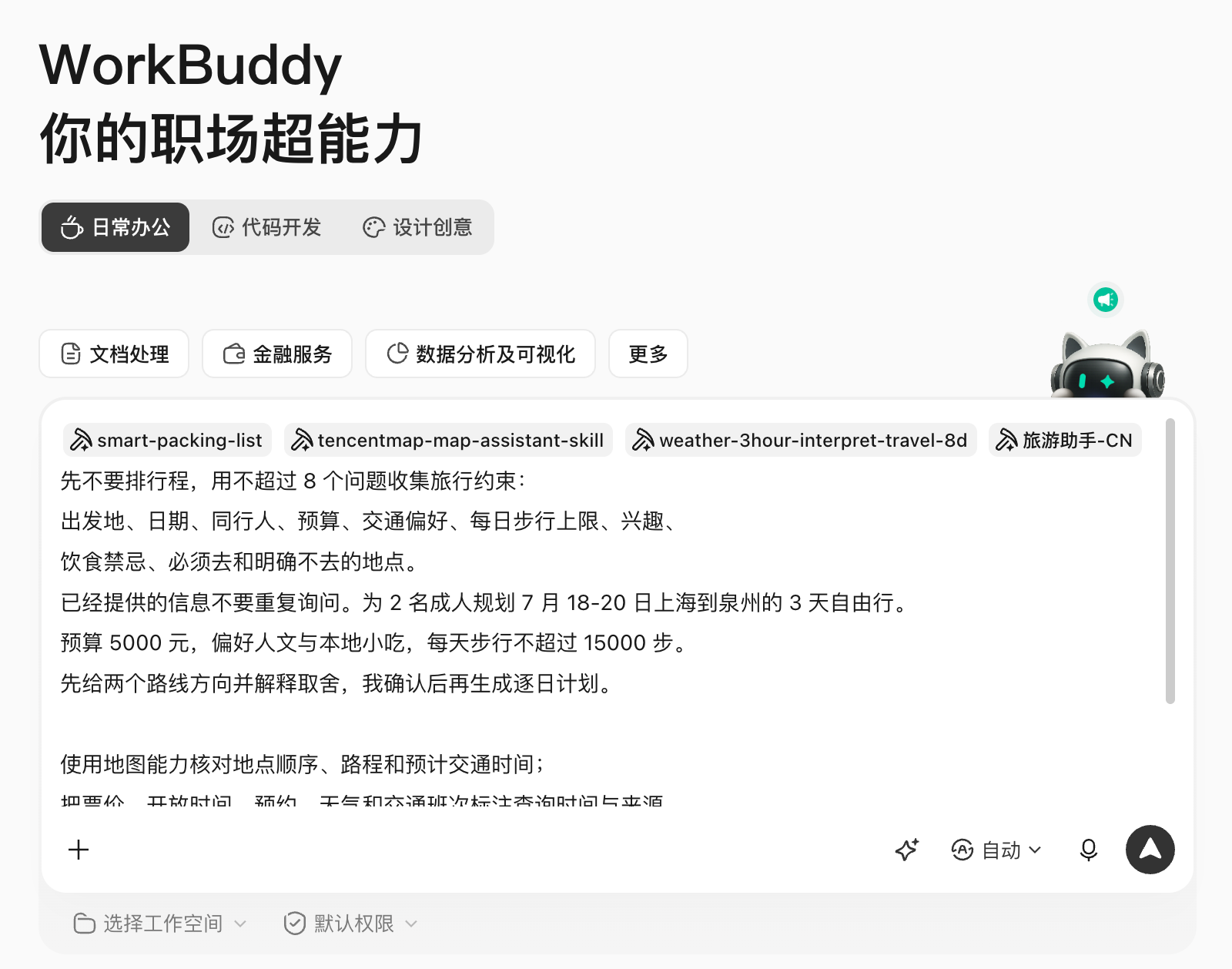
During the implementation process, WorkBuddy does not help you make a decision directly upon arrival, but asks you some questions as detailed as possible to ensure that it really helps you plan your itinerary like a dedicated tour guide.
Execution chain and deliverables
Preference questionnaire → Two route drafts → Manual direction selection → Map optimization → Weather and open information verification → Budget and luggage → Shareable itinerary page. Really usable deliverables should include map itinerary planning, reasonable travel and transportation time planning, data sources and real train times, not just a beautiful schedule.
Before booking, please confirm inventory, price, visa, documents, insurance and cancellation policy again. When it comes to the elderly, children, pregnant women, chronic diseases, or accessibility requirements, restrictions must be clearly written into the task and cannot be inferred by the model.
Scenario 2: After the trip, turn photos and bills into reusable records
WorkBuddy can also complete photos sorting by date and location, ticket classification, budget review and strategy draft after travel, but do not default to reading the entire photo album or deleting the original pictures.
read only trip-quanzhou/import Photos and a copy of the receipt.
A daily timeline is generated based on shooting time, and files that fail to be recognized are included in manual confirmation.
The bills are classified by transportation, accommodation, meals, and tickets, and the amounts are summarized and compared with the budget.
Generate a personal travel record based on the places and feelings I identified,
Personal photos, location and order numbers are all desensitized in the public version.
The original files are not moved or deleted.
This use case can ultimately feed back to the self-media chapter: after confirming the private records, choose which information is suitable for Xiaohongshu guides or long articles on public accounts.
Scenario 3: I can’t understand the physical examination report, so prepare for a more effective medical treatment first
There are many records of physical examination indicators and symptoms, and it is easy for users to self-diagnose after searching online; some health skills even claim to be able to give the probability of illness. The Blue Book does not use this writing method.
- Health management consultant: Emphasis on lifestyle, understanding of physical examination data and preparation for medical treatment, without diagnosis or prescription;
- Tencent Health-related clinical skills should only be used when qualified, authorized, and actually medical Workflow; ordinary users cannot treat the output as a diagnostic conclusion;
- For medication safety issues, priority should be given to consulting a doctor or pharmacist, and the generic agent should not be allowed to decide on medication discontinuation, medication changes, and dosage.
The World Health Organization emphasizes in AI health governance that ethics, human rights, and accountability should be placed at the center of the design and use of technology. For individual users, the most practical boundary is: AI helps organize information and prepare questions, but does not replace clinical judgment.Reference: WHO "Ethics and governance of artificial intelligence for health"
safety instructions
Organize the physical examination report and symptom records I provided into one page of medical preparation materials.
Output: symptom timeline, raw metrics and reference intervals in the report,
I also need additional information, questions to ask when registering, and daily observation templates.

No definite diagnosis, probability of disease, prescription, dosage, medication discontinuation or medication change recommendations shall be given;
Do not write correlation as causation. When discovering information that may need to be processed offline in a timely manner,
It only prompts me to contact local medical institutions or emergency services and does not continue the online deduction.
The above is a medical treatment record I found online. When I synchronize this less detailed medical treatment record to WorkBuddy, he will help me analyze and generate medical treatment materials.
Scenario 4: Healthy habits and diet plans can be done more daily
Low-risk health management is more suitable for WorkBuddy: drinking water, sleep, exercise, meal records and follow-up reminders. Optional Nutrition and health, Healthy recipe recommendations etc. Skills, but still need to declare allergies, diseases, medications, pregnancy and professional restrictions.
Based on my confirmed dietary preferences, allergy information, budget, and available kitchenware,
generate 5 Dinner selection and shopping list. Each meal explains the main ingredients, estimated times and substitutions.
Don’t claim to cure a disease or guarantee weight loss.
Stop personalized recommendations when it comes to diabetes, kidney disease, pregnancy, or drug interactions,
Instead, list questions to ask your doctor or registered nutrition professional.
Similarly, during the execution process, I will carefully inquire about my diet structure and the kitchen utensils currently available in the kitchen, and give me a dinner plan that is truly my own, rather than a medical diet plan that seems precise but is not suitable for me personally.
Use Case 5: Write Entertaining Astrology or Divination Content Without Crossing Boundaries
Traditional culture and entertainment tests are the entry point for many ordinary users to come into contact with Agent and can be used for traditional cultural experience, social interaction, writing inspiration and self-questioning.
However, birth time, location and family information are personal information; the interpretation results can easily be written as definite predictions; users may also make medical, investment, recruitment, marriage or career decisions based on this.
More secure instructions
Using traditional cultural and entertainment methods, a cultural interpretation of the eight characters is generated based on the information provided by me.
It is clearly stated at the beginning that it is "for entertainment and cultural experience only, and does not predict or determine the future."
Distinguish between calculations, traditional explanations and modern reflection questions, and do not write traditional explanations as facts.
Does not provide medical, investment, legal, marriage or career decision-making advice.
At the end, rephrase each conclusion into a verifiable self-question and provide at least one counterexample angle.
Do not save the time and place of birth for a long time, and remind me to clean up the input after the task is completed.
Use Case 6: Outfits, Household Lists, and Purchase Comparisons
Life Assistant also has many low-risk, but very practical scenarios:
Use weather queries and Daily outfit inspiration, enter the city, occasion, clothes you already own and styles you don’t like. As a result, you should prioritize existing items in your wardrobe and don’t default to recommended purchases.
Arrange documents, medicines, charging equipment, children's products and pets into a list grouped by person, and clearly identify the person in charge and the completion status. Automation is responsible for reminders, not for confirming whether a medicine is suitable for a particular family member.
Let WorkBuddy establish parameters, prices, after-sales, privacy and long-term cost tables, and then let people view the official page and real contract. Advertising soft articles, affiliate links and merchant ratings must be marked separately and cannot be mixed into the fact column.
compare 3 For this sweeping robot, only use the manufacturer’s official website, manual and the quotation provided by me.
The table lists cleaning structures, obstacle avoidance, supplies, privacy, warranty, price, and uncertainties.
Separate marketing statements from verifiable parameters and don’t automatically recommend recommendations based on sales.
Finally, according to “pets at home, threshold 2cm, "Privacy is valued" gives conditional advice,
Do not place orders on my behalf or accept the terms of service.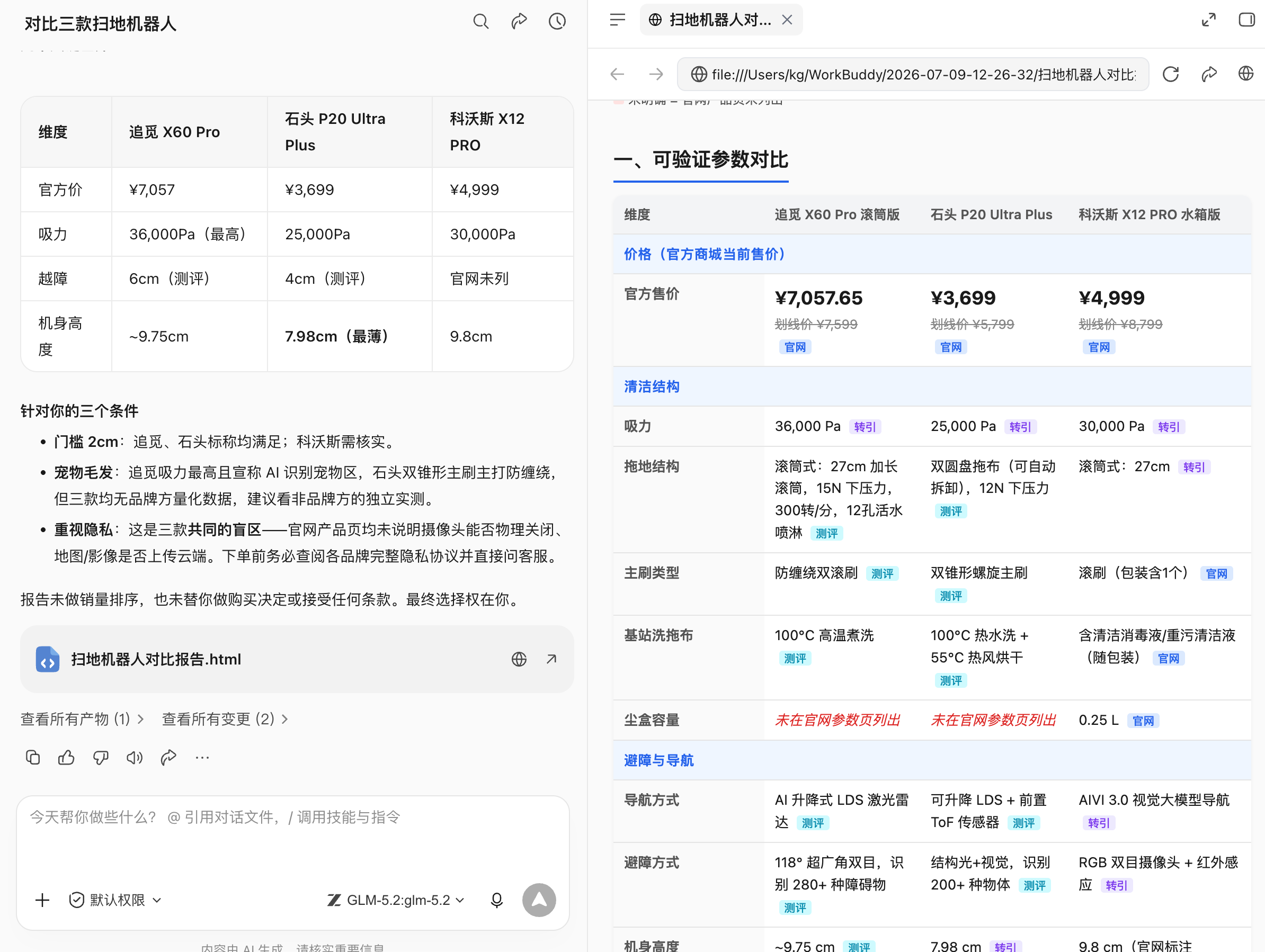
Use Case 7: Emotional Journaling and Grounded Support
WorkBuddy can help record emotional triggers, sleep, events and coping styles, and generate a summary of review questions or conversations with a counselor. It doesn’t pretend to be a psychologist, nor does it make users rely solely on the Agent.
Organize my emotional records for this week by "events, thoughts, feelings, physical reactions, actions taken."
It only summarizes recurring patterns, without diagnosing or labeling personality.
generate 5 An issue I can discuss with a trusted person or professional.
If the content shows signs of self-injury, other-injury or immediate danger, the normal review will be stopped.
Prompts me to immediately contact local emergency services, professional agencies or a trusted person close to me.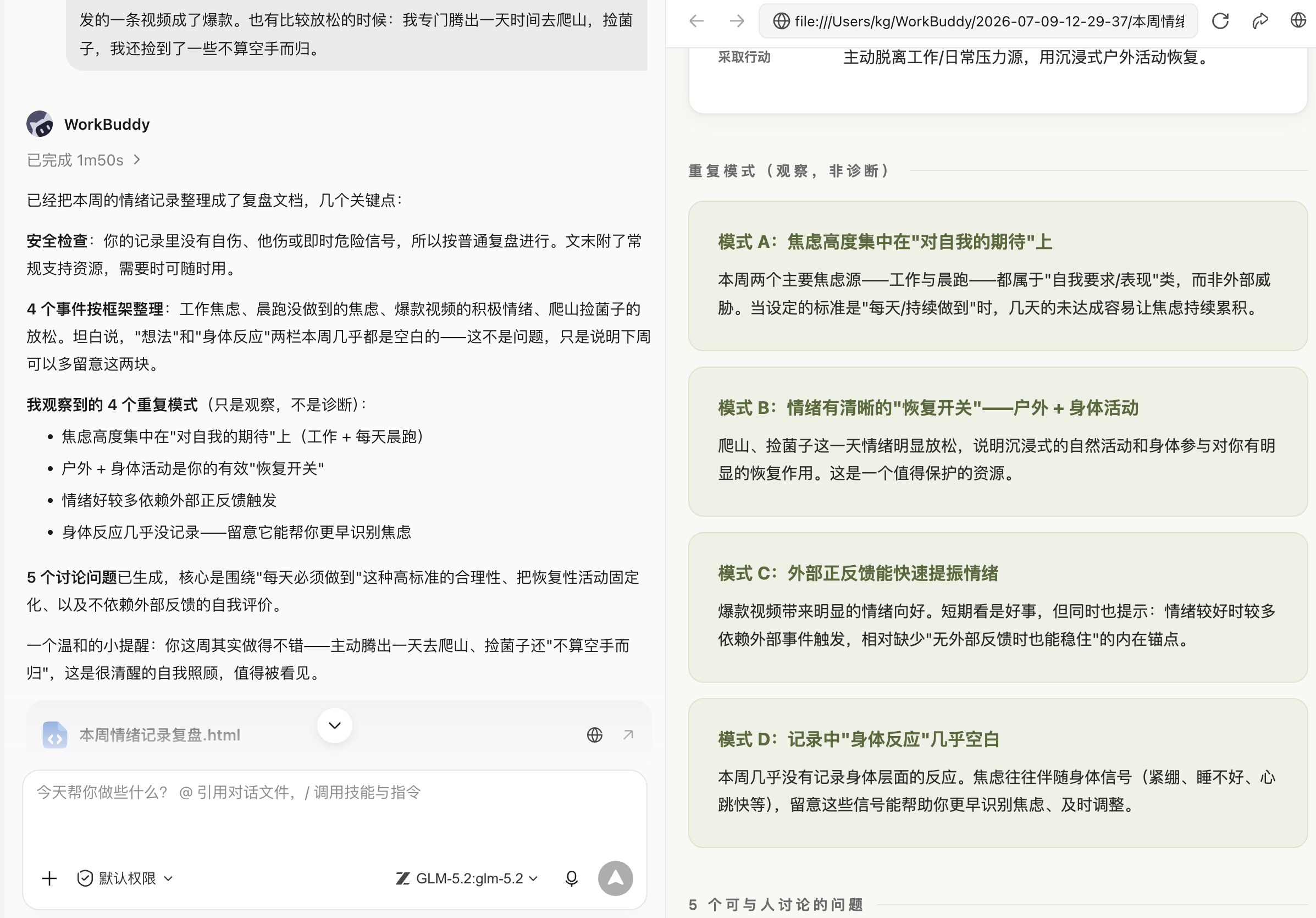
Four checks before installing Life Skill
- real-time: Where do the weather, prices, inventory, policies and business hours come from, and what is the query date;
- Privacy: Where are birth information, location, health data and family information sent, and can they be processed only locally?
- Action permission: Whether to log in, book, pay, send messages or modify the calendar, and whether to pause before taking action;
- professional boundaries: Whether to write entertainment as facts, health advice as diagnosis, and recommendations as guarantees.
Chapter 16 Information Integration: Turning Information Flows into Daily Notifications
Information integration is most afraid of two things: first, there is too much information, and the really important content is drowned; second, the notification is too noisy, and everyone ends up treating it as background noise.
WorkBuddy turns multiple information sources into a filterable, interpretable, and trackable notification system. For example, GitHub hot project daily notifications, AIHOT industry daily reports, paper and technology trend tracking, public account and blog monitoring, news and hot list public opinion, fact checking and source verification.
Let users miss less things that are truly worth watching every day.
A Common Information-Notification Workflow
Whether it is GitHub projects, AI news, papers, policies or hot lists, stable information notifications can be split into the same link: first collect, then remove duplicates, then filter, then summarize, and finally push according to groups and scenarios.

| link | What to solve | Common output |
|---|---|---|
| collect | Pull candidate content from news, hot lists, GitHub, arXiv, RSS, public accounts, and search engines. | Candidate list, original link, publication time, source. |
| Remove duplicates | The same event may be reported repeatedly by multiple sources. | Merge events from the same source, retaining first and authoritative sources. |
| Filter | Not all new content is worth pushing. | Importance score, relevance score, risk level. |
| Summary | Convert long articles, papers, and project READMEs into readable summaries. | Three-sentence summary, influencing judgment, applicable people. |
| Verify | Avoid accepting rumors, marketing releases, and misinformation as fact. | Evidence table, credibility, items to be confirmed. |
| Notification | Push to the corresponding group of people in a fixed format. | Feishu cards, WeChat group messages, daily documents, email summaries. |
Available Information Skills
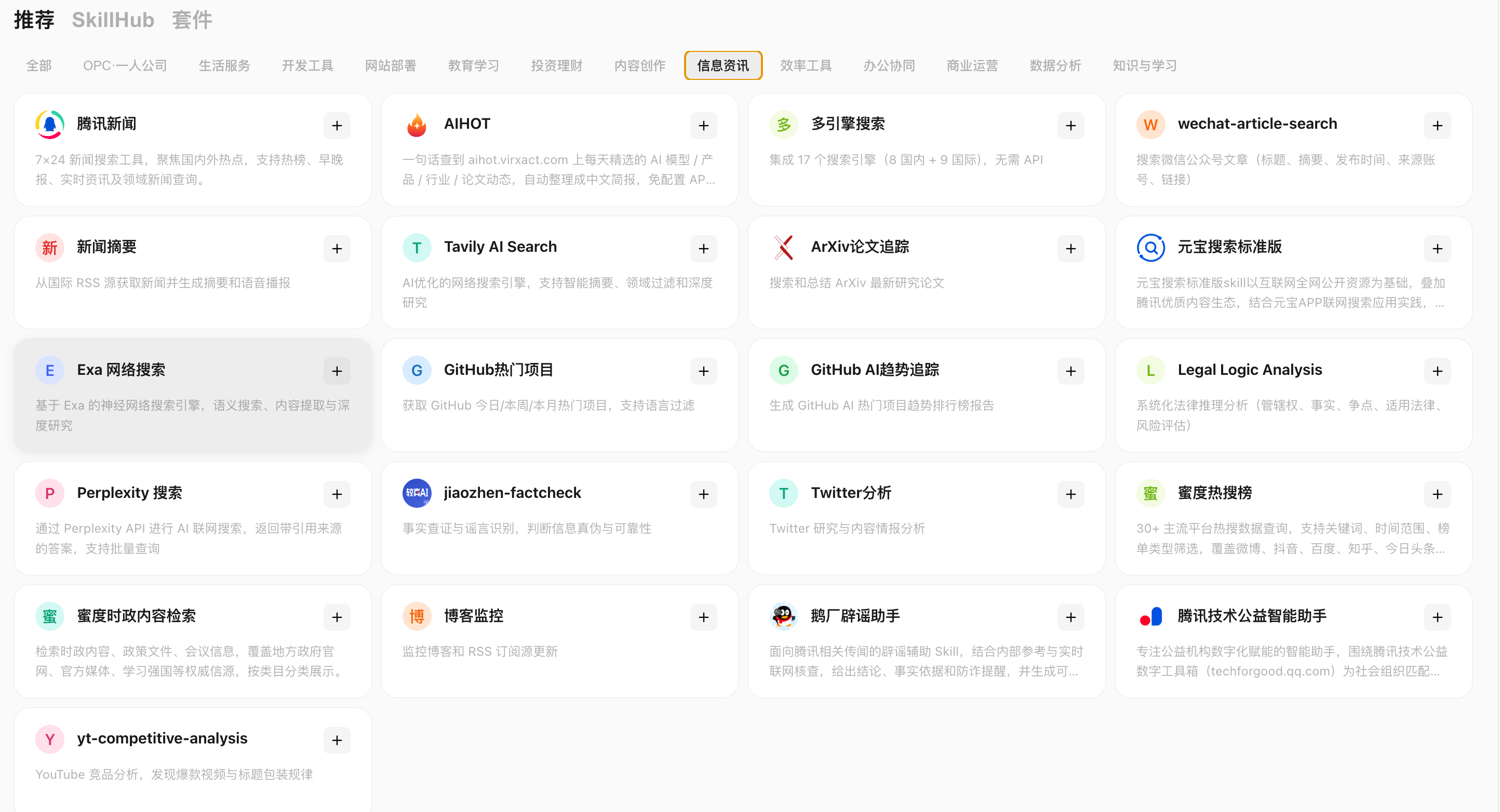
It can be roughly divided into six categories: news, AI industry, developer trends, scientific research papers, content monitoring, fact checking and search for evidence.
| Skill/Tool | What is appropriate to notify | How to use this chapter |
|---|---|---|
| Tencent News | Hot topics at home and abroad, morning and evening reports, real-time information, and field news. | Suitable for management morning reports, industry news notifications, and emergency event reminders. |
| AIHOT | AI models, products, industries, and paper trends. | Suitable for AI industry daily reports and team technology radar. |
| Popular projects on GitHub | Popular items today, this week, and this month, supporting language filtering. | Suitable for making daily open source project recommendations to the R&D team. |
| GitHub AI Trend Tracking | GitHub AI popular project trend report. | Good for weekly trend briefings for the AI engineering team. |
| ArXiv paper tracking | Search and summarize the latest research papers. | Ideal for research, algorithm, and product strategy teams to track paper trends. |
| news summary | Get news from RSS feeds and generate summaries and audiocasts. | Suitable for fixed source daily reports and industry information voice briefings. |
| Blog monitoring | Monitor blog and RSS feed updates. | Suitable for following competitive product blogs, official changelogs, and technical team blogs. |
| wechat-article-search | Search public account article titles, abstracts, publication times, source accounts and links. | Suitable for monitoring KOLs in the industry, public accounts of competing products, and popular topic selections. |
| Twitter analytics | Twitter research and content intelligence analysis. | Suitable for tracking overseas AI, open source, investment and product discussions. |
| Multi-Engine Search / Tavily / Exa / Perplexity / Yuanbao Search Standard Edition | Multi-source search, in-depth research, citing sources for supplementary evidence. | Suitable for secondary verification of important news, papers, and projects. |
| jiaozhen-factcheck / Goosechang Rumor Refuting Assistant | Fact checking, rumor identification, Tencent related rumor refuting assistance. | It is suitable for adding credibility judgment to disputed information before notification. |
Daily notification of GitHub hot projects
For example: grab GitHub Trending and AI hot projects at 9 o'clock every day. Filter by language, theme, star growth, recent commits, license. Only push the Top 5-10 and give a judgment on "whether it is worth trying".
Schedule every morning7Click to retrieve GitHub Popular projects and output a brief introduction to the project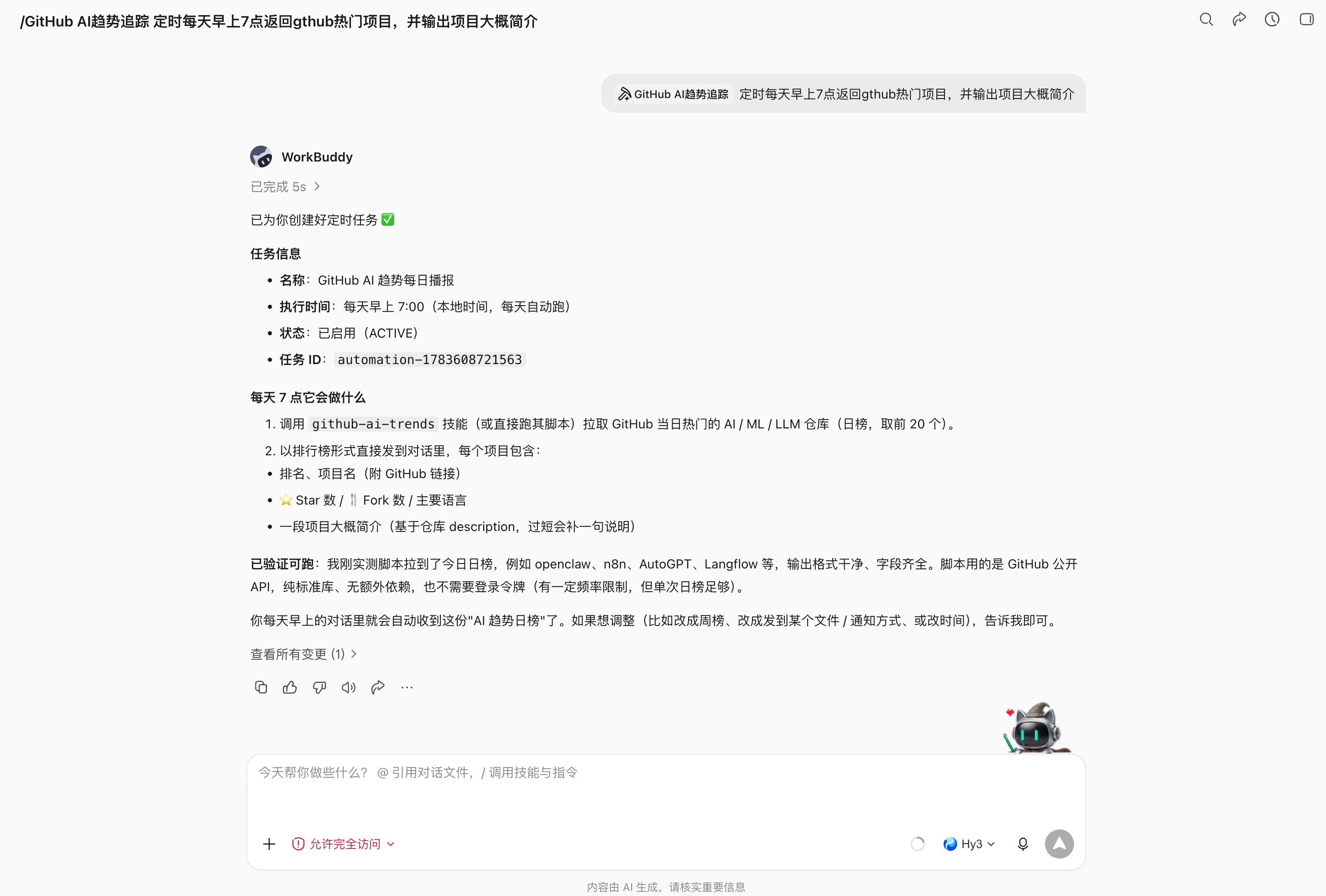
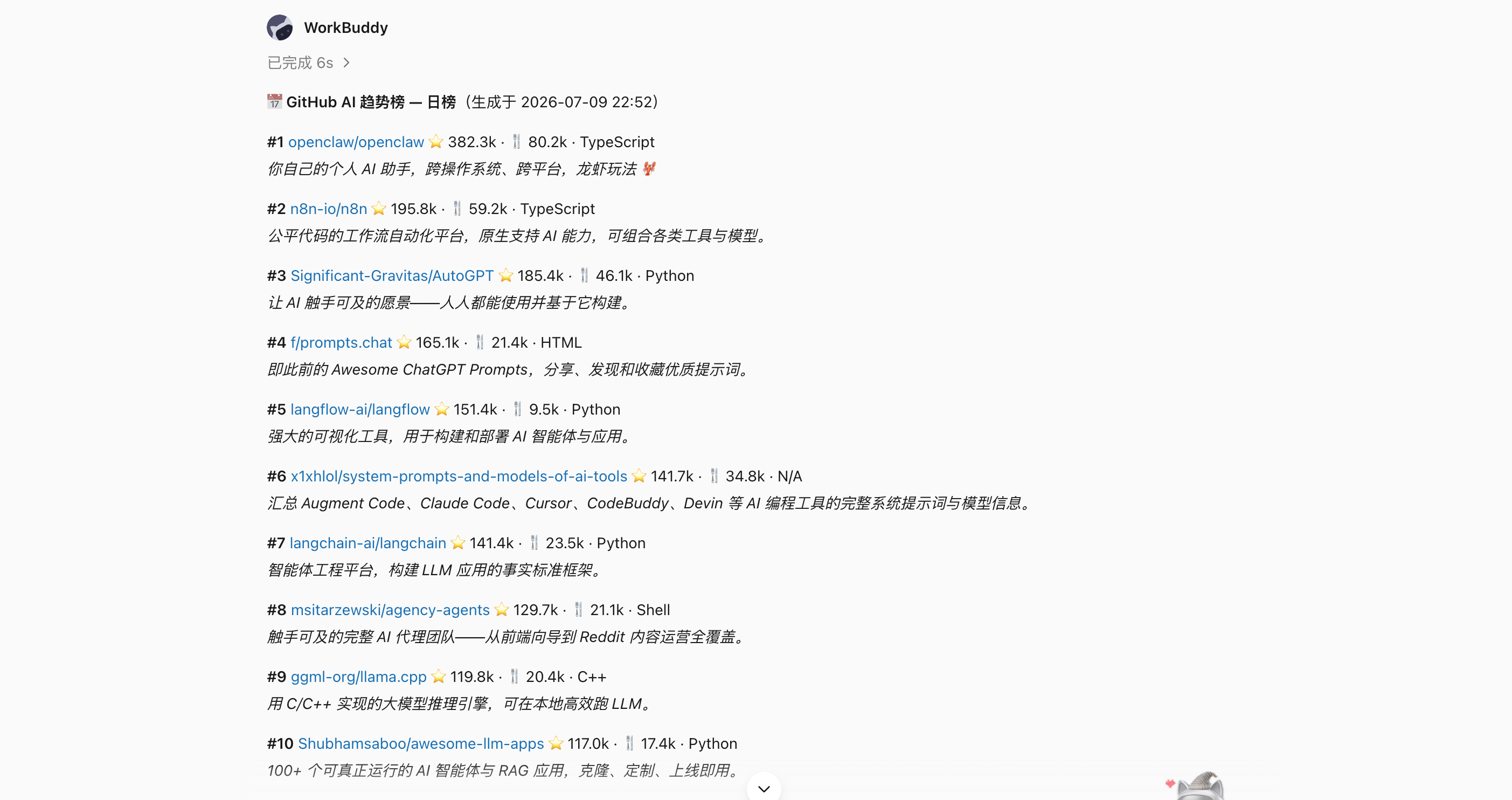
Use AIHOT to Generate an AI Industry Daily
AI industry information updates quickly, and AIHOT can be used as a ready information source. It provides selected content for AI dynamics, covering models, products, industries, papers and other directions, and supports Agent use.
For example: pull AI dynamics from AIHOT at a fixed time every day. Grouped by model, product, industry, paper, open source project, commercialization. Score each piece of content on "scope of influence, credibility, and relevance to the team." Only push 5-8 key points, and the rest will be archived. Additional secondary searches for high-impact content, supplemented by original links or official sources.
Install aihot skill,
Help me install this skill: https://aihot.virxact.com/aihot-skill/
Please take a look at the recent OpenAI What new stuff was released?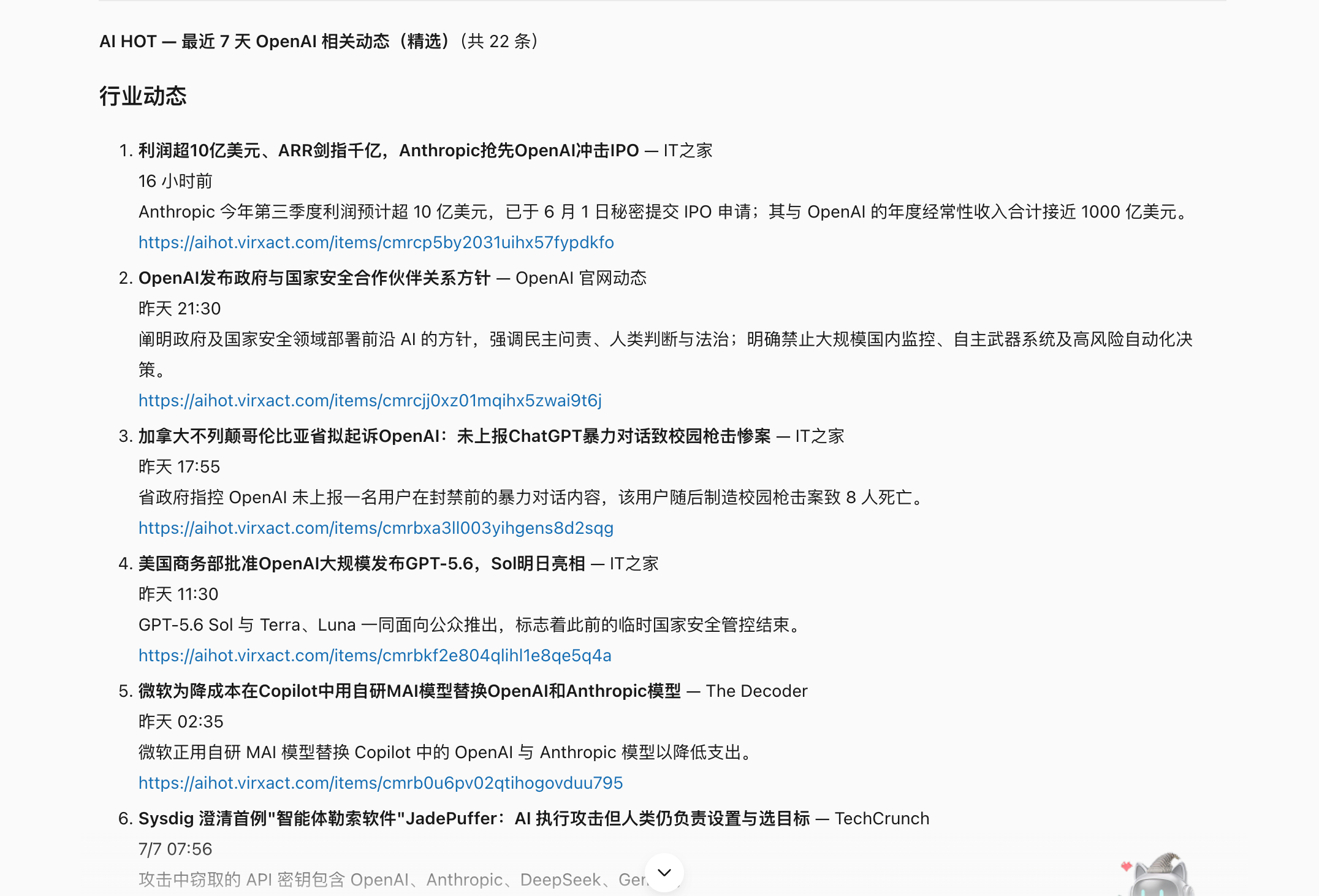
Summarize today’s hot news, worth paying attention about large AI language models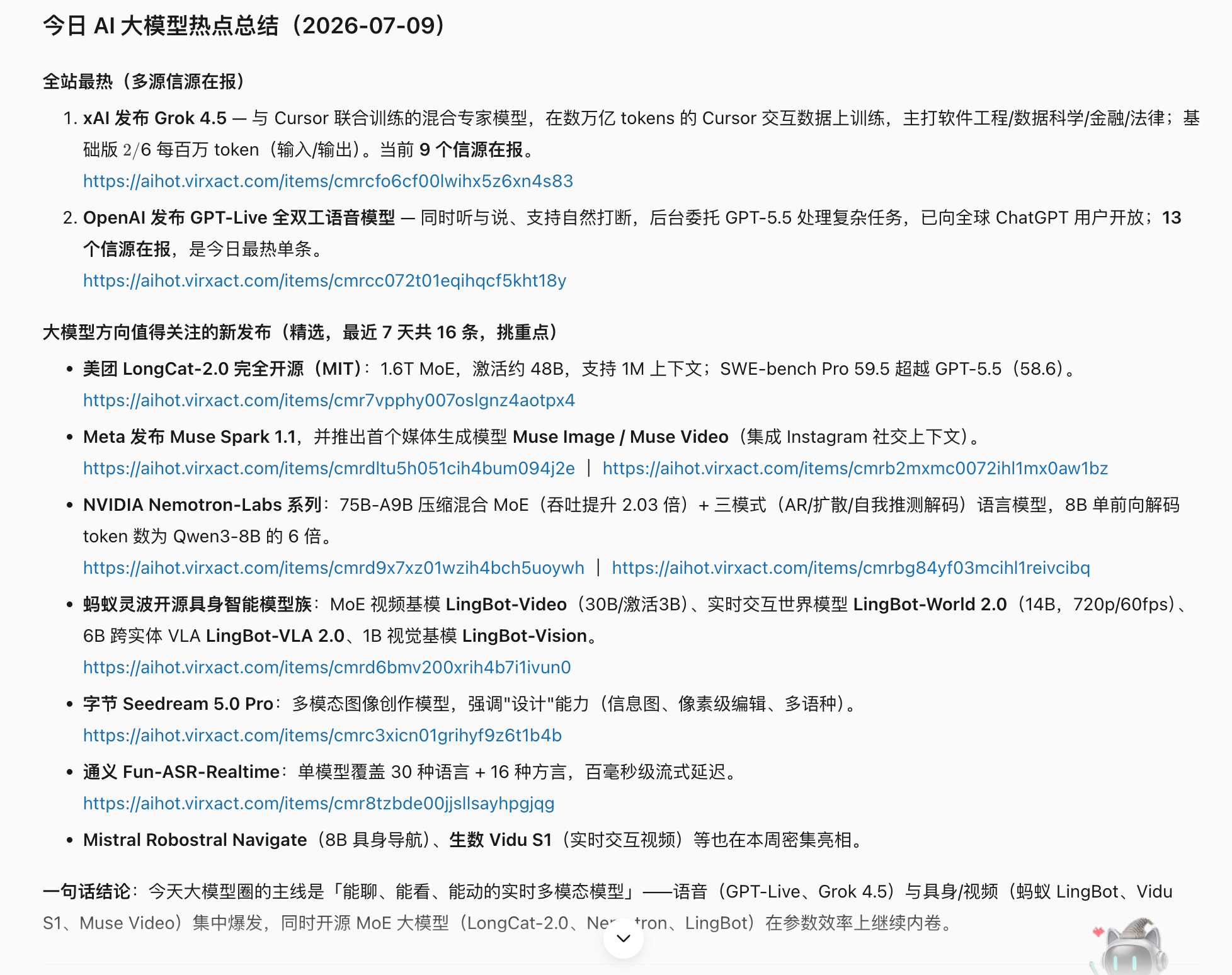
| Daily module | what to write | Notification object |
|---|---|---|
| Three major events today | The change most worth bothering everyone with. | All employees or management. |
| Models and Products | New models, new features, new APIs, new prices. | Products, R&D, operations. |
| Open source projects | You can try out tools, frameworks, and Agent projects. | R&D team. |
| Thesis research | New methods that may affect the technical roadmap. | Algorithm and technical leader. |
| Opportunities and Risks | Competitive product actions, alternatives, and compliance changes. | Business leader. |
Chapter 17: Saving Information Is Not Knowledge Management—Reusing It Is
The tools are all installed, but the knowledge is still scattered
Moving on one step further: if one person uses WPS, ima, Obsidian, WeChat collections, meeting notes, and local files at the same time, how can the division of labor be avoided to avoid "having a copy everywhere, but no copy being trusted".
Decide on the main version first, then connect the tool
A robust personal knowledge system can have multiple entries, but only a clear master version:
| system | Recommended roles | Not recommended to bear |
|---|---|---|
| WPS / Kdocs | Work documents, forms, collaboration notes and team knowledge | Also serves as the only backup for all private source material |
| ima | WeChat Ecological collection, mobile Q&A and Knowledge Base retrieval | Save second-hand conclusions without sources |
| Obsidian | Local Markdown, dual chain, topic wiki and long-term migration | Allow automated batch moves or renames without backup |
| WeChat Collection / Inspiration Tools | Low-friction entry and temporary inbox | Permanent archiving and structured retrieval |
| Feishu / Tencent Documentation | Team collaboration, commenting, and publishing copy | Expand visibility of private data by default |
Scenario 1: Inspiration comes, just write down one sentence
Inspiration is most afraid of two kinds of processing: one is that there is no time to remember, and the other is that AI immediately expands a sentence into an article that seems complete but has deviated from the original meaning.
- inspiration catcher: Automatically categorize and write to Markdown inbox;
- ima-skills or ima: Mobile terminal records, Knowledge Base reading, writing and retrieval;
- When the Obsidian local directory is used as the long-term main version, it can be connected to the Wiki Skill later.
Put the following content into the "Inspiration Inbox", keep my original words without amplification or evaluation: "AI The real threshold of a tool is not the prompt, but the acceptance result. "
Use Case 2: Turn Saved WeChat Items into Retrievable Writing Material
- WeChat Collection Knowledge Base: Export, classify, and choose to enter ima, Obsidian or Notion;
- URL to Obsidian: Crawl web pages, summarize and save to Vault;
- Public account content extraction: Save public account articles as local Markdown.
Process this week's WeChat collection, read-only, and do not delete the original collection.
Scenario 3: ima as a mobile knowledge portal
The advantage of ima is not "smarter Q&A", but mobile phone collection, Knowledge Base reading and writing, and WeChat context connection. Use ima-skills When writing, first clarify the target Knowledge Base and writing rules.
I just selected 3 files into ima“WorkBuddy Case Library" inbox.
Scenario 4: Obsidian is not a folder, but a maintainable wiki
- Obsidian data collection: Maintain core notes, topic synthesis and directory links;
- agent + Obsidian long term memory: Reading and writing long-term memory after clarifying project boundaries.
Submit a public account article to WorkBuddy parse, and then ask to put the specified Obsidian Material directory.WorkBuddy recognizes the article body and author and generates Markdown entries.
Chapter 18: The Meeting Ends, but the Work Is Just Beginning
Why do we always have to move things repeatedly in our daily office work?
A day in many offices consists of the same set of actions: making appointments, finding materials, holding meetings, taking notes, sending minutes, creating to-dos, tracking progress, writing weekly reports, and making reports. Each action seems easy, but what really consumes energy is that information is constantly flowing between chats, meetings, emails, documents, and forms, and the context may be lost with each flow.

Main case: A product review meeting, how to really promote the project
Scenario setting: The product team needs to review the "automatically generate to-do list of meeting minutes" function. In the past, after the meeting, the product manager listened back to the recording, compiled the minutes, and entered the action items into the task system one by one. This usually took half a day, and participants often had different understandings of "who promised what."
This collaborative chain does not pursue unattended operation. It maintains manual checkpoints around creating meetings, reading recordings, creating to-dos, and confirming PRDs.
Step 1: Define before the meeting what decisions you want to make
A meeting without an agenda, no matter how complete the transcription, is just a lot of dialogue. The most important thing before the meeting is not to send a link, but to clarify the type of meeting, the questions to be answered and the expected products.
Prepare for the "Meeting Minutes Automatically Generate To-Do" Product Review 45 minute agenda.
Participating roles: product, R&D, design, testing, operation.
Three decisions must be made this time: the scope of the first phase, the to-do fields, and the online acceptance indicators.

read project/meeting-to-task requirements draft and last decision record in
Output: meeting goals, pre-meeting materials, minute-by-minute agenda, moderator for each topic,
Issues that need to be decided on the spot and issues that can be handled asynchronously after the meeting.
Facts are separated from suggestions; missing information will be added before the meeting and will not be made up by oneself.
Step 2: Create Tencent meeting and synchronize calendar
Tencent Meeting Skill Used for the entire life cycle of a meeting: create, modify, cancel, query meetings, view participating members, and obtain recording, transcription and smart minutes when permissions allow. The official instructions require that Tokens be saved through environment variables and remind users to comply with corporate data and privacy requirements.
TencentMeeting Skill is not equivalent to a universal calendar. The correct sequence is: first create a meeting to get the meeting number and link, then create a schedule, invite participants and reserve a meeting room through calendar or office collaborationconnector.
Fields that must be confirmed before creation
| Field | Example | Why to confirm |
|---|---|---|
| Topic | Meeting minutes automatically generate to-do - first phase review | Avoid not being recognized in the meeting list |
| start and end | July 8 14:00-14:45 | Relative time is easy to misunderstand |
| time zone | Asia/Shanghai | Cross-regional collaboration must be clear |
| Participants | Product, R&D, design, testing, operation | Meeting authority and responsibility boundaries |
| Period rules | Single | The cancellation of periodic meetings has a greater impact |
| Admission and waiting room | You can join directly within the company | Adjustments required when outsiders are involved |
| Recording and Transcribing | Confirmed by the host during the meeting | Regarding notices, permissions and privacy |
Session using Tencent Skill Create a meeting.
Topic: Automatically generate to-do from meeting minutes - First phase review
Time:2026-07-08 14:00-14:45, time zone Asia/Shanghai, Single meeting.
First return the information to be created for me to confirm; then create the meeting after confirmation.

After the creation is successful, write the meeting number, link, and start and end time. meeting-brief.md.
Regenerate a draft calendar invitation with links to agenda and pre-meeting materials;
Do not add participants, send invitations, or reserve meeting rooms yourself and wait for me to confirm the list.
Creation, modification and cancellation are different risk levels. Before canceling a meeting, modifying cycle rules, or expanding the scope of participation, you must demonstrate the target meeting and scope of influence. You cannot just say "cancel the afternoon meeting."
ps: The above prompts can be modified according to your own meeting.
Step 3: Obtain recording, transcription and meeting content after the meeting
After a meeting, the most common mistake is to mistake "there is a recording" for "there is information available." Recording may not be turned on, the transcription may not have been generated, and the caller may not have viewing permissions.
Query meeting number 123 456 789 The corresponding meeting has ended.
First return the topic, time and host, confirm that it is the target meeting, and then query the recording list.
If you have permission, obtain the transcribed full text, segmented information and intelligent minutes;
If there is no permission, stop reading and return the required authorization without trying to bypass it.
Specify file type, size, destination directory and retention period before downloading or saving.
In this process, you need to connect to Tencent conference connector. Follow the prompts to find "Tencent conference" in the connection manager and authorize the connection.
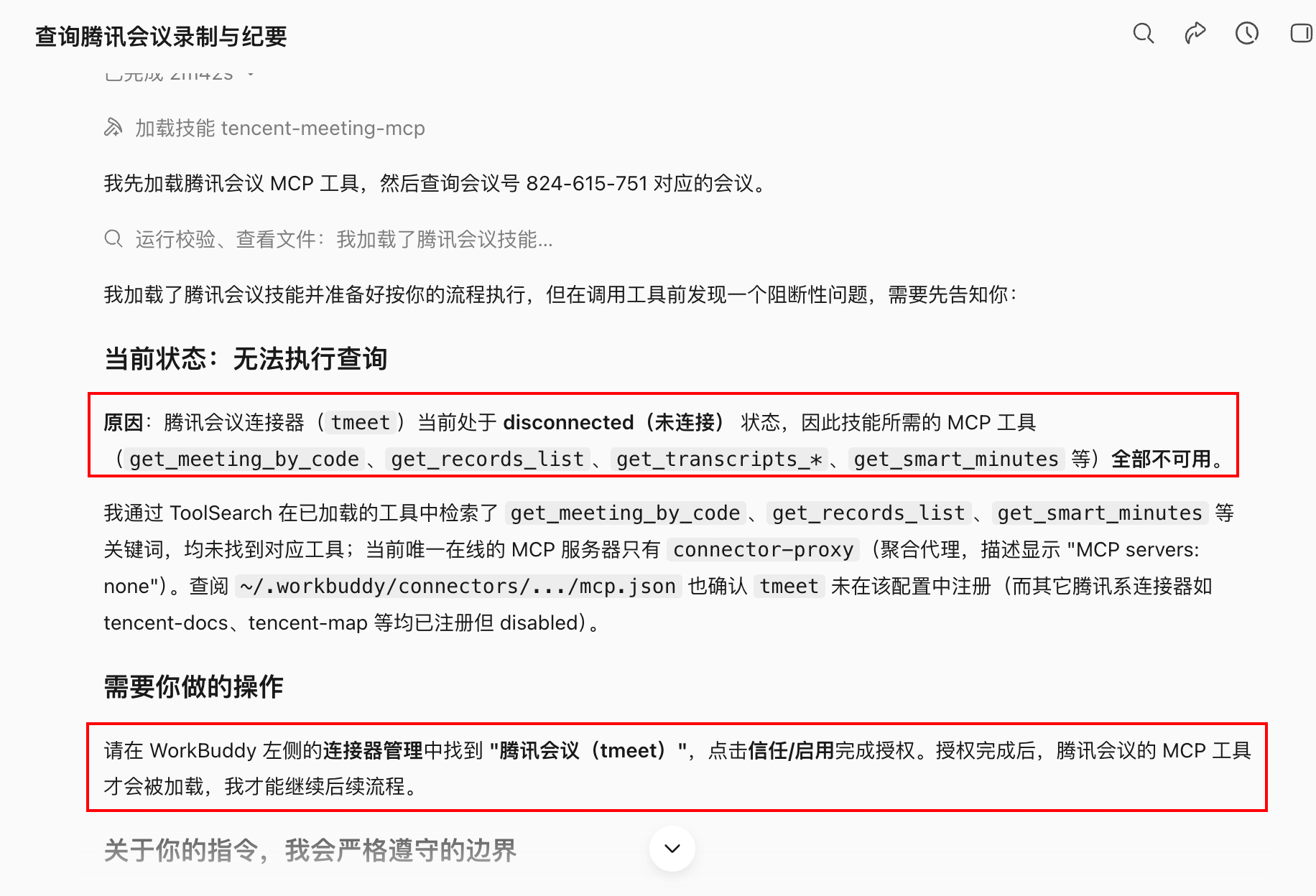
TencentConference capability usually requires converting the 9-digit conference number into an internal meeting_id, then check the details, record and transcribe. This process is completed by Skill and does not require manual conversion, but the meeting number, meeting ID, recording ID, query time and permission status are retained to facilitate troubleshooting.
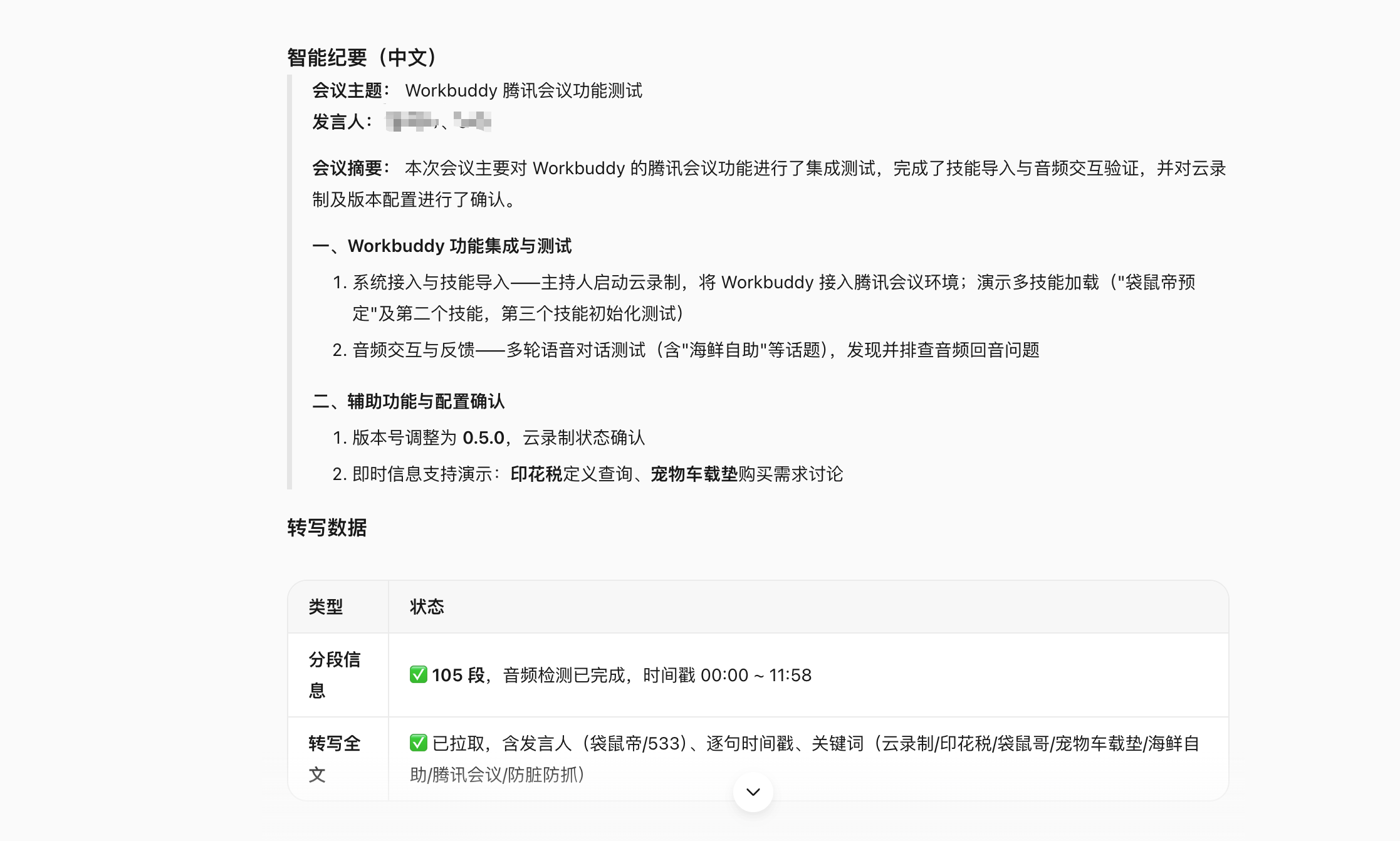
The boundary between recording and transcribing
- Clearly inform recording and transcribing arrangements before or during the meeting;
- Do not forward the recording link to anyone without permission;
- Do not use chat screenshots or unauthorized recordings as alternative sources due to failed acquisition;
- The transcription is the result of machine recognition, and proper nouns, numbers, responsible persons, and negative sentences must be listened back and checked;
- Enterprise Meetings adheres to your organization's retention periods, data classification, and compliance requirements.
Step 4: Generate executable meeting minutes from the transcript
A minute containing five categories of information
| Type | Example | Processing method |
|---|---|---|
| background facts | Current minutes take an average of 40 minutes to compile | Attach source or speaking time |
| Decision confirmed | In the first phase, only to-do drafts can be generated after the meeting. | Record decision maker and time |
| action item | Product supplementary field mapping table | Responsible person, deadline, acceptance items |
| open issues | Whether to support cross-project copy to-do | Enter the next decision without pretending to be a conclusion |
| Discussion suggestions | R&D proposes to build an asynchronous queue first | Mark as suggestion, not as commitment |
When generating meeting minutes, you must not rely solely on the platform's intelligent summary; key figures, responsible persons, and negative expressions must be returned to the transcription for verification.

Output:
1. Basic information about the meeting;
2. Three sentence conclusion;
3. Summary of discussions organized by topic;
4. Decision table: decision, reason, decision maker, timestamp;
5. Action item list: tasks, responsible persons, deadlines, deliverables, dependencies;
6. Open issues and next confirmation time;
7. Names, numbers, and terms that cannot be identified in the transcription.

If the task does not have a clear person in charge, write "to be claimed", and if there is no clear date, write "to be confirmed".
Do not guess who is responsible or when deadlines are due based on tone of voice.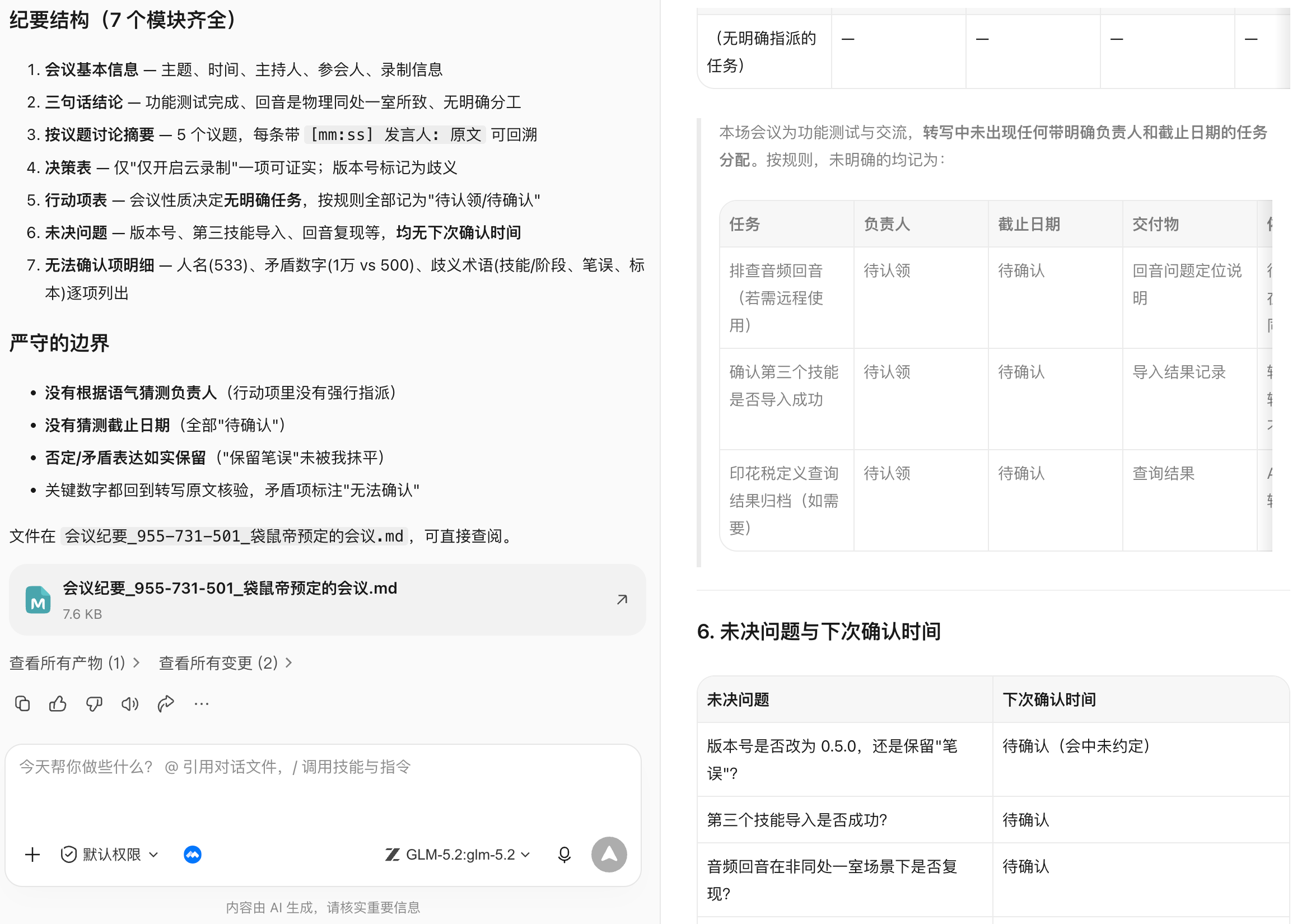
Step 5: The to-do items in the minutes cannot be directly written to the task system silently.
Why two-step confirmation is required
Speaking in meetings and formal assignments are not the same thing. Turning "can take a look" directly into a task assigned to someone will create additional management costs.
read minutes-approved.md For action items in, only a to-do import preview is generated.
Each item displays: title, description, person in charge, deadline, priority, acceptance items, source meeting.
Entries with missing person in charge or date go into "To be added" and do not create them.
First group them by person in charge and let me confirm; after confirmation, write them into the designated task list.
After the writing is completed, four lists of success, failure, skip and repeat are returned, and no reminder message is sent.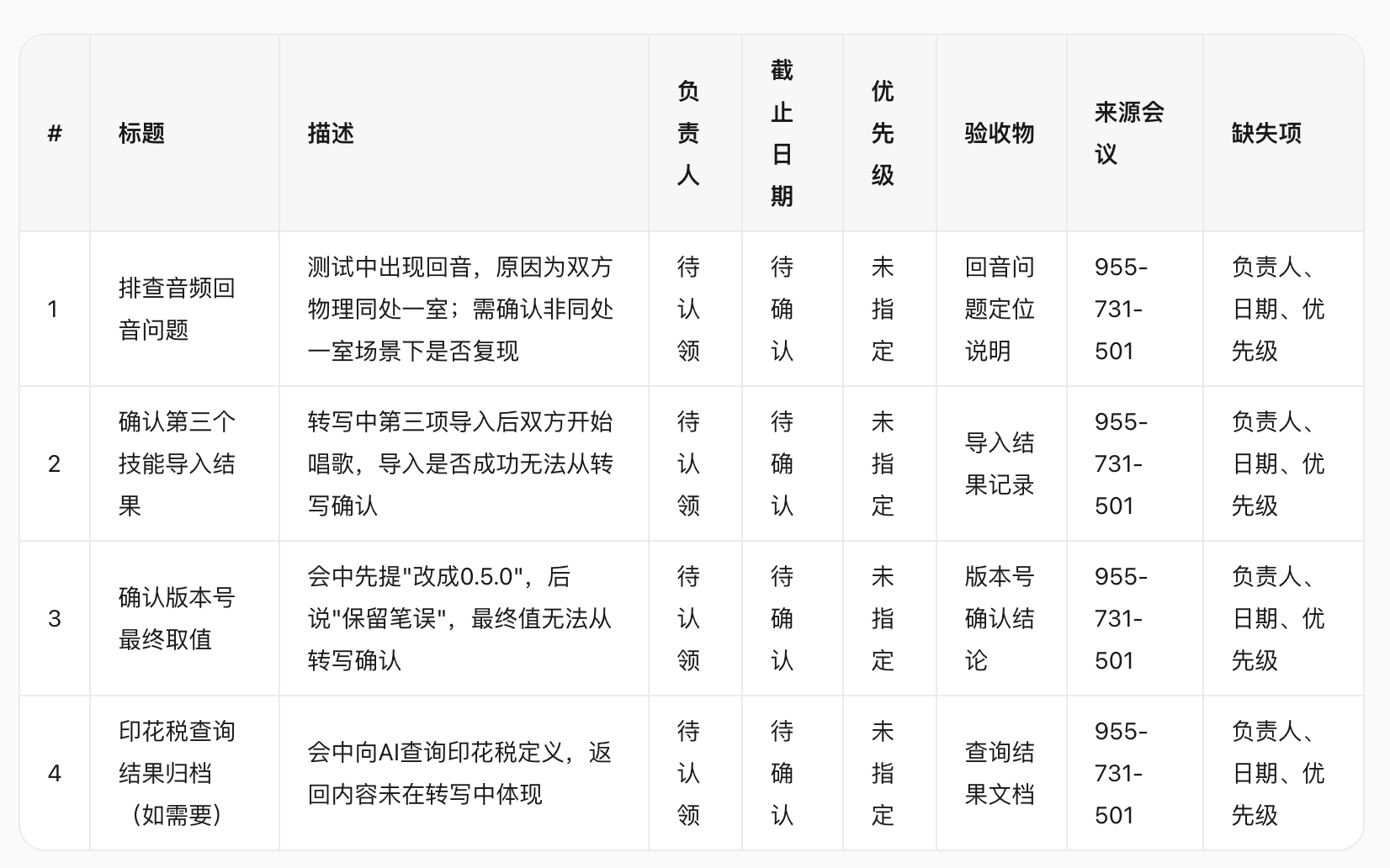
Since my meeting this time is mainly for demonstration, the relevant responsible persons of the to-do items are in a to-be-confirmed status.
The stable process is: draft minutes → participant confirmation → to-do preview → manually complete the responsibilities and dates → write to the task system → return to the task link. Use "meeting ID + action item serial number" as the idempotent key when running repeatedly to avoid creating duplicate tasks.
Step 6: Post-meeting notification and follow-up
A draft email or group message can be generated after the meeting, but the target and visibility range must be confirmed before sending:
Two draft post-meeting notices are generated based on the meeting minutes:
A. Distribute to all participants: conclusions, action items, open questions and minutes link;
B. Send to management: Three-sentence conclusion, key risks, and decisions that need support.
Do not include recording download links, original words of internal disputes, or failure to acknowledge personal responsibility.
Only a draft will be generated, not sent.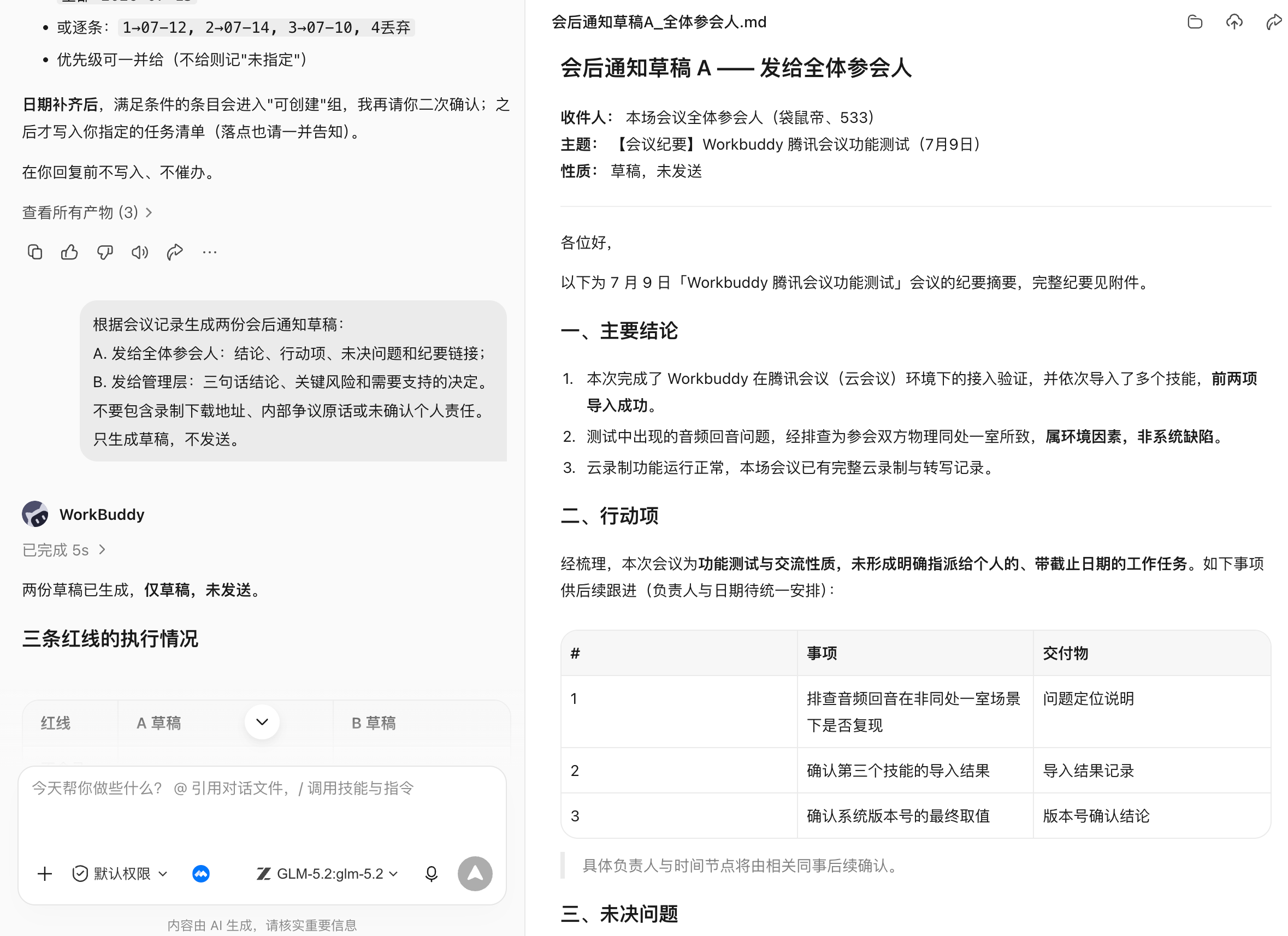
The mapping table must be retained during batch renaming; conflicts with the same name are not covered; contract, financial and personnel files are processed according to organizational rules and cannot be classified just by guessing the file name.
Post-meeting extension: turn meeting minutes into report PPT
First determine the reporting objects and conclusions, and then design the page:
Generated based on meeting minutes 8 page project report PPT.
The audience is management and the goal is to identify initial scope and resource gaps.
Pages: Conclusion, Background, User Questions, Confirmed Scope, Progress, Risks, Resource Requests, Next Steps.
Each page expresses only one conclusion; numbers come from status tables, decisions come from minutes;
Do not use unexplained decorative charts. Return to the page-level outline and evidence mapping first, and then generate after confirmation. PPT.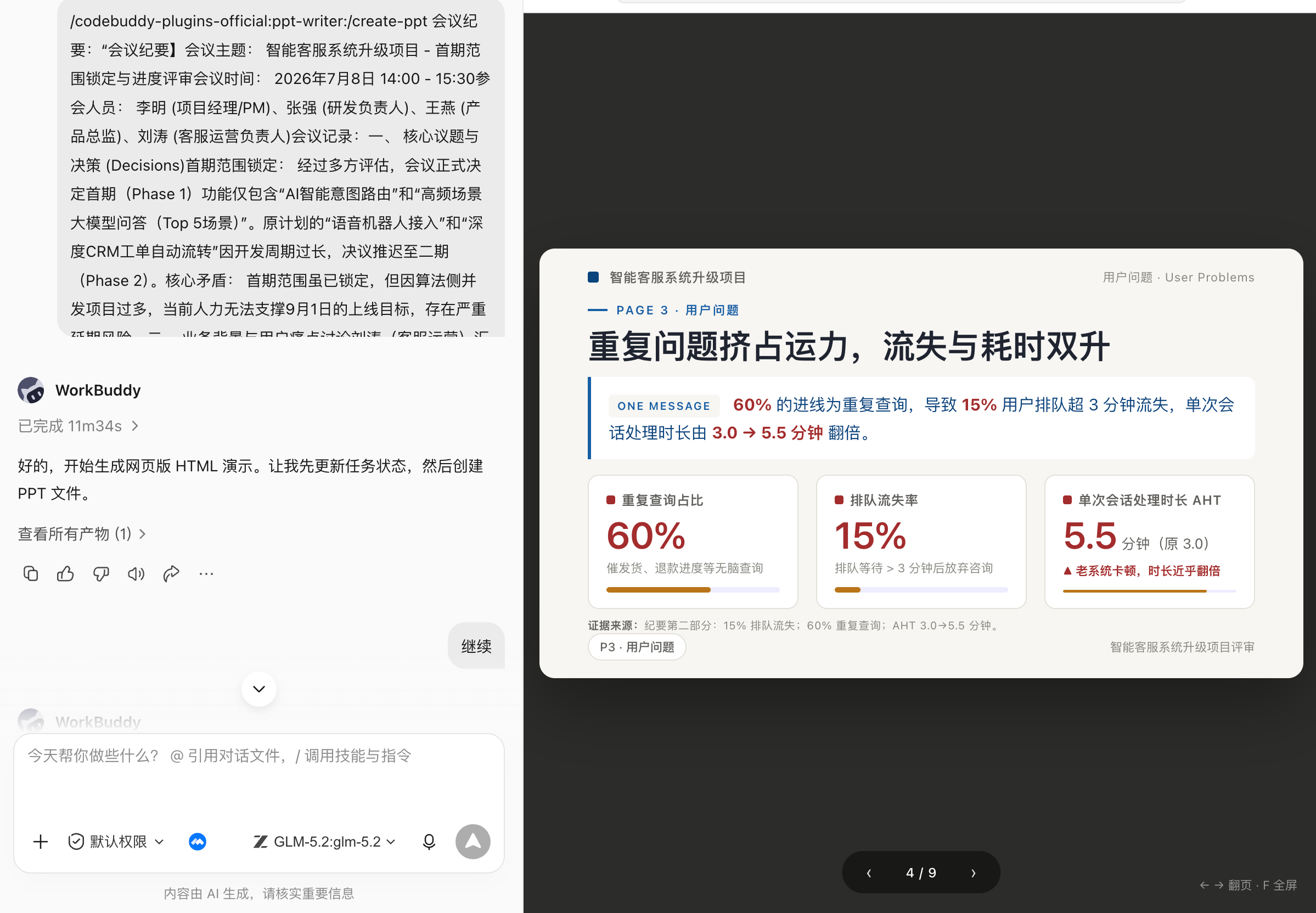
A basic office skill stack
| task layer | optional capabilities | Default safe action |
|---|---|---|
| meeting | TencentMeeting Skill, Calendar connector | Preview before creation, confirm twice before canceling |
| content | Recording, transcription, meeting minutes templates | Preserve source and timestamp |
| collaboration | Tasks, Email, IM, Tencent Docs/WPS | First generate a draft or import a preview |
| Products | PRD templates, custom product manager skills | Only use confirmed requirements, leave open issues |
| File | DOCX, PDF, OCR, file organization | Prioritize copying, do not overwrite or delete |
| data | Excel, formulas, charts, data analysis | Reconcile first, then analyze |
| report | PPT, charts and branding templates | Page-level outline and evidence mapping first |
| Automation | Daily, weekly, reminders and archives | Small-scale trial operation, failure can be taken over |
Don’t install a dozen Skills at first. First choose a task that will happen every week, with stable input and easy acceptance of the results, such as meeting minutes into action items; after running through it continuously, connect the PRD, weekly report and report to the same chain.
Chapter 19: Make Investment Analysis a Repeatable Practice
Investment itself is a Highly information-intensive, highly structured, and extremely dependent on judgment Things: endless financial reports, unclear industries, and non-stop noisy bulls and shorts. Organizing fragmented information, dismantling complex materials, and putting the thinking process on the table are precisely what AI is good at.
In a complete stock research, what kind of low-quality repetitive work can AI do for you and return the energy to the judgment itself?
Think clearly first: What should AI do in investment?
Most people's imagination of "AI stock trading" is to let it predict the rise and fall. However, judging from the actual high-frequency usage, the vast majority of valuable reminder words are actually only concentrated on four categories of things:
- Help me summarize the endless financial reports;
- The industry is too complicated, help me clarify the logic;
- The market is too noisy. Please help me put your long and short views into a table;
- I'm afraid that I'm flattering myself and help me find counter-evidence.
None of these four categories are “forecasting rises and falls”;Reduce time spent on low-quality thinking. The most reasonable position of AI in investment is as a tireless, emotionless, and on-call research assistant - it is responsible for laying a solid foundation of facts and leaving judgment to you.
Like office productivity suite, use five questions to benchmark this study before starting. The root cause of many "poor AI analysis" is not that the model cannot analyze, but that people have not clearly stated the research goals.
| question | What should I say clearly? | Example |
|---|---|---|
| target | What decisions will this study support? | Determine whether to include a certain ticket into the observation pool, or decide to increase or decrease the position immediately. |
| Target | Specifically which company and industry | Tianfu Communications (300394), optical communications/CPO sector. |
| Material | Which ones are factual sources and which ones are just references | Annual reports, third-quarter reports, and brokerage research reports are sources of fact; the opinions of the stock bar are only for emotional reference. |
| Depth | As long as the facts are sorted out, valuation and long-short deductions are still needed. | First make the actual base (Prompt 1-3), and then fully adjust DeepResearch (Prompt 8). |
| Acceptance | How to judge whether the result is available | Every judgment can be traced back to the data source, and facts and opinions are marked separately. |
Choose the right tools first: Skill combination for financial scenarios
Before getting into the prompts, first get to know several Skills that will be used in this chapter. They have different divisions of labor and can be used alone or strung together like an assembly line.
| Skill name | suitable for handling | How to use this chapter | Note |
|---|---|---|---|
stock-advisor | End-to-end analysis of individual stocks | Upload screenshots or provide code, and automatically complete technical aspects, fundamentals, cross-validation, private board meetings, and typesetting | Main plot of this chapter, detailed explanation in Sections 3 and 4 |
a-share-analyst | A-share daily market conditions and stock selection | Real-time market conditions, technical indicators, quantitative stock selection, daily reports | Daily tracking and batch screening |
financial-expert | Financial data query and filtering | Stock selection, fund screening, financial indicators, macro/industry time series, brokerage research report retrieval | Depends on data source MCP, needs to be configured first |
peers-advisory-group | Multi-perspective decision-making discussion | Four "staff members" debated on an issue | Be stock-advisor Called as decision module |
A practical matching idea is:Used for daily tracking and batch stock selection a-share-analyst with financial-expert; To work hard on a single ticket and produce a complete report, use stock-advisor;When you need to jump out of a single perspective and force yourself to see the opposite, call it peers-advisory-group.
From checking information to making judgments: a set of reusable research prompt links
This section is pure prompts. They press "Simplest → relatively complex” arrangement, covering the complete link from “checking information” to “making judgments”. You don’t have to use every one of them—use the first three to establish a foundation of facts, and then go back when you need to dig deeper. Item 8 is a "family bucket" that compresses all the previous links into one framework. It is also the most commonly used item in ChatGPT, Gemini, Doubao, and Qianwen's DeepResearch.
The usage of each prompt is uniform: put the square brackets
[]Replace the placeholder in with your target, paste and run.
Prompt 1 | The most basic: Build a "fact base" for the company
Solved scenario: When you are new to a company, don’t rush to judge, first find out what it does. Many misjudgments start from the first step of recognizing the wrong business - you think it makes money from A, but it turns out that the profits mainly come from B. The value of this step is Reduce your time cost of "finding out the facts".
Please help me sort out the system[XXX The basic situation of the company] and output a structured summary, including:
1)Core business and main product lines
2)Revenue and profit source composition
3)Main customers and application scenarios
4)The company’s position in the industry chain
5)The most important strategic changes in recent years

## Requirements:
- Only use verifiable information
- Use each part 3–5 Notes on key points
- We do not provide investment advice, we only provide facts.
Prompt 2 | Industry Perspective: Is this a “good industry”?
Solved scenario: A problem that is often underestimated in stock research - you often choose not the company, but the industry. AI is very suitable for “first-class sorting” of the industry. But don’t expect it to give answers to questions like industry turning points and price bottoms.
Please analyze from the perspective of industry research[<XXXcompany>]Where [<XXXIndustry>]:
1)The stage of the cycle the industry is in (recovery/expansion/recession/depression)
2)Supply and demand and key drivers
 - Capacity, operating rate, inventory, orders/Lead time
3)Price change mechanism and historical fluctuations
 - product price index/spread/Cost pass-through
 - Capital expenditure: Capex trends, expansion projects, new industry capacity
4)Industry concentration and competition landscape
5)Key external variables affecting the industry (policy, technology, macro)
 - Policy and external variables: interest rates, exchange rates, regulations, subsidies, trade restrictions
Please clearly indicate: which are long-term structural factors and which are short-term volatility factors. Output cycle stage judgment + Key evidence chart list + leading indicators(3a)with lagging indicators(3a).
Prompt 3 | Business breakdown: How money is made
Solved scenario: The key step from "looking at the company" to "looking at the business". Many companies that “look beautiful” actually have very fragile core profit sources.hybrid company(The main business is A, but the profit comes from B) It is especially suitable for AI to help you see clearly.
Please invest with [value] / Fundamental research] perspective, on [XXX Company]Carry out"Business dismantling", The goal is to answer a core question:
👉 How does this company make money [really, long-term]?

## request
- Based only on verifiable information (annual reports, prospectuses, periodic announcements, investor communication minutes, authoritative industry reports, etc.)
- Clearly distinguish between [facts] and [judgments]. All judgments must provide evidence or logical links.
- The output is Markdown Structured reporting

## Required answer structure
1. Company"ways to make money"one sentence conclusion
- Do not use more than 50 word, summarizing the company’s core money-making logic (what to sell → To whom to sell? → Why can you make money)

2. Complete dismantling of business structure (must be quantified)
1. Business segment split
   - List all core businesses / product line / service line
   - Give each piece: revenue proportion, gross profit margin, growth trend (recent 3–5 years)
2. Judgment of profit sources
   - Which business"Contributed most of the profits"
   - Which business"Big income but no money / Even lose money"
   - Whether there is [main business≠Profit core] situation? (For example: main Business A, profit comes from Business B)

3. Dismantling the money-making mechanism (Business Engine)
Answer the core business one by one:
- How did the money come in? (one-time/Subscribe/Continue to repurchase/project system)
- Where are the costs mainly spent? (Raw materials, manpower, channels, R&D, marketing)
- What determines gross profit margin? Is it a structural advantage or a cyclical dividend?
- Does it have scale effect? Which cost will be diluted as the scale expands?

4. Customers, Channels and Pricing Power
- Who are the core customers? Is it concentrated? (Top5/Top10 Customer proportion)
- Sales channel structure (direct sales / Distribution / platform / government / Large customers)
- Do you have pricing power? Has history successfully raised prices? What is the evidence?
- Is it costly for customers to switch suppliers? Why?

5. Subsidiaries / Associates / non-recurring business
- List important subsidiaries, associated companies and their business nature
- Identify which profits come from:
  - sustainable management
  - cyclical fluctuations
  - investment income / Policy subsidies / Asset disposal
- judge these"Non-main operating profit"Impact on long-term valuation logic (positive / Negative / interference)

6. Business model"Stability and vulnerability"
- Which assumptions once broken will invalidate the logic of making money?
- most likely to be competed / technology / Where is the link of policy impact?
- use 3–5 Article"Key monitoring indicators"Summarize how to continuously verify whether this business is still established

## final output
- One sentence summary of business essence
- Business structure table (revenue / profit / gross profit margin)
- Money-making mechanism logic chain (text + list points)
- Most important for long-term investors 3 a judgment conclusion
Prompt 4 | Financial quality: The money this company makes is not clean
Solved scenario: There are many financial research indicators. Here is a general format. The core is to force the cross-validation of "profit vs cash flow" - beautiful book profits, but unable to keep up with cash flow, are often the first warning signs.
Please analyze[<company>]Financial quality in recent years:
1)Matching of revenue, profit and operating cash flow
2)Changes in accounts receivable, inventory, and contract assets
3)The impact of non-recurring gains and losses on profits
4)Are there any one-time items or changes in accounting standards?
5)Financial risk points that may need to be focused on

## Research principles
- Don’t predict stock prices, just judge financials"quality"
- Forced"profit vs cash flow"cross-validation
- Explanatory assumptions and verification paths must be given for all exceptions

Please highlight which metrics are worth tracking on an ongoing basis.
Prompt 5 | Ownership and Governance: Are Management and Shareholders Aligned?
Solved scenario: Good business + poor governance = high volatility risk assets. Equity pledge, shareholding reduction, related-party transactions, incentive terms, these "chip-side" information are very scattered, suitable for AI to sort out into a timetable and risk radar at one time.
1, comb[<company>]Equity structure and key shareholders:
- Actual controller, controlling shareholder, board of directors structure
- Equity pledge ratio and changes, shareholding reduction plan, potential control change risks
- Related party transactions, horizontal competition, and capital occupation risks
Output: Governance structure diagram (text version is sufficient)+ risk radar(high/in/low) + List of announcements to keep track of.

2, Please create[<company>]future<12months>of"Chip event schedule": Lifting sales restrictions, unlocking employee stock ownership, and fixed increase/Allotment and buyback progress.
Given for each event: Potential selling pressure/Judgment of undertaking ability, path of influence on the valuation center, and stock price reaction statistics of similar events in history (if they can be found).

3, Analysis[<company>]Management compensation and equity incentives:
- Is it easy to motivate indicators?"Accounting accomplished"?(income/profit/cash flow/ROIC)
- Comparison of target difficulty and industry
- Are there short-term behavioral incentives (increasing revenue, reducing R&D, etc.)
Output: Same direction conclusion + Excerpts of key terms + Suggestions for improvement.
Prompt 6 | Market divergence: What are the bulls and shorts arguing about?
Solved scenario: The views of both bulls and bears are the most informative. This step is not to tell you who to believe, but to help you smooth out your differences and see clearly What data should we keep an eye on in the future for verification?.
Please sort out the market pairs[XXX The main points of difference between the company]:
1)Multi-party core logic
2)The core logic of the short side
3)The most important arguments for each
4)Which differences can be verified by future data
5)What is the key verification node?

## Analysis requirements
- Not allowed to take sides
- No investment advice
- Do not use emotional or positional language
- All judgments must be verifiable by future data or events
Prompt 7 | Valuation and Moat: Which Assumptions Is the Market Pricing In?
Solved scenario: Moat and valuation are two aspects that cannot be avoided in value investing. The following two items evaluate the strength of the moat, and the other uses DCF to infer market implicit expectations.
Analysis from the perspective of value investment[<company>]The moat must be cited in company disclosures/Authoritative source.
1) Pricing Power: Past<5-10year>Gross profit margin/Ability to raise prices/Evidence of cost pass-through?
2) Switching costs: What are the costs for customers to switch suppliers (systems, processes, compliance, ecosystem)?
3) network effect/Scale effects: How does scale reduce unit costs or improve experience?
4) Intangible assets: verifiable evidence of brands, patents, licenses, data, channel barriers?
5) Competitive response: How do major rivals attack and how does the company defend (historical battles)?
Output: moat strength score(0-5)+evidence table+Points most likely to be eroded and monitoring indicators.
Please provide [<company>]build DCF Valuation (publicly available financial data is allowed, sources must be cited):
- clear WACC/Discount rate assumptions and basis
- Forecast5-10Annual free cash flow: revenue, profit margin, reinvestment rate
- Give a sensitivity analysis table (discount rate×Perpetual growth rate or discount rate×profit margin)
- Backcast: Revenue growth implied by current market capitalization/Profit path
Output: Valuation range + List of key assumptions + most likely to go wrong2hypothesis and verification plan.Prompt 8 | Comprehensive Package: A Deep-Research Report
Solved scenario: This is an "Investor Due Diligence Report" that compresses the logic of the first seven steps into the same framework. It forces the distinction between facts and judgments, forces cross-verification, and forces the deduction of bearish logic and black swans - to combat the "confirmation bias" that people are most likely to make. This is very useful in the DeepResearch mode of various AI companies.
I need you to help me complete an investor due diligence report. The goal is to target `<Stock name/code>` Conduct comprehensive business model, financial quality, industry cycle and valuation logic deductions.
Please strictly follow the following logical framework for deduction.

## Constraints & Standards (Research principles)
1. Data timeliness and span: financial data needs to be covered**past 3-5 year**trend (CAGR), Valuation quantiles need to be looked back**past 5-10 year**historical interval.
2. Fact base priority: distinguish [facts Fact]and [judgment Opinion]. All judgments must be based on verifiable data (annual reports, prospectuses, regulatory inquiry letters).
3. Two-step verification: required"profit vs cash flow"cross-validation, and"company vs peers"comparison verification.
4. Counter-intuitive thinking: Must include"short side logic"with"black swan risk"deduction to avoid confirmation bias.

## Research Context (user input)
- **Research object**: [Enter stock name here/code]
- **investment style**: [Such as: value investment / growth relay / dilemma reversal]
- **holding period**: [Such as: medium and long term 1-3 year]

## Workflow
### Phase 1: Business model and moat dismantling (Business Engine & Moat)
> Core mission: Find out what it really relies on to make money, eliminate the noise, and see the essence.
1. Business perspective and purification:
    - **Unbundling revenue/profit structure**: What is the core business? exists"The main business is to make money, and the side business (investment)/subsidy) to make profits"phenomenon?
    - **Subsidiaries/Associate Company Penetration**: Dig deeper into the actual contributions of major subsidiaries and associated companies,**Remove noise**, Clearly identify which businesses are a drag and which are hidden goldmines.
2. Moat judgment:
    - **pricing power**: Is there the ability to raise prices? (Evidence: Does gross profit margin fluctuate with costs? Or can costs be passed on?)
    - **core barriers**: Is it brand premium, extremely high switching costs, network effects, or simply a low-cost advantage?
    - **Industry ceiling**: the industry TAM How big is it? What is the current market share distribution? Has the company hit a growth ceiling?

### Phase 2: Industry cycle and supply and demand pattern (Industry Context)
> Core task: Determine whether it is a tailwind or a headwind, and whether it is a red sea or a blue sea.
1. Cycle positioning: What stage is the industry currently in (recovery/overheating/stagflation/recession/depression)? Please quote inventory levels, operating rates,Capex(capital expenditure) trends as evidence.
2. Supply and demand scissor gap: looking for"leading indicators"with"lagging indicator".future 1-2 Will there be any large-scale new production capacity in the industry this year?
3. Changes in the competitive landscape: industry concentration (CR5)Is it improving or decentralizing? What big moves have the main competitors made recently (price war?/technological breakthrough)?

### Phase 3: Financial health and quality minesweeper (Financial Health)
> Core mission: Is this money enough to be earned? Is the growth of quality?
1. Core indicator trends:
    - Calculate the past 3-5 years **revenue CAGR** and **net profit CAGR**, Determine the sustainability of growth.
    - analysis **ROE(ROE)** The driving factors (DuPont analysis: Is it through increased leverage, fast turnover, or high profits?).
    - draw **Gross profit margin and net profit margin** Trend chart to judge the stability of profitability.
2. Anomaly troubleshooting (minesweeper):
    - Turnover rate alert: Are the inventory turnover rate and accounts receivable turnover days deteriorating (lengthening)?
    - Gold content test: net operating cash flow / Does net profit match? (Long term <1 is a danger signal).
    - Non-recurring gains and losses: After excluding one-time gains, is non-net profit still healthy?

### Phase 4: Governance structure and capital allocation (Governance & Allocation)
> Core mission: Is management a partner to shareholders or a reaper?
1. Capital operation review:
    - Inventory is close 2 additional issuances, buybacks, equity incentives or major mergers and acquisitions in 2018. These actions are beneficial to small and medium-sized shareholders.**thicken EPS** Still**diluted equity**?
2. Equity and chips:
    - What is the shareholding ratio of the actual controller? Is there**High ratio of pledge**Risk? Are there any important shareholders (large funds?/Executives) continue to reduce holdings?
3. Management portrait:
    - Are their words and actions consistent?
    - **capital allocation capability**: Where has the money earned historically been invested (blind investing)/Expansion of production/dividend/repurchase)? rate of return (ROIC)How?

### Phase 5: Valuation logic and risk antifragility (Valuation & Risk)
> Core mission: Does the price include too high expectations?
1. relative valuation (vertical+Horizontal):
    - **historical quantile**: current PE/PB/PS in history (past 5-10 year) at what quantile?
    - **Peer comparison**: Is the valuation a premium or a discount compared to major competitors in the same industry? Is there a good reason?
2. Absolute valuation (reverse thinking):
    - Don’t just make predictions;**reverse DCF deduction**: The current stock price hints at the future 3-5 What is the annual net profit growth rate? Is this implicit expectation too optimistic?
3. Risk and short side logic:
    - **short perspective**: Search the entire Internet for the core reasons for shorting the stock (short selling report/negative public opinion).
    - **black swan**: Policy and regulatory risks, technological path disruption risks, and geopolitical risks.

## Output Format (output structure)
Please output in a structured format and attach a [list of cited sources] at the end of the article:
1. Summary of Investment Conclusions
    - Signal light rating:🟢Buy / 🟡wait and see / 🔴sell
    - Summary of core logic (One-liner)
2. Key financial data sheet (including CAGR, ROE, cash flow matching)
3. In-depth analysis of the text (as mentioned above 5 a Phase Expand, each conclusion needs to be supported by data)
4. Valuation dashboard (historical quantiles + implicit expectations + peer comparison)
5. Future monitoring list
    - only if [event A] When it happens, the buying logic is strengthened.
    - Once [data B] Deterioration (such as gross profit margin falling below X%), If the logic is falsified, exit immediately.
At this point, a set of prompt links from "checking information" to "making judgments" are complete. But you may have discovered a problem——they come in bulk. Every time you change a ticket, you have to re-paste it one by one, manually feed the conclusion of the previous step to the next step, and finally compile it into a report yourself. In the next section, we install this set of links into a Skill.
From prompt to skill:stock-advisor How did it grow?
The pain points of this use case
The prompts in the previous section are useful when viewed alone, but if you really want to study a ticket completely, the pain points are very clear:
- To string manually: Technical, fundamental, long and short, and valuation, the eight prompts have to be run one by one, and human flesh is required to move the intermediate conclusions here and there;
- Change the bid and start over: Every time a new stock is analyzed, the entire process is repeated from scratch;
- Data depends on eyes: The numbers in the screenshots are all verified by humans, so it’s easy to misread them;
- Decisions are easy to make oneself happy: When analyzing alone, it is difficult to get out of one’s own position;
- Delivered by hand: Finally putting it together into a decent report is another round of physical work.
stock-advisor The solution is to put this link From "a bunch of prompts" to "an assembly line that can be run with one click".
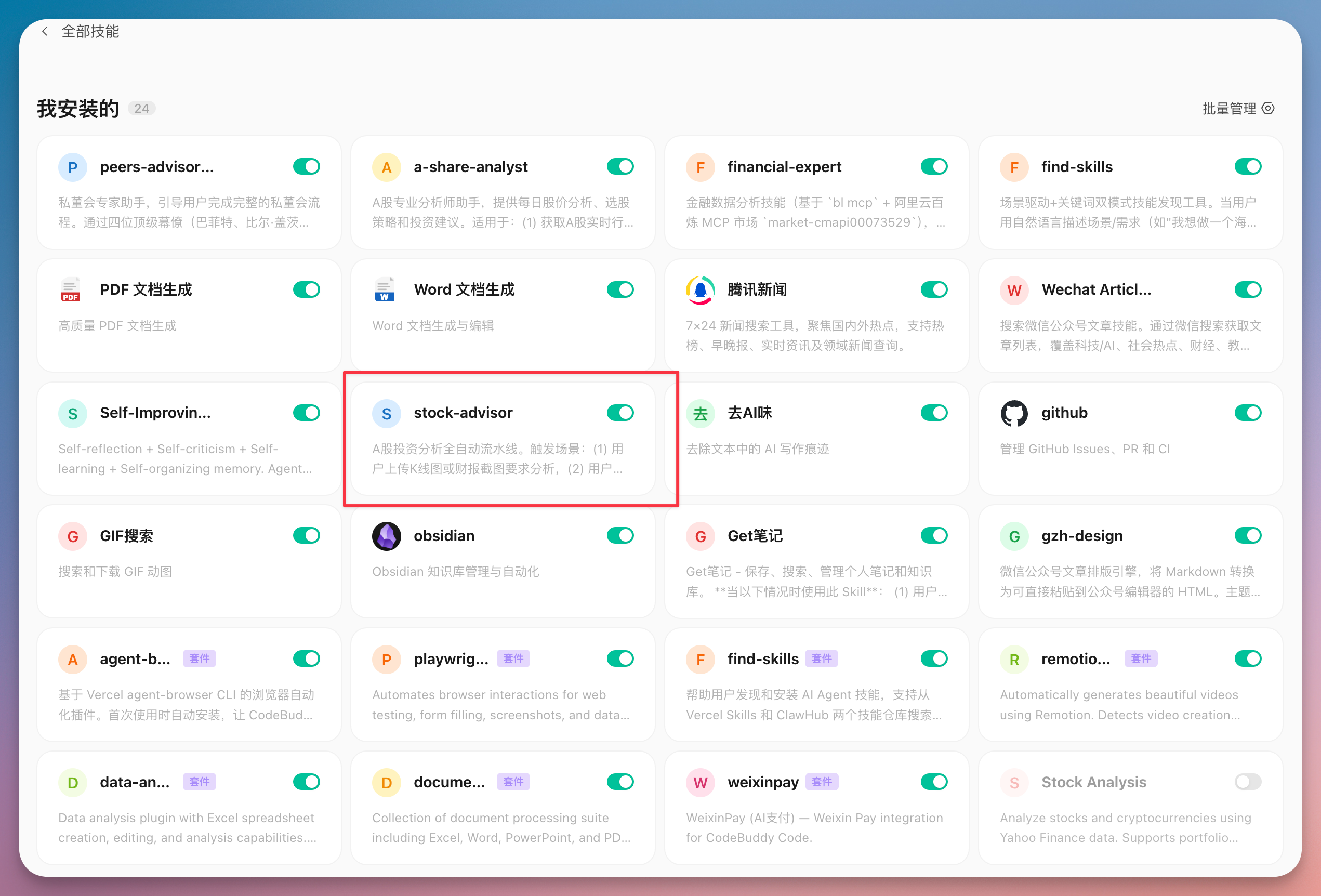
Creative Principle: Arrange, Not Rewrite
stock-advisor The core of the design is one word——Orchestration. It does not rebuild all capabilities, but connects "already useful parts" into an assembly line in sequence:
User input (screenshot / stock code)
        │
        ▼
  ① Technical analysis → ② fundamental analysis → ③ multidimensional cross-validation → ④ Private board discussion → ⑤ typesetting output
Each of the five modules performs its own duties:
| module | what to do | key design |
|---|---|---|
| ① Technical analysis | Identify patterns, moving averages, MACD, etc. from K-line charts and cross-validate them with market data | Image recognition + data dual track,In case of conflict, the data shall prevail and the differences shall be noted. |
| ② Fundamental analysis | Identify key indicators of financial reports, supplement valuation and industry comparisons, and give comprehensive ratings | Technical / basic / financial aspects are scored separately, and then the rating is synthesized. |
| ③ Multidimensional cross-validation | Online search for research reports, industry trends, major news, and policies | Conflicting signals appear (such as bullish technology but bearish research reports)Disagreement must be clearly marked |
| ④ Private board discussion | call peers-advisory-group, four staff members debated over this ticket | Reuse existing skills and institutionalize "finding counter-evidence" |
| ⑤ Typesetting output | Organized into a structured report, converted to magazine style HTML / PDF, can be uploaded to Feishu | Reuse magazine-layout with lark-doc |
Here lies the most valuable thing to learn about Skill creation:Reuse rather than rewrite.stock-advisor In the dependency list, the technical indicator script is reused a-share-analyst, the decision-making discussion is reused peers-advisory-group, typesetting is reused magazine-layout, uploaded and reused lark-doc. What it has newly written is only a few pieces such as "fundamental analysis" and "HTML to PDF".
In other words, to make a complex Skill, you don’t necessarily need to write a huge thing from scratch.First, use the existing abilities as building blocks, make up for the missing pieces, and then use a main line to organize them——This is
stock-advisorThe creative methodology is also a general idea of precipitating personal experience into tools.
It also has two small designs that reflect the awareness of "productization":
- First time using archive: In the first run, you will be asked 3-4 questions (risk preference, investment cycle, industry focus, position limit) and stored in memory. Subsequent suggestions will be weighted according to your style;
- Two entrances to the same assembly line: Upload the screenshot and go through "Image Recognition + Data Verification", and directly apply "Pure Data Driven" to the code. The difference is only in the way of fetching numbers, and the rest are completely the same.
What problem does it solve?
In one sentence:Condensing "a serious stock research" from a half-day of manual work into a conversation. You provide screenshots or code, and it automatically completes data acquisition, multi-faceted analysis, cross-validation, multi-perspective debate and report layout. What people have to do has changed from "moving and splicing" to "making decisions and questioning" - this is exactly what the first section says, returning energy to judgment.
Triggered in WorkBuddy
stock-advisorThe Skill's interface (the moment the skill is recognized and begins execution).
Practical case: use stock-advisor Run through Tianfu Communications (300394)
Just talking about the principles is not enough, here is a real and complete conversation. The target is Tianfu Communications (300394), optical communications/CPO sector. The whole process proceeds in three steps: first look at the pictures, then look at the financial reports, and finally hold a private board meeting.
Step 1: Upload the K-line chart. First, you need a technical quick read.
I uploaded the K-line daily chart and MACD indicator chart of this stock and let it do technical analysis first. The prompts used are the practical version of the ideas in the second section:
I uploaded one A shares K Daily charts and technical indicator charts (MACD). As a professional technical analyst, please complete the following tasks:
1. Identify stock information: What stock is this? What is the approximate current share price?
2. K Line pattern analysis: What pattern has it shown in the near future? near 5 day K What is the specific performance of the line?
3. Moving average system analysis: MA5/MA10/MA20 The arrangement status, whether there is a golden cross or a dead cross recently
4. MACD Analysis: DIF and DEA position relationship, histogram trend, whether there is a divergence
Please fill in the form + Output technical speed reading report by combining text.
Upload the K-line chart + enter the dialogue interface of the above prompts.
WorkBuddy first recognizes from the picture that this is Tianfu Communications (300394), the current stock price is about 368.70 yuan, and then a structured technical quick reading is given. Core conclusion:
- Trend: MA5 > MA10 > MA20, standard long arrangement, no dead cross is seen, and the main wave is still rising;
- risk signal: There was a long upper shadow line on the day (it peaked at 376.10 and fell back to 368.70), the MACD red column began to shorten, and the deviation rate was relatively large;
- key bit: For support, look at MA5 (347)/MA10 (319), and for pressure, look at the day’s high of 376.
The complete output of the technical quick reading report (including four small tables of K-line patterns, moving averages, and MACD)
One sentence comment: In this step, it does not guess the rise or fall, but structures the "facts that can be read in the picture" - the shape, moving average, indicators, support pressure, all at a glance.
Step 2: Supplement the screenshot of the financial report and conduct a comprehensive analysis
Then I uploaded screenshots of the third quarterly report and full-year advance announcement for 2025, allowing it to take in the fundamentals and make a complete rating:
I uploaded this stock again 2025 Third quarter report data and 2025 Preliminary growth data for the whole year.
Now please:
1. First identify all financial indicator data in the screenshot
2. Then combined with the first round of technical analysis, help me do a comprehensive A Stock analysis:
   - Overall technical review (comprehensive K line, moving average,MACD, KDJ Give direction judgment)
   - Overall review of fundamentals (revenue growth, profitability, valuation level)
   - Fund observation (trading volume change trend)
   - Overall rating: Highly recommended / Recommended / Neutral / cautious / Avoid
3. gives the short term (1-2 week), mid-term (1-3 months) operation suggestions
4. Clearly mark the key support and pressure levels, and please output them in the format of a professional research report.
Upload a screenshot of the financial report + enter the dialogue interface with the above prompts.
In this round, it first identified the financial indicators in the screenshot one by one (revenue of 3.918 billion, +63.63% year-on-year, net profit attributable to the parent company of 1.465 billion, ROE 31.30%, gross profit margin 51.87%, PE 146.70...), and then synthesized a comprehensive rating table:
| Dimensions | Rating | Weight | weighted score |
|---|---|---|---|
| technical aspect | 4.0 / 5.0 | 25% | 1.00 |
| Fundamentals | 4.5 / 5.0 | 30% | 1.35 |
| Valuation level | 2.0 / 5.0 | 25% | 0.50 |
| Funding | 4.0 / 5.0 | 20% | 0.80 |
| Overall rating | — | — | 3.65 / 5.0 |
Final rating: Recommended. The core conclusion is a very restrained sentence:The mid-term trend is positive (high CPO prosperity + high growth), but short-term valuations are overdrawn and the growth rate is too large. It is not advisable to chase higher and wait for a correction before choosing an opportunity. It also gives position suggestions, four levels of support and three levels of pressure based on investor types.
The complete output of the comprehensive analysis report (financial identification table + comprehensive rating table + operation recommendations + support pressure level).
It is worth noting that this step already reflects the design of module two:Technology, fundamentals, and capital are scored separately, and then weighted and combined., if the valuation is too expensive, it will be deducted from the total score - you will not be blindly bullish just because of good growth potential.
You can also analyze it from different angles by using \a-share-analyst\ \`skill to complete.
Step 3: If you can’t make up your mind, hold a private board meeting
The ratings are out, but "recommended" does not mean "buy now." At this time I called on the fourth module——private board of directors, asked four staff members with different styles to cross-debate on this ticket:
But I'm still undecided about this stock. Now please help me start a private board meeting. I will ask four staff members to discuss whether this stock is worth investing in:
- Buffett: From the perspective of value investing (intrinsic value, moat, margin of safety)
- Musk: From the perspective of technology trends and disruptive innovation
- Bill·Gates: From the perspective of business model and industry structure
- Steve Jobs: From the perspective of product strength and user experience
Discussion requirements:
1. Each staff member first delivers his or her own speech 3-5 minute independent perspective.
2. Then enter the cross-examination session——Staff members challenge each other's ideas.
3. Finally, each person gives one sentence"Buy/hold/sell"final advice.
4. As the chairperson of the private board of directors, you combine the opinions of the four people to give the final implementation plan.
Please start the discussion based on the analysis data of the first two rounds and let the staff"Chat with data".
Start the private board dialogue interface.
During the private board meeting, the system first updated the status of the four staff members online and also Retrieved updated data(2025 full-year revenue of 5.163 billion, net profit of 2.017 billion, 2026 Q1 decline from the previous quarter, and horizontal comparison with Zhongji InnoLight and Xinyi Sheng) - This is the "multi-dimensional cross-validation" of module three at work, advancing the discussion from screenshot data to the latest facts on the entire network.
The four staff members spoke independently and then questioned each other, and their opinions were quickly divided into two groups:
Independent views of four staff members +
Cross-examination session (it is long, so split-screen screenshots are recommended).
In the end, each person set the tone with one sentence, forming a clear "2:2" split:
- Buffett (Avoidance): "PE 142, the margin of safety is zero, and the moat is narrowing. Unless it falls below 200 yuan, this is not an investment, but a gamble."
- Bill Gates (waiting/swapping): "The fundamentals are acceptable, but the valuation is too expensive and the competitive landscape has deteriorated. It is recommended to wait for the PE to return below 60 times, or to switch to Xinyi Sheng/Zhongji InnoLight with a higher cost performance."
- Musk (All in): "CPO is the iPhone moment of optical communications, and Tianfu is the shovel king of the upstream. Overbought is the last opportunity to get on the bus, not a reason to get off."
- Steve Jobs (conditionally held): "If you believe in the CPO revolution, hold it now, but the premise is that CPO FAU will be realized as scheduled in 2026 H2, otherwise leave the market decisively."
The host finally synthesized a Implementation plans by investor type, rather than a general "buy or not buy":
| investor type | Suggestions | Implementation points |
|---|---|---|
| value investor | Resolutely avoid | Wait for PE < 40 |
| growth investor | Can be held, need to stop loss | Keep 3-50%, reduce the position if it falls below MA5(347), clear the position if it falls below MA10(319) |
| trend investor | Participate with caution | Wait for the pullback to MA10/MA20 and KDJ to fall below 50 before intervening. |
| activist investor | Small position test position | Up to 30%, liquidate if it falls below 300 yuan |
And linked the decision-making to several future verification node Above: The August mid-year report preview will look at whether Q2 improves month-on-month, H2 will look at whether CPO FAU can increase its volume and gross profit margin can return to 55%+, and the October third quarter report will look at the revenue growth rate. Exit if the logic is falsified.
The host’s comprehensive execution plan (category recommendation table + decision node table + alternative targets).
Finally: Complete the draft with one click
After the conversation is over, have it generate a magazine-style report of the entire analysis.stock-advisor The typesetting module will be called to produce the finished product, which can save the PDF locally or directly upload the Feishu cloud document.
Finished magazine style investment analysis report (above the fold/cover).
Looking back at this case,stock-advisor Turn the eight loose prompts in the second section into a complete study that can be completed in three rounds of dialogue:Look at the picture → Read the financial report → Hold a private board meeting → Issue a report. And throughout the whole process, it didn't make the most critical decision for me - to buy or not to buy. It just saw everything that needed to be seen, argued with everything that needed to be argued about, and finally handed the right of judgment cleanly back to my hands.
Common mistakes and usage boundaries
Finance is a use case of strong supervision and strong risks, and it is more necessary to guard the boundaries than office productivity suite. The following are the most common pitfalls when using AI in investment.
| Common mistakes | Why is it wrong | Correct approach |
|---|---|---|
| Let AI give you “buying points/selling points” | It does not have full real-time information and is not responsible for your money. | Only use it to sort out facts and make long-short deductions, and it’s up to you to decide whether to buy or sell. |
| Completely trust the numbers identified by screenshots | Image recognition will make mistakes, and the scope of financial reports will also change. | Key figures need to be cross-verified - the data for the private board meeting in this case is more recent than the previous two rounds. |
| Count on it to judge the turning point of the industry and the bottom of prices | This type of judgment relies on forward-looking information and experience, which AI cannot provide. | Let it sort out "which leading indicators should be monitored" and monitor the turning points yourself |
| Just look at multi-party logic, and the more you look at it, the more you get confused | Confirmation bias, AI will follow your tone to reinforce its point of view | Use Prompt 6 and private board to force it to give logic and counter-evidence to the short side. |
| Use AI reports directly as investment basis | The report is a research aid, not an investment recommendation | The conclusions of the report are for reference only. Make decisions at your own risk. |
Risk warning: There are risks in the stock market, so investment needs to be cautious. All prompts, skills and cases in this chapter are for the purpose of "assisted research" and do not constitute any investment advice. AI is just a tool that puts facts and disagreements in front of you. The final judgment and consequences are always on the human side. Operate accordingly at your own risk.
Chapter 20: Assemble an AI Video Team with One Instruction
In WorkBuddy, the short video work is split into two AI Expert Panel: one is responsible for automatically producing videos, and the other is responsible for dismantling popular videos.
| team | Responsible for what | Suitable for what tasks |
|---|---|---|
| Video generation team | Starting from the theme, we complete hot spot collection, topic selection and screening, scripting, storyboarding, dubbing, rendering, subtitles and release. | AI weekly report, product updates, knowledge popularization, industry analysis, and product reviews. |
| Hot video dismantling team | Starting from the video link, download the video, extract the audio, transcribe the copy, analyze the lens language, and generate a disassembly report and imitation shooting suggestions. | Learn the structure of popular products, review competing product videos, precipitate shooting manuals, and provide reference for the production team. |
The two teams are not substitutes for each other. The video generation team solves the problem of "how to make one today", and the popular dismantling team solves the problem of "why other people's videos are so popular and what can I learn". One is responsible for production and the other is responsible for learning. Only by combining them can continuous iteration be possible.
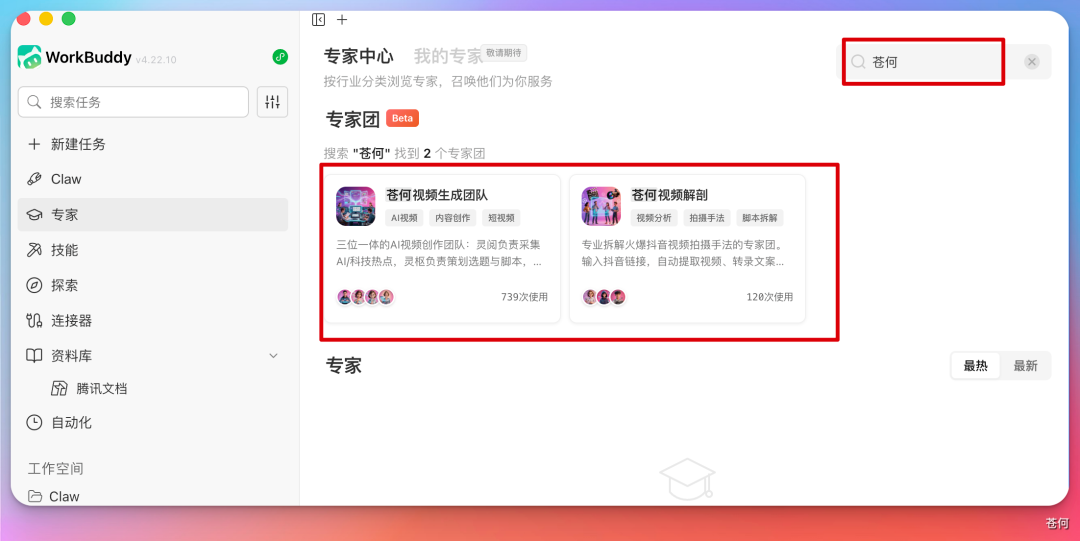
How to Summon: Start with a Sentence, But Don’t Stop at a Sentence
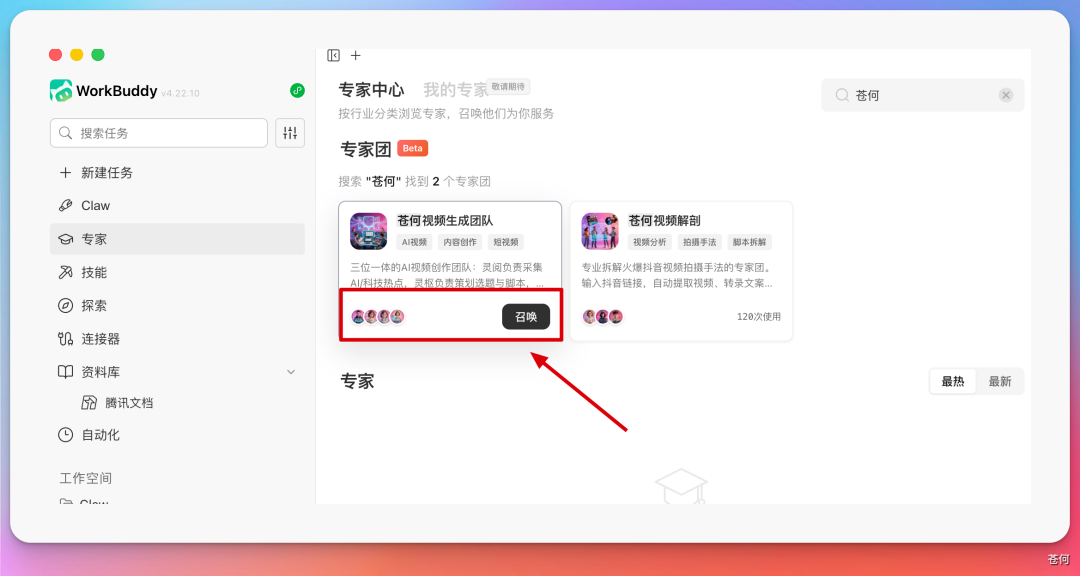
Summon the video generation team to create a 46 seconds AI Weekly short video.Team 1: Video Generation Team
There are four core roles in the video generation team: video generation team leader Ling Dao, information collector Ling Yue, content planner Lingshu, and video producer Ling Ying. They are not four chat windows with different names, but a video production line with upstream and downstream handover relationships.
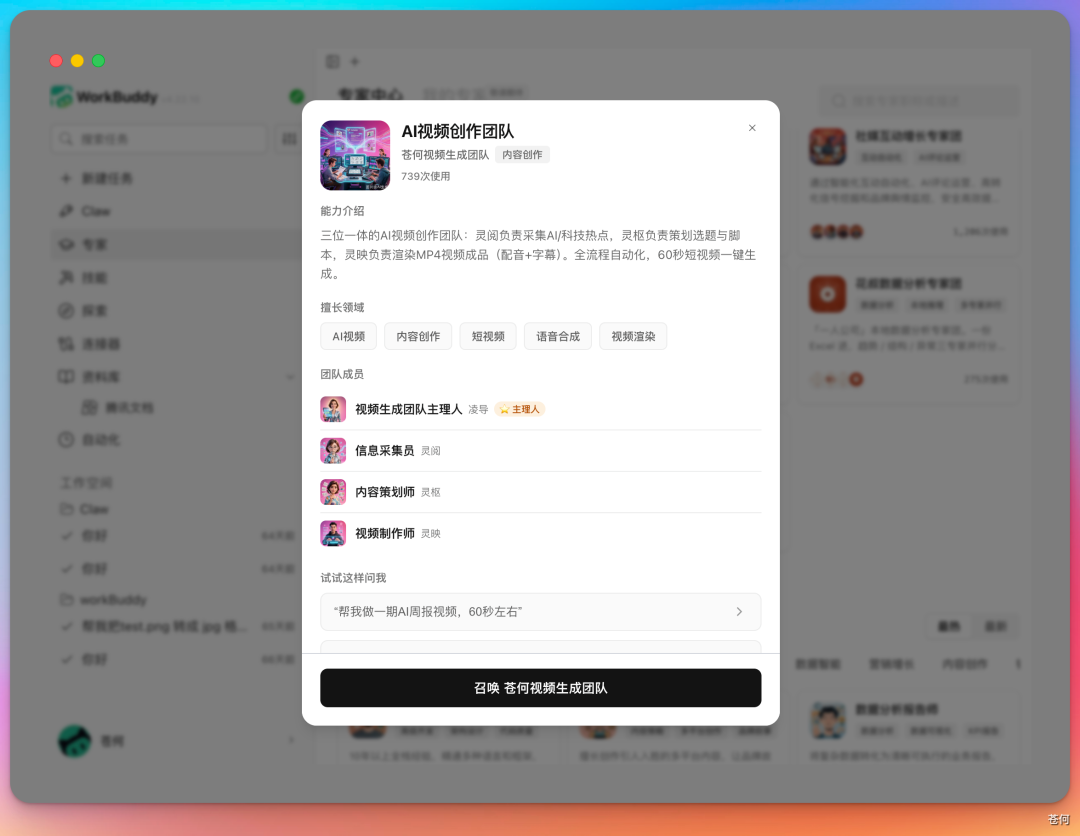
| role | Positioning | Deliverables |
|---|---|---|
| Director Ling | Manager / leader | Decompose tasks, arrange parallel and serial processes, summarize products, and handle checkpoints. |
| spiritual reading | information collector | Hot spot pool, source table, structured summary after deduplication, and topic candidates. |
| Lingshu | content planner | Topic selection judgment, script, storyboarding, narration, transitions, material list, BGM and subtitle rhythm. |
| Ling Ying | video producer | HTML video engineering, dubbing, subtitle alignment, transition animation, material splicing, and rendering into a film. |
This is the key to multi-agent: not that more roles are better, but that each role has clear inputs and outputs. The information gatherer does not directly write the film script, the planner does not re-make up hot topics, and the producer does not rewrite the facts. The team leader is responsible for keeping the process running smoothly.
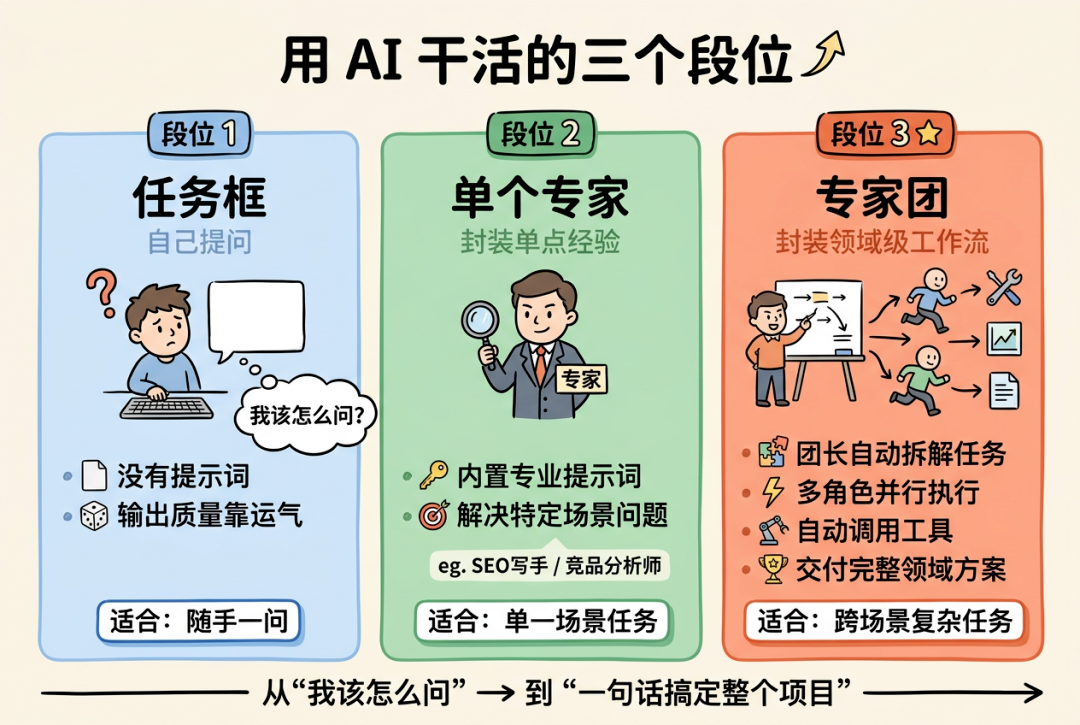
Underlying production engine: HyperFrames
The article mentioned that this video pipeline is based on HyperFrames. Its core idea is to use HTML to render videos, which is naturally suitable for Agent to generate structured projects, and then hand them over to the rendering tool to output MP4. It also comes with CLI toolchain, TTS, subtitles, background removal and video component templates.
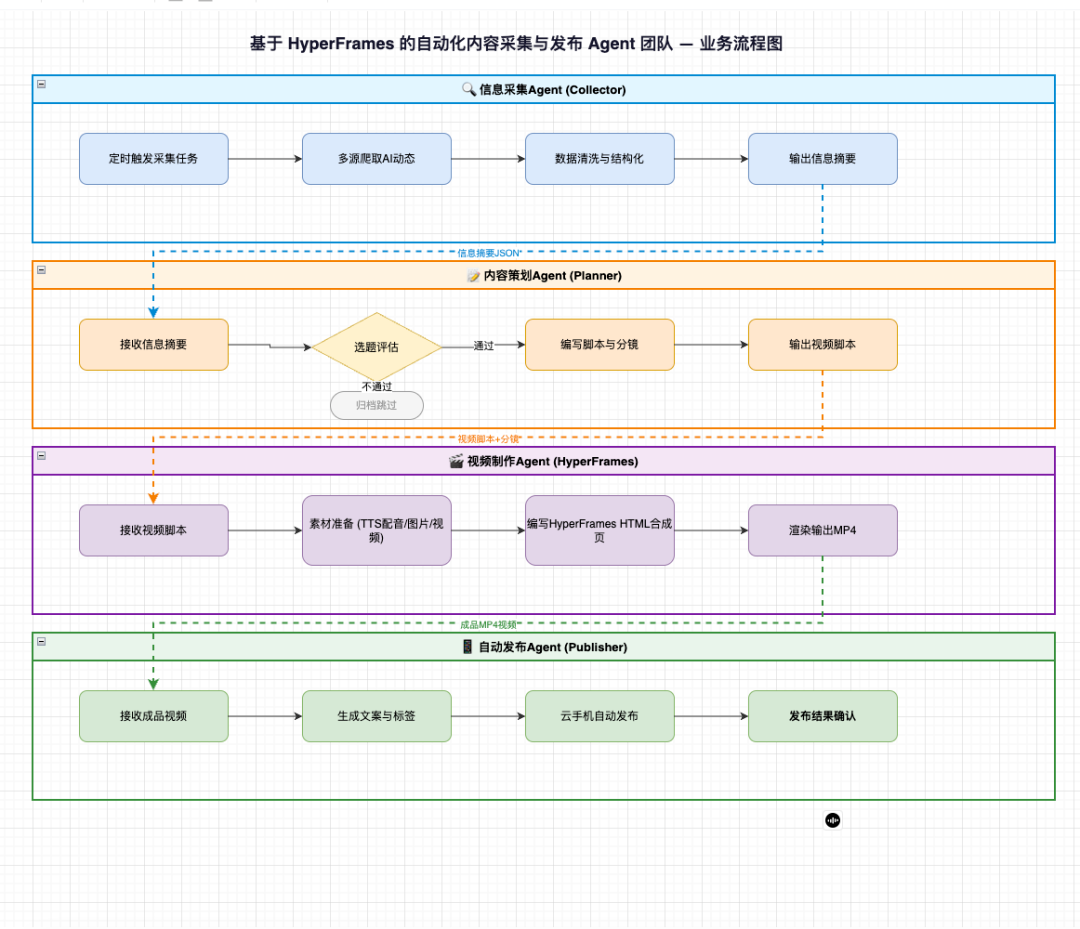
Generation process one: the information collector first lets the hot spots have their source
The most time-consuming part of making videos is often not the editing, but "what to shoot today." Therefore, the video generation team first asked the information collectors to capture RSS, search for news, scan social media, aggregate AI hot spots, and output structured summaries without duplication.
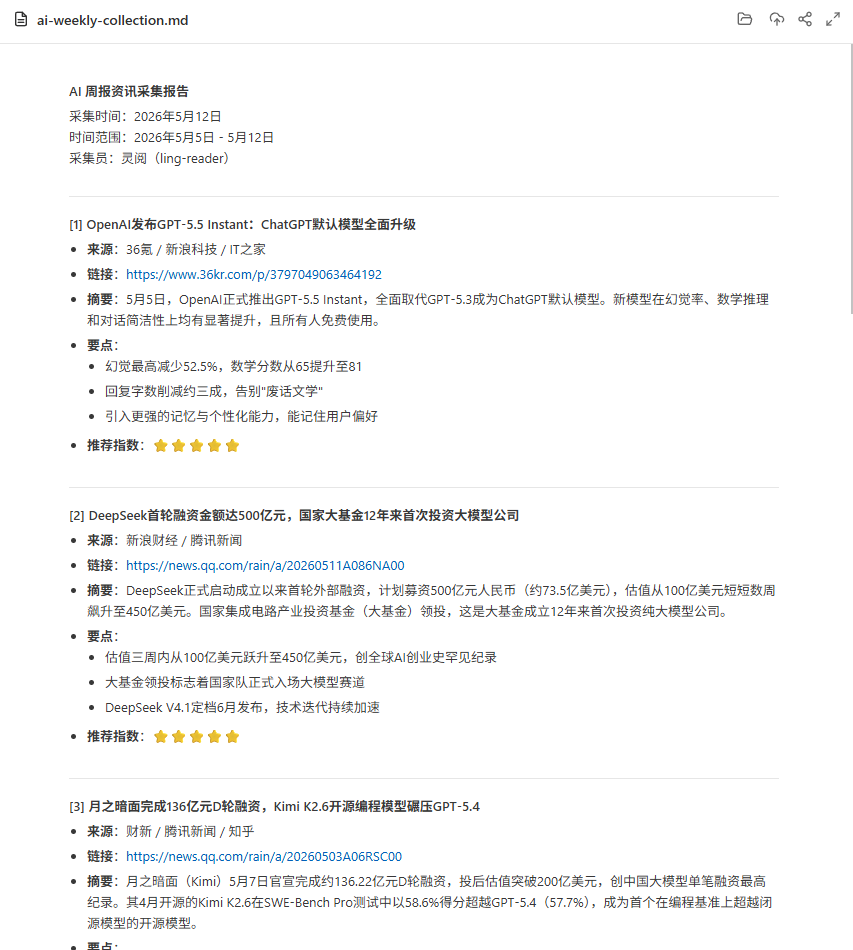
The product of this stage should at least include: title, source, release time, event time, original link, popularity clues, and why it is worthy of attention. Popularity can only help sorting, but cannot replace fact-checking.
Generation Process 2: Content Planner Turns the Topic into a Lens
After choosing a topic, what really bothers you is "how to talk about this video." Content planner Lingshu is responsible for topic selection evaluation, script writing, storyboard design, narration copywriting, shot rhythm, as well as transition suggestions, material list, BGM rhythm, subtitle pauses and emotional nodes.
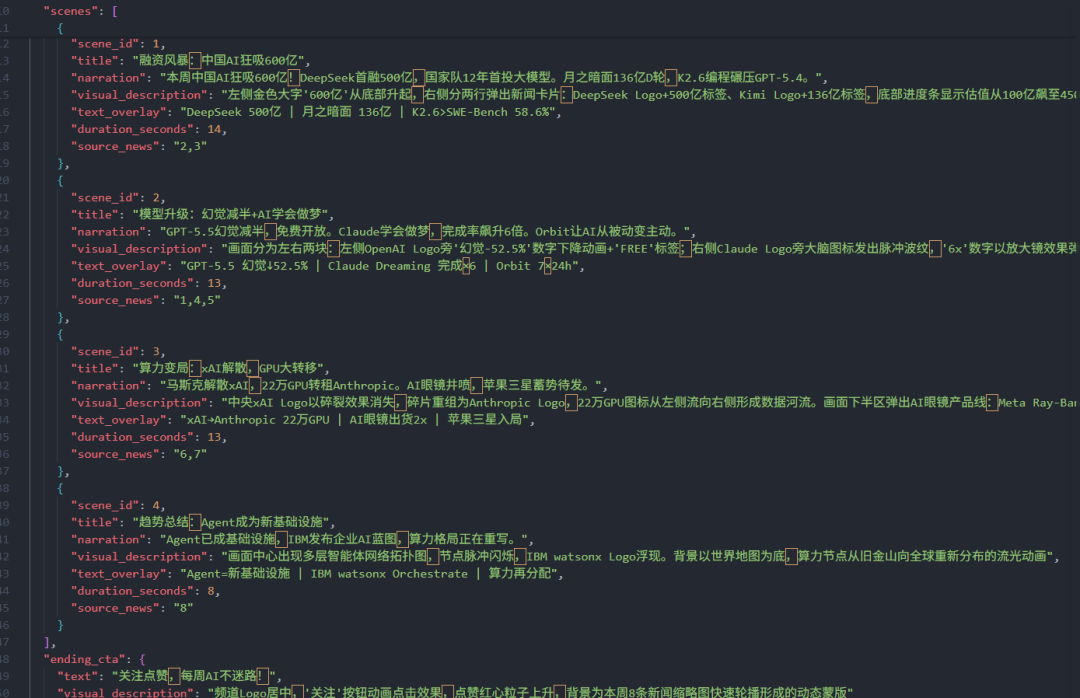
It is recommended to set up a first manual check here: whether there is a hook in the first 3 seconds, whether there is too much information in 46 seconds, whether the narration is accurate, and whether the picture really supports the point of view. Don’t get into dubbing and rendering if the script doesn’t pass the mark.
Generation process three: The video producer turns the storyboard into a finished film
Lingying will convert the confirmed script into HTML, and then call HyperFrames to render MP4. The article mentioned that the system will automatically complete Azure TTS dubbing, Whisper subtitle alignment, animation and transition generation, material splicing, subtitle overlay and video rendering.
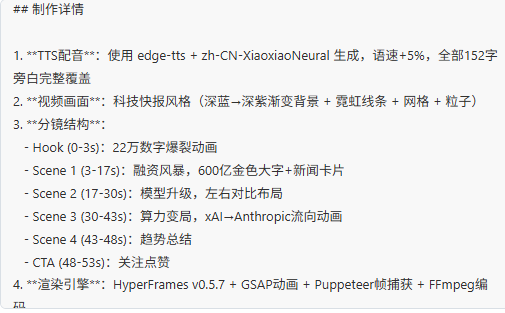
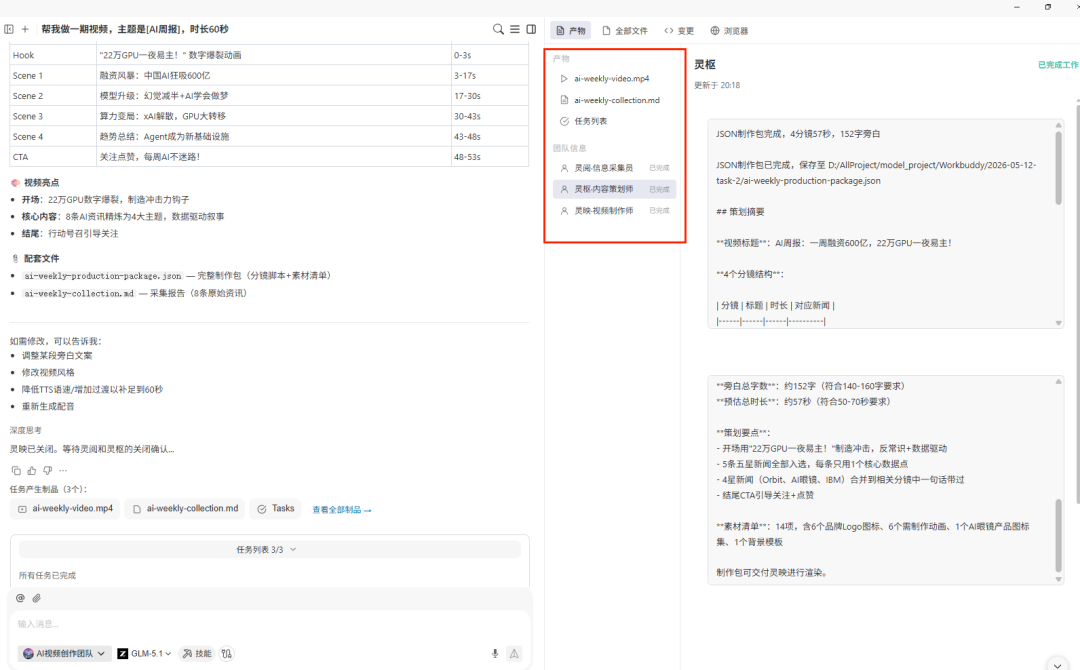
When accepting a finished film, don’t just look at “whether it can be played”. At least check whether the narration and subtitles are consistent, whether the shot length matches, whether the text blocks the subject, whether the BGM is available, whether the material has copyright risks, and whether the picture is suitable for the safe zone of the target platform.
Generation process four: Release can be automated, but manual confirmation is required by default
The publishing agent automatically generates titles, automatically tags, automatically uploads covers, and publishes them to Douyin, video accounts and Bilibili through cloud mobile phones. This is a strong automation capability, but the Blue Book recommends not to automatically publish directly by default unless the account, material, title and compliance boundaries have been manually confirmed.
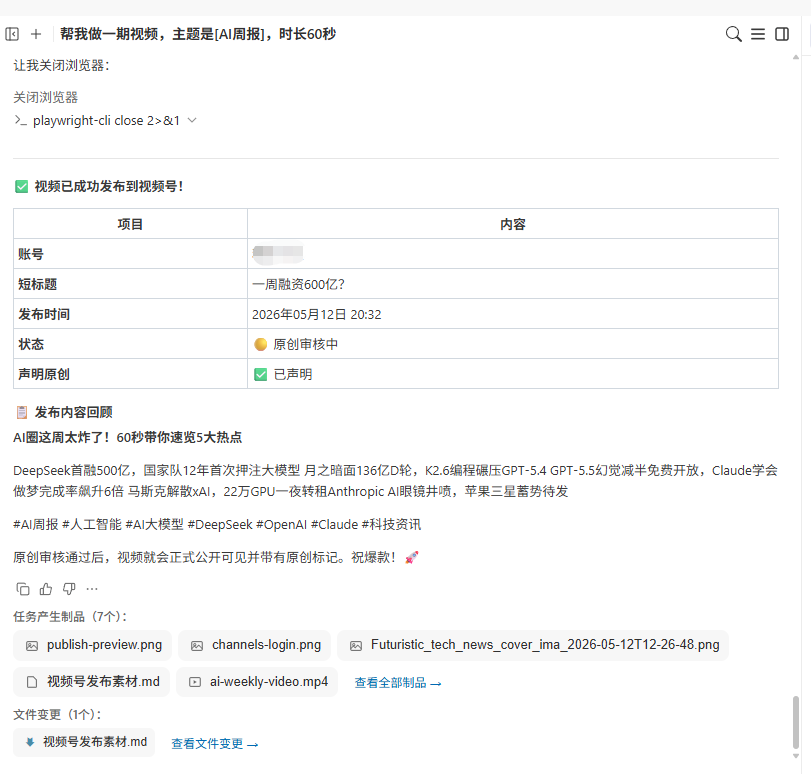

Team 2: Viral-Video Analysis Team
It is not enough to be able to generate.
What content creators really need is to understand "why others are popular" and break down a popular video into an operation manual that can be referenced: extract the video, transcribe the copy, analyze the use case and camera movement, editing rhythm, tone style, and give suggestions for imitation shooting.
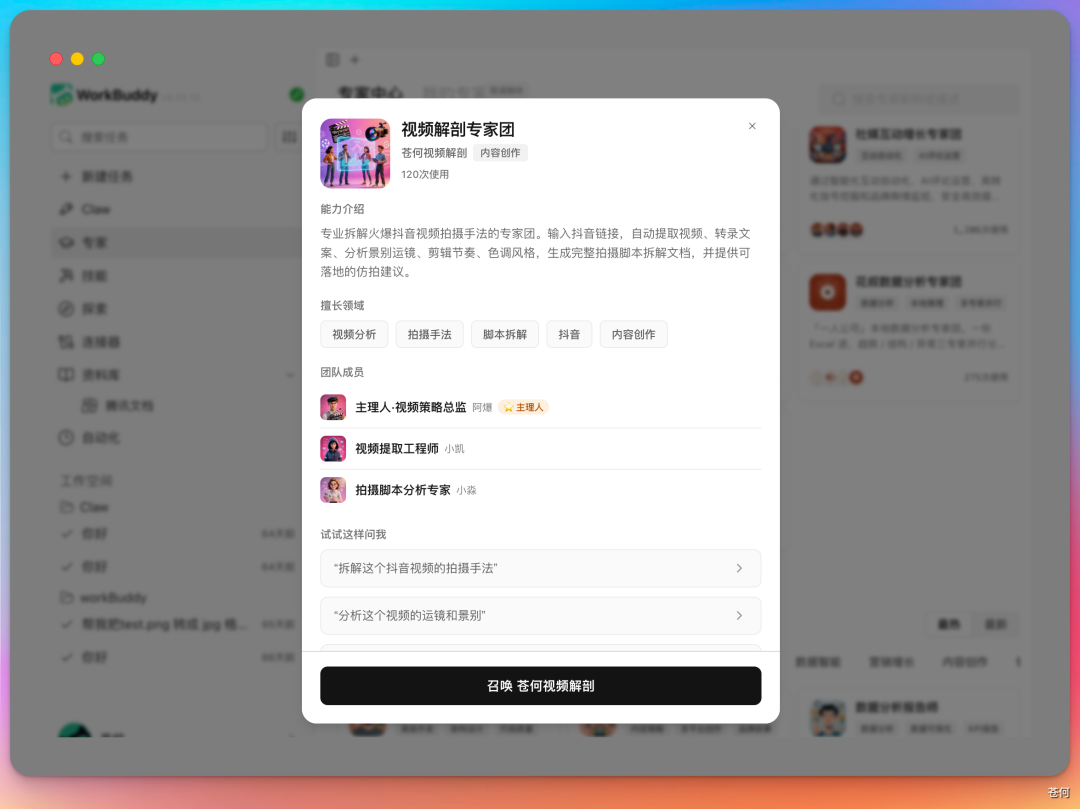
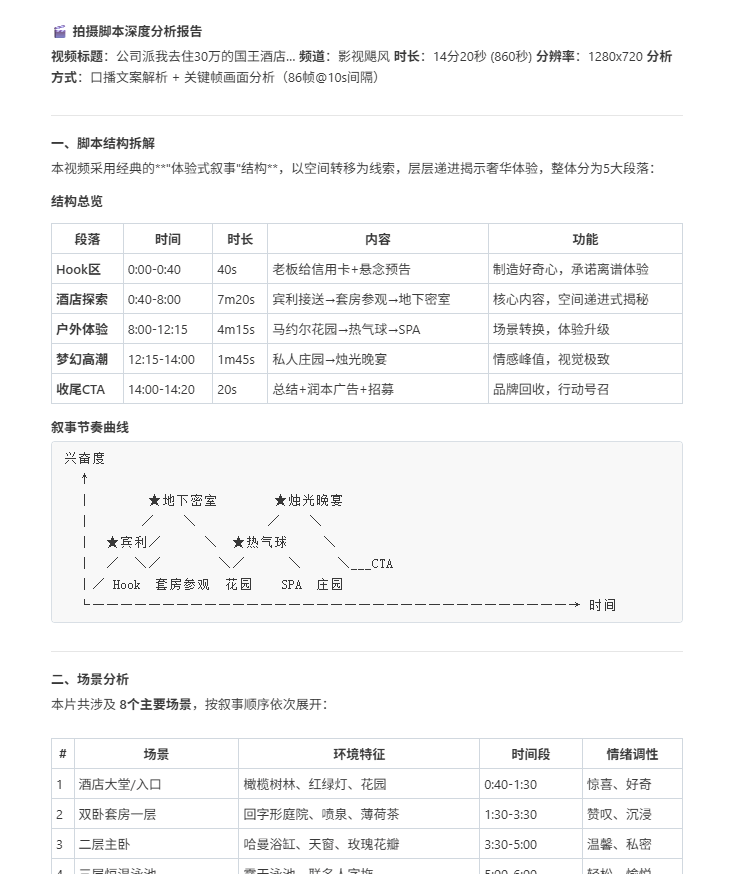
| role | Responsibilities | Tools/Techniques |
|---|---|---|
| Ah Bang | Team Leader / Dismantling Controller | Task scheduling, process orchestration, and result summary. |
| Xiaokai | Audio processing and transcription | ffmpeg and ASR convert video audio into complete oral broadcast copy. |
| Xiaomiao | Video understanding and lens cropping | Video understanding API, ffmpeg, analyzes lens language and trims clips. |
Analysis Process 1: Video Downloads Need Fallback Options
The first step in tearing down a hot product is to get the video. The article specifically mentioned that the most complicated thing is video downloading, so a three-layer downgrade strategy was designed: official API, Playwright, yt-dlp. As long as one layer succeeds, the process continues.
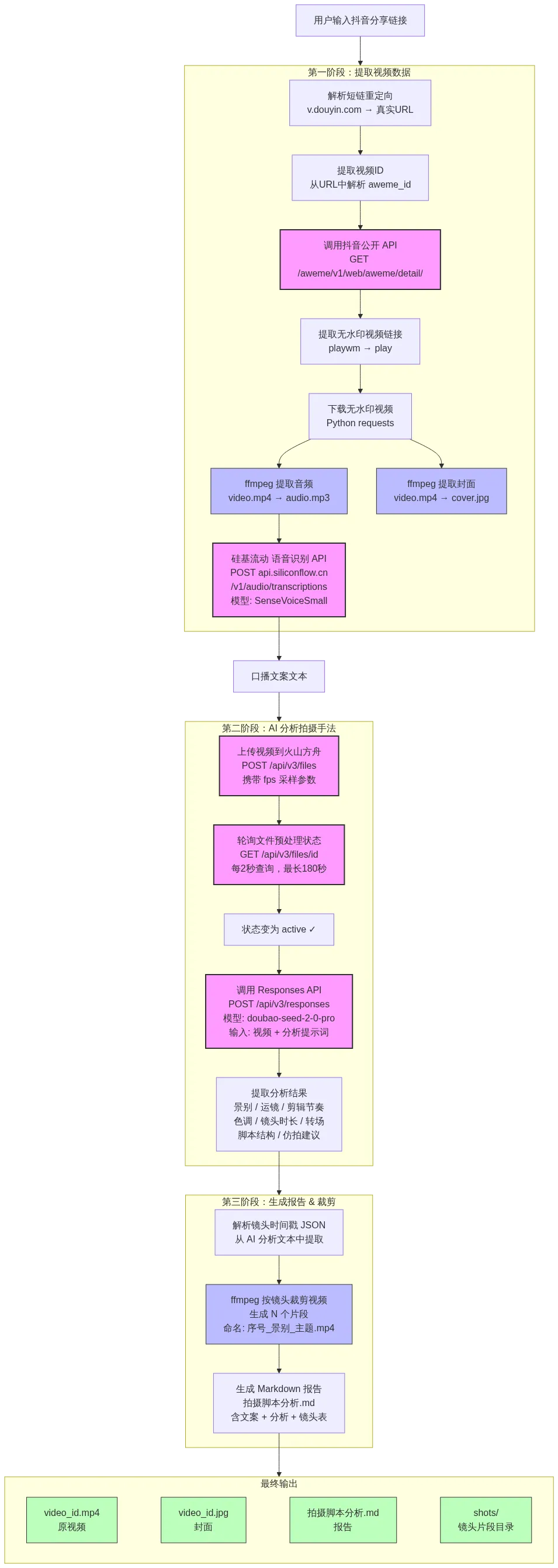
Boundaries must be added here: video downloading and analysis are subject to platform terms, copyright authorization and fair use. The purpose of dismantling should be to learn the structure and methods, not to transport the original video.
Analysis Process 2: Audio Extraction and Script Transcription
After the video is downloaded, Xiaokai uses ffmpeg to extract the audio, converts video.mp4 into audio.mp3, and then calls the speech recognition API to automatically transcribe the complete oral broadcast copy. What used to be a matter of listening and typing can now be steadily automated.
Analysis Process 3: Video Understanding and Shot-Language Analysis
Next is the most interesting step: video understanding. Xiaomiao will analyze the use case, camera movement, transition, editing rhythm, tone, and shot duration of the entire video. Many popular videos that look "feeling" actually have stable camera patterns behind them.
How two teams form a closed loop
Two Expert Panel can work together. First, use the hot-shot dismantling team to learn the lens language and rhythm, and then let the video generation team produce new videos. After publishing, continue to analyze the data, and then in turn optimize the next version of content.

This is where Expert Panel makes more sense than a single tool. It doesn't just help you make a video, but turns "learning, production, publishing, and review" into a system that can be run repeatedly.
Chapter 21 Self-media is not just about hard work, but a closed loop of growth
No one reads the content? It's often not because you don't work hard enough
When a person does self-media, the most time-consuming thing about doing self-media is to polish the content to perfection as soon as it starts.
It sounds counterintuitive, but I've actually stepped into this trap. You wrote in depth, checked the information thoroughly, and changed the structure three times. The results were sent out and the number of reads was in single digits.
Later, I realized that what really needs to be solved in the early stage of starting an account is not "whether the writing is good enough", but "whether anyone is willing to click in."
Workflow

The role of Skill is to make up for one of the links, not to take over account judgment. Below are eight specific work site descriptions.
Scenario 1: Checking hot spots every day, but still don’t know what to write in the account
The hot list tells you "what everyone is looking at", but does not tell you "why this account is worth writing about". It is easy to get homogeneous content by just following hot topics; it is difficult to judge whether users really care by just relying on feelings.
- Public account popular article query: Observe popular articles on the same topic;
- Xiaohongshu Popular Notes Query: Get popular notes and data clues;
- Xiaohongshu Comment Insights: Extract issues, objections, and unmet needs from comments;
- inspiration catcher: Put the angles that come up at the moment into the unified inbox.
How to write instructions
around "AI "Office Automation" creates a topic pool for this week and does not write articles directly.
Collect public accounts and Xiaohongshu respectively 30 Days of highly interactive content, recording title, release date,
Core promise, content structure, interaction signals and original links.
Then extract from the comments: repeated questions, objections, failure experiences, and user original words.

Combined with my account positioning: for non-technical professionals, emphasizing real processes and result acceptance.
output 12 candidate topics, each including: target readers, real problems, existing content gaps,
New evidence I can provide, suitability for platforms, cost of production and timeliness.
Don’t directly interpret high reading volume as the topic must be suitable for me.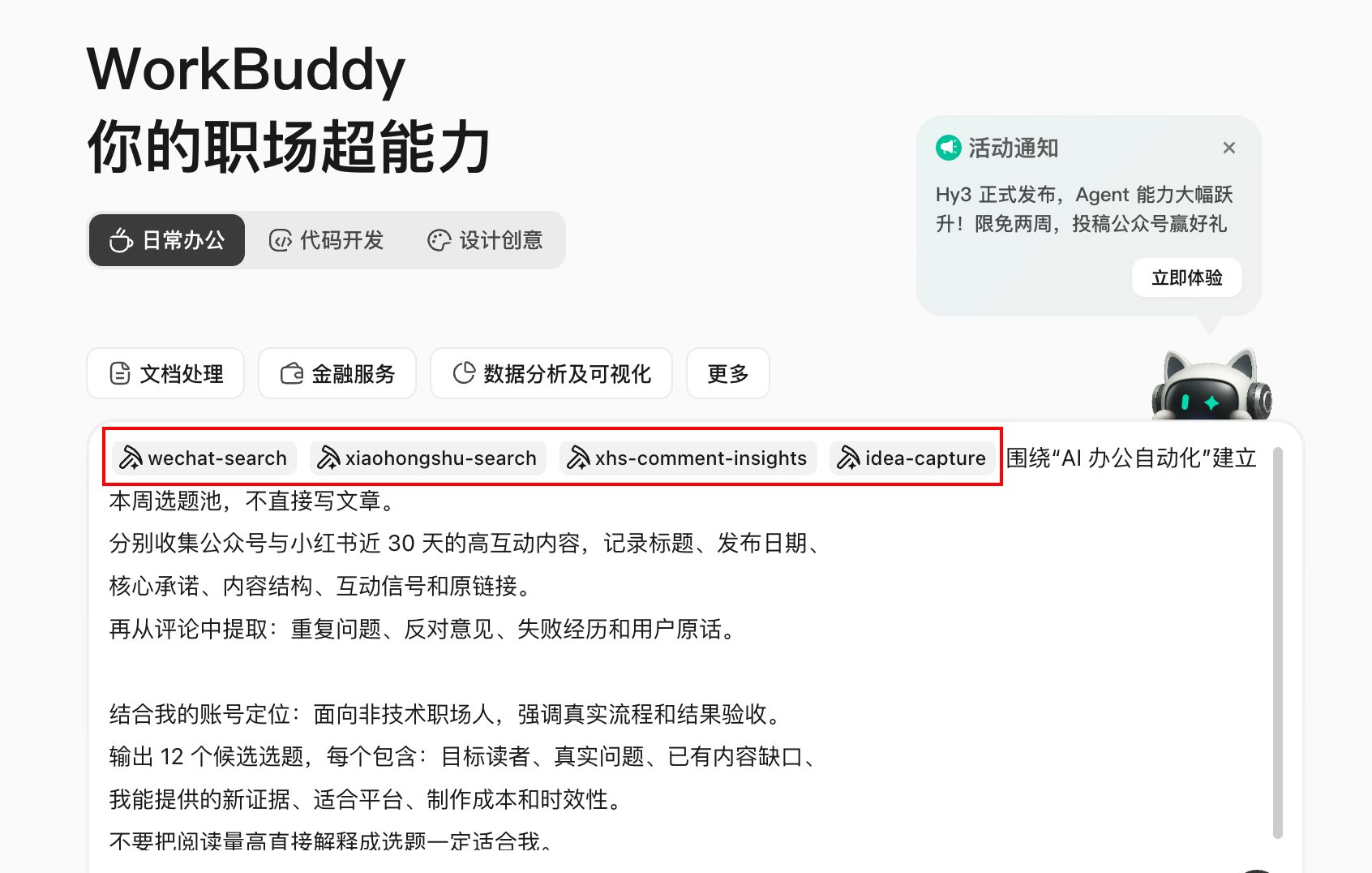
Execution process and results
WorkBuddy generated a cross-platform sample table, then clustered the comments into question clusters, and finally scored "popularity, account matching, new value, evidence adequacy, and production cost" respectively. The deliverable is a topic selection board that can be manually deleted.
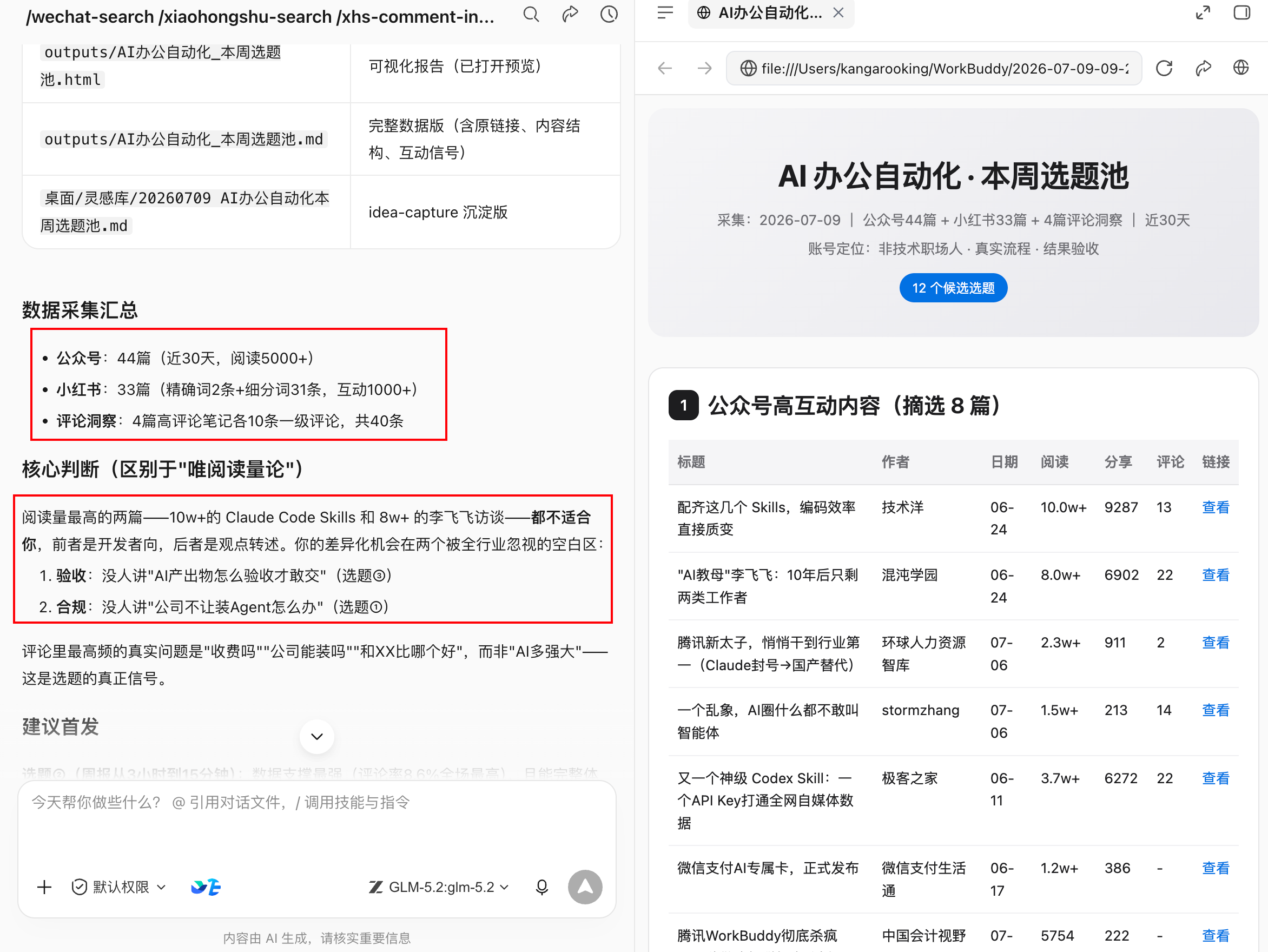
Sometimes It Is Not Enough to Find Viral Posts—Look for High-Potential Topics with Low Competition
Everyone should have heard of it,I’m looking for low-powder hot-selling models to copy., this is indeed the case.
PS: The copying mentioned here refers to copying selected topics, not copying the content intact.
Recommend one called **viral-topic**skills, which can obtain multiple low-fan popular content in designated areas on various platforms in the near future.
For example, get the public account’s most popular articles in the field of AI in the past 7 days.
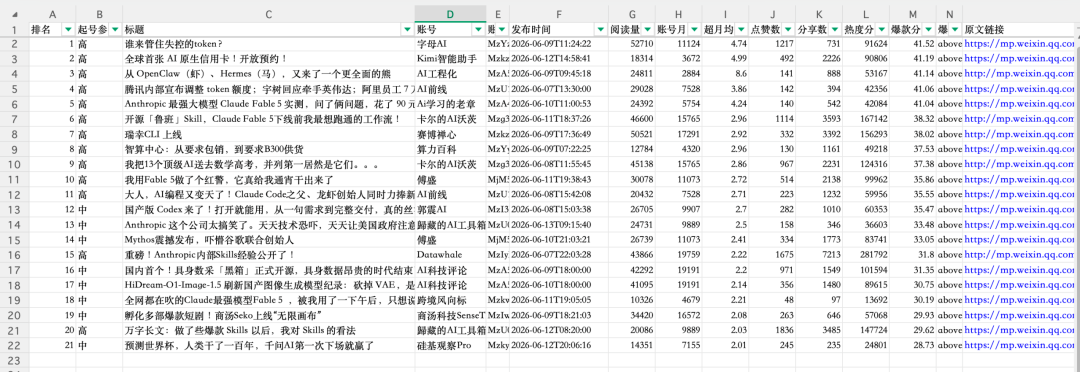
Screen the popular low-powder models on X
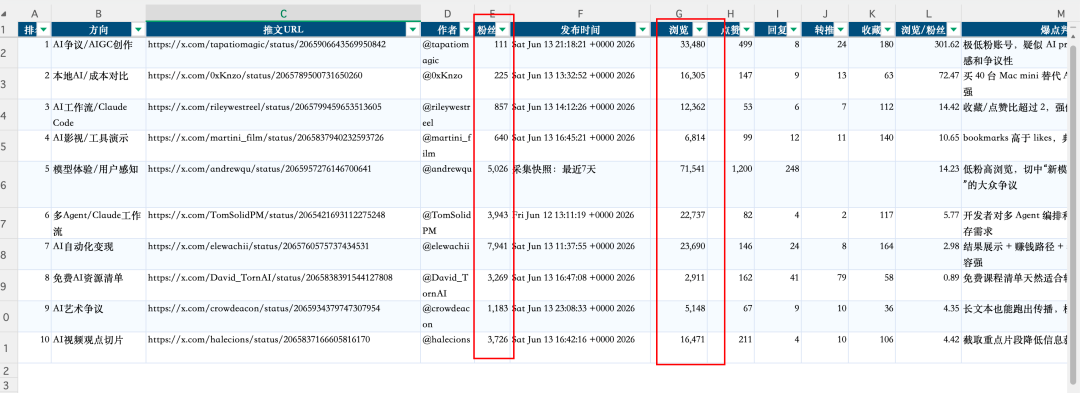
And YouTube’s low-fan hits
Use Case 2: Write a Strong Headline Without Resorting to Clickbait
“Give me 20 blockbuster headlines” makes it easy to get numbers, suspense, and grandiose promises without any headlines that accurately deliver on the text. The title is not an independent copy, it is a commitment between the reader and the text.
- Public account title generation and scoring;
- Xiaohongshu viral-note generator The title and label modules in
- Short video hook solution generation.
How to write instructions
read approved-article.md, Generate titles based only on the fact that the text already appears.
Generate separately: public account title 8 , Xiaohongshu title 8 Individual, short video opening hook 5 .

Each candidate outputs:
1. To whom;2. what to promise;3. Which paragraph of the text can be fulfilled;
4. Adoption issues/result/Checklist/Case/A counter-intuitive perspective;
5. Credibility, specificity, platform fit, and exaggerated risk scores.

Remove unproven numbers, absolute promises, false scarcity, and conclusions inconsistent with the text.
Rather than automatically selecting a final title, let me confirm the content commitment first.
Acceptance method
Show the title to a person who doesn't understand the text alone, and ask him to write "What do I expect to get when I click on it?" Then check with the text. If expectations are inconsistent with reality, the title score cannot be used no matter how high it is.
Through these skills, the titles generated by workbuddy are really interesting. Especially the title of Xiaohongshu has a very Xiaohongshu feel to it.
You can conduct A/B testing by changing only one major variable at a time, such as Question vs. Outcome. Do not change the title, cover, publication date, and beginning of the text at the same time, otherwise the data cannot be interpreted.
Recommend another title skill:**viral-****title**, very suitable for giving titles to public accounts
Scenario 3: The official account cover starts from a blank canvas every time
The cover should not only make people understand the theme, but also adapt to the size of the cover, safe area and account brand. If you just say "make a high-end cover", you will usually get decorative images that have nothing to do with the main text, wrong text or a distorted logo.
- Generate the cover of popular public account: Analyze the visual rules of the same track and provide a plan;
- Official account picture generator: Handle large and small covers, in-text images and guide images;
- Poster design or image generation Skill: Execute a confirmed visual brief.
How to write instructions
Created a public account cover for the article "Collection is not knowledge management, it can be used again" brief.
Target readers: knowledge workers; core information: from collection to reusable knowledge flow.
Brand color:#1677FF, White and black; purple gradients, exaggerated technological light effects and fictitious product interfaces are prohibited.

Output first 3 composition direction, each including: main body, hierarchy, cover copy, color, white space,
Size cover cropping risks and text corresponding paragraphs. I will generate the picture after confirmation.
Check after generation: Whether the text is accurate,Logo Whether it is deformed, whether the main body is cut off by the small cover,
Whether unauthorized characters or materials are used. Do not upload official accounts directly.
Are the results available?
The generated cover is not bad. It has Chinese characters and the theme expressed on the cover is more appropriate. If it is replaced with a stronger image-generating model, the effect should be better.
Scenario 4: Xiaohongshu is not just about “cutting a long article into nine pictures”
When the public account article is changed to Xiaohongshu, the common practice is to shorten the paragraph, add emoticons, and then spread the text onto nine cards. The result is a lot of information, but there is no hook on the cover, no continuity on the second page, no action on the last page, and it is difficult to read on mobile devices.
- Xiaohongshu cover generator;
- Xiaohongshu image generator: Render structured content into vertical cards;
- Xiaohongshu Operations Co-pilot: Pre-release physical examination and review.
Workflow
- Extract fact packs from long articles without a platform tone;
- Choose a core issue and delete branches that are irrelevant to it;
- Design a sliding rhythm of "Cover Promise → Problem Resonance → Method → Example → Misconception → List";
- First output the page-by-page wireframe and word count, and then generate the picture;
- Check font size, line breaks, margins and emphasis in real mobile width;
- The final title, text, labels and pictures are checked one by one with numbers and proper nouns.
put approved-article.md transformed into 8 Page Xiaohongshu Pictures and text, no new facts.
No. 1 Page expresses only a promise; p. 2 Pages write about the problems the reader is experiencing;
No. 3-6 Each page only talks about one action and gives an example; Chapter 7 Common misunderstandings in page writing;
No. 8 page for a saveable checklist.
First return the page-by-page copy, visual hierarchy and estimated word count, and then call the cover and long image after confirming Skill.
Scenario 5: How to turn a long article into a short video that can be shot
"Change to 60 seconds of spoken word" usually just compresses the article into a faster reading script, without shots, rhythm, evidence use cases and pauses, and no explanation of who can film and what materials are needed.
- Research on short video topic selection materials;
- Short video script and matrix content factory;
- AI short video director Used for storyboarding and generating cues;
- The soundtrack skill will only be used after confirming the copyright and commercial scope.
How to write instructions
Transform this article into 60 Live oral broadcast in seconds, the goal is to let people use it for the first time WorkBuddy people
Understand "Why a mission brief is more important than a vague requirement."
Output timeline table: duration, use case, screen, spoken word, screen text, material source, transition.
before 3 Seconds must ask real questions and not exaggerate the benefits;20 Demonstrate product process evidence once seconds ago;
At the end, give an instruction that you can try immediately, without making false promises of interaction.
At the same time, it also lists the required real shots, available product screenshots, and AI The generated screen is prohibited from forging user feedback.
The generated oral broadcast copy is quite effective.
Scenario 6: Before release, don’t let automation cross the boundaries of responsibility
- Public account banned word detection: mark risk expression;
- Public account typesetting skills: Render Markdown and create draft;
- Article deodorization tool: Only used to reduce clichés, not to disguise source or originality.
Check whether there are any prohibited words in this public account article. If so, please mark it and give modification suggestions for each prohibited word. Check the overall content AI taste, and reduce the AI-like tone, and finally format the article.It is recommended that the publishing chain stop in the draft box: fact check → citation and copyright → brand and compliance → link check → mobile preview → manual account confirmation → publish. Automatic likes, batch private messages, brushing comments, bypassing platform risk control, and unconfirmed mass messaging are not among the efficiency scenarios recommended in this book.
Scenario 7: Without a Post-Publication Review, the Next Article Starts from Scratch
The review is mainly to compare the final draft written by AI with the final draft after manual revision, so that the skill can automatically evolve, and it will write better content next time.
Can be used Public account writing self-iteration Or Xiaohongshu operates the copilot and writes manual modifications and data back to the style library:
Read the content data, published version and manual modification records of this issue to generate a review.
State the data and facts first, then list the most 3 A testable hypothesis without writing correlation as causation.
Break down the performance by topic selection, title, cover, opening, structure, release time and channel.
Designed for the next round 2 A univariate experiment, with success indicators and stopping conditions stated.
Write long-term effective modification rules style-guide.md; Do not write permanent rules for one-time hotspots.
Throw in the initial copywriting and final draft produced by AI, and finally produce a review report and style-guide.md. Next time, what AI writes will be further from your expectations~
A sufficient self-media skill stack
| Hierarchy | What to install first | When to add more |
|---|---|---|
| Getting Started | Popular content query, title scoring, image generation | Able to stably complete one piece of content |
| stable | Comment insights, cover, layout draft, banned word detection | Account positioning and reviewer have been clarified |
| Multi-platform | Xiaohongshu card, short video script, platform adaptation | Already have a unified fact package |
| Advanced | Data reflow, style iteration, timed topic selection radar | The manual process has been running continuously for 4 weeks |
Chapter 22 WorkBuddy can also be a GEO expert
GEO is Generative Engine Optimization, often called generative engine optimization in Chinese.
In the past when building a brand, many people were concerned about SEO: whether the official website, articles, and media reports could be ranked high when users search for a certain keyword in a search engine. Now more and more users are directly asking generative AIs such as Yuanbao, DeepSeek, Doubao, and Kimi: "Which product is suitable for me?" "What tools are available in a certain field?" "Is this company reliable?" The questions faced by brands have changed: whether you are included in the AI's answers, whether it is accurate when it mentions you, and whether there is a basis for trust when recommending you.
What exactly does GEO diagnosis solve?
GEO does not ask AI to help you write a brand soft article, but to answer a more basic question: in the scenario where users actually ask questions, has your brand been understood, quoted and recommended by AI?
| question | What to see | Example |
|---|---|---|
| visibility | Whether the brand is mentioned in the AI answer | The user asked "Is there any desktop software that can uniformly manage multiple AI Agents?" Was WeSight mentioned? |
| Accuracy | Is AI’s description of the brand correct? | Whether the functions, applicable platforms, target users, price, and open source status were stated incorrectly. |
| Competition position | Under the same question, who does AI recommend to? | Competing products are frequently recommended, but your product barely appears. |
| trusted source | Can AI find credible information to support answers? | Whether the official website, GitHub, media reports, self-media matrix, and user reviews form a closed loop. |
| action point | What should be changed first after diagnosis? | Supplement the official website description, optimize the README, supplement the competitive product comparison page, and deal with negative public opinion. |
Choose the right expert first: Brand GEO Diagnostics Expert
The GEO Diagnosis Skill has been put on WorkBuddy’s expert market and has become a “branded GEO diagnostic expert” that can be directly summoned. It has encapsulated a set of diagnostic processes: from brand input, problem set design, platform testing, to visibility, infrastructure, competing products, public opinion, and roadmap output.
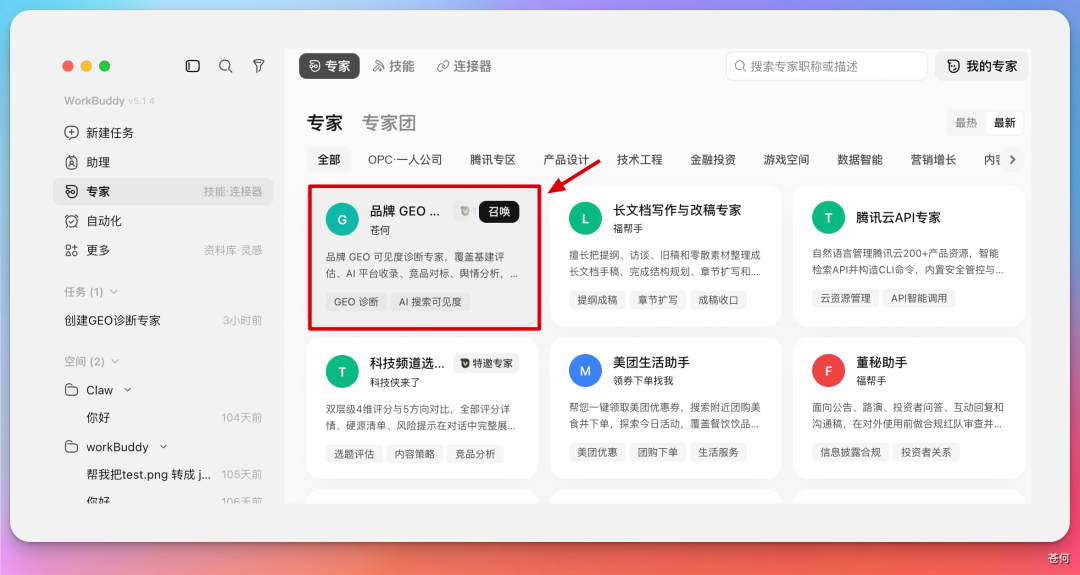
Who is this expert suitable for?
- product team: I want to know the product’s visibility, competitive pressure, and content shortcomings in AI search.
- corporate brand: I want to know whether the company has been accurately identified by AI, and whether the official website and media materials are trustworthy enough.
- Personal IP/self-media: I want to know whether my name, account, and representative works have been correctly recalled by AI.
- Marketing and Growth Team: I want to turn "posting content" into a GEO optimization plan with goals, retesting, and evidence.
Recommended input materials
| Input | why needed | Example |
|---|---|---|
| Official website/product page | Be your first source of brand facts | Official website, product introduction page, pricing page, and help center. |
| Project address | Technical products need to demonstrate activity and capability boundaries | GitHub, open source repository, change log. |
| Official account | Let AI identify authoritative publishing channels | Public account, Zhihu, Nuggets, Xiaohongshu, Station B, video account. |
| target users | Question sets should start from real user intentions | Developers, business managers, content creators, procurement leaders. |
| Competing product list | Determine who occupies the semantic recommendation position | 2-5 known competitors or alternatives. |
GEO diagnostics
GEO diagnosis can also be split into a stable Workflow first. Don’t just ask “How is my GEO?” instead, let the expert explain the diagnostic scope, test questions, and scoring scope first.

| steps | What WorkBuddy does | What do people want to confirm? |
|---|---|---|
| 1 | Read the brand official website, project address and public information. | Which information is official fact and which is just reference material. |
| 2 | Generate a set of real user questions instead of just testing brand names. | Are these questions actually coming from the search intent of your target users? |
| 3 | Test brand mentions across multiple AI platforms or search scenarios. | Test platform, number of samplings, whether to log in, and test date. |
| 4 | Analyze AIVO, user portraits, competing products, infrastructure, public opinion and inclusion. | Can each score be traced back to samples and evidence. |
| 5 | Output HTML/Feishu documentation report and optimization roadmap. | Which actions should be taken first, and which conclusions require manual review. |
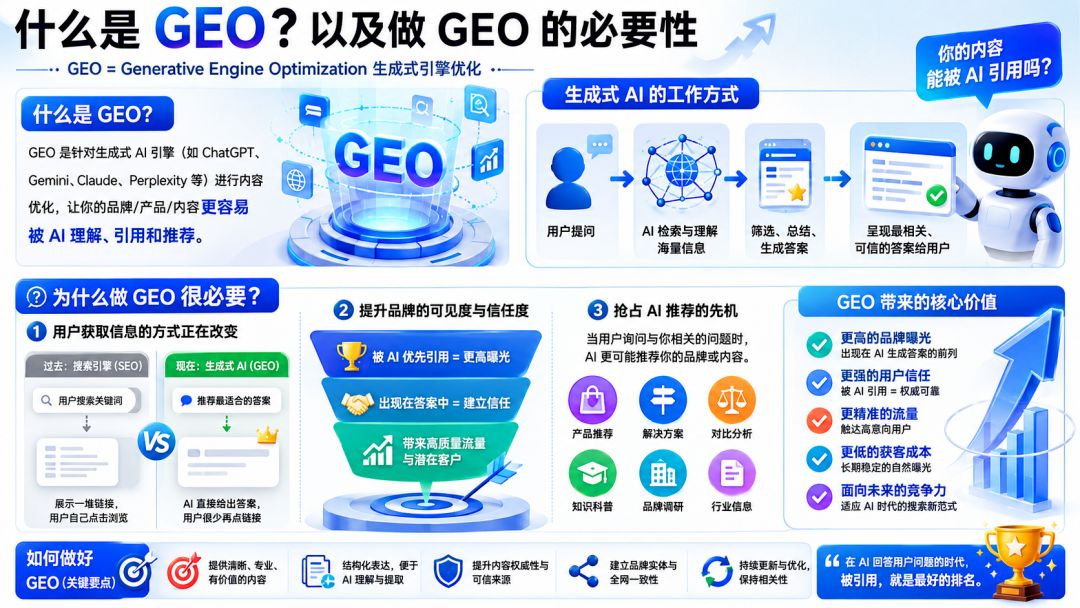
Example prompt: Product GEO Diagnostics
Calling for “brand GEO Diagnosis expert", help me diagnose WeSight of this product GEO situation.
Official information: official website, open source project address, official account.
Target users: need to manage multiple AI Agent, Users of desktop Workflow and development tools.
Known competing products: Please automatically identify based on user questions first, and then let me confirm.
Please output the test question set, test platform, sampling times, scoring scope and limitations first, and wait for my confirmation before executing.
Final output: diagnostic overview,AIVO Ratings, user portraits, search visibility, infrastructure evaluation, competitive product analysis, inclusion effects, public opinion analysis and optimization roadmap.
Results that cannot be repeatedly verified are marked as "sample observations" and should not be written as absolute facts.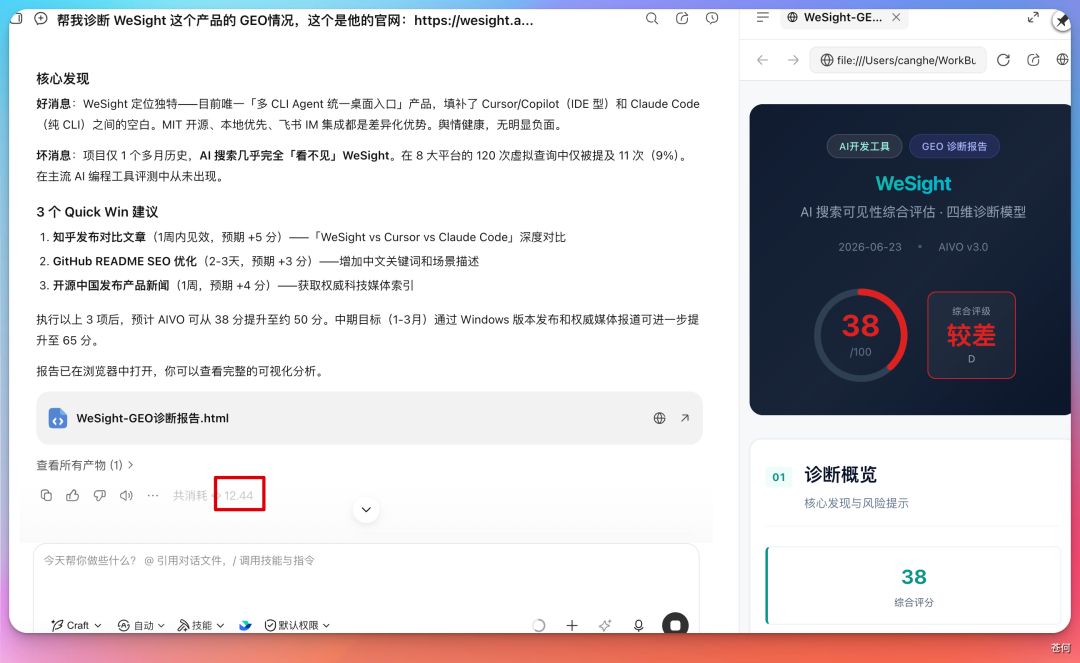
Available results: It’s not a question of “whether GEO is doing well or not”, but a report that can break down the problem. In the case, WeSight’s problem was not that the product was not differentiated, but that the AI search visibility and competitive advantage in the test sample were weak, resulting in the overall score being dragged down.
Report Module 1: Diagnosis Overview and Risk Warning
The function of the diagnostic overview is to first give the operator an overall judgment: how is the current overall performance of the brand, what are the main risks, and which problems should be dealt with immediately. It should not just give a score, but explain where the score comes from.
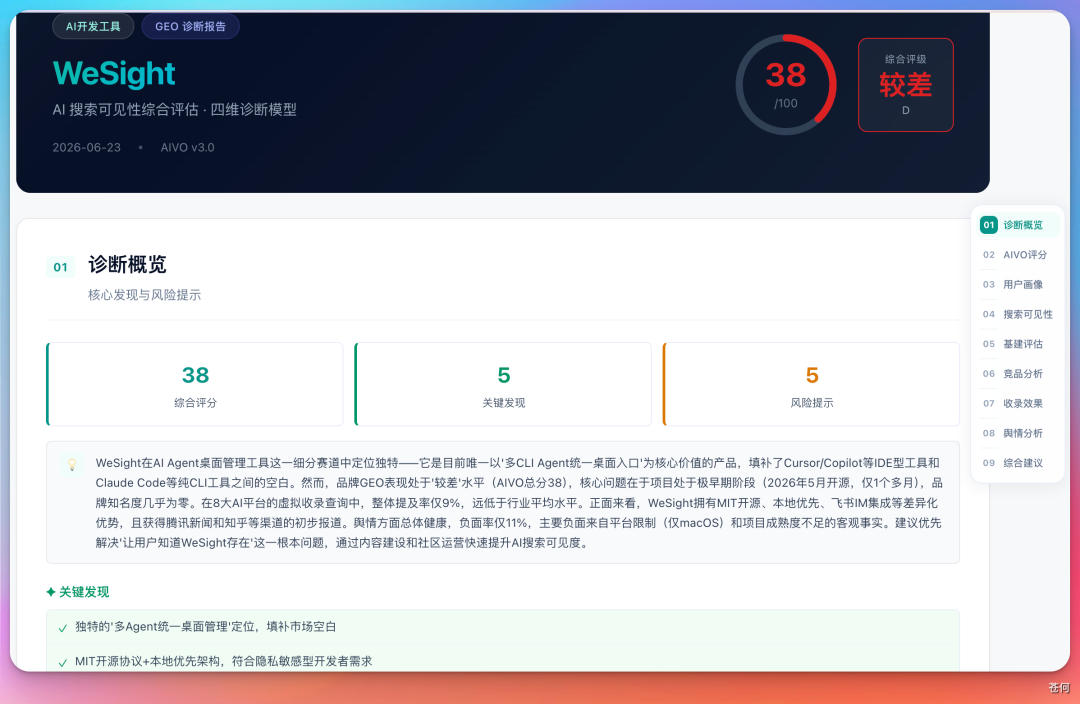
| See in the overview | Why is it important | How to review |
|---|---|---|
| Overall rating | Quickly determine the current GEO basic level | Confirm the scoring scope and test samples, and do not regard one score as a permanent conclusion. |
| Key findings | Find the shortcomings that most affect results | Each discovery must be able to be returned to a specific platform, specific questions, and specific answers. |
| Risk warning | Identify negative factors that may affect recommendations in advance | Distinguish between factual risks, content gaps, and model misunderstandings. |
For example, WeSight only supports product boundaries such as macOS Apple Silicon. If the official website, README and external materials do not explain it clearly, AI may include restriction reminders when recommending, or even exclude it from the needs of some users.
Report module two: AIVO score, see where the shortcomings are
Divide GEO into four dimensions: AI search visibility, infrastructure perfection, competitive product comparative advantage, and public opinion health. This split method is more valuable than a single total score, because it can tell you whether "no one mentioned you", "someone mentioned you but can't tell", or "competitive products have stronger information".
| Dimensions | what does it measure | What to do first when you get a low score |
|---|---|---|
| AI search visibility | The proportion and position of the brand being mentioned when users ask relevant questions. | Supplement content pages, comparison pages and use case pages corresponding to user questions. |
| Infrastructure perfection | Whether the official website, official account, technical documents, and authoritative sources are complete. | Correct the official website facts, unify the name, and supplement the structured introduction. |
| Comparative advantages of competing products | Under the same query, AI is more likely to recommend whom. | Write down the differentiation, applicable boundaries and trade-offs with competing products. |
| Public opinion health | The impact of external evaluation, negative information, and risk warnings on recommendations. | Address real issues, supplemented by official clarifications and credible third-party evidence. |
In the case of WeSight, the overall score is about 38 points; the health of public opinion is relatively good, but its AI search visibility and competitive product comparison advantages are weak. This result shows that the problem does not necessarily lie in the product itself, but in the gap between "user question semantics" and "brand content supply".
Report Module 3: User Profile and Intent Funnel Shift
Many brands only write about the selling points they want to express when creating content, but GEO is more concerned about what users actually ask. In the case of public accounts, experts found that users are more likely to ask questions such as "Is there desktop software that can uniformly manage multiple AI Agents" in large language model. This means that users care about scenarios and tasks, not necessarily your brand name.
Report Module 4: Search Visibility—Mention Rate Is the New Ranking
In traditional search, users will see at least one page of links; in AI search, users often only see one paragraph of answers. Whether the brand is mentioned, where it is mentioned, and whether it appears as a recommended item becomes the new "search ranking."
Report Module 5: Digital infrastructure, first let AI have trustworthy data to read
GEO does not rely solely on “volume of voice”. Generative AI requires trustworthy sources that are citable, verifiable, and mutually corroborating. Divide infrastructure evaluation into three categories: official website evaluation, self-media matrix, and authoritative media endorsement.
Report Module Six: Competitive Product Analysis, Competing for Semantic Mind Share
GEO's competitive product analysis does not simply list competing products in the market, but looks at who AI recommends to the same user question. What you compete with competing products is not web page ranking, but semantic mind share.
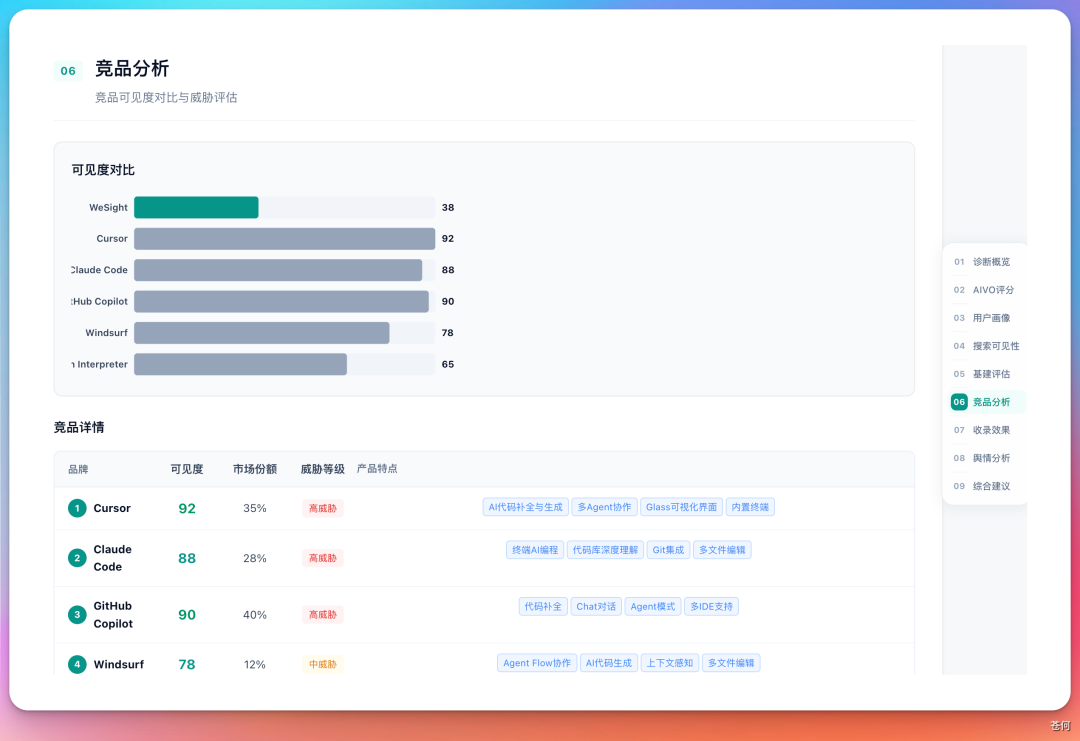
Report Module 7: Inclusion—Check Whether AI Answers Actually Include the Brand
The inclusion effect can be understood as the result indicator of GEO. The previous official website, content matrix, public opinion, and competitive product analysis all ultimately come down to one question: Are you included in the AI answer?
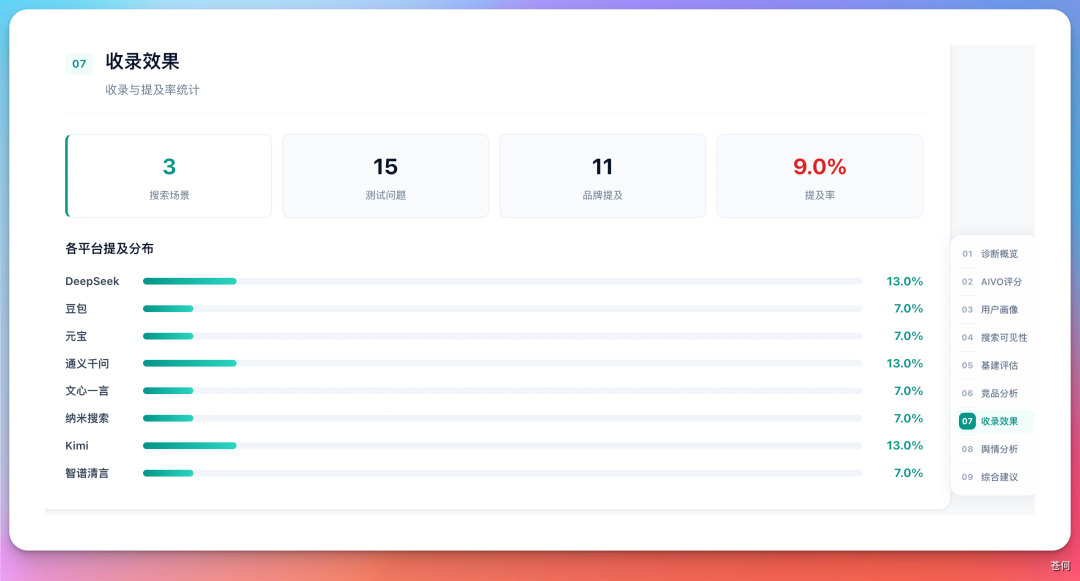
The most common mistake here is to only test the brand name. Just because your brand name can be searched does not mean that you will appear when users ask scenario questions. The correct approach is to layer the problem into layers:
- Brand name issue: What is a certain brand, what is its official website, and whether it is open source.
- Category issues: What are certain types of tools, who are they suitable for, and how to choose them.
- Scenario problem: I have encountered a specific task and what products can solve it.
- Comparison question: What is the difference between A and B, which one is more suitable for certain types of users.
Report Module 8: Public-Sentiment Monitoring and Risk Mitigation
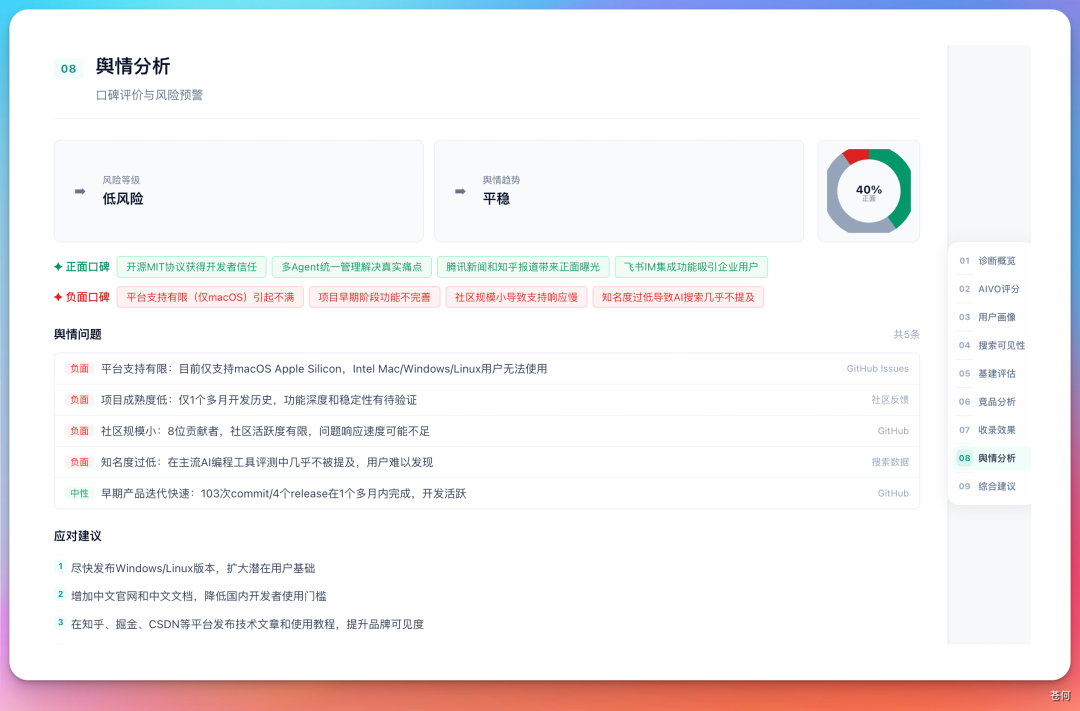
| Public opinion type | Processing method | Things to note |
|---|---|---|
| Real product issues | Repair the product first, and then publicly explain the repair progress. | Don’t just do content suppression. |
| Expired information | Update the latest facts on the official website and authoritative channels. | Make new material unambiguously identifiable by AI. |
| misunderstanding or rumor | Use FAQs, clarifications, and third-party evidence to correct errors. | Avoid responding emotionally. |
| Disadvantages compared to competing products | Clarify applicable boundaries and differentiated scenarios. | Don’t write all comparisons as “I’m the best.” |
Personal IP can also perform GEO diagnosis
GEO is not only suitable for products and enterprises, but also for personal IP. Use "Cang He" for personal IP diagnosis and get about 72 points, and use Yuanbao for additional search verification.
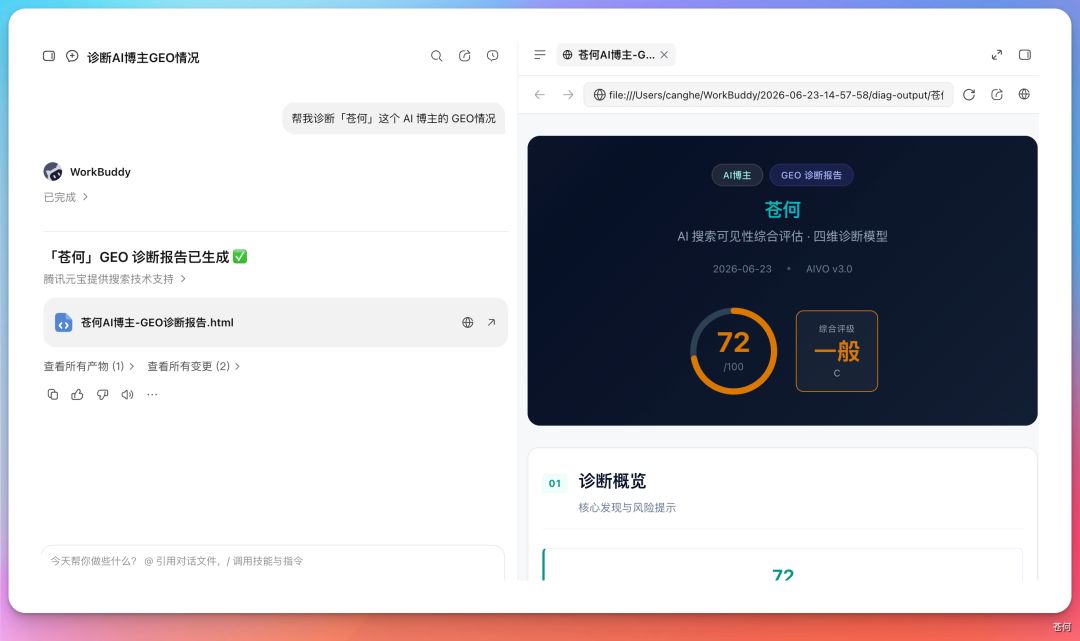
What extra attention should be paid to personal IP diagnosis?
- identity disambiguation: There are many characters with the same name, so you must provide your location, occupation, representative works, and official account.
- Platform fragmentation: The information on official accounts, Zhihu, Xiaohongshu, B station, and video accounts may be inconsistent.
- Representative works: The AI needs to know your most important works, views, and tags.
- Content positioning: Personal IP is not just "searched", but also depends on how AI describes you.
Calling for “brand GEO Diagnostic expert", help me diagnose individuals IP of GEO situation.
name / Nickname:____.
Identity disambiguation: location, occupation, company or organization, representative works, official account.
Target question: When users ask what topics I want to be AI Correctly mentioned?
Please test brand name questions, domain questions, work questions and comparison questions.
Outputs: visibility, identity accuracy, identification of representative works, risk of homonymous confusion, content gaps and 30 Day optimization suggestions.
For Corporate Brands, Do Not Pursue GEO for Its Own Sake
The easiest way for companies to go astray when doing GEO is to start buying content in bulk, building channels, and gaining exposure before diagnosis is made. It is mentioned in the public account case that when doing GEO diagnosis for an enterprise, what is really important is to first know what the brand looks like in the eyes of AI: whether it has been mentioned, whether it has been misunderstood, where the risks are, and why competing products are more likely to be recommended.
Corporate brand recommendations for key inspections
| Check items | key questions | common actions |
|---|---|---|
| Brand basic facts | Who is the company, what does it do, who does it serve, and what are its core strengths. | Unify the expression of the official website, encyclopedia, media releases, and product pages. |
| business scenario | You should appear when users ask what business questions they have. | Supplement scenario pages, solution pages, and industry cases. |
| Trusted endorsement | Are there any customer cases, media reports, or industry reviews? | Create a matrix of citable public information. |
| Disadvantages and Risks | Whether the AI will mention negative, expired or incorrect information. | Address real issues and issue factual clarifications and updates. |
From diagnosis to action: don’t pursue a one-time high score
A GEO report is just a pretty dashboard if it doesn't turn into action. Provide quick profit points, priority action suggestions, and phased roadmaps, such as completing GEO exposure, handling public opinion, optimizing trusted sources, etc.
| stage | Prioritize action | Retest method |
|---|---|---|
| 30 days | Correct the name, positioning, function boundaries and expired information in the official website, README, and official account. | Retest the brand name questions and core scenario questions to check the accuracy of your answers. |
| 60 days | Supplement the scenario page, comparison page, case page and FAQ corresponding to the user's real query. | Retest category questions and use case questions and observe changes in mention rates. |
| 90 days | Build external credible sources: media reports, customer cases, community discussions, industry opinions. | Check the diversity of citation sources, competitive product recommendation positions, and changes in public opinion risk. |
Part 3: Advanced Practice—Turn Cases into Your Own Work System
Chapter 23 Building Skills: Distilling Books and Videos into Executable Skills
To create skills, in addition to precipitating your own SOP into skills, I would like to recommend a simpler and more convenient method to everyone.
Can be used cangjie-skill Distill knowledge into skills.
cangjie-skill open source project (v1 distillation book, v2 adds video distillation), and Andrej Karpathy's ideas on LLM personal Knowledge Base.
This chapter answers: How to convert the methodologies in books and videos into Skills that Agent can automatically call, and what is the essential difference between this and RAG retrieval.
The Starting Problem: Knowledge That Cannot Be Put into Practice
AI has absorbed a large number of classic works when training, but in actual question and answer, it often outputs "correct nonsense" - every word is correct, but there is a lack of practical steps for specific problems. This is not a problem of illusion, but a problem of the calling mechanism: the AI knows what is in the book, but does not know which frame to actively call out in what scenario.
Human readers face the same problem. After reading a book, taking notes and underlining golden sentences, I close the book and feel that I have upgraded. Two weeks later, when I encountered a real problem, those methodologies failed to grasp it. The knowledge is in memory, but the activation path is not clear.
What knowledge distillation wants to solve is the problem of "what you have learned cannot be used".
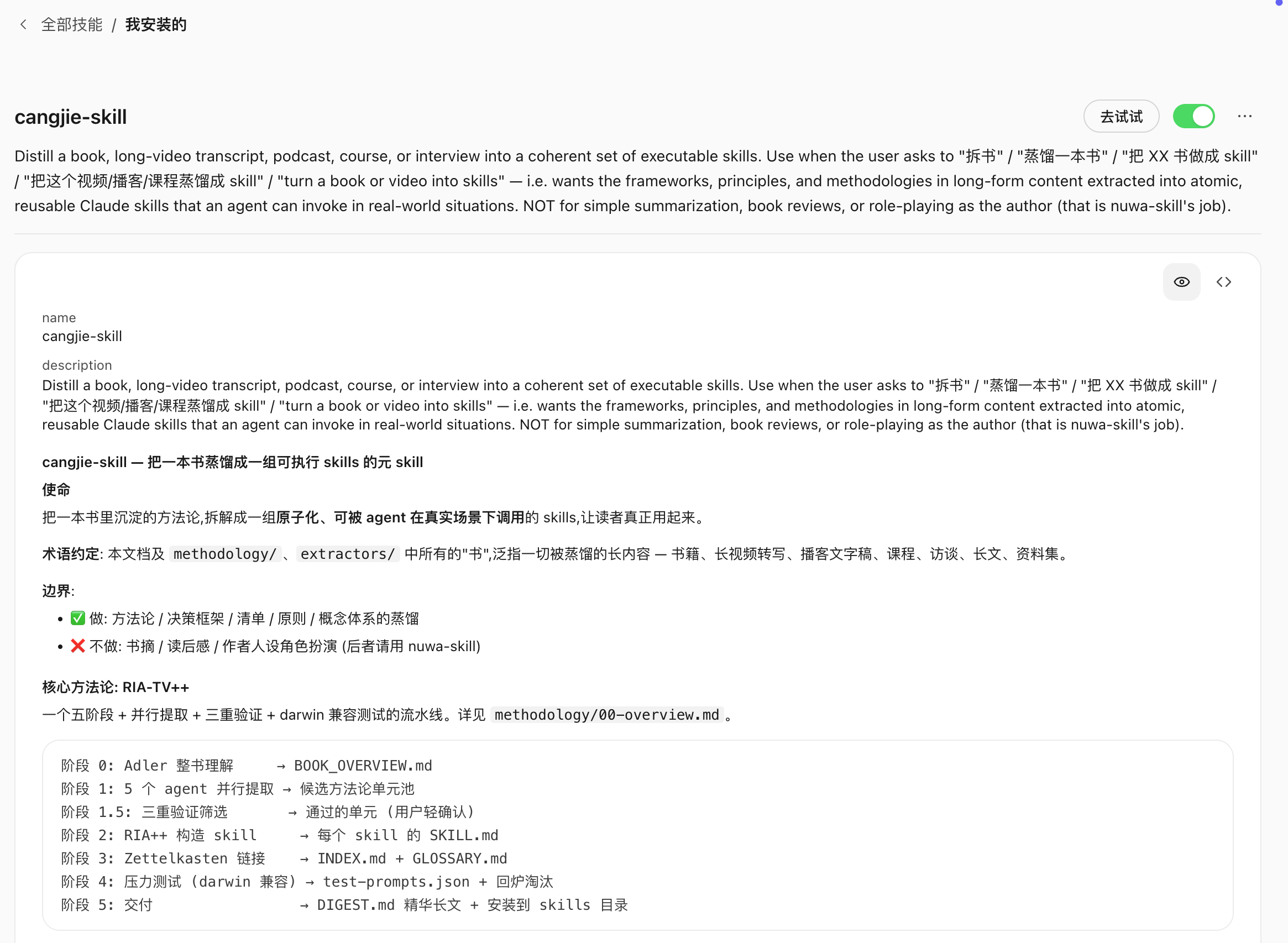
Definition of knowledge distillation
Knowledge Distillation for Skills refers to extracting atomized knowledge units (Skills) with independent trigger conditions and execution steps from books or videos, so that the Agent can automatically activate and provide implementable action paths when encountering corresponding scenarios.
Distillation in chemistry is the separation of mixtures into pure components based on their boiling points. Knowledge distillation is based on the five dimensions of "framework/principle/case/counterexample/terminology" to separate the knowledge in books or videos into different types of pure components, and then only purify the truly useful ones into executable skills.
Knowledge distillation is not:
- Abstract (compressed original text)
- Reading notes (structured original text)
- RAG index (stores original text fragments for retrieval)
Knowledge distillation is: converting methodology into execution units that Agent can automatically call in real scenarios.
Six-stage distillation SOP
cangjie-skill uses six stages to distill a book or a set of videos into a set of Skills.
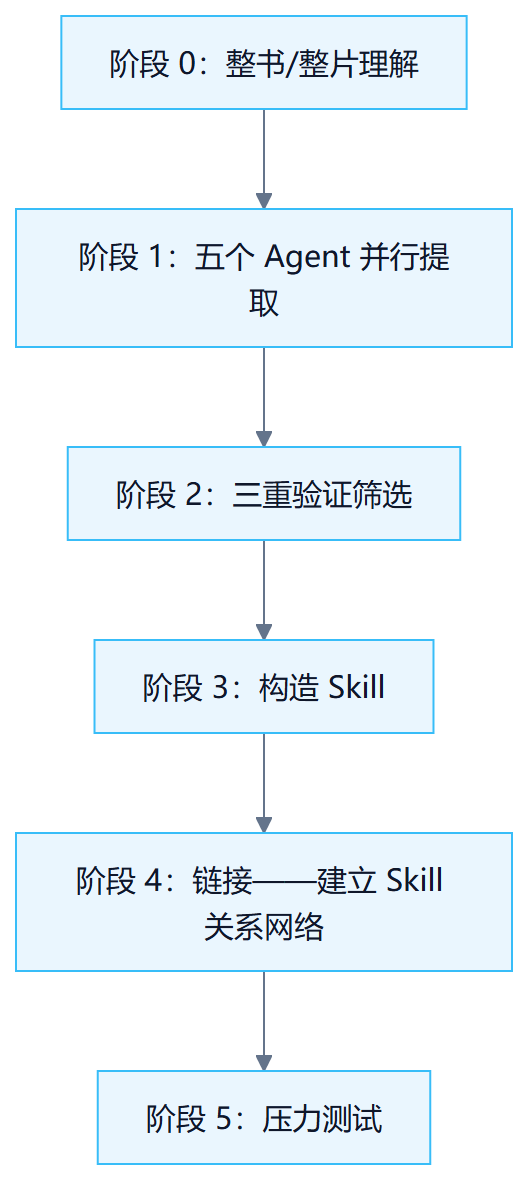
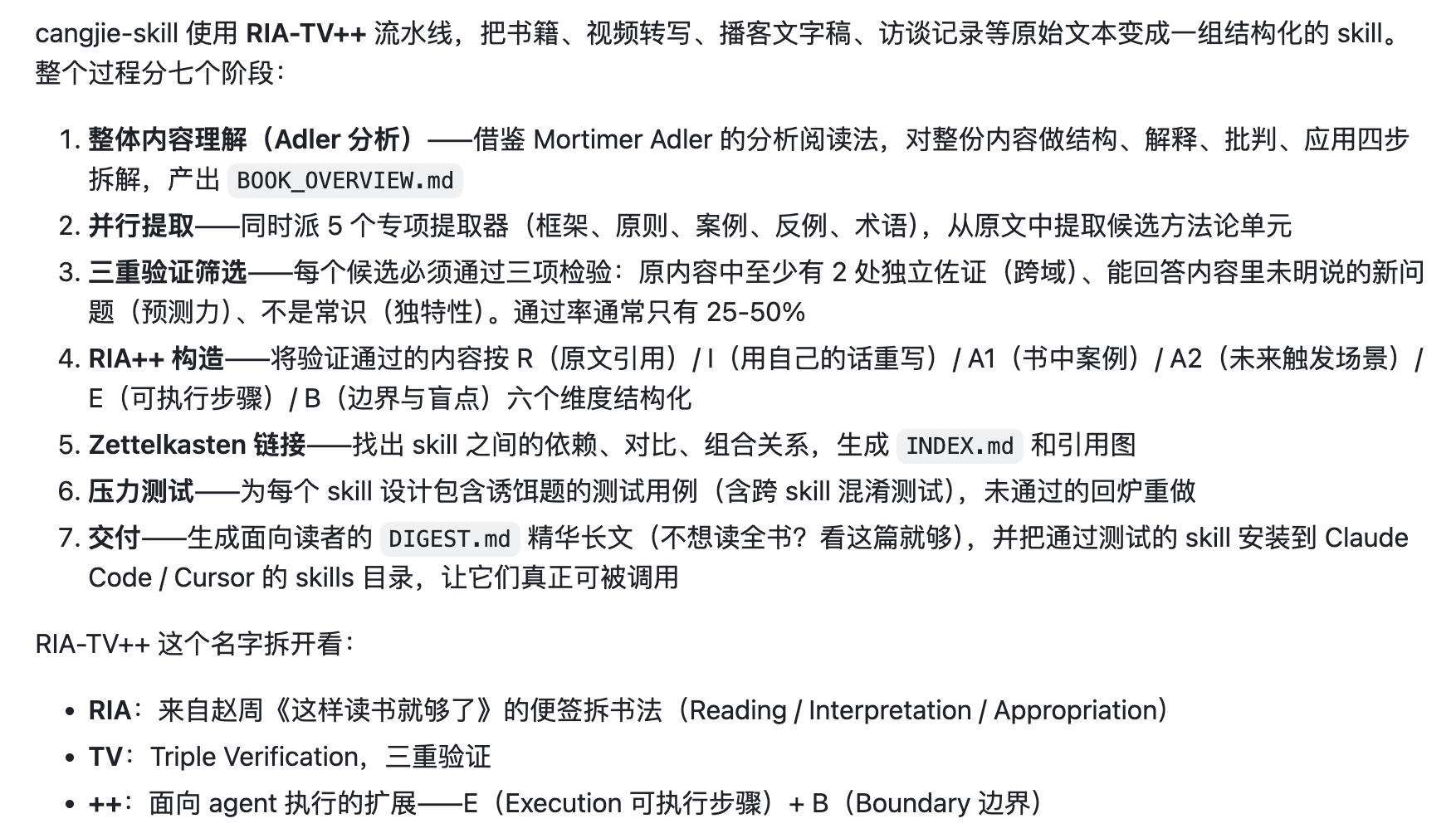
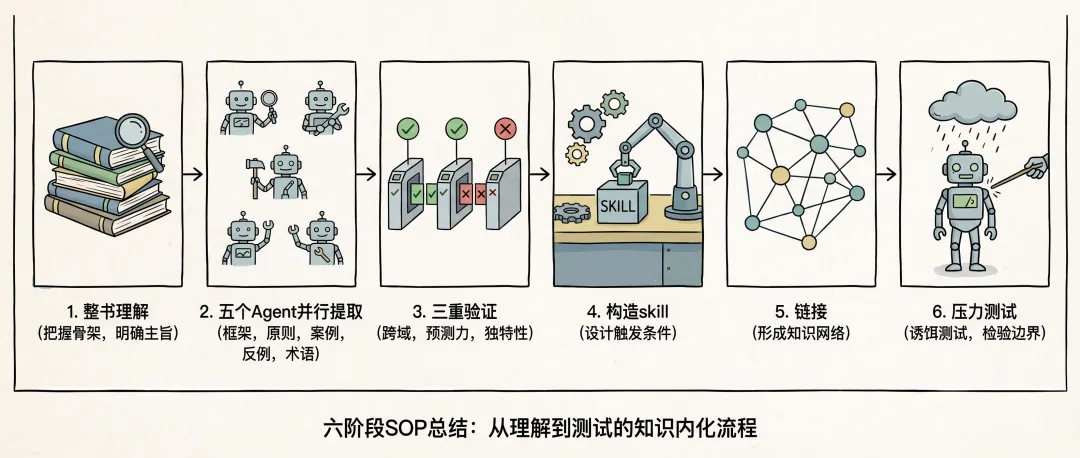
Take Distillation's "Complete Manual of Copywriting Creation" as an example
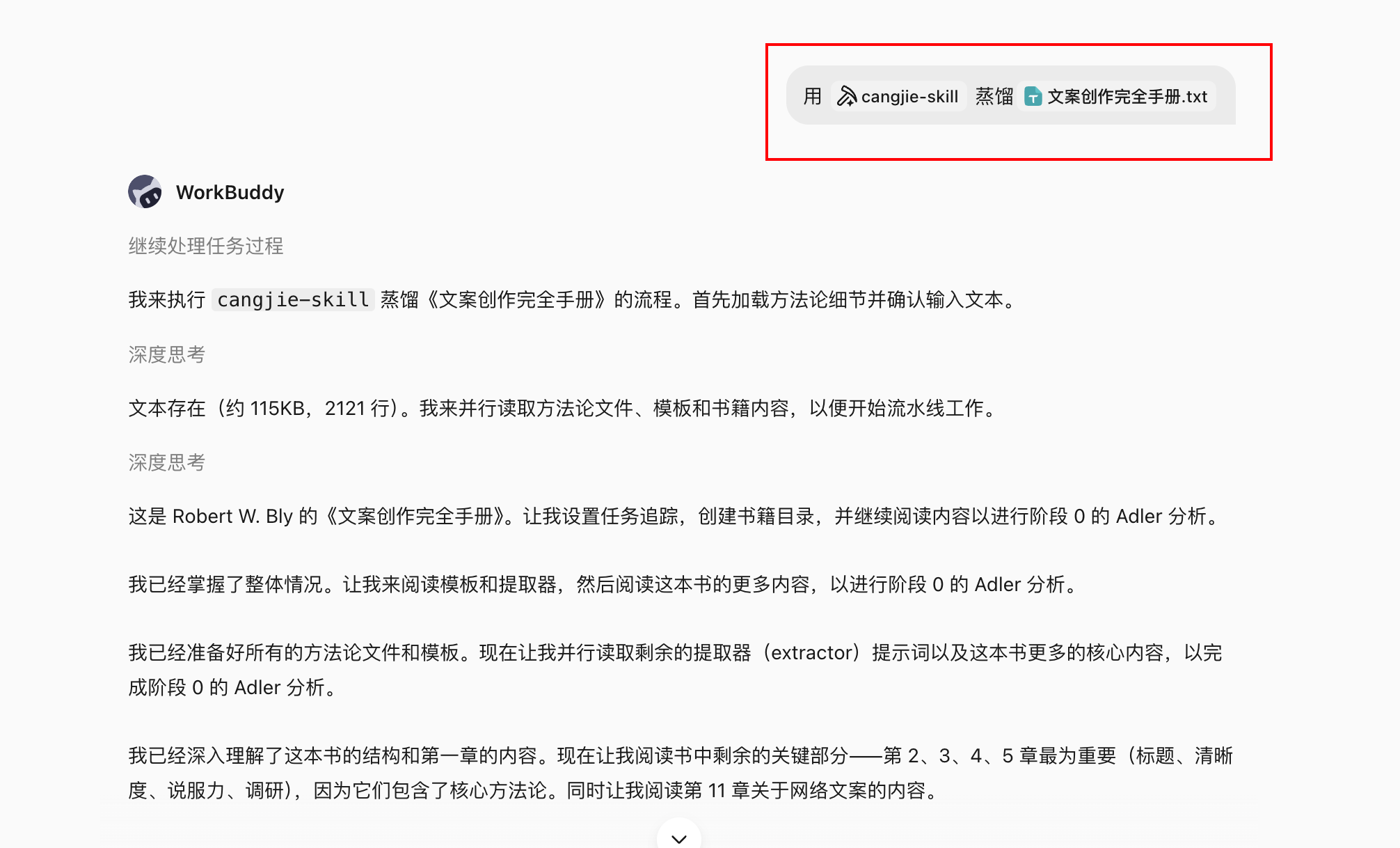
Stage 0: Whole book/whole piece of understanding
Don’t start by excerpting the golden sentences, but first read the skeleton of the entire book:
- What is the main theme of the book;
- How to follow the core argument chain;
- How authors define and use key terms;
- What are the author's own limitations and blind spots?
This step determines the upper quality limit for subsequent extractions. If you skip this step and extract it directly, it is easy to regard the author's objections as the methodology he supports.
Phase 1: Five Agents Parallel Extraction
Five Agents scan the full text from five dimensions at the same time, working independently without interfering with each other:
| Agent | Extract target |
|---|---|
| Frame Extraction Agent | An analytical or decision-making framework constructed by the author |
| Principle Extraction Agent | Behavioral principles that can be reused across scenarios |
| Case Extraction Agent | Positive cases and success paths cited by the author |
| Counterexample extraction Agent | Failure cases and negative lessons cited by the author |
| Term Dictionary Agent | Author terms and their definitions |
Five perspectives are parallel to avoid missing perspectives in single-line reading.
Stage 1.5: Triple Verification Screening
Each candidate knowledge unit must pass three levels, and those that fail will be eliminated directly:
| Verification type | Check content |
|---|---|
| Cross-domain verification | This methodology appears in at least two separate use cases in the book and is not an isolated proof |
| Predictive power test | Can it be used to deduce issues not directly discussed in the book? |
| uniqueness test | Is this common sense that anyone can say? Common sense does not constitute skill |
It is better to be deficient than excessive. A book typically has 50–100 candidate units, with 10–25 retained after triple verification.
Phase 2: Construct Skill
Each verified knowledge unit is constructed into a Skill, and the core is to design trigger conditions:
- Under what circumstances will it be automatically activated?
- What steps are performed after activation;
- When not to use (boundary);
- What are the quality verification standards.
The design of trigger conditions is the most difficult and critical step. Skills without trigger conditions cannot be correctly recognized and called by the Agent in actual use.
Stage 4: Linking
Find the relationships between Skills to form a knowledge network:
- Depend on: The execution of Skill A needs to call the output of Skill B first;
- Contrast: Skill A and Skill B are suitable for similar scenarios but in opposite directions;
- combination: Skill A and Skill C are better when used together.
The link layer allows the Agent to choose a set of Skills instead of just a single Skill when encountering complex problems.
Phase 5: Stress Testing
bait test: Deliberately give a use case that shouldn’t be triggered to test whether the Skill can resist being activated. A skill without boundaries will be unhelpful if called in wrong scenarios.
Perform verification: Give real problems and verify whether the Skill can output implementable steps instead of correct nonsense.
Distillation product structure
After a book is distilled, the product is a set of Skills:
book-skill/
├── README.md # Bibliographic information, distillation instructions, applicable scenarios
├── skills/
│ ├── skill-01.md # each Skill standalone file
│ ├── skill-02.md
│ └── ...
├── index.md # Skill Relationship network (product of link layer)
└── tests/
    ├── skill-01-test.md # each Skill test cases
    └── ...
Each Skill file contains: trigger conditions, execution steps, output format, boundary constraints, and test cases. The test case format is compatible with darwin-skill (automatic Skill evolution tool), and the distillation products can be continuously and automatically optimized.
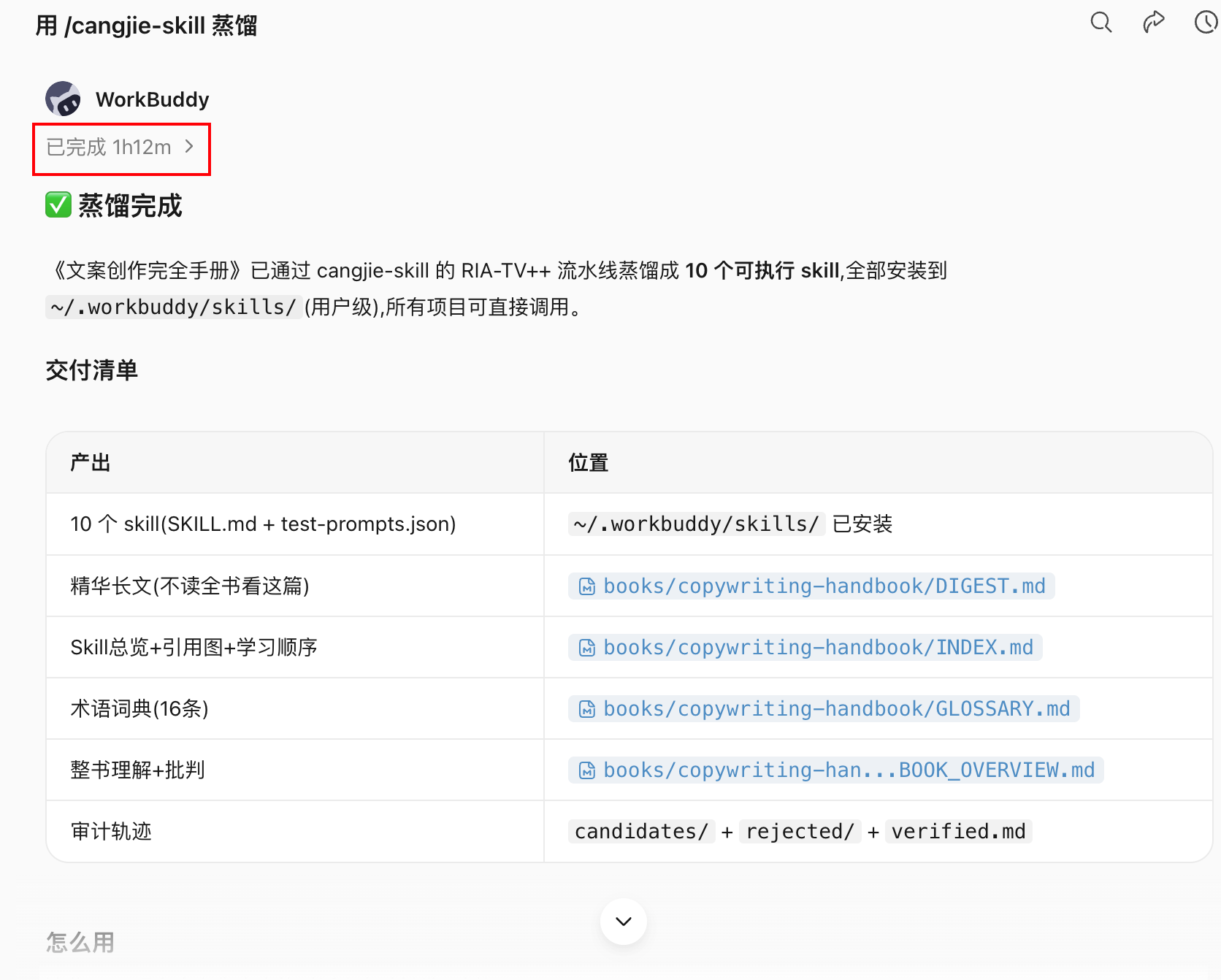
Knowledge Distillation vs RAG
This is the most frequently asked question by users.
| Dimensions | RAG | Knowledge Distillation (Skill) |
|---|---|---|
| essence | Search - find the most relevant snippets of the original text | Distillation – Extracting executable methodologies from the original text |
| Prerequisites for use | Users need to know what to ask | The user describes the problem and the Skill automatically identifies and activates it. |
| Quality control | None - any content can be included in the library | Triple verification filtering, it’s better to be deficient than indiscriminate |
| Calling method | Passively wait for query | Actively match scenarios and trigger |
| knowledge form | Store original text (remember knowledge) | Distilled into execution steps (applying knowledge) |
| border control | None | Decoy testing ensures no random activation |
| Resource consumption | Heavier (vector index needs to be maintained) | Lighter (Skill file is enough) |
RAG solves the "knowledge management" problem - allowing you to find out what's in the book. Knowledge distillation solves the problem of "knowledge application" - allowing the Agent to proactively come up with the right framework at the right moment.
RAG can't help you when you don't know what to ask. Skill does not require you to remember the methodologies in the book.
Comparison with Karpathy LLM Wiki ideas
Andrej Karpathy proposed the idea of LLM Knowledge Base (LLM Wiki): index the original data into a directory, let LLM compile it into a Wiki, and then do Q on the Wiki&A. The output results are then backfilled and continuously enhanced.
Cangjie-skill's Phase 0 (Whole Book Comprehension) and Phase 1 (Parallel Extraction) absorb this core idea: first let AI do in-depth reading, structured sorting, indexing, and maintenance of consistency.
The difference between the two lies in the last few steps:
| point of comparison | LLM Wiki | Knowledge Distillation |
|---|---|---|
| Product form | Wiki entries (structured Knowledge Base) | Skill collection (executable unit) |
| Usage | User active inquiry | Agent activates after being passively triggered |
| solve problems | knowledge management | knowledge application |
The two options are not mutually exclusive, but have different goals.
Video Distillation Workflow (new in v2)
cangjie-skill v2 adds video distillation capabilities based on book distillation (with the help of video-downloader skill). The difference between videos and books is that the conversion of "video → text" needs to be completed before entering the six-stage SOP.
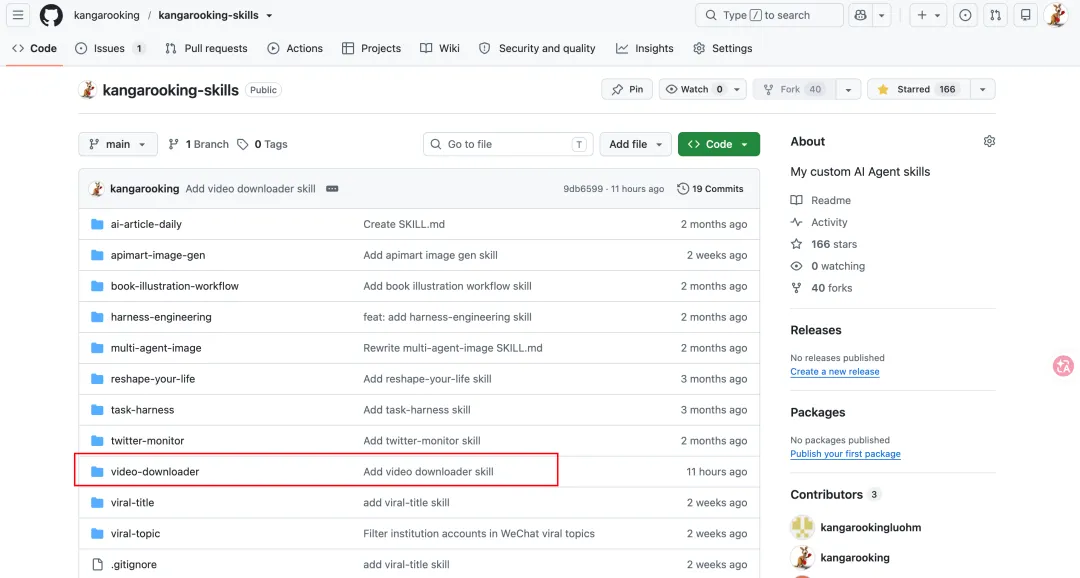
Video acquisition and transcription
Overall process:

Video download: Use yt-dlp (open source tool) to support mainstream platforms such as YouTube and Bilibili. Just enter the video link to automatically download. Video account does not currently support automation due to platform limitations.
audio transcription: A local Whisper model is available, but long video transcription takes significantly longer (approximately 48 minutes of local transcription for a one-hour video). It is recommended to use the ASR API service, which is fast and suitable for batch processing.
Multiple video merge distillation
Multiple videos on the same topic can be merged and distilled to produce a unified skill collection. When merging, the Agent automatically handles content deduplication and knowledge unit merging to prevent the same principle from being repeatedly extracted into multiple Skills in different videos.
Division of labor between video-downloader skill and cangjie-skill
Video processing logic (downloading, audio extraction, transcoding) is independently packaged in the video-downloader skill and is not integrated into cangjie-skill. The reason is the separation of responsibilities: cangjie-skill focuses on text distillation, and video acquisition is a preparatory step, and the two can evolve independently.
How to use:
1. use video-downloader skill Get video copy
2. Submit the copy to cangjie-skill Perform six-stage distillation
3. Output corresponding Skill collection
Applicable and inapplicable scenarios
Materials suitable for distillation
| Type | suitability | Description |
|---|---|---|
| A methodologically dense book | ★★★★★ | The framework is clear, the principles can be extracted, and the most suitable |
| Interview/Course Video | ★★★★☆ | The content is highly structured and suitable for distillation |
| Long video/podcast | ★★★☆☆ | Available, knowledge density varies by content |
| Books with golden verses and prose | ★★☆☆☆ | Few methodologies and limited quality of distillation products |
| Fiction / Narrative Literature | ★☆☆☆☆ | Not suitable, lack of extractable methodological framework |
Prerequisites for distillation
It is best to read or look at the raw materials before distilling. Reason:
- It is necessary to judge which methodologies are important;
- Judgments need to be made at key nodes in the distillation process (such as the boundary situation of triple verification);
- After distillation, the absorption rate is significantly higher than that of direct distillation without reading.
Distillation is not a replacement for reading, but a tool for structuring knowledge after reading.
Continuous optimization of distillation products
Each Skill produced by cangjie-skill comes with its own test cases, and the format is compatible with darwin-skill (Darwin. Skill).
darwin-skill is an automatic skill evolution tool: feed it skills, and it will automatically evaluate, improve, and test, and the scores will only increase, not decrease.
This means that the distillation products are not static. With the accumulation of feedback from the actual use of Agent, Skill can continue to be automatically optimized, gradually approaching the optimal expression of the methodology in the book in real scenarios.
Resource consumption and model selection
Knowledge distillation is a Token consumption-intensive task, which mainly comes from:
- Stage 0 whole-book context understanding (long context);
- Five Agents in Phase 1 are called in parallel;
- Phase 2 triple validation (multiple rounds of reasoning);
- Phase 5 stress testing (multiple sets of test cases).
| use case | Approximate Token consumption | Approximate time-consuming reference |
|---|---|---|
| distill a common book | Tens of thousands to more than 100,000 Tokens | 30–90 minutes |
| Distillation 26 video course episodes (4 hours) | higher | about 1 hour |
| Distillation 4 topic videos (80 minutes) | medium | about 40 minutes |
Model selection recommendations:
- Task disassembly and distillation coordination: Use models with strong reasoning capabilities to orchestrate Agents;
- Parallel extraction and verification: can be performed using cost-effective coding models;
- Long context scenario: Choose a model that natively supports long context to avoid incomplete distillation due to context truncation.
[Picture placeholder: Screenshot of the Token consumption process, showing the growth curve of Token usage during the distillation process]
Sharing and reuse of distillation products
An important feature of knowledge distillation is that the products (Skill collections) can be directly shared and reused.
Use distilled skills: Provide the GitHub warehouse address to the Agent, and let the Agent automatically install the corresponding Skill and use it without re-distillation.
community collaboration: The same book does not need to be distilled repeatedly by everyone. The results distilled by anyone can be open source and reused directly by others.
Extended application: The distilled product of the video course can further build a course Agent for students to ask questions and assist in practice, that is, the structured knowledge service of course content.
Common misunderstandings
Myth 1: AI-trained books do not need to be distilled
AI does have some memory for classic books that are well known to the public. But for niche books, newly published books, and time-sensitive video content, the AI has most likely not been trained. In addition, even if the AI has been trained on a certain book, the value of distillation lies in establishing trigger conditions - letting the AI know which frame of the book should be called out in what scenario, rather than just "knowing what is in the book".
Myth 2: After distillation, there is no need to read the book
Distillation is a supplement to reading, not a replacement. Distilling without reading will result in a lack of background on key judgment nodes, causing the distillation results to miss key points. After reading it once and then distilling it, the quality and integrity of the distillation product will be significantly higher.
Myth 3: AI can directly implement suggestions given by it
Even if the Skill is activated correctly and provides implementable steps, people still need to judge whether the direction is correct, whether it can be executed, and whether the effect is good or not. AI gives options and analysis, and decision-making is the responsibility of humans.
Myth 4: The more skill coverage, the better
Trigger conditions that cover too wide a range of skills will cause the skill to be activated incorrectly in inappropriate scenarios, which can be misleading. The purpose of triple verification and decoy testing is to control the boundaries. It is better to have narrower coverage than to activate indiscriminately.
Distillation result example
Take Andrew Ng's "Introduction to AI for Everyone" (2026 edition, 26 videos, about 4 hours long) as an example:
- Distillation time: about 1 hour
- Output: 25 Skills
- Features: All content is time-sensitive, and the AI is not trained. After distillation, it can be directly called by the Agent in the corresponding scenario.
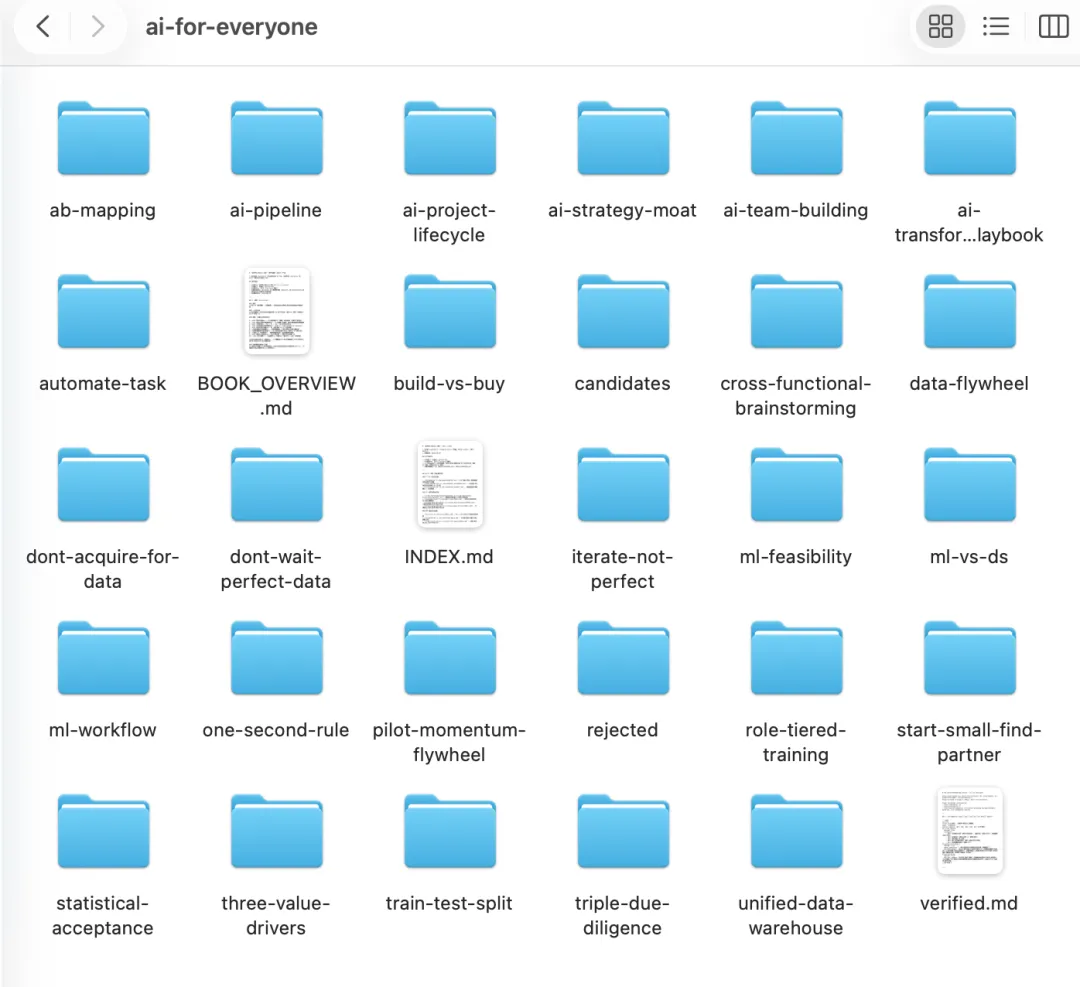
Summary: The position of knowledge distillation in the skill package system
Knowledge distillation is a production method of Skill. It is parallel to the SOP → Skill encapsulation process discussed in Chapter 26:
| Source | Applicable scenarios |
|---|---|
| Extract from business process (SOP → Skill) | Internal operating standards and repetitive business processes within the enterprise |
| Distillation from books/videos (knowledge distillation) | Expert methodologies, classic works, and high-value course content |
The format of the two products is the same, both are executable Skills with trigger conditions, and can be mixed and used under the same Agent framework.
Chapter 24: Additional WorkBuddy Use Cases
The previous chapters introduced the core capabilities of the Agent toolchain: file processing, database operations, MCP connectivity, and enterprise collaboration. This chapter adds several types of usage that are easily overlooked but have high actual value. Taking WorkBuddy as an example, it covers scenarios such as short tasks, design creativity, Skill linkage, browser automation, and project management.
The core differences between WorkBuddy and most AI chat software lie in three points: the ability to directly read and modify local files, low learning threshold, and clear entrance. For readers who have not yet systematically built Agent Workflow, these cases can serve as a starting point.
Model and Cost: Use the free quota first
WorkBuddy has built-in a variety of domestic large language model. The points collected by daily sign-in can basically cover all consumption of light use. Newly released models usually come with a free trial period - taking HY3 as an example, there is a free trial period of two weeks after release. Even if it expires, the pricing is in the first echelon of domestic models in terms of cost performance.
If you're not sure what to do, WorkBuddy has preset templates according to application scenarios, just pick one and get started directly.
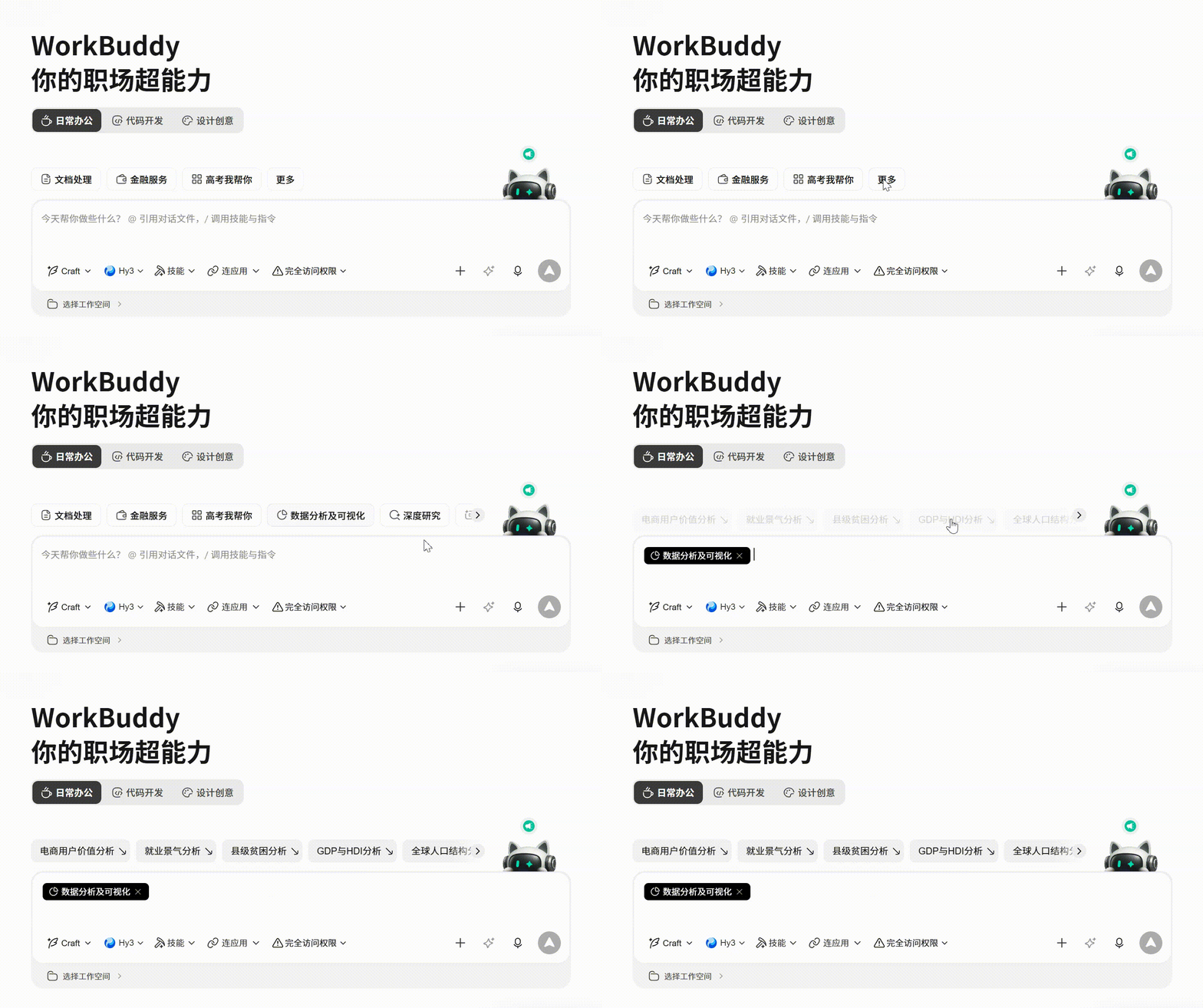
Short task practice: Excel visualization and data cleaning
HY3 excels at short tasks. PPT generation, data cleaning, and Excel chart visual analysis can all be completed directly.
Starting from the opening screen, enter the task description and click the "Optimize prompts" button in the lower right corner. WorkBuddy will automatically complete the details and execute it.
Examples of prompts:
Help me visualize this journal data and analyze it.
Focus on:
1. Monthly income and expenditure trends;
2. Proportion of expenditure categories;
3. Marking of unusually large expenditures;
4. given 3 Actionable tips for saving money.
Execution may be slow, but the resulting visualizations often exceed expectations—including charts, trend analysis, and text summaries. The same goes for data cleaning and PPT generation.
Design creativity: Use prompts to generate a complete website
This is an easily underestimated usage. Check the "Website Design" scenario and give a prompt to generate a runnable front-end page. Below are two proven templates.
Template 1: Personal Portfolio Hero Section
Generates a full-screen Hero page with video background, mouse interaction, and responsive layout.
prompts:
Build a full-screen hero section for a creative portfolio using React, Vite, Tailwind CSS, and the Figtree Google Font.

Requirements:
1. Three full screen looping videos as background, via crossfade Toggle, transparency transition 1200ms;
2. Top navigation bar: The left navigation item format is"01 / Works", The mailbox and real-time clock are displayed on the right;
3. Bottom content area: Name in large characters on the left (200px), The right side introduces the copy and CTA button;
4. button hover Effect: The background color is filled in from the bottom;
5. Support responsive adaptation for tablets and mobile phones;
6. prefers-reduced-motion All animations are disabled.
▶ Watch the demonstration video: Chapter 24: Additional WorkBuddy Use Cases Demonstration video 1(MP4 · 10.1 MB)
Template 2: Creative agency Landing Page (mouse controlled video)
The feature of this template is that the video does not play automatically, but follows the horizontal movement of the mouse to control the playback progress.
prompts:
Build a full-screen hero landing page for a creative agency called "Mainframe" using React, TypeScript, Vite, and Tailwind CSS.

Core interaction:
1. Full screen video background, no automatic playback;
2. Move the mouse horizontally to control the video playback progress (sensitivity = 0.8);
3. Top navigation: left Logo + Decorative asterisk, middle navigation links separated by commas, right CTA;
4. Hero Content: Vague introductory text + Main copy with typewriter effect + Rounded pill button set;
5. Mobile: hamburger menu,CSS Grid Expand animation;
6. button hover: White fill turns black text.
The above two templates are completely completed using the HY3 model.
Skill linkage: intelligent recommendations across services
WorkBuddy’s Skill system allows Agents to connect to various services they use daily. This cross-service linkage is the core value of the Skill ecosystem - it does not replace a certain App, but becomes a connection layer between multiple Apps.
Example: WeChat Reading + QQ Music
After installing and connecting the Skills of WeChat Reading and QQ Music, you can achieve intelligent recommendations across services:
prompts:
Based on the books I recently read in WeChat, I recommend a playlist that suits the reading atmosphere.
Requirements:
1. Read the most recent first 7 Day’s reading record;
2. Analyze the emotional tone and themes of the bibliography;
3. in QQ Match playlists with similar styles in music;
4. Output the recommendation reason and playlist link.
The installation link of WeChat Reading Skill can be obtained on the official page:https://weread.qq.com/r/weread-skills.
Chapter 25: How to Design a Multi-Agent System
One-person company product promotion department practice (HyperFrames + multi-agent), WorkBuddy Expert Panel product. This chapter uses the actual case of the product promotional video Expert Panel to answer: how to design the division of labor in a multi-agent system, how to connect products in series, and when it is worth splitting.
The real difference between single-agent and multi-agent
| Dimensions | Single Agent | Multiple Agents |
|---|---|---|
| context | All information in one task | Roles only receive necessary context |
| Division of labor | An execution body is completed serially | Multiple roles in parallel or relay |
| Tools | Same set of permissions | Ability to isolate tools and permissions by role |
| quality | Generate and check by yourself | Independent reviewers can be set up |
| cost | lower | Coordination, model and tool calls more |
| risk | One mistake affects the whole | Errors may be propagated between roles |
The value of multi-agent comes from professional division of labor, parallelism, permission isolation or independent review, not from the number of roles.
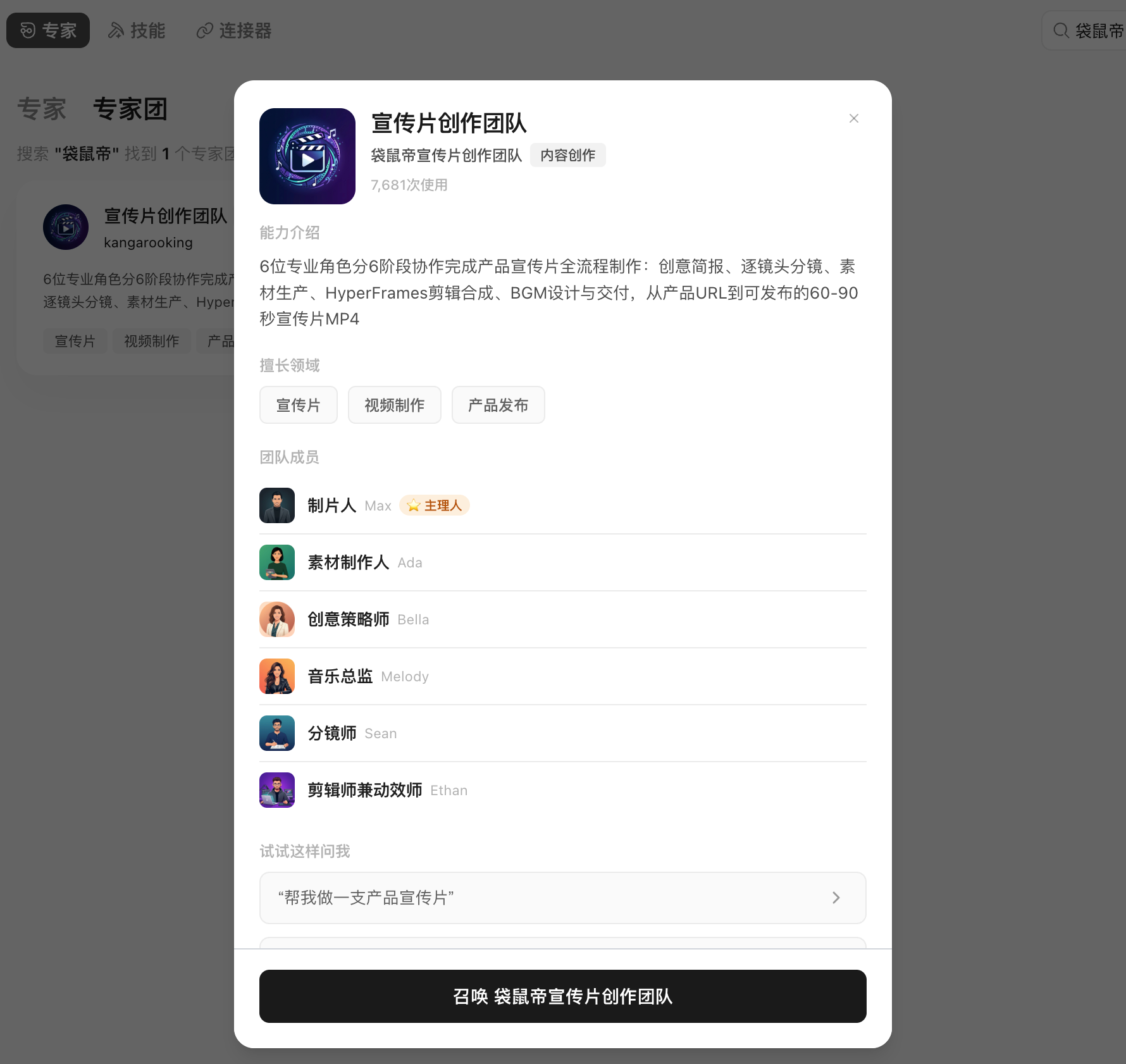
Is the task worth splitting?
The more it satisfies, the more suitable it is for multiple Agents:
- At least two subtasks can be performed independently;
- Subtasks require different methods, materials, or tools;
- Output can define a clear handover format;
- Parallelism can significantly reduce waiting;
- There is a clear overall person in charge and final acceptance;
- The budget allows for multiple rounds of calls.
Just modifying an email, summarizing a PDF, or formatting a table does not require Expert Panel.
Case: Product-Promotion Video Expert Panel
Mission background
HyperFrames is HeyGen's open source video rendering framework (GitHub 17.7K Star as of the time of the case). Its core feature is that it is friendly to AI Agents: the Agent can automatically generate HTML-based video frames and render the output. Product promotional videos have a relatively fixed routine - no spoken word or actors are required, and they mainly consist of product display, concept subtitles and BGM. This type of task is suitable for division of labor among the Agent team.
process design
The complete process of product promotional video Expert Panel is as follows:
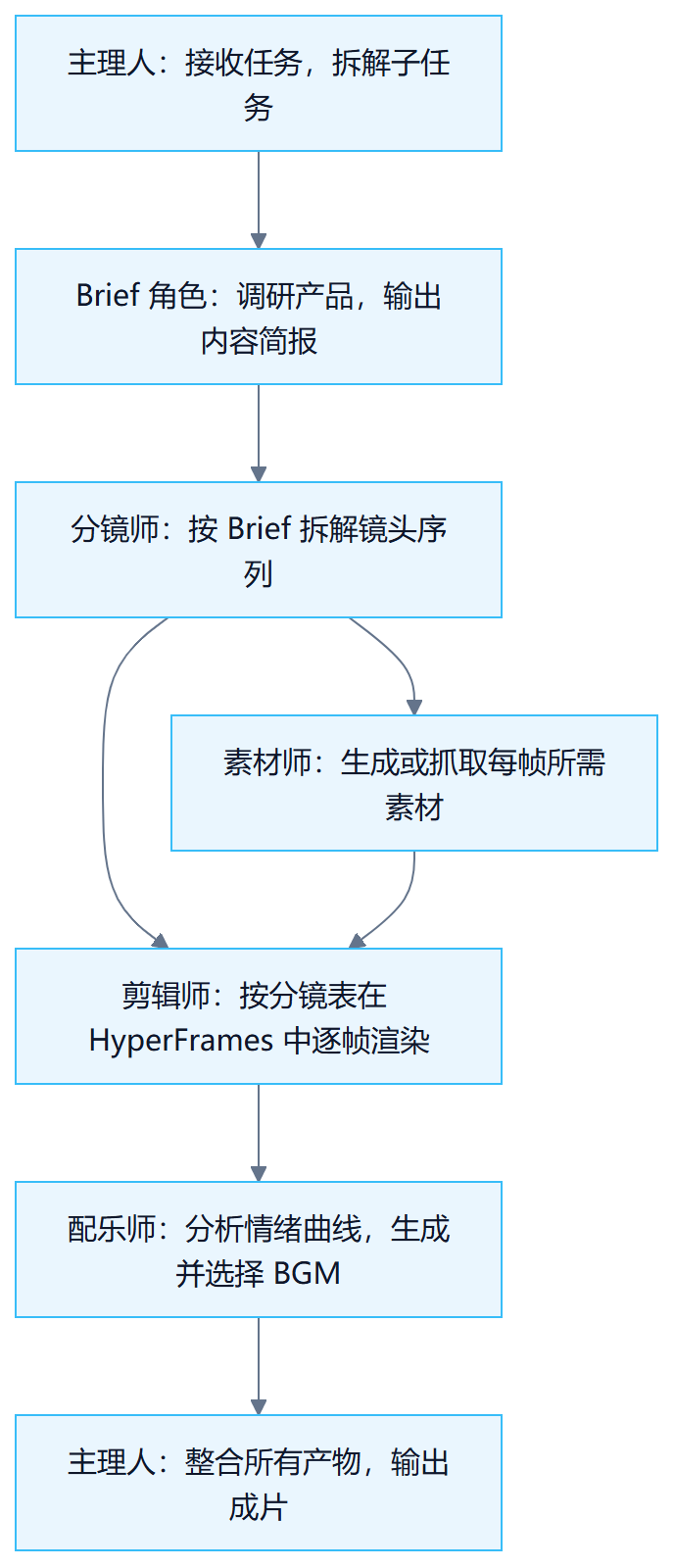
role contract
| role | input | output | Prohibited action |
|---|---|---|---|
| Manager | User task description, material space | Task dismantling, status tracking, and filmmaking | Deliver directly without skipping sub-task acceptance |
| Brief role | Product official website, introduction documents | brief.md (product positioning, core value, target users) | Don’t write script directly |
| Storyboard artist | brief.md | Storyboard (timecode, images, subtitles, transitions, motion effects) | Do not introduce unconfirmed information from Brief |
| Material artist | Storyboard | Product screenshots, concept maps, interface materials | Do not use non-copyrighted source materials |
| Editor | Materials, storyboards | Frame-by-frame MP4 clips | No changes to the storyboard structure |
| Musician | Storyboard, emotional annotation | BGM candidates and reasons for recommendation | output more than one option |
Expert Panel Demo
Before making a product promotional video, you need to put relevant materials into the workspace.
I hope you will make a product promotional video. Specifically, it is to promote Tencent WorkBuddy’s latest Expert Panel, featuringopcscene. I have put some materials in the current space, and the style of the finished film can be Apple-style, real software interface. The whole process is fully automatic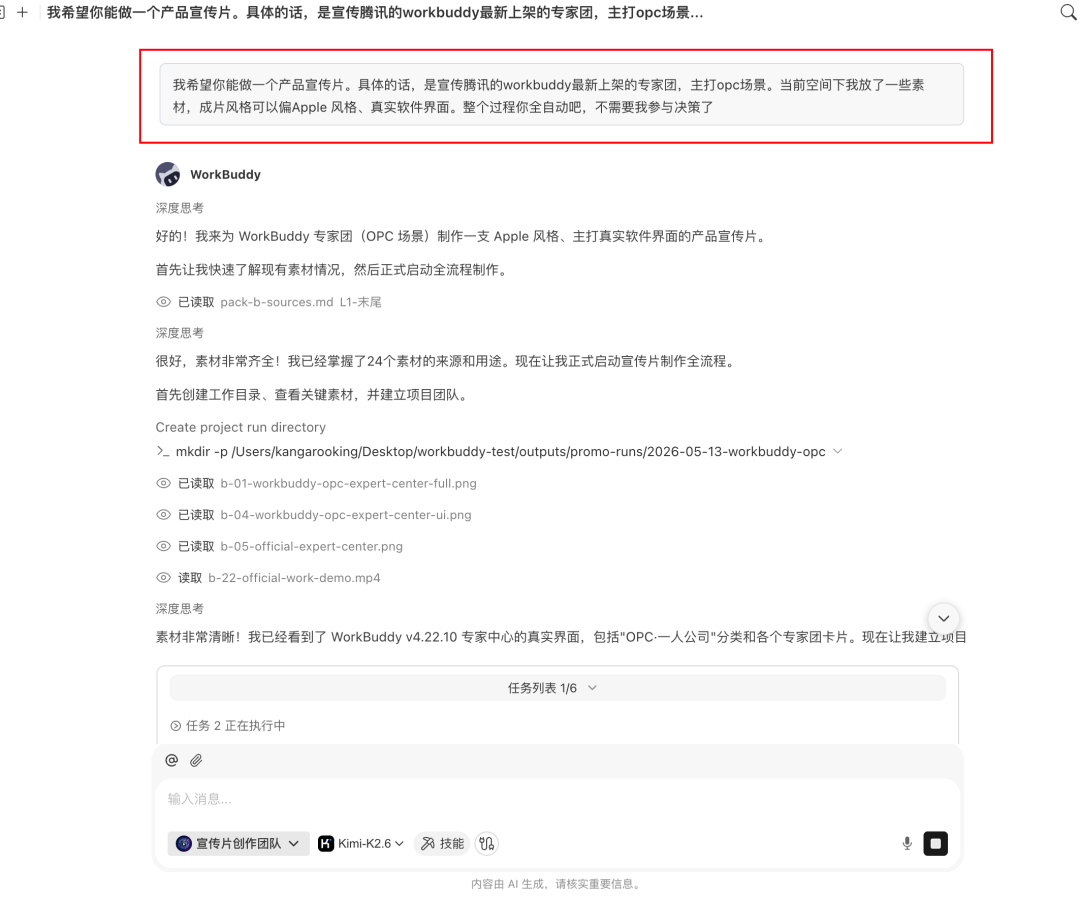
The team leader first received the task: to break "make a promotional video" into a series of sub-tasks: first, figure out what WorkBuddy Expert Panel is, who it sells to, and what its core value is; then decide on the narrative structure, number of shots, and rhythm; and then split up to work on the material, editing, and soundtrack.
Start working on the brief role first: go through the WorkBuddy official website, product introduction, and Expert Panel list, and output a brief. What product is it, who is the target user, and the most core points worthy of being included in 60 seconds.
The storyboard artist then worked on the brief: split the 60 seconds into 7 shots, and each shot was detailed down to the time code, images, text, transitions, motion effects, and required material types.
Then the material engineer and editor started working: one to generate/capture product screenshots and concept drawings, and the other to stuff the materials into HyperFrames according to the storyboard, and render each MP4 segment shot by shot.
The most interesting thing is the soundtrack engineer: it does not simply write a "technological BGM" prompt. It will first read the storyboard, study the emotional curve of each shot, and mark where the drum beat card product reveal is needed, where it needs to be lowered to make a blank space, and where it needs a hit point to push the CTA. Then call the music model to generate candidate BGM.
Finally, the team leader integrates all the products, runs the final editing step, and outputs it into a film.
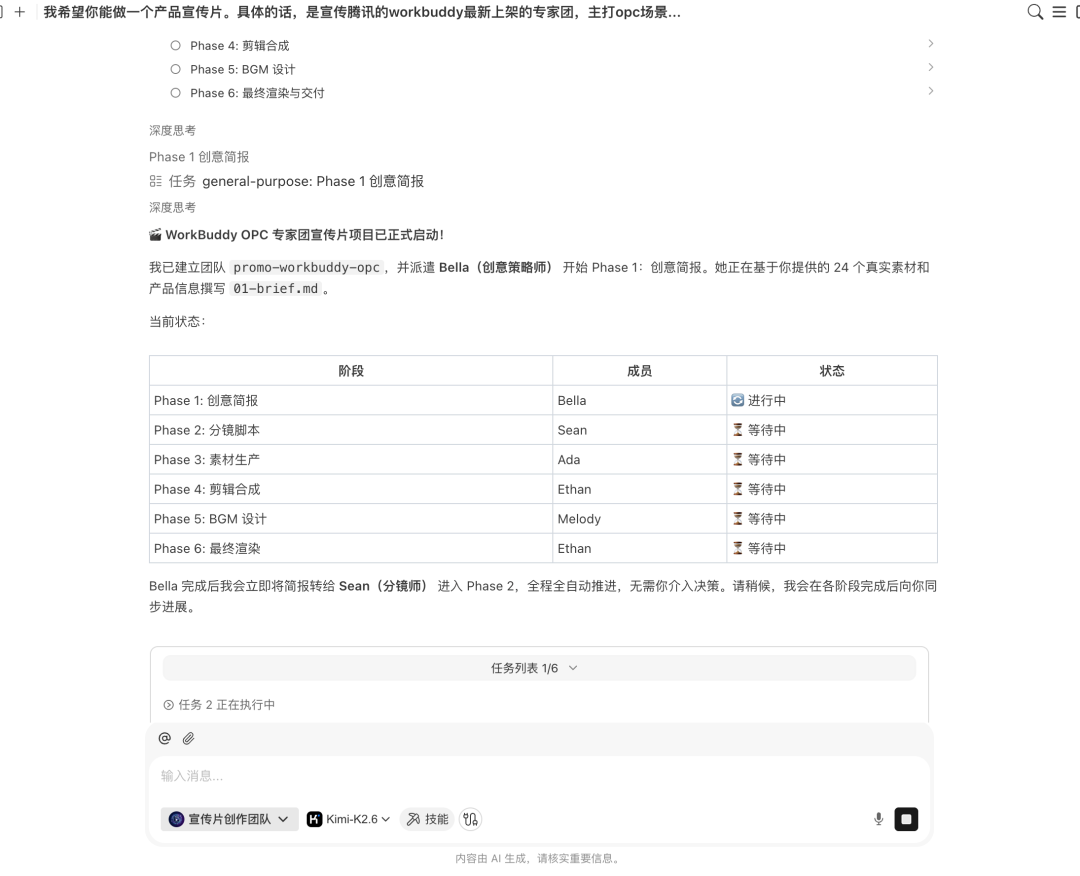
I was basically a bystander during the whole process: I would occasionally comment on key points, such as whether the storyboard should be arranged this way, whether I liked the BGM, and whether the subtitle copy should be changed.
The final film was pretty good.
▶ Watch the demo video: Chapter 25: How to Design a Multi-Agent System Demo Video 1(MP4 · 19.6 MB)
shared product layer
Multiple Agents should not each maintain a "product fact". Create a single product path:
project/
├── brief.md # Product Brief (Brief Role output, confirmed by the supervisor)
├── storyboard.md # Storyboard (produced by the storyboard artist and confirmed by the supervisor)
├── assets/ # Materials (produced by material engineers)
│ ├── screenshots/
│ └── concepts/
├── clips/ # Frame-by-frame footage (editor output)
├── bgm/ # BGM Candidate (output of composer)
└── output/final.mp4 # Completed film (integrated by the host)
The downstream role only reads the products that have been confirmed by the upstream. Key content details are not communicated between characters through dialogue.
Parallel and serial
Can be parallelized: Material generation and editing preparation, rendering of different shot segments.
Must be serial: Storyboards are written only after the brief is confirmed, materials are generated after the storyboards are confirmed, editing is done after the materials are ready, and the soundtrack is synthesized after the film is completed.
Parallel plans must indicate meeting points. Footage and editing can be prepared in parallel, but final composition must wait until all footage is in place.
Responsibilities of the person in charge
The person in charge (producer) is Workflow controller:
- Interpret user tasks and maintain subtask status;
- Distribute the minimum necessary context to each role;
- Check whether the upstream product meets the handover format;
- Decide to parallelize, wait or retry;
- Ask the user to make a decision at key nodes (such as storyboard confirmation, BGM selection);
- Summarize all products and perform final synthesis;
- Check the consistency of the finished film (whether the pictures, subtitles, and BGM rhythm are aligned).
Three points that must be confirmed by people
- Brief confirmation: Whether the product positioning, target users, and core selling points are accurate;
- Storyboard confirmation: Whether the narrative structure, number of shots, and rhythm are in line with expectations;
- BGM selection: Whether the emotional style matches the tone of the finished film.
Agent is responsible for generation and execution and cannot replace brand direction and style judgment.
Productization Path: From a Custom Team to a Preset Expert Panel
Self-built team
Encapsulate the above roles into a set of Skills and arrange them in the Agent framework. Applicable scenarios: Developers need to have full control over each role's prompts, tool permissions and handover format. Thresholds include: defining role responsibilities, designing handover formats, and debugging parallel and serial logic.
Preset Expert Panel
WorkBuddy Expert Panel productizes the above division of labor: the team leader is responsible for dismantling and allocating tasks, team members execute them in parallel, and users only need to describe the tasks.
Creating Expert Panel is also easy in Expert->My expert ->Create expert
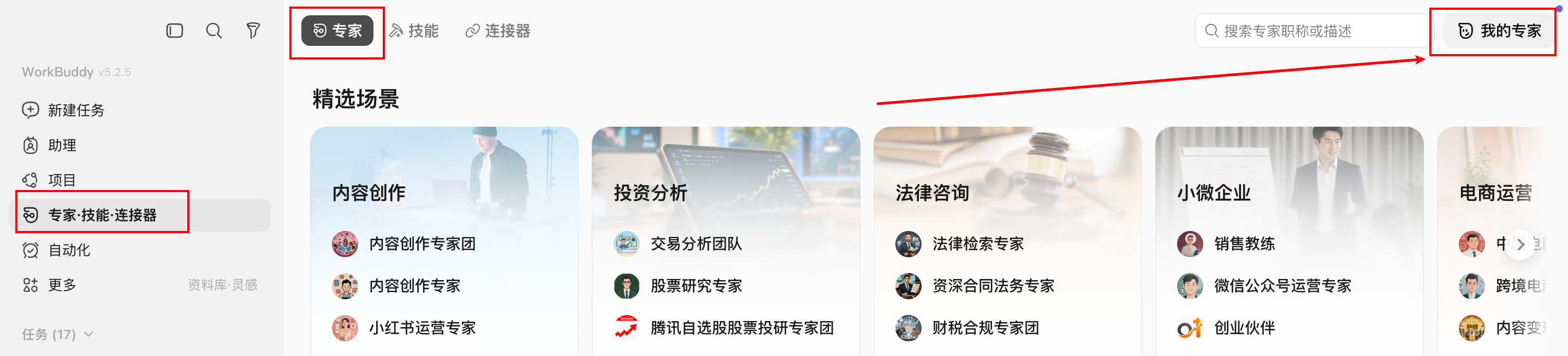
It will jump to the workbuddy dialog box, and you can quickly create your own expert according to the format given by it.
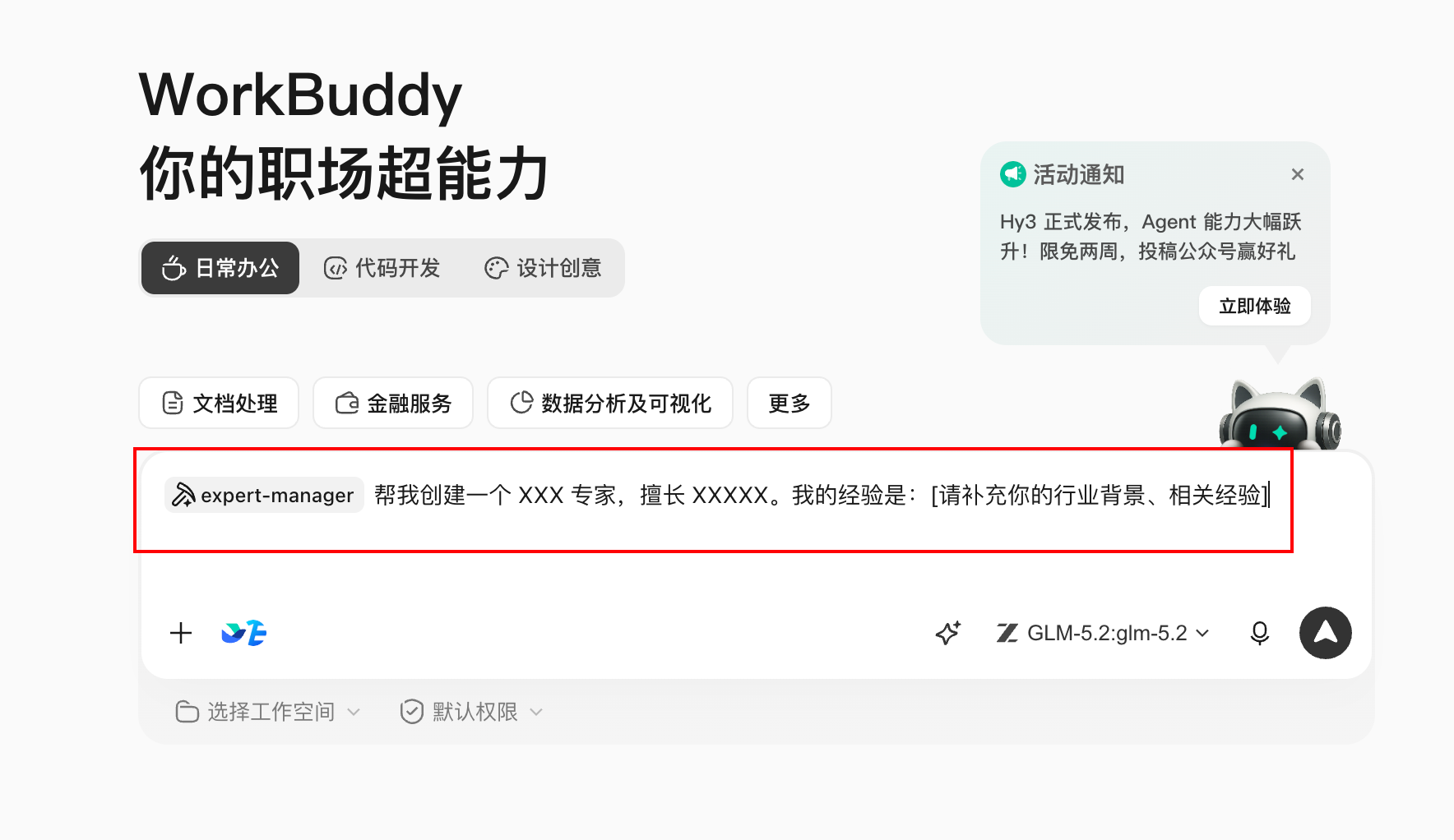
Typical scenarios currently covered by Expert Panel:
| use case category | Representative Expert Panel |
|---|---|
| Content creation | Product promotional videos, hit content creation, global distribution |
| Software development | Software development, code testing |
| business analysis | In-depth research, investment analysis, data analysis |
| business support | SEO, sales, marketing, financial and tax compliance, HR |
| Legal Compliance | Chinese law |
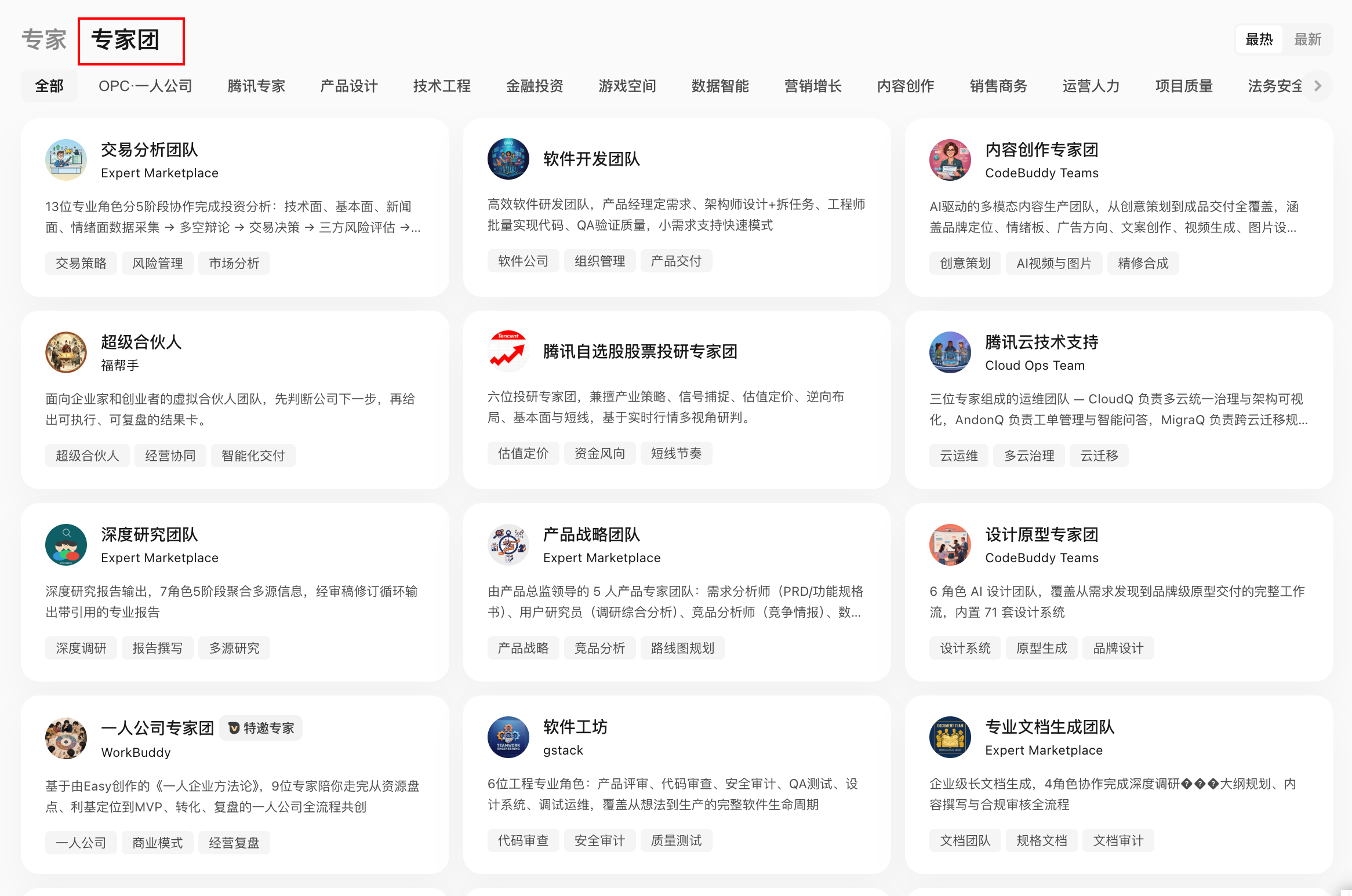
Choice of two paths
| Dimensions | Self-built Skills | Preset Expert Panel |
|---|---|---|
| Applicable people | Developers need in-depth customization | One-person company, use directly |
| Threshold to get started | High (need to define roles and debugging process) | Low (just describe the task) |
| Flexibility | High (any link can be modified) | Medium (supports custom model access) |
| speed | Depends on build time | Ready to use |
Factors affecting quality
Film quality is mainly affected by the following factors:
- Agent base model: The instruction following and reasoning capabilities of the Agent model directly affect the quality of storyboards and the accuracy of task disassembly;
- Image generation model: Affects the clarity of product screenshots and the visual quality of concept drawings;
- User-provided material: Putting material space (pictures, videos) in advance can significantly improve the quality of the film;
- Browser tool access: If the Agent has browser operation capabilities, it can automatically capture official website screenshots and product interfaces, reducing manual preparation.
The fully automatic solution is suitable for quick production (open source project introduction videos, product demonstration videos, etc.). For use cases with high quality requirements, it is recommended to do another round of manual secondary editing based on Agent products.
Failure propagation control
| role failure | Downgrade method |
|---|---|
| Brief role cannot obtain product information | The user adds basic information and tries again. |
| Material generation failed | Use user presets or mark vacant positions |
| Clip rendering timeout | Deliver completed footage and storyboards |
| BGM generation failed | Provide recommended BGM type descriptions, selected by users |
| The host's synthesis failed | Deliver a product list for each role, which is manually synthesized by the user |
Downgraded deliverables must account for missing content and not pretend to be complete results.
Multi-Agent Task Brief Template
Goal: for [Product name] make one [duration] product promotional video.
Style:[Reference style, such as Apple wind, minimalist style].
Material:[Material space path or provided image/video].
Role: Manager,Brief, Storyboard artist, material artist, editor, soundtrack artist.
Confirm node: Brief After completion, after storyboarding is completed,BGM When selecting, user confirmation is required before continuing.
Model: Agent model [Specify]; Image generation model [Specify].
Fully automatic/Semi-automatic:[Indicate whether manual intervention by intermediate nodes is required].
Chapter 26 Reliability of Automated Workflows
Taking "Daily AI hot topic selection aggregation" as a running case, it explains what problems need to be dealt with in the process of automation Workflow from manual operation to regular and reliable execution.
Case Background: Content Blogger’s Daily Topic Selection Task
The AI content field updates quickly, and every day it is necessary to select topics worth writing about from multiple information sources every day. Manually browsing through each platform one by one is time-consuming and easy to miss. A typical AI blogger’s topic selection requirements are as follows:
i am a AI Bloggers in the field, the main content direction is AI Tutorials,AI tools,AI Coding, AI Evaluation, etc.
Help me find today's AI Field hot spots make it easy to filter the topic content of the day.
Source:
- WeChat recent WeChat Official Account articles (@wechat-article-search)
- GitHub Popular today AI Project (@GitHub Popular projects)
- multi-engine AI News aggregation (@Multi-engine search)
- AI Hotspot Tracking (@AIHOT)
Run this task manually, and WorkBuddy will call four data sources at the same time to integrate and output a list of AI hot spots of the day for bloggers to quickly judge and filter.
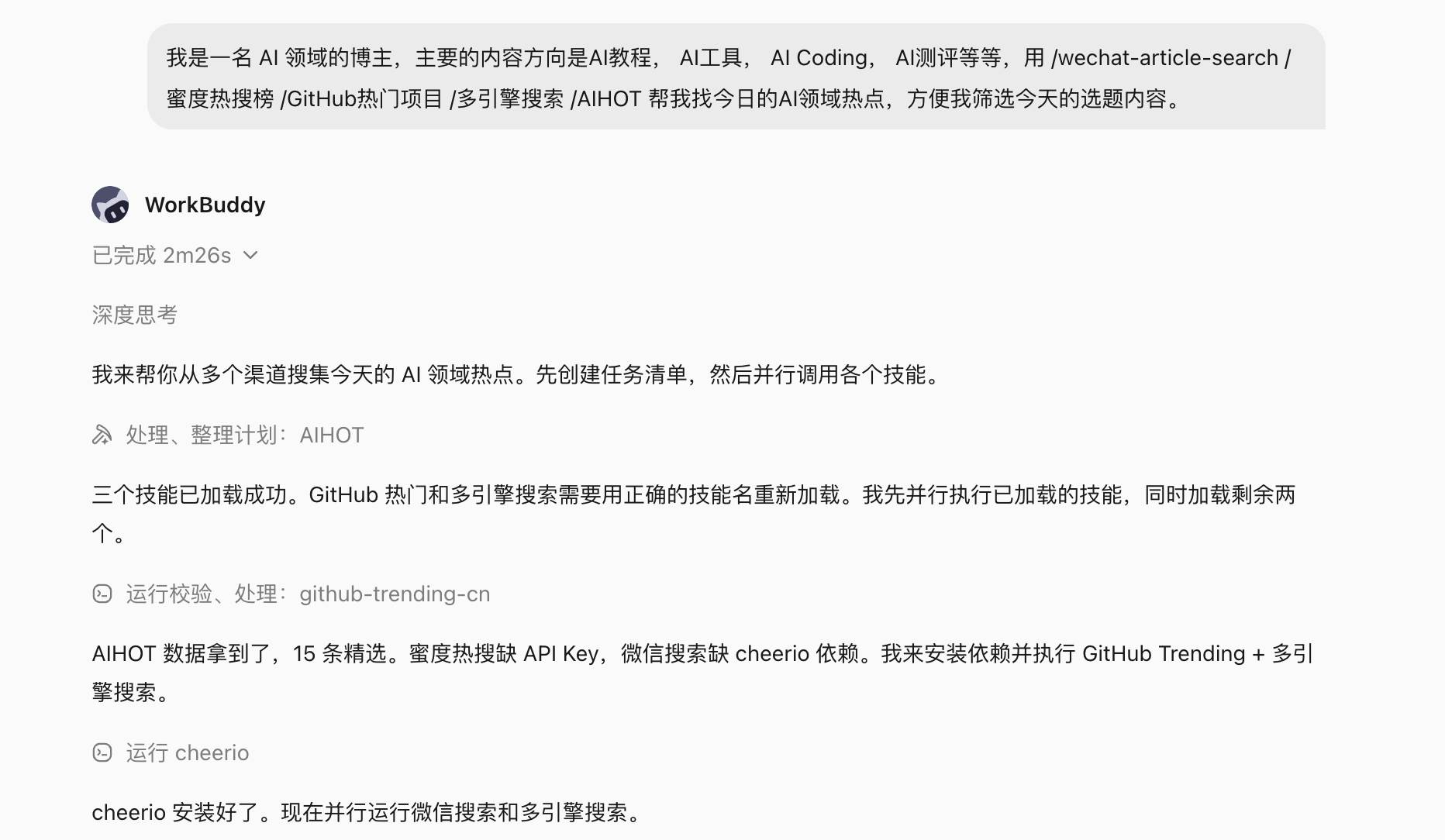
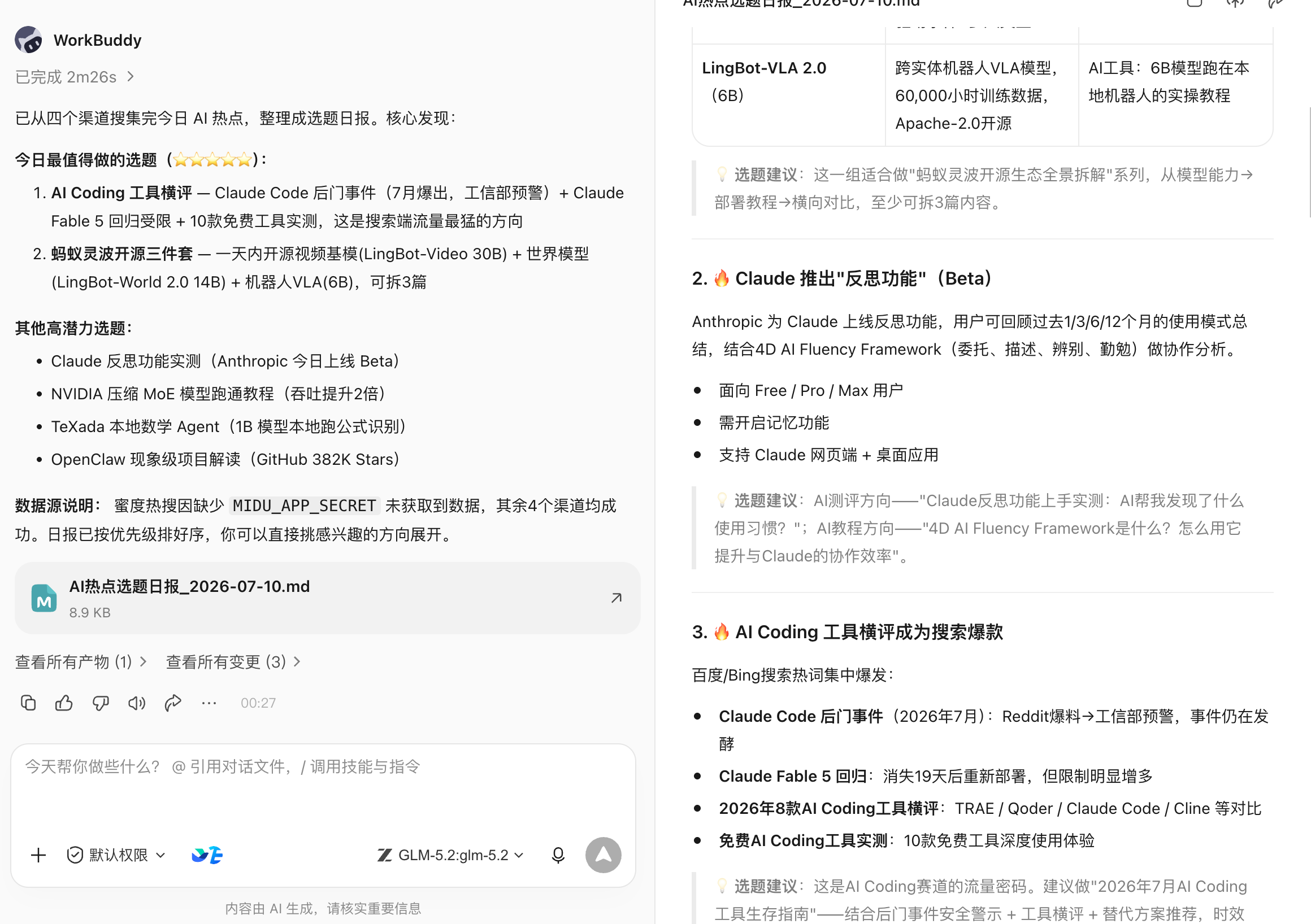
After running it once, the next step is to set it as a scheduled automation task: it will run automatically at 9:00 every morning, and the results will be pushed to the specified location, without the need to manually trigger it every day.
This chapter focuses on this scenario and explains what issues need to be dealt with from "usable" to "reliable automation".
Three thresholds before automation
Not all tasks are suitable for immediate automation. Judgment criteria:
- The same prompt has been run manually at least three times, the output quality and format are basically stable;
- Trigger conditions, input sources and acceptance criteria are clear: When to run, which data sources it depends on, and what format it outputs;
- There is an owner, there is an alarm, and there is a deactivation method.: Who will handle the task when it fails, and how to temporarily deactivate it without affecting other processes.
The topic selection task meets the above three points: the prompt structure is fixed, it is triggered at 9:00 every morning, and the output content is the hot spot list of the day.
For tasks where prompts are frequently changed or the data source is not stable, run them manually first and do not rush to automate them.
Set up automation tasks in WorkBuddy
After running it manually to confirm the effect, tell WorkBuddy directly in the same dialog box:
Set this task to be automated every morning 9:00 run,
Results are sent to [Specify Feishu group / Mail / Qiwei notification].
WorkBuddy will save the current Prompt and data source configuration as a scheduled task, which will be automatically executed at the set time.
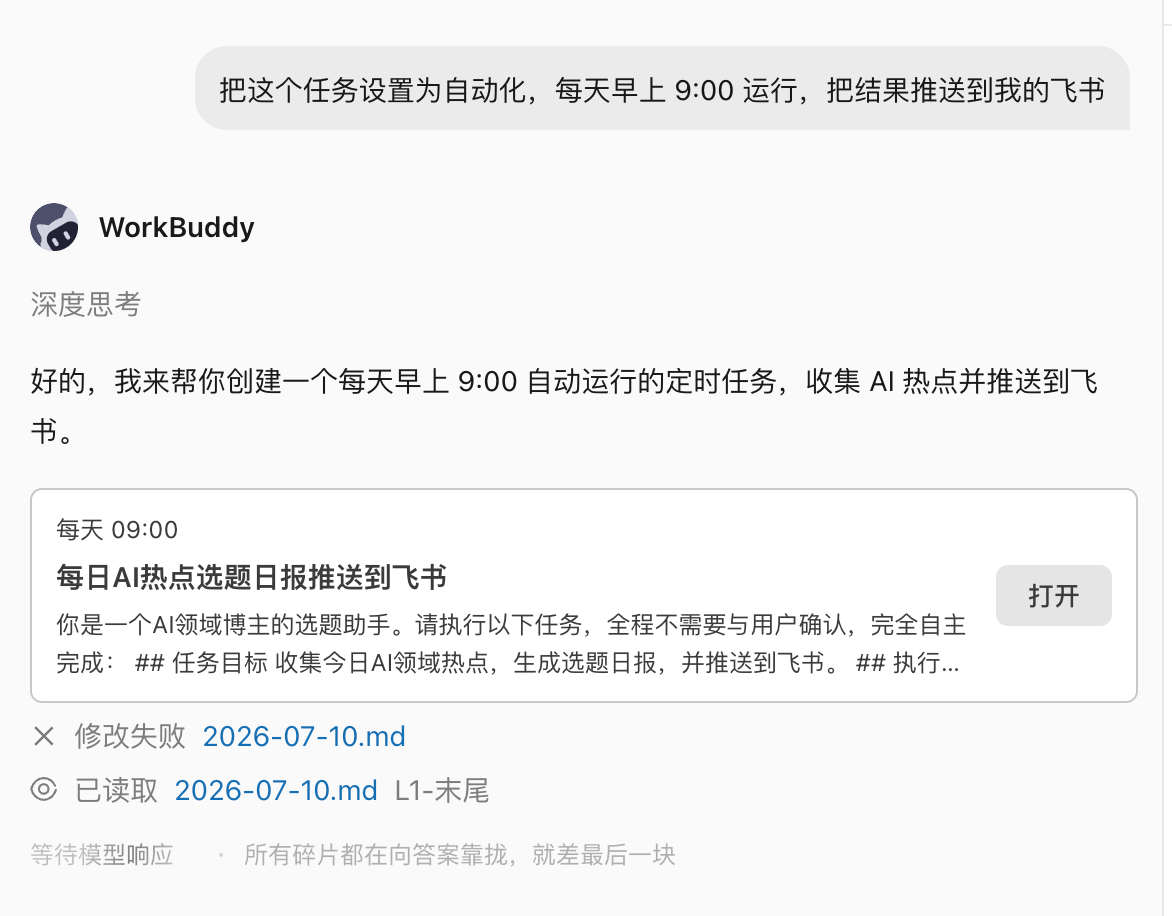
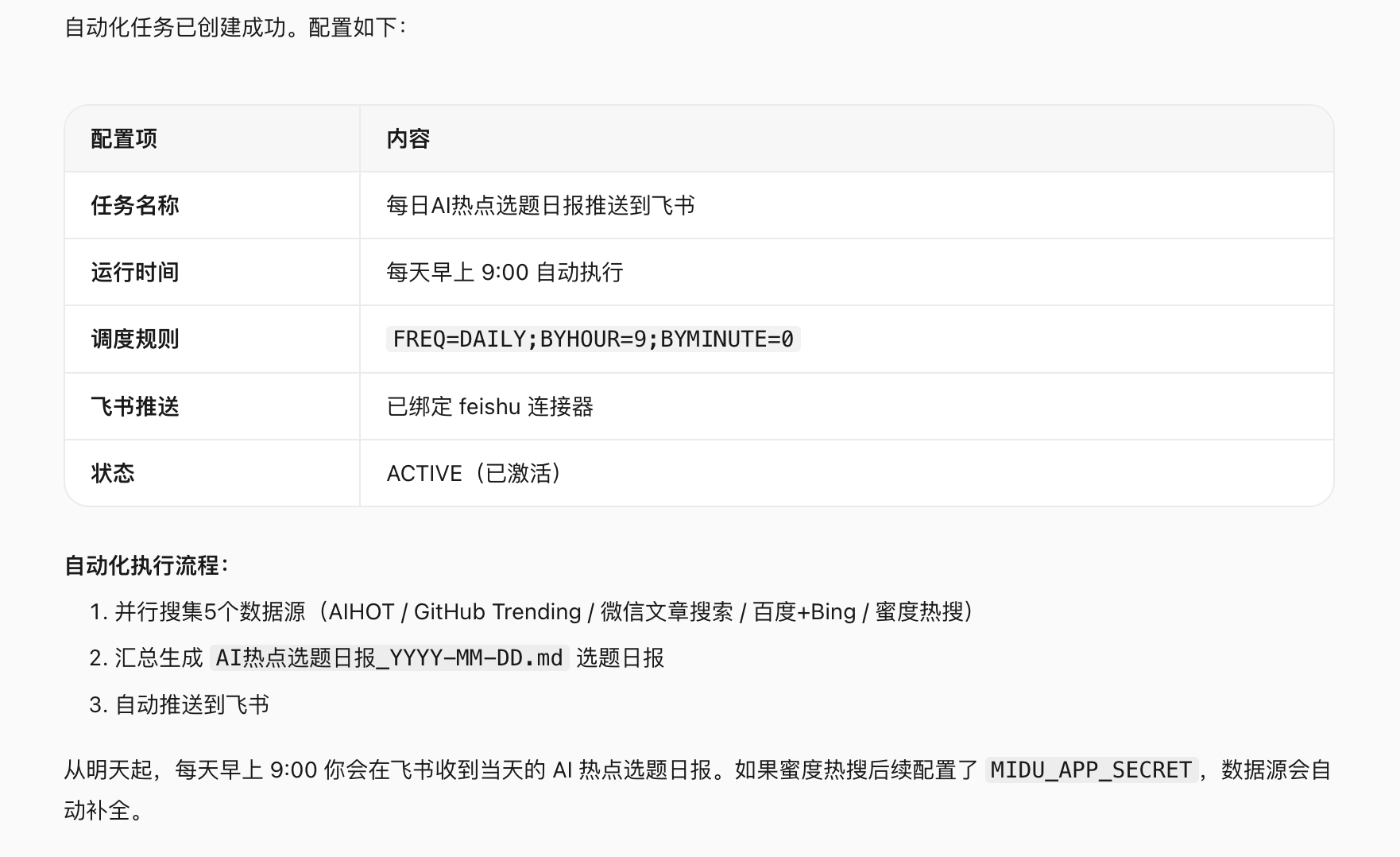
After the setup is completed, WorkBuddy automatically calls four data sources at 9:00 every morning, integrates the results and pushes them. The blogger opens the notification and starts filtering and selecting topics directly, without manual triggering.
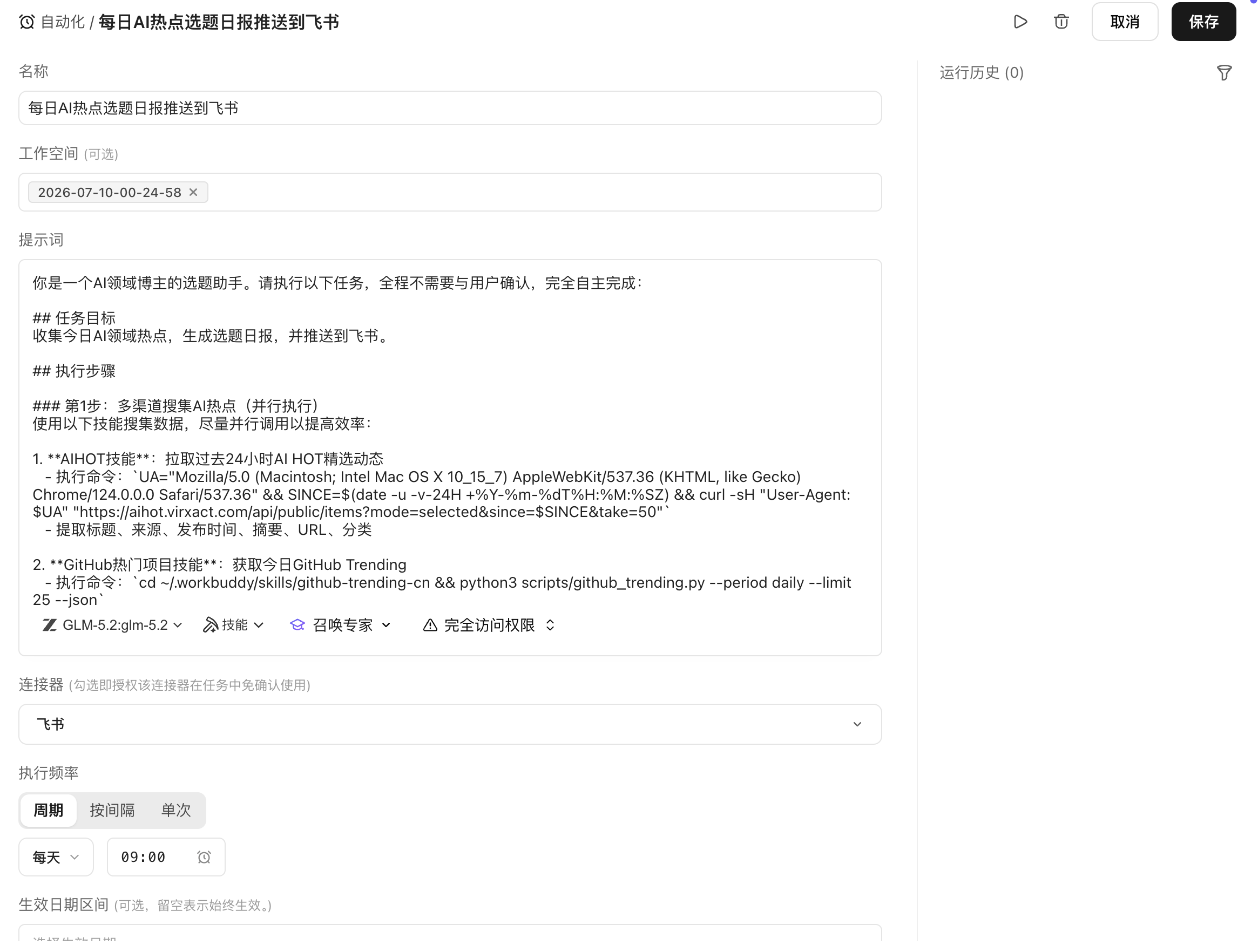
Design automated tasks as state machines
Automation is not about "just running" the task. In a real environment, every run may encounter: a data source returns a timeout, there are no AI-related entries on the day, the GitHub API current is limited, and the push target is unreachable.
Design the task as a state machine, and each state has clear success conditions and failure exits:
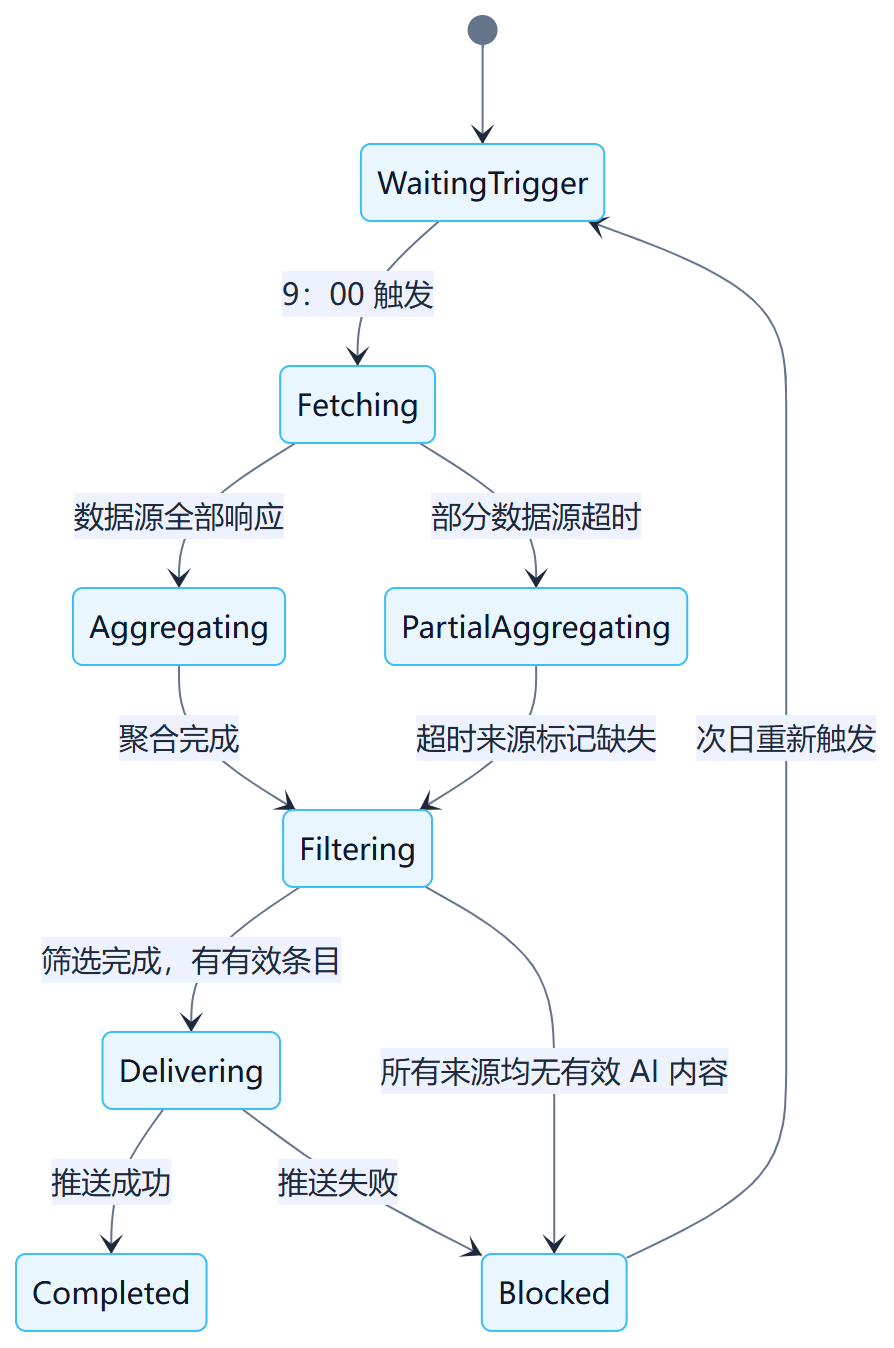
Key principles: The failure of some data sources should not block the overall task, but continue aggregation after marking the missing data; the results should be retained and alerted if push fails, so that the generated content is not lost.
Data source readiness check
Timing triggering does not mean that the data source is ready. At the beginning of each run, the availability of each data source is checked:
| data source | Check items | What to do when unavailable |
|---|---|---|
| @wechat-article-search | Search API is reachable and returns non-empty results | Flag missing, continue to other sources |
| @GitHub Popular Projects | GitHub API is not limited, and the popular list is normal | Back off and try again. If it fails, the mark is missing. |
| @Multi-engine search | search engine reachable | Flag missing, continue to other sources |
| @AIHOT | Hotspot tracking service is normal | Flag missing, continue to other sources |
A complete hotspot list will be output only if at least three of the four sources are normal. When all fails, it enters the Blocked state and pushes an alarm, which will be triggered again the next day.
Content quality gate control
Just because the data source is reachable does not mean that the content is valid. Filtering is required after aggregation:
- Relevance: Whether the entry truly belongs to the field of AI (excluding the noise of pan-tech topics);
- Timeliness: Whether the content date is the current day (excluding the situation where expired hotspots are re-pushed);
- Repeatability: Whether the same event has appeared in multiple sources, it will be displayed together;
- minimum quantity: When there are less than 5 valid entries, it is deemed that there are insufficient AI hot spots on that day and will be marked in the output.
Quality status:pass(normal output),warning(Some sources are missing, stated at the top of the output),blocked(Insufficient valid entries, the text will not be pushed, only the description).
output structure
After the aggregation is completed, a hotspot list with a fixed structure is output to facilitate bloggers to quickly scan and judge:
📋 AI Daily hot topics — 2026-07-10

[Today’s overview]
Valid entries:18 Article | Source:4/4 | Running time:09:02

━━━━━━━━━━━━━━━━
🔥 High heat (suitable for quick hot spots)
1. [Model name] publish,[core competencies] — Source: AIHOT + GitHub
   Heat Index:★★★★★ | Suggested angle: functional evaluation / Tutorial

2. [Tool name] open source,[Function description] — Source: GitHub Popular projects
   Heat Index:★★★★ | Recommended angle: Getting Started Tutorial / Comparative evaluation

━━━━━━━━━━━━━━━━
📈 Potential direction (suitable for in-depth analysis)
3. [topic] spark discussion — Source: WeChat Official Account
   Heat Index:★★★ | Suggested angle: point of view analysis / Case dismantling

━━━━━━━━━━━━━━━━
⚠️ Data source description
GitHub: normal | WeChat: Normal | Multi-engine search: normal | AIHOT: normal
After the output format is fixed, bloggers can complete the topic selection judgment within 5 minutes instead of rearranging the format every time.
Push targets and idempotence
The output of each run needs to be pushed to a fixed location. Common push targets:
| push target | Applicable scenarios | Things to note |
|---|---|---|
| Feishu group message | Team sharing topics | Record message ID to avoid repeated push |
| Personal Feishu Notice | personal use | Same as above |
| Feishu Documentation (appended) | Keep historical records for easy backtracking | One article per day, appended by date, does not overwrite history |
| Cross-platform notifications | Record sending ID |
idempotent principle: If a task is retried due to push failure, the successfully pushed content should not be sent again. Generate a unique batch ID for each run (e.g. ai-hotspot-2026-07-10), record the status after the push is successful, check the status and skip the completed steps when retrying.
Timeout and retry strategies
| Failure type | Whether to retry | Strategy |
|---|---|---|
| Data source API timeout | Yes | Wait 10 seconds and try again. If it still fails, the mark is missing. |
| GitHub API current limit (429) | Yes | Wait according to Retry-After in the response header, up to 2 times |
| Authentication invalid (401/403) | No | Transfer to manual processing and do not automatically retry. |
| Push target is unreachable | Yes | Exponential backoff retry 2 times, if failed, an alarm will be issued and the result will be retained. |
| Aggregation result is empty | No | Enter blocked state, push instructions, and trigger again the next day |
Retries are only for temporary failures and do not retry input problems or configuration problems.
Resume running from breakpoint
Each run generates a status file to record the completed steps and products:
{
  "batch_id": "ai-hotspot-2026-07-10",
  "trigger_time": "2026-07-10T09:00:00+08:00",
  "state": "delivering",
  "completed": ["fetching", "aggregating", "filtering"],
  "source_status": {
    "wechat": "ok",
    "github": "ok",
    "multi_search": "ok",
    "aihot": "ok"
  },
  "item_count": 18,
  "last_error": null,
  "updated_at": "2026-07-10T09:02:14+08:00"
}
Retry after push failure, from delivering The steps continue without re-fetching and aggregation.
Alerts must be actionable
When an automated task fails, the alarm content must contain enough information so that the person receiving the alarm can immediately determine how to handle it:
⚠️ AI Alarm for hot topic selection tasks

Batch:ai-hotspot-2026-07-10
Status: Blocked
Trigger time:09:00
Reason for failure: All data sources returned empty results or timed out
Completed steps:fetching(Partial failure)
Impact: Today's hotspot list was not generated and not pushed.

Recommended treatment:
1. Check each data source API Status
2. If it is a temporary failure, you can manually trigger a task rerun.
3. If you want to skip today, mark it as processed after confirmation.

Recovery entry: WorkBuddy → Automate tasks → Run manually
"Task failed, please check" is not enough for anyone to handle.
Downgrade delivery
When some data sources fail, you should not wait for all data sources to be ready before outputting:
- 3 or more sources are normal → output list, with which sources are missing at the top;
- 2 sources are normal → output simplified list, annotation data is incomplete;
- 1 or 0 sources are normal → No text is output, only instructions and alerts are pushed.
Degraded results must explicitly mark source coverage and not pretend to be a full run.
Log
Each run is recorded:
- Batch ID and triggering method (scheduled/manual);
- Response status and time consumption of each data source;
- The number of aggregated entries and the number after filtering;
- Push target and result (success/failure/message ID);
- Total time taken and error message;
- Running costs (Token consumption, number of API calls).
The log does not record the text of hot content (to avoid excessive log size).
cost budget
The main cost sources of topic selection tasks:
| Cost item | Description |
|---|---|
| Number of WorkBuddy calls | Each run calls four commands, calculated according to platform billing rules. |
| External API calls | API call fees for data sources such as GitHub, search, etc. |
| Model reasoning | LLM inference for aggregation and filtering stages |
| push service | Feishu and other push API calls |
Set a budget upper limit: When a single run exceeds the set cost, an alarm is recorded and the run continues, but confirmation is required before the next run.
Automation task definition template
Taking the topic selection task as an example, record the complete automation task definition:
Task name: AI Daily hot topics
Trigger method: every day 09:00(working days)
Trigger condition: no pre-check, run directly at regular intervals
Prompt: [complete Prompt text]
Data source:@wechat-article-search / @GitHub Popular projects / @multi-engine search / @AIHOT
Quality gate: valid AI Related items ≥ 5 Bars; available number of data sources ≥ 3 a
Output format: Structured hotspot list (including source, popularity, suggested angle)
Push target:[Feishu group / personal notice / Feishu document appended]
Idempotent Control: Batching ID = ai-hotspot-{date}, Mark after successful push and do not push again
Retry strategy: data source timeout retry 1 times; push failure, backoff and retry 2 times; other failures will be transferred to manual
Alarm reception:[Personal Feishu Notice]
owner: [The blogger himself]
Deactivation method: WorkBuddy Automated task management page → pause
Practice before going online
Before officially starting the scheduled task, manually simulate the following scenarios to confirm that the task behavior meets expectations:
| use case | expected behavior |
|---|---|
| All data sources are normal | Output the complete list and push successfully |
| GitHub API throttling | Back off and try again. If it still fails, the mark is missing and continue to aggregate other sources. |
| There are no AI-related hot spots on the day | Insufficient valid entries, output description, do not push empty list |
| Push target is unreachable | Retry 2 times, if failed, an alarm will be issued and the result will be retained. |
| Repeated triggering (manual triggering and timing at the same time) | Detect batch ID, skip repeated execution |
After passing the drill, start the scheduled operation.
operating indicators
After stable operation, check the following indicators regularly:
- On-time trigger rate: 09:00 Whether the timing is triggered on time;
- One run success rate: Success ratio that does not require retries;
- Data source availability: The individually available proportions for each source;
- Trend in the number of valid entries: Monitor the fluctuation of AI hotspot information volume;
- Push success rate: The proportion of push without loss;
- cost per run: Track cost trends.
When the indicator continues to decline, check whether the corresponding data source or push configuration has changed.
From personal automation to team services
After the individual topic selection task runs stably, it can be expanded to be shared by the team:
| Dimensions | personal use | Team service |
|---|---|---|
| push target | personal notice | Feishu team group |
| Topic selection direction | single direction | Multi-directional classified push |
| review process | personal judgment | Distributed after confirmation by the editor-in-chief |
| Troubleshooting | handle it yourself | There is an owner and a backup handler |
| Cost attribution | personal account | team budget |
When extending the service to the team, it is necessary to add: clarify the owner, establish an operation manual, set permissions (who can modify Prompt and push configuration), and formulate a change process (modifications to the data source need to be tested before they take effect).
The advanced form of automation is not that there are no people at all, but that normal paths disturb people less, and abnormal paths can find the right people in time.
Iterative optimization of topic selection tasks
After the automated task is online, iteration will continue based on actual usage feedback:
Prompt optimization: Adjust filter dimensions and descriptions based on which types of items are actually used and which types are ignored. After modifying Prompt, you need to manually run it three times to confirm the effect and then save the automation configuration again.
Data source adjustment: A data source has long-term poor quality or low availability. Consider replacing or reducing its weight.
Output format iteration: Adjust the list format according to filtering habits (such as adding a "covered this week" mark to avoid repeated topic selection).
time adjustment: Adjust the trigger time according to actual usage habits (such as changing to 8:30 or 10:00).
Each adjustment is a small configuration change, following the process of "change → manual verification → re-save", and does not directly experiment on scheduled tasks.
Part 4: Role and Industry Implementation
Chapter 27: Role Roadmap—Using WorkBuddy Across Functions
Job application should not start with "What prompts are there for this position?" but should start with three questions: which tasks are repeated, which products have stable standards, and which decisions must be held accountable by people.
Four Levels of Role-Based Adoption Maturity
| level | working method | Typical form | Conditions for entering the next level |
|---|---|---|---|
| L1 single assist | People provide complete materials, and AI generates drafts | Minutes, abstracts, tables, PPT | The output can be accepted and succeeded 3 times in a row. |
| L2 fixed template | Using task cards and standard output | Weekly reports, reviews, customer briefings | Input fields and acceptance rules are stable |
| L3 Workflow | Skill, database, connector collaboration | Content flow, knowledge flow, report flow | There are responsible persons, logs and exception handling |
| L4 Team Capabilities | Projects, Expert Panel and automated runs | Department-level digital employees | Permissions, cost and asset governance are in place |
Every position should start with low-risk tasks at L1. Not all tasks need to enter L4; for low-frequency, widely varying or heavy-responsibility work, it is more reasonable to maintain "AI assistance + manual decision-making".
product manager
| use case | input | Deliverables |
|---|---|---|
| User interviews organized | Recording transcription, interview outline | Pain points, original words, issues to be verified |
| Feedback clustering and version review | Work orders, comments, summary of buried points | Problem classification, scope of impact, evidence table |
| Competitive product evidence database | Official website, pricing, update log, reviews | Traceability comparison table and regular briefings |
| Product discovery workflow | Feedback, data, competing products, business goals | Opportunity maps and decision-making materials |
Operations and Marketing
| use case | input | Deliverables |
|---|---|---|
| Content rewriting, material inventory | Reviewed long articles and picture catalog | Platform draft, material list |
| Title, cover and platform adaptation | Audited fact packs, brand specifications | Title pool, public account cover, Xiaohongshu long picture, oral broadcast script |
| Topic selection and content center | Sources, reviews, brand guidelines, historical content | Candidate pool, evidence table, content calendar, review library |
| Content Expert Panel | Hot spots, product information, channel data | Research, scripts, storyboards, multi-platform drafts, reviews |
Sales and pre-sales
| use case | Deliverables | Risk point |
|---|---|---|
| Minutes after the meeting | Requirements, objections, to-do, person in charge | Turn assumptions into customer promises |
| customer research | Portraits, public updates, opportunity hypotheses | Use outdated or identical company information |
| Plans and Demonstrations | Solution outline, demo script, FAQ | Fictional capabilities, prices and examples |
| Follow up Workflow | CRM drafts, reminders, material updates | Unacknowledged writes and outgoing |
HR and Administration
| use case | Recommended practices | Must control |
|---|---|---|
| System summary, material inspection | Generate FAQ based on approved documents | Version date and scope of application |
| Onboarding and training | Generate learning paths, courseware and checklists | Employee data minimization |
| HR knowledge assistant | Connecting Institutional Libraries Answers to Frequently Asked Questions | Permissions, citations, and upgrade labor |
| HR process assistance | Reminders, material integrity, reports | Not making hiring decisions automatically |
Finance and Legal
| financial scenario | Legal use case | artificial gate |
|---|---|---|
| Invoice identification and bill sorting | Clause extraction and version comparison | Amount and original text review |
| Budget variance, exception list | List of deviations from standard terms | scope and risk judgment |
| Monthly settlement material assembly line | Contract Knowledge Base, review workbench | Professional signature |
| Controlled system writeback | Contract process reminder | Payment, declaration, signature confirmation |
R&D and IT
| use case | Deliverables | checkpoint |
|---|---|---|
| Code understanding, technical documentation | Architecture diagram, README, module list | consistent with actual code |
| Testing and defect analysis | Test matrix, reproduction steps, repair suggestions | Test passing, code review |
| Development workflow | Branch changes, CI diagnostics, release notes | Merge and deployment confirmation |
| IT automation | Inspection, alarm summary, Knowledge Base | Production permissions and incident response |
Department promotion template
First choose a scenario for each position and fill in the following card:
| Project | Fill in the content |
|---|---|
| Original process | Who was at what time, using which systems, and how long it took |
| input | Files, fields, permissions, quality issues |
| output | Files, system records, notification objects |
| Acceptance | Accuracy, Completeness, Timeliness and Risks |
| artificial gate | Who confirms and under what circumstances must the suspension be suspended? |
| indicator | Baseline, target value, observation period |
| person in charge | Business, technology, asset maintenance people |
The end point of job implementation is not "everyone can ask about AI", but the formation of a batch of standards that can be reused by new people, maintained by the person in charge, and can be traced if problems arise.
Chapter 28 Industry Roadmap: From Generic Capabilities to Industry Workflows
The industry plan is not to change "generating weekly reports and making PPT" to another industry name. True industryization includes at least four layers: industry objects, professional processes, systems and data, and responsibility and regulatory boundaries.
Five questions to identify industry scenarios
- What is the work being done for: orders, equipment, cases, contracts, courses, or content material?
- Which positions and systems complete the process?
- Which fields, calibers or versions must be consistent?
- What are the consequences of mistakes, and who has ultimate responsibility?
- Which step is the most repetitive, time-consuming, and easiest for manual acceptance?
Only Category 5 steps are suitable as the first AI pilots.
Manufacturing

| use case | input | Deliverables | professional constraints |
|---|---|---|---|
| Production report | ERP export, crew list, shutdown records | Output, yield, reasons for downtime | The scope of shifts, materials, and processes are consistent |
| quality record | Inspection sheets, pictures, standard specifications | Defect classification, abnormal batches, report drafts | Not a substitute for quality release |
| Equipment knowledge | Manuals, maintenance records, fault codes | Troubleshooting suggestions, spare parts list | Safe operation and shutdown permissions |
| Supply Chain Weekly | Order, inventory, delivery date | Risk list, reminder suggestions | Data timing and supplier permissions |
Cross-border e-commerce
The difficulty of cross-border e-commerce is not the generation of a single content, but the coexistence of multiple platforms, multiple languages, multiple currencies, multiple time zones and multiple rules.
| use case | WorkBuddy Workflow | Key points for acceptance |
|---|---|---|
| New products | Product Information → Selling Points → Multilingual content seeding Draft → Platform Format | Parameters, forbidden words, trademarks and local expressions |
| Customer service and reviews | Ticket clustering → Reply draft → FAQ update | Order facts, refund promise, tone of voice |
| Business review | Orders/Advertising/Inventory → Unified approach → Profit and exception | Exchange rates, time zones, attribution windows |
| Supply chain collaboration | Procurement, delivery, logistics → Risk list | Order number, time, responsible person |
Finance, Consulting and Taxation
The core assets of this type of industry are evidence, analytical scope and professional judgment. AI is suitable for shortening data processing time, but is not suitable for directly giving conclusions after hiding the source.
| use case | Basic version | Advanced version | artificial gate |
|---|---|---|---|
| Industry research | Source table and summary of data | Evidence matrix, regular tracking | Viewpoints and Investment Implications |
| Consulting projects | Interview minutes and material inventory | Hypothesis tree, analysis manuscript, report | Proposals and Customer Commitments |
| Fiscal and taxation materials | Document identification and field verification | Declaration information list, discrepancy check | Filing and tax judgment |
| business analysis | Summary of multiple tables | Indicator interpretation, anomaly attribution | Accounting standards and management decisions |
Healthcare
Medical medicine emphasizes evidence level, version control, privacy and professional qualifications. The first scenarios should avoid diagnostic and treatment decisions.
| use case | Can be assisted by AI | should not be completed automatically |
|---|---|---|
| Documentation | Search results deduplication, summary, evidence table | Clinical conclusions and treatment recommendations |
| production quality | Batch record integrity check, training materials | Batch release and deviation determination |
| Medical/marketing materials | Source verification, disabled expression prompts | Publicize Compliance Final Approval |
| inside knowledge | System Q&A, version positioning | Unauthorized access to patient or trial data |
Cultural media and advertising
The video team case has demonstrated a multi-agent content pipeline. When the industry is implemented, it is also necessary to add copyright, brand and release control in addition to creative efficiency.

It can precipitate assets, including brand tone, banned words, fact source library, authorized material library, platform format template, topic selection score sheet, script skills, storyboard templates and review indicators.
Education and training
| use case | input | Deliverables | constraint |
|---|---|---|---|
| Corporate training | Systems, courses, cases | Learning paths, courseware, question bank | Version and applicable group |
| Teaching lesson preparation | Curriculum standards, teaching materials, academic situation | Lesson plans, activities, exercises | Knowledge accurate and age-appropriate |
| learning feedback | Assignments and grading rules | Common issues, draft feedback | No labeling with sensitive characteristics |
| Admissions content | Approved course materials | Page and consultation drafts | Do not exaggerate effects and promises |
Architecture, Renovation, and Technology Services
This type of industry is based on projects, with many materials, many versions, and long responsibility chains. WorkBuddy is suitable for data inventory, first draft of bid documents, contract differences and weekly project reports.
| use case | Deliverables | Risk control |
|---|---|---|
| bidding | Response matrix, material list, first draft of bid document | Correspond to the bidding documents item by item, and do not fabricate qualifications |
| Scheme design | Summary of requirements, program structure, reporting materials | Professional calculations and drawings need to be confirmed by qualified personnel |
| project management | Minutes, progress, risks and change lists | Version, signature and responsible party can be traced |
| Contracts and Quotations | Terms differences, quotation sheet inspection | Manual review of amounts, tax rates and commitments |
Appendix
This part includes task templates, use case quick checks, material ledgers and data sources.
Appendix A Common Instruction Templates
A.1 Document organization
Please organize the files in the current folder.
Categorize by file type and subject to generate a new folder structure.
Give me a sorting plan before executing it, don't move the files directly.
A.2 Excel analysis
Please analyze this Excel file.
Please output: core indicators, abnormal data, trend changes, possible reasons, and recommended actions.
Please generate a summary report and chart.
A.3 PPT generation
Please follow this Word Generate a copy of the document PPT Outline.
Requirements:10 pages, each page contains a title,3-4 Key points and recommendations chart.
The style is formal and suitable for management reporting.
A.4 Meeting Minutes
Please organize this meeting content.
Output: meeting conclusions, to-do items, responsible persons, deadlines, risk points, and open issues.
A.5 Industry research
Please research [industry/company/products].
Output: market background, major players, comparison of competing products, trend judgment, opportunities, and risks.
Please include a link to the source of the information.
A.6 Sales Plan
Please generate a pre-sales plan based on customer information.
Includes: customer background, pain point analysis, recommended scenarios, implementation path, expected benefits, and demonstration process.
Appendix B Scenario Cheat Sheet
| People/Positions | It is recommended to start with these scenarios |
|---|---|
| Ordinary working people | Weekly reports, meeting minutes, PPT, Excel, emails |
| Personal knowledge management users | Inspiration capture, web page clipping, WPS/ima/Obsidian, weekly review |
| daily life users | Travel, weather, menu, health records, mood diary, fun divination |
| content creator | Trends, topic selection, popular titles, public account/Xiaohongshu cover, long picture, script, release and review |
| product manager | Competitive products, PRD, user feedback, version review |
| Operation market | Activity plan, launch review, multi-platform rewriting |
| sales pre-sales | Customer research, plan generation, follow-up emails |
| HR Administration | Resume, training, system Q&A, entry guide |
| Financial legal affairs | Invoices, reimbursement, preliminary contract review, risk warning |
| R&D IT | Code understanding, test cases, technical documentation, tool development |
| Management | Business analysis, abnormal warning, strategic proposal |
| Enterprise Administrator | Permissions, usage, skills, Knowledge Base, audit |
Basic office quick check
| what do i want to do | Recommendation ability | manual checkpoint |
|---|---|---|
| Schedule, modify or cancel a Tencent meeting | Tencent Meeting Skill | Topic, time, time zone, participants and cancellation range |
| Get meeting recording, transcription and smart minutes | Tencent Meeting Skill | Record notifications, access rights, proper names and numbers |
| Organize meeting contents into minutes | Transcription + meeting minutes template | Separate facts, decisions, recommendations and open issues |
| Write action items into the task system | Task connector/API | Responsible person, deadline, acceptance items and duplicate writing |
| Generate PRD based on meeting | PRD Template, Product Manager Skill | Only use confirmed requirements, keep off-target and open issues |
| Organize emails and generate draft responses | Email connector, content organization | Sender, object, attachment and delivery confirmation |
| Generate daily and weekly reports based on tasks and meetings | Tasks, calendars, documents Skills | The results have tasks or documentary evidence, and the plan is not written as completed. |
| Organize and rename files in batches | Document organization, DOCX/PDF | Preview and copy first without overwriting or deleting |
| Merge Excel and reconcile | Excel, data analysis | Primary key, scope, exception list and amount conservation |
| Compare two versions of a system, contract or plan | Document comparison | Amount, date, liability, conditions and negative expressions |
| Generate report PPT based on minutes | PPT, charts, brand templates | First outline and evidence mapping, one conclusion per page |
| Turn the company system into a Q&A | Knowledge base, search | The answer contains the source of the terms, and the error is redirected to manual |
Knowledge Management Quick Facts
| what do i want to do | Suggested entrance | manual checkpoint |
|---|---|---|
| jot down an idea | inspiration catcher,ima | Keep the original words and do not automatically expand them into facts. |
| WeChat file enters the Knowledge Base | ima-skills | Target libraries, permissions, duplication and privacy |
| WeChat Collection batch sorting | WeChat Collection Knowledge Base | Crawl failure, source, copyright and duplication |
| Organize WPS documents and fragmented notes | WPS Knowledge Base, kdocs skill | Key, test directory, sharing permissions |
| Build a local Obsidian Wiki | LLM-Wiki Chinese version | Vault backup, naming and batch writing |
| Convert web pages to Obsidian notes | url-to-obsidian | Source, date, copyright and original link |
| Meetings become project memories | Minutes + Knowledge Base Skill | Separate facts, decisions, speculations and to-dos |
| Turn knowledge into self-media content | Evidence Package + Content Skill | Factual versions, citations and copyrights |
| Clean the Knowledge Base regularly | Wiki physical examination, broken links and repeated examinations | Do not automatically delete or merge manual notes |
Quick check on self-media creation
| what do i want to do | Recommended Skill | manual checkpoint |
|---|---|---|
| Find the public account, Xiaohongshu popular topics | Popular articles on public accounts, Xiaohongshu popular notes, comments and insights | Popularity does not equal account adaptation, keep the original link and date |
| Generate and rate popular headlines | Public account title generation and scoring, short video hooks | The promise of the title must be fulfilled by the text |
| Generate public account size cover | Popular official account covers, official account picture generator | Chinese characters, logo, copyright and cropping safe areas |
| Generate Xiaohongshu cover and long image | Xiaohongshu cover generator, any2xiaohongshu | Mobile font size, page-by-page rhythm and factual consistency |
| Convert long articles into short videos | Short video material research, script factory, AI short video director | Duration, authentic footage, subtitles and music licensing |
| Public account typesetting enters the draft box | md-to-wechat, banned word detection | Credentials, accounts, mobile previews and manual publishing |
| Review and improve the next article | Writing self-iteration, Xiaohongshu operation co-pilot | Separate data facts from causal assumptions |
Quick check on daily life services
| what do i want to do | Recommended Skill | manual checkpoint |
|---|---|---|
| Make travel itineraries and packing lists | Travel assistant, travel luggage list | Live prices, opening hours, visas and bookings |
| Check locations, distances and routes | Tencent Maps Assistant | Minimize precise location, traffic changes for the day |
| Create a long chart or map of your itinerary | Travel map, long map Skill | Confirm the facts first, then create visual packaging |
| Organize physical examination questions and living habits | Health management consultant | No diagnosis, no medication, no emergency transfer offline |
| Record stress and mood changes | Emotion record, personal mental health consultant | Private storage and contact with real-life support in times of crisis |
| Plan weekly menus and purchases | Nutritional health, healthy recipe recommendations | Allergies, Illnesses, Medications and Maternity Restrictions |
| Match your clothes to the weather and occasion | Daily outfit inspiration + weather | Prioritize the use of existing clothes and do not default to consumption |
| Play horoscopes, astral charts or divination | Celestial predictions, interesting divination, and horoscopes | Expressly intended for entertainment, not for use in real-life high-stakes decisions |