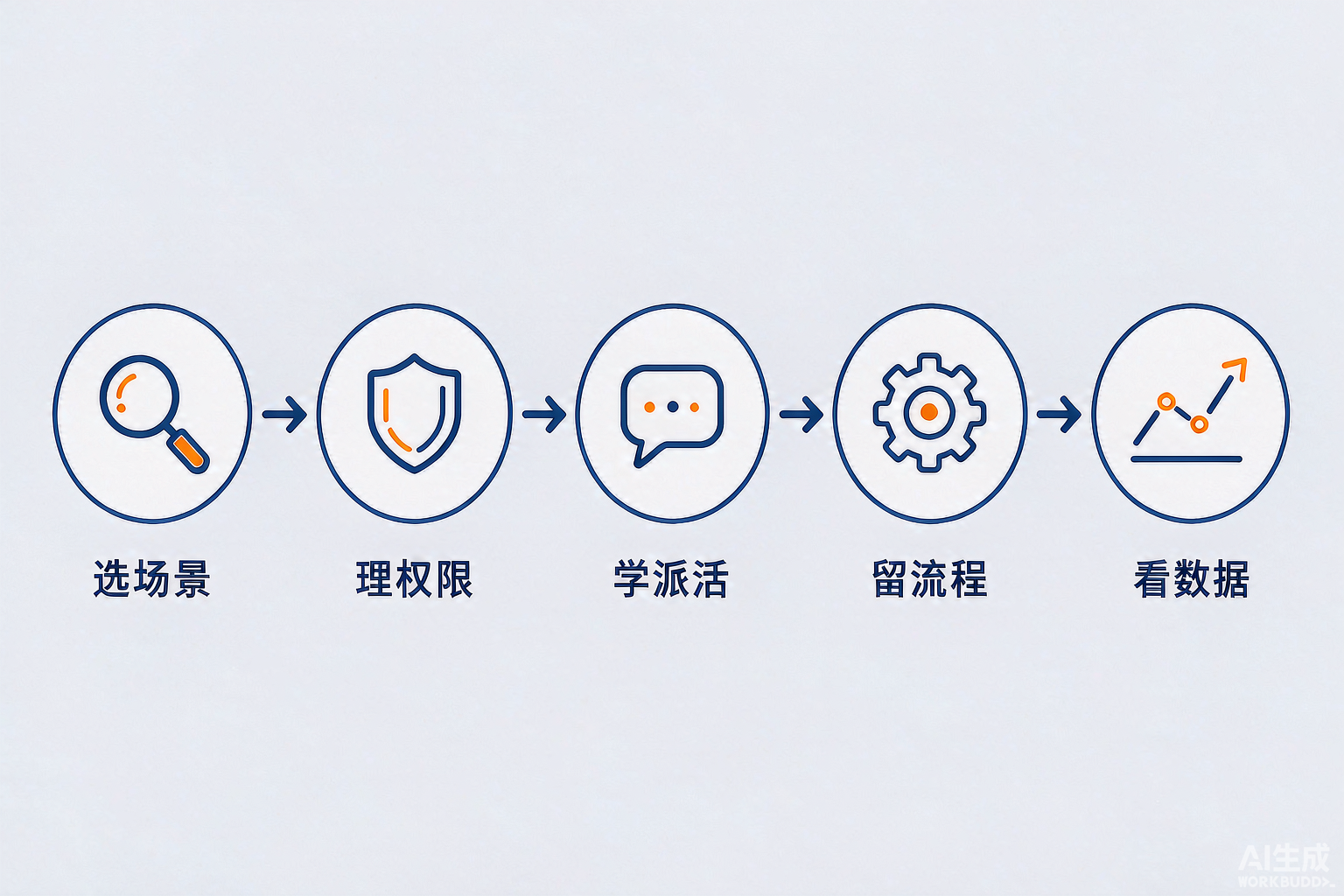
For an enterprise to get the most from WorkBuddy, the key is not whether to buy it but how to complete these five rollout steps: select use cases, organize permissions, teach task assignment, codify skills, and use data to scale. GongBan AI helps enterprises complete all five steps, and this article explains each one clearly.
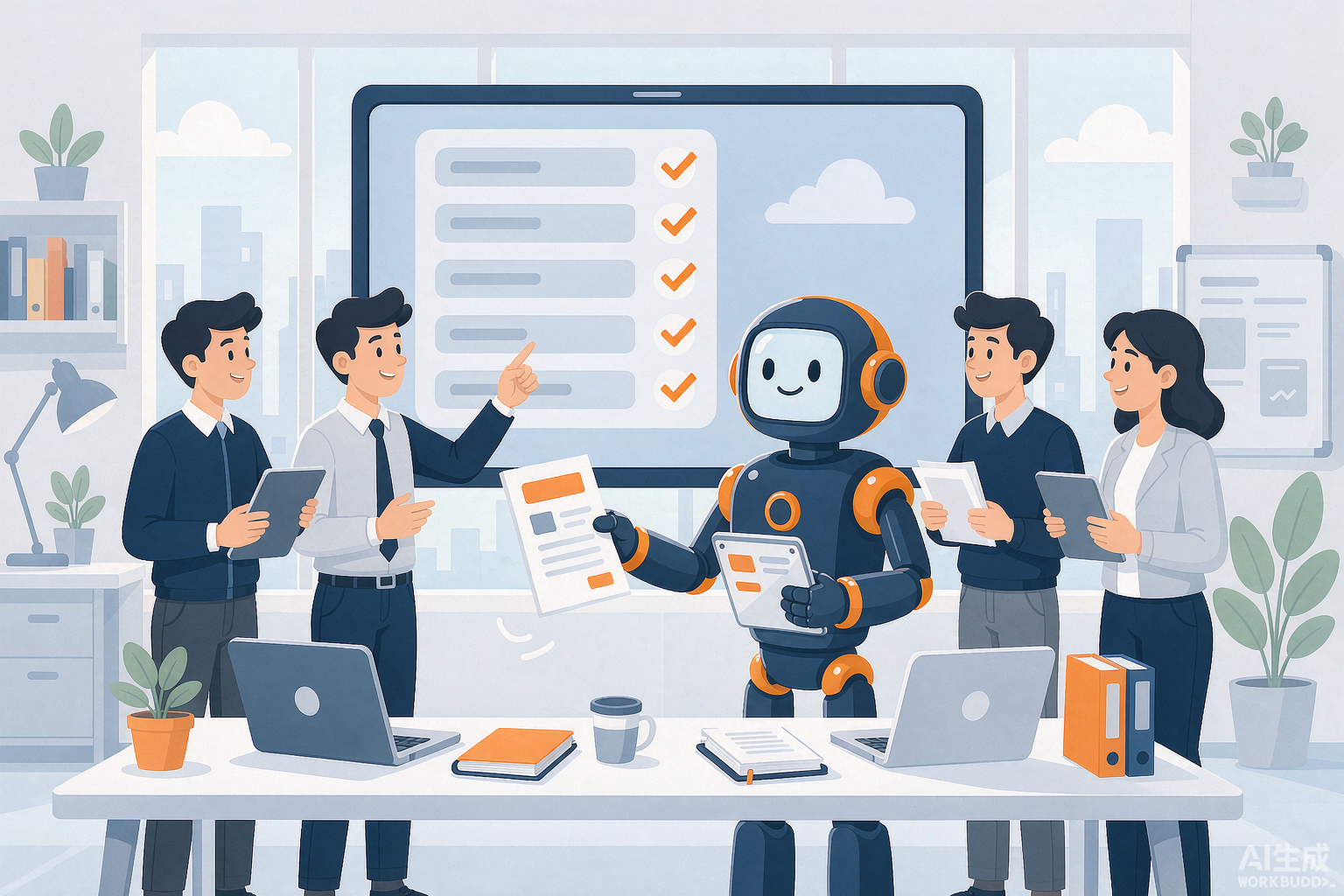
Deploying WorkBuddy does not guarantee the same results for every company. Dairy company Mengniu enabled 200 frontline employees to build 45 digital employees as “AI pioneers,” covering eight business domains from farm diagnosis and treatment to e-commerce content production (see Reference 1 at the end of the article). Consumer goods company Jahwa reduced the reconciliation of 60 million logistics invoice lines from several person-days to 20 minutes.[1] Yet in many enterprises, the reality is that the tool is installed and accounts are distributed, but employees use it to chat occasionally, and no one opens it the following month.
Where is the difference? It is not the tool itself. WorkBuddy is Tencent's all-scenario AI workbench. It can read files, break down tasks, and deliver documents and spreadsheets. By September 2026, it had reached 85.34 million monthly visits, making it China's largest AI office agent by user scale.[2] The difference lies in the rollout method. It is like bringing a good machine into a workshop: without established processes or trained workers, even an excellent machine is merely decorative. This article introduces that “process” through five steps and a self-assessment checklist.
Why could Mengniu build 45 digital employees with WorkBuddy while yours is only used for chatting?
Because the former deployed WorkBuddy as an “organizational capability,” while the latter distributed it only as a “personal tool.” When employees are left to explore independently, those who know how to use it become more proficient, while those who do not give up after a few attempts. This is the real reason most enterprise AI tools fail to gain adoption.
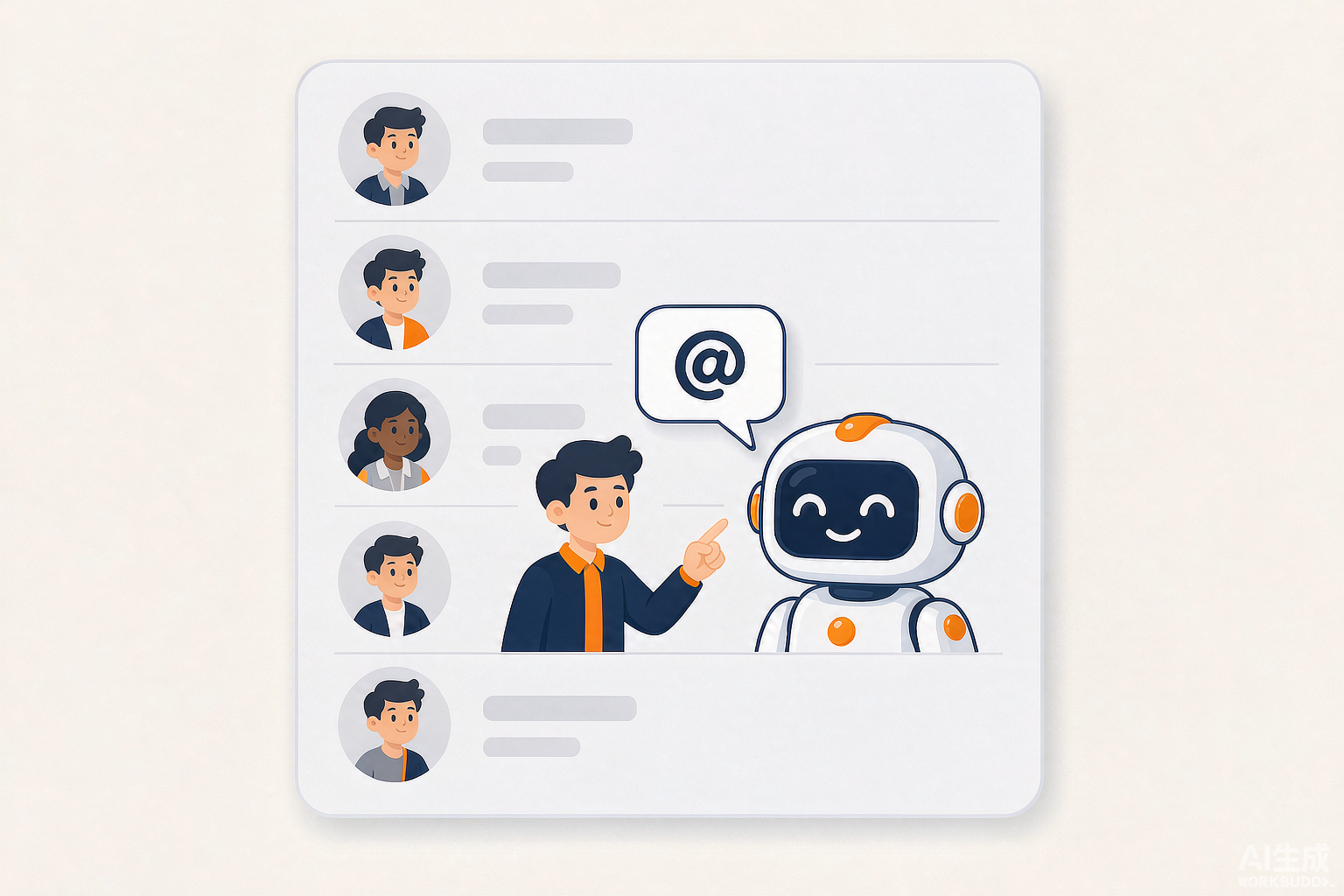
An organized deployment has three characteristics: use cases are carefully selected, permissions are deliberately configured, and workflows are codified. On October 14, 2026, WorkBuddy was deeply integrated with WeCom. It entered WeCom contacts as a conversational bot and, within an enterprise's authorized scope, could access ten major capabilities involving messages, documents, meetings, and more.[3] This means AI had, for the first time, “joined” the organization's contacts. It knows who holds each role and how a task came about. Employees can @ it in WeCom to assign work without switching applications or copying and pasting background materials. When the conditions are in place, the remaining challenge is method.
Step 1: Select the right use case and start with one “annoying, repetitive, data-intensive” task
Do not attempt an enterprise-wide rollout immediately. Start with the most annoying, repetitive, and well-documented task in one department, and let AI complete it successfully.
Use these three criteria to determine whether a use case is suitable for the initial rollout:
- Annoying: Employees themselves find it troublesome, such as compiling sales data from multiple channels every week or organizing meeting notes;
- Repetitive: The process is largely fixed and must be completed every week or every day;
- Data-driven: Relevant files, spreadsheets, and chat records can be found in WeCom or local folders.
A use case that satisfies all three criteria is a good starting point. Jahwa's invoice reconciliation and Yiyaowang's drug code matching, which improved efficiency by more than ten times,[1] are essentially tasks of this kind. Conversely, do not begin with purely creative work or tasks requiring extensive offline communication, as this can set unrealistic expectations from the outset.
Step 2: Organize accounts and permissions, and clear the security hurdle first
Before enabling broad employee adoption, administrators must configure the account system, data permissions, and usage quotas. Otherwise, AI will either be unable to accept work or will leave the enterprise unwilling to delegate authority to it.
This step is now easier than it used to be. For accounts, employees can log in to WorkBuddy directly with their WeCom accounts, while administrators can centrally allocate seats, manage usage, and procure computing power through the WeCom admin console.[3]
For permissions, administrators can set user access and visibility by organizational structure, isolate highly sensitive information, and keep contextual data within the enterprise.[3] The Enterprise edition also provides an “Observability Center” admin dashboard that provides end-to-end visibility into usage volumes, spending, and performance bottlenecks.[4]
A straightforward message for executives: this hurdle cannot be skipped, but it is a one-time task. Treat it as the administrative work involved in setting up a new employee's computer access, and do not postpone the entire rollout simply because permissions need to be configured.
Step 3: Teach employees how to assign work, with three immediately usable templates
The biggest reason employees cannot use the tool is not that they do not know where to click, but that they do not know how to “communicate the task clearly.” Assigning work to AI follows the same logic as assigning work to a new colleague: context + objective + deliverable.
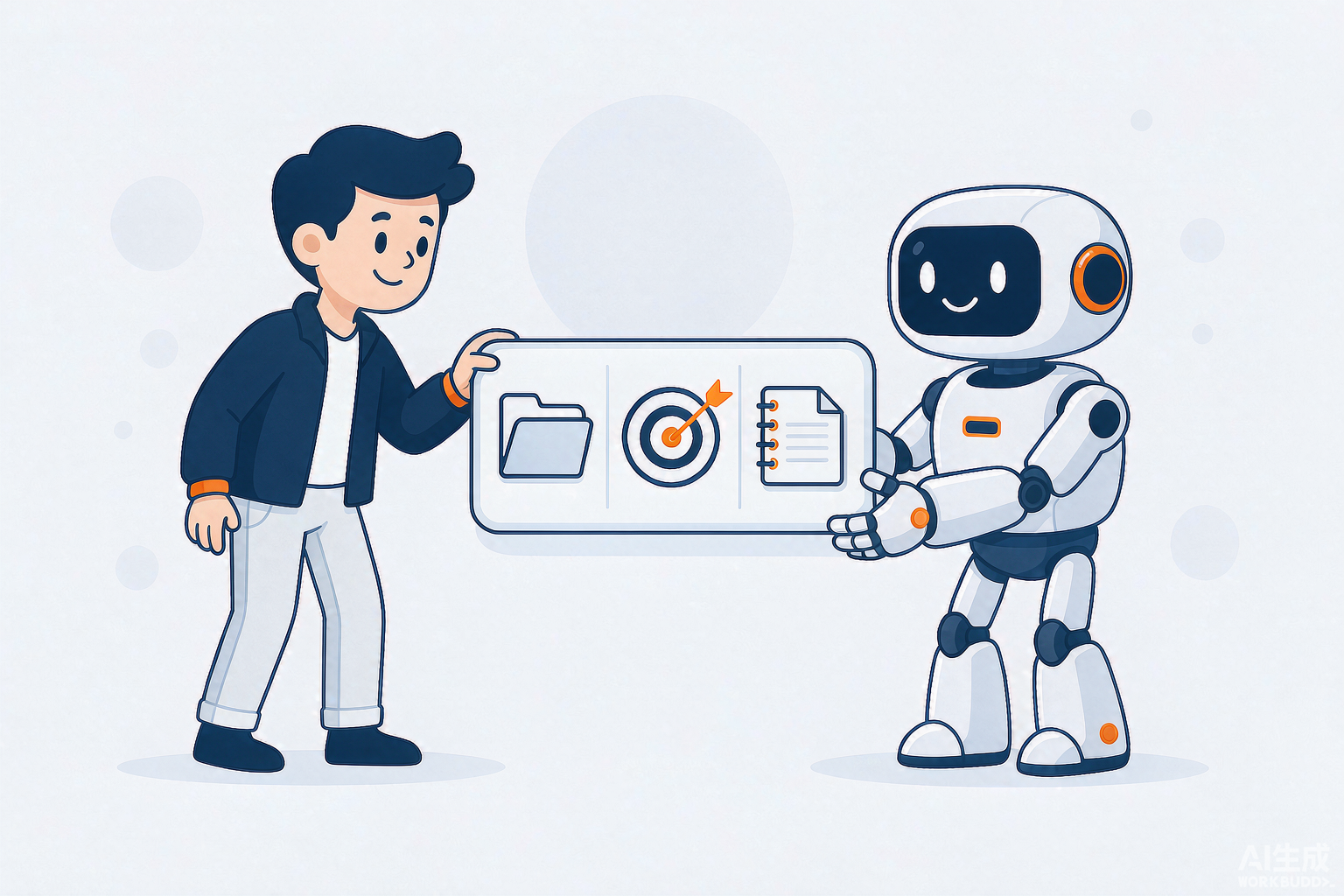
Here are three templates that can be used immediately. Replace the content in square brackets with your own:
Template 1: Organize customer follow-ups (sales role)
Review this week's chat history from the [sales group] and the [customer follow-up spreadsheet]. Identify the customers who need priority follow-ups this week and the associated action items. Output a spreadsheet without modifying the source data.
Template 2: Write a weekly report (general role)
You are my work assistant. Read this week's documents and spreadsheets in the [work folder] and generate a draft weekly report with three sections: “Completed This Week,” “Plans for Next Week,” and “Items Requiring Coordination.” Keep it within 800 characters. Show me the draft before finalizing it.
Template 3: Process raw data (operations or finance role)
Read the uploaded [sales Excel file] without modifying the source spreadsheet. Aggregate revenue by department, calculate quarter-over-quarter growth rates, identify anomalous data, and output the results to a new worksheet with a written interpretation of no more than 300 characters.
Two reminders: for tasks that involve modifying source data, have AI propose a plan and wait for confirmation before execution; any AI-generated content intended for external use or decision-making must be reviewed by a human before use. Public evaluations have also reported errors in the scheduling of recurring task deliveries, indicating that human verification remains necessary for critical tasks at this stage.[5]
Steps 4 and 5: Codify proven workflows and use data to decide whether to scale
The fourth step is to turn “a workflow one person has successfully run” into “a reusable asset for the entire company.” The fifth step is to use data from the admin dashboard to determine the pace of further expansion. If both steps are executed well, AI will become stronger through use rather than remain a collection of “individual shortcuts.”
To codify workflows: once an employee has refined a particular type of task, have an administrator or a service provider such as GongBan AI turn it into a standard prompt template, skill, or digital employee. Place it in the team workspace so that other colleagues can invoke it directly. Guangdong Xuanyuan Network used WorkBuddy as a unified entry point for enterprise-wide AI transformation and codified more than 120 education-oriented skills for external deployment.[1] Qingdao Jicheng Electronics codified its end-to-end bid-document and procurement-analysis workflows as agents, improving efficiency by approximately 71% in its sample.[1] Institutional knowledge stays with the organization instead of leaving when employees move on. This is the true compounding effect of AI adoption.
To make data-driven decisions: review the Observability Center's usage distribution once a month to identify which departments are using it most, which task types are being run frequently, and where bottlenecks occur. Increase budgets and add use cases in high-usage areas. For scenarios that consistently receive no usage, first determine whether the instructions were inadequate or the use case was incorrectly selected before deciding whether to discontinue them. Let usage data determine the pace of expansion rather than relying on intuition alone.
When is WorkBuddy unsuitable, and how long does it take to see results?
Three types of organizations should wait before proceeding. First, if daily work leaves almost no digital trace, with documents on paper and communication conducted offline, AI has no context to use and cannot deliver value from the outset. Second, small teams with extremely strict data-compliance requirements that do not currently intend to configure an enterprise-level deployment should begin with limited free seats and a small-scale trial rather than opening access to everyone immediately.[3] Third, enterprises that expect the tool to “cut headcount by half as soon as it is installed” should reconsider. At this stage, WorkBuddy is more like a digital colleague that has learned to accept tasks but still needs human supervision of deliverables. Time-sensitive automated tasks should retain human verification.[5]
For results, a department that completes its first use case properly can usually see changes within a few weeks. Building dozens of digital employees across multiple business domains, as Mengniu did, is the result of several months of continuous operation.[1] Treat WorkBuddy adoption as a rollout project that requires scheduling, not as a one-time software installation.
Five-step rollout self-assessment checklist, ready to use:
| Checklist Item | Completed? |
|---|---|
| Select 1–3 initial use cases that are “annoying, repetitive, and data-driven” | ☐ |
| Allocate accounts and configure permissions and quotas in WeCom and the admin dashboard | ☐ |
| Provide employees with “context + objective + deliverable” task-assignment templates and have them practice | ☐ |
| Codify proven workflows as templates, skills, or digital employees | ☐ |
| Review usage data monthly and determine the pace of expansion | ☐ |
Tencent built the tool, but using it effectively is up to your enterprise. Complete these five steps, and WorkBuddy will transform from “software installed on a computer” into “a colleague in your contacts.” To find out whether this approach is suitable for your enterprise, you can schedule a free enterprise AI diagnostic with GongBan AI.
References
- “Give Every Organization Its Own Digital Employee,” WorkBuddy official enterprise case studies page, workbuddy.cn/enterprise/cases (accessed October 21, 2026)
- “Analysys Report: Three Major Players in AI Office Software as Tencent's WorkBuddy Maintains Its Leading Advantage,” China National Radio, October 20, 2026
- “Tencent Advances AI Office Software Further with Deep Integration Between WeCom and WorkBuddy,” China National Radio Technology Channel, October 14, 2026
- “Deep Integration Between WorkBuddy and WeCom Connects Organizations and Unlocks Productivity,” official Tencent release, October 14, 2026
- “WorkBuddy Moves Into WeCom: How Reliable Is the AI Colleague?” TMTPost, October 19, 2026
GongBan AI Team | Shenzhen